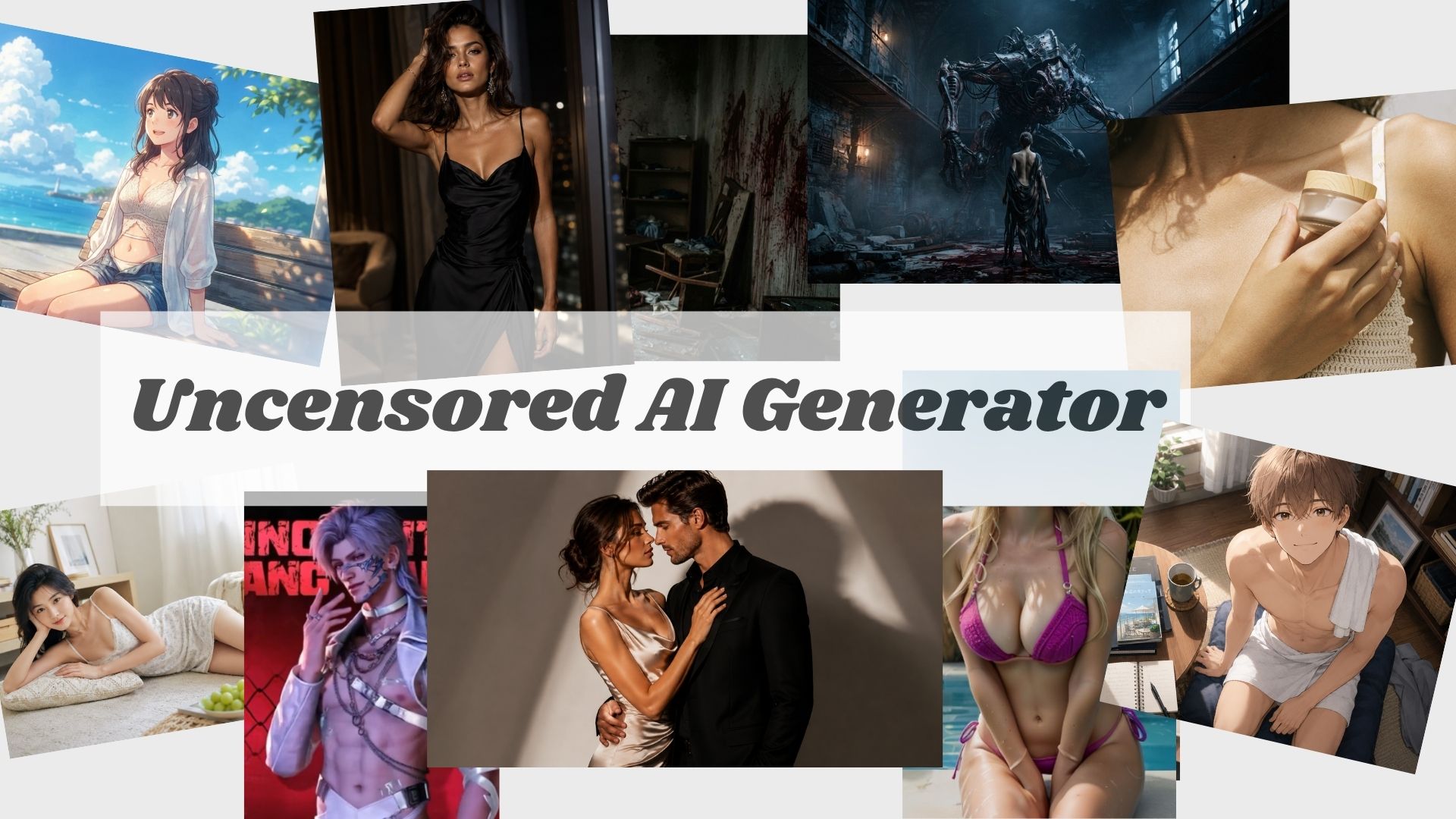
Top 10 Uncensored AI Generators for Images & Videos in 2026
Tired of AI tools blocking your prompts? If you want more creative freedom for AI images, art, or videos, choosing the right uncensored AI generator matters. In this guide, we tested and compared 10 uncensored and low-restriction AI generators for image and video creation, including tools for AI images, image-to-image, text-to-video, and image-to-video. We also looked at prompt restrictions, output quality, free access, and how much creative freedom each tool actually gives you. You’ll find the right platform without wasting hours testing random sites.
Table of Content
What Is an Uncensored AI Generator?
An uncensored AI generator is an AI tool that gives users more creative freedom when generating images, photos, art, characters, or videos. Compared with standard AI generators, which often block or soften certain prompts, uncensored AI generators usually allow broader styles, more flexible themes, and fewer creative interruptions.
However, “uncensored” does not always mean “unlimited.” Different tools still have different rules, safety filters, content policies, and legal boundaries. Some platforms focus on AI companions and roleplay, while others are built for image generation, text-to-video, image-to-video, or adult-oriented fictional content. That is why choosing the right tool matters.
In general, uncensored AI generators are popular for:
- AI uncensored image generation
- AI uncensored video generation
- AI girlfriend or companion visuals
- Low-restriction fantasy and roleplay characters
- Anime, realistic, or cinematic art styles
Top 10 Uncensored AI Image and Video Generators Reviewed
2.1 HappyHorse 1.1 — Best AI Uncensored Video Generator with Less Restricted
HappyHorse 1.1 stands out as a flexible AI video model for creators who want fewer prompt restrictions. When used on AIReel, it offers uncensored generation access, giving users more freedom to explore different visual styles, characters, mature fictional concepts, and creative storytelling ideas. In our tests, HappyHorse 1.1 handled a broader range of prompts without the frequent blocks seen on many mainstream AI video platforms. With fast generation, affordable pricing, and free credits available, it is also a practical option for users who want to experiment with uncensored AI video without a high upfront cost.
Real Test on AIReel: Uncensored AI Video Examples
Best for: Uncensored AI video creation, fast generation, creative and adult-oriented video experiments
Main use case: Users who want a low-cost AI video tool with fewer creative restrictions and quick output
Free option: Free trial credits are available, allowing users to test video generation before purchasing a plan
| Pros | Cons |
|---|---|
| Faster generation compared with many AI video tools | Happyhorse 1.1 verson will more freedom for creative prompts |
| More flexible prompt policy for creative content | Results can still vary with prompt quality |
| Supports text-to-video, image-to-video and refer-to-video generation | / |
| Affordable pricing compared with many premium AI video tools | / |
| Free trial credits available before payment | / |
2.2 Mage — Flexible Unrestricted AI Visual Creation
Mage.space is a strong choice for users who want more control over uncensored AI image generation without setting up models locally. It combines 160+ AI models in a browser-based platform and supports AI images, character creation, text-to-video, and image-to-video. Compared with more restrictive mainstream generators, Mage gives users broader room to experiment with different characters, art styles, fantasy concepts, and mature creative ideas, although restrictions can still vary depending on the model being used.
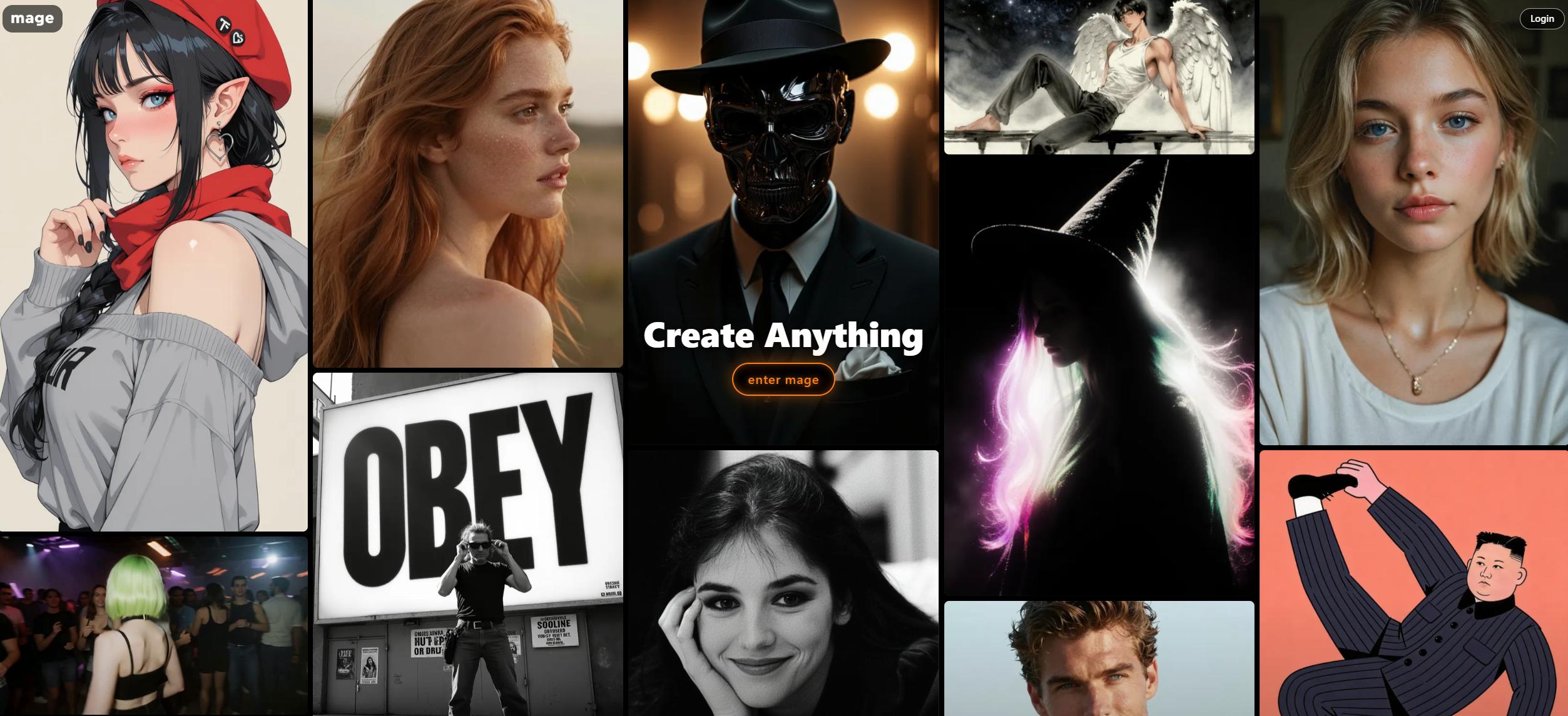
Best for: Flexible AI image generation, characters, fantasy art, uncensored image-to-image and creative experimentation
Main use case: Users who want a browser-based uncensored AI image generator with access to multiple models
Free option: Available with free image generation; premium plans unlock faster generation, more advanced models, and additional video features
| Pros | Cons |
|---|---|
| Supports multiple AI models including Stable Diffusion, Flux, Wan, and other advanced models | Restriction levels can vary between models |
| Provides high creative freedom for AI art and character creation | Beginners may need time to understand different models and settings |
| Supports consistent AI characters across images and videos | Best video features require higher-tier plans |
| Offers both AI image and AI video generation features | Less suitable for users looking for simple one-click commercial content creation |
| Browser-based and easy to start creating without complex setup | Not every model should be considered fully uncensored |
2.3 Nastia AI — Good for Uncensored AI Characters and Companions
Nastia AI is a good option for users who want more than just an AI image generator. It combines AI companion features with image generation, allowing users to create custom characters, chat with AI companions, and generate personalized images based on their chosen characters.
Compared with dedicated AI art tools, Nastia AI focuses more on personal interaction and character-based experiences rather than professional image creation. It can generate uncensored AI images and videos, making it suitable for users who want fantasy characters, personalized AI companions, or more private creative experiences.
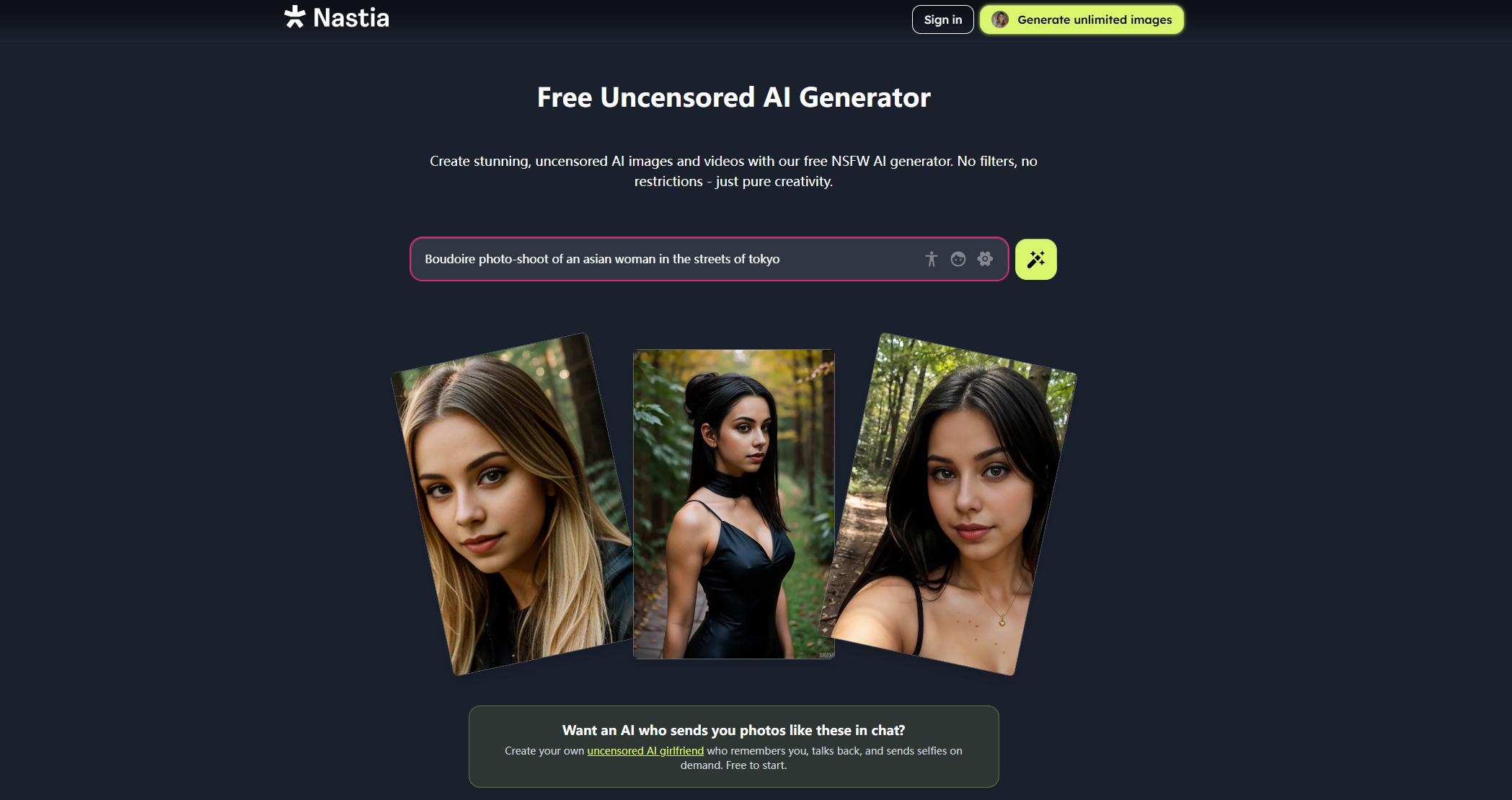
Best for: Uncensored AI characters, companion creation, roleplay, images and videos
Main use case: Users who want to create AI characters and generate images through an interactive companion experience
Free option: Available with a free plan; advanced image and video generation features require a paid subscription.
| Pros | Cons |
|---|---|
| Combines AI chat, character creation, and image generation in one platform | Not mainly designed for advanced AI art creation |
| Supports personalized AI characters and companion-based image generation | Image quality may not match dedicated AI image generators |
| Provides a more private and interactive creative experience | Less control over models and generation settings |
| Allows uncensored-style image generation for adult users | Better suited for character experiences than professional workflows |
2.4 Wan 3.0 — Best for Cinematic Uncensored AI Video
Wan 3.0 is a flexible AI video model for users who want fewer prompt restrictions and more room for creative experimentation. On AIReel, it can handle a broader range of fictional concepts, including mature themes, darker scenes, horror, and other content that may be blocked by stricter platforms. At the same time, Wan 3.0 supports up to 30-second video generation, text-to-video, image-to-video, multimodal references, and stronger character consistency, making it a good choice for cinematic and story-driven AI videos.
Real Test with Wan 3.0: Uncensored AI Video Examples
Best for: Cinematic uncensored AI videos, mature fictional scenes, longer story-driven clips
Main use case: Users who want broader prompt freedom together with longer videos, character consistency, and stronger scene control
Free option: Yes — AIReel provides free trial credits for new users.
| Pros | Cons |
|---|---|
| Broader prompt freedom when accessed through AIReel | Complex prompts may still need refinement |
| Generates videos up to 30 seconds | Longer generations can use more credits |
| Supports text-to-video and image-to-video | / |
| Stronger character and scene consistency | / |
| Native dialogue, BGM, and sound effects | / |
2.5 Venice AI — Best for Private Uncensored AI Generation
Venice AI is a strong option for users who want uncensored AI generation with more emphasis on privacy. The platform supports text, image, video, audio, and code generation, while positioning its AI experience as private or anonymous. For image creation, users can generate, edit, upscale, remove backgrounds, and work across different visual styles without relying on a single model.
Real Test on Venice AI: Uncensored AI Image Examples
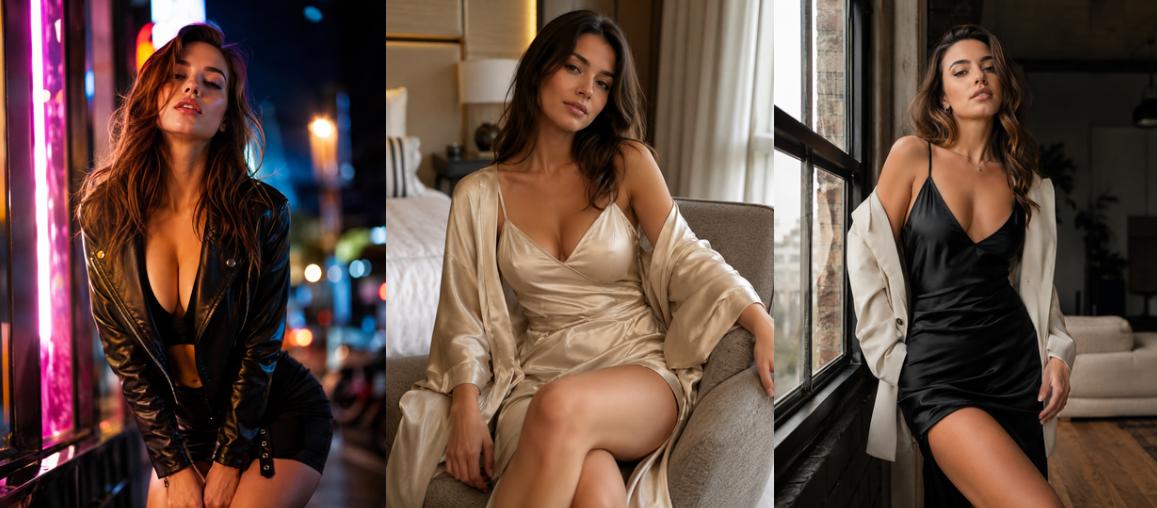
Best for: Private uncensored AI image generation, character creation, image editing
Main use case: Users who want fewer restrictions without giving up privacy
Free option: Yes — the free tier currently includes 15 image prompts per day and access to base models.
| Pros | Cons |
|---|---|
| Strong focus on private and uncensored generation | Users must be 18+ and sign in before exploring the generation features |
| Supports image generation, editing, upscaling, and background removal | No public generation examples are shown before login, so it is harder to judge output quality upfront |
| Includes both image and video generation | Free image usage is limited per day |
| Multiple AI models available in one platform | Advanced models and higher limits require Pro |
2.6 Grok Imagine Spicy Mode — Best for Viral AI Image and Video Experiments
Grok Imagine Spicy Mode is one of the most talked-about AI image and video features because it brings a more provocative creative mode into the Grok ecosystem. Its biggest advantage is speed and virality. Users who are already familiar with Grok or X may find it easier to test bold visual ideas, social-media-style clips, stylized characters, and short animated outputs. Grok Imagine has also been described as supporting short animated audiovisual clips, with Spicy Mode allowing more uncensored content.
Real Test of Grok Imagine Sipcy Mode:
Best for: Flexible AI images and videos, bold fictional concepts, horror and mature creative scenes
Main use case: Users who want broader prompt freedom across both image and video generation
Free option: Yes — users can start with AIReel free credits.
|
Pros |
Cons |
|
Strong viral appeal because it is connected to Grok and X |
More controversial than most tools in this list |
|
Supports both AI image and short video-style creation |
Safety rules and availability may change quickly |
|
Good for fast visual experiments and trend-based content |
Video generation uses more credits than images |
|
Useful for users already inside the Grok/X ecosystem |
Real-person deepfakes and non-consensual content should be strictly avoided |
2.7 HeraHaven — Best for AI Girlfriend Chat and Images
HeraHaven is a good choice for users who want an AI girlfriend experience rather than a traditional image or video generator. It focuses on creating virtual AI companions with customizable looks, personalities, chat styles, and AI-generated pictures.
Compared with pure AI video tools, HeraHaven is more about emotional interaction, roleplay, and personalized AI girlfriend images. Users can design their ideal companion, chat with her, and receive pictures based on the character they create. The platform also presents itself as an adult-oriented AI girlfriend app, so it fits users looking for a more personal and fantasy-driven experience.
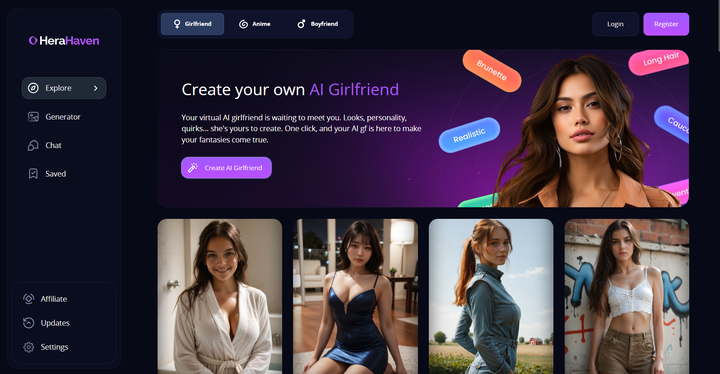
Best for: AI girlfriend chat, custom characters, personalized AI images
Main use case: Users who want a companion-style AI experience with images and roleplay
Free option: Available to start for free, but advanced features may require payment.
|
Pros |
Cons |
|
Strong AI girlfriend and companion experience |
Not mainly built for advanced AI video generation |
|
Lets users customize appearance and personality |
Less suitable for users who only want text-to-video tools |
|
Supports chat and AI-generated pictures |
Output quality may depend on character setup and prompts |
|
Easy for beginners to understand |
More focused on fantasy/companion use than general creative production |
2.8 Qwen Image 3.0 — Best for Realistic Uncensored AI Image Generation
Qwen Image 3.0 is a strong option for users who want fewer prompt restrictions while generating detailed, realistic AI images. On AIReel, it can handle a broader range of fictional, mature, horror, and unconventional visual concepts, while Qwen’s latest image model is especially strong at realistic details, complex compositions, text rendering, and image editing. This makes it useful not only for uncensored creative experiments, but also for users who want more polished and controllable image results.
Real Test of Qwen Image 3.0 on AIReel:
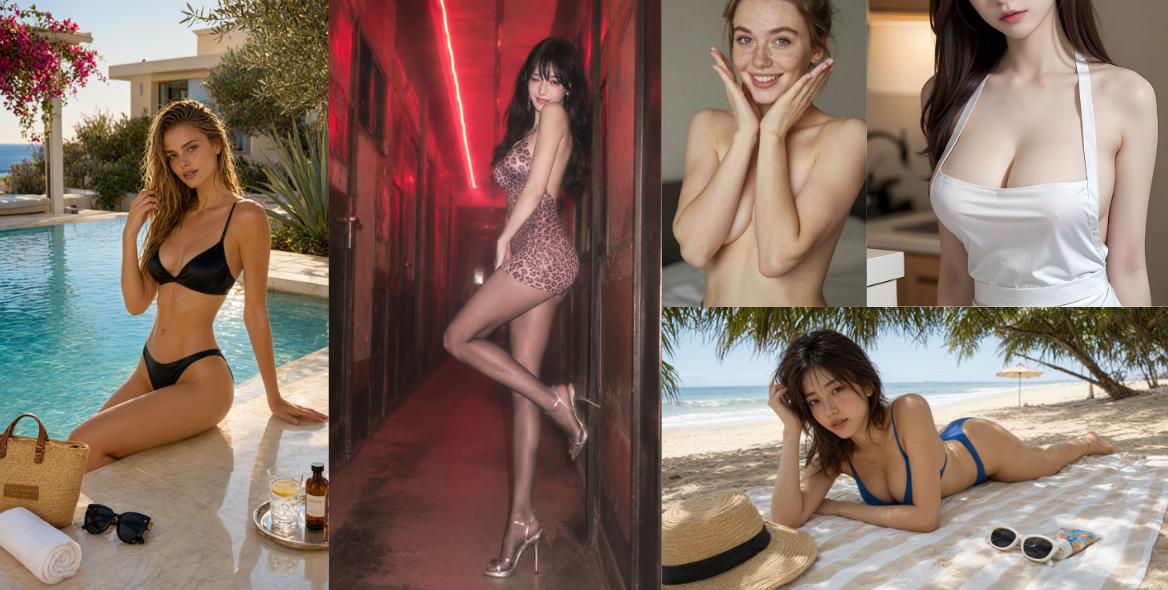
Best for: Realistic uncensored AI images, complex scenes, image editing
Main use case: Users who want broader prompt freedom without sacrificing image detail and realism
Free option: Yes — AIReel offers free credits for new users to test image generation.
| Pros | Cons |
|---|---|
| Strong realistic details and image quality | Some advanced workflows may require more credits |
| Broader prompt freedom through AIReel | Image generation only, not a dedicated video model |
| Good at complex compositions and text rendering | / |
| Supports both generation and image editing | / |
| Free credits available for testing | / |
2.9 Stable Diffusion + ComfyUI — Best for Fully Local Unrestricted Generation
Stable Diffusion with ComfyUI is one of the best options for users who want maximum control over AI image generation without relying on a hosted platform. ComfyUI runs locally, supports Stable Diffusion models such as SDXL as well as LoRAs, ControlNet, inpainting, upscaling, and custom workflows, and can work fully offline. Because the models and workflow run on your own device, there is no hosted platform moderation layer interrupting prompts in the same way as many browser-based generators, although the exact output still depends on the model and checkpoint you choose.
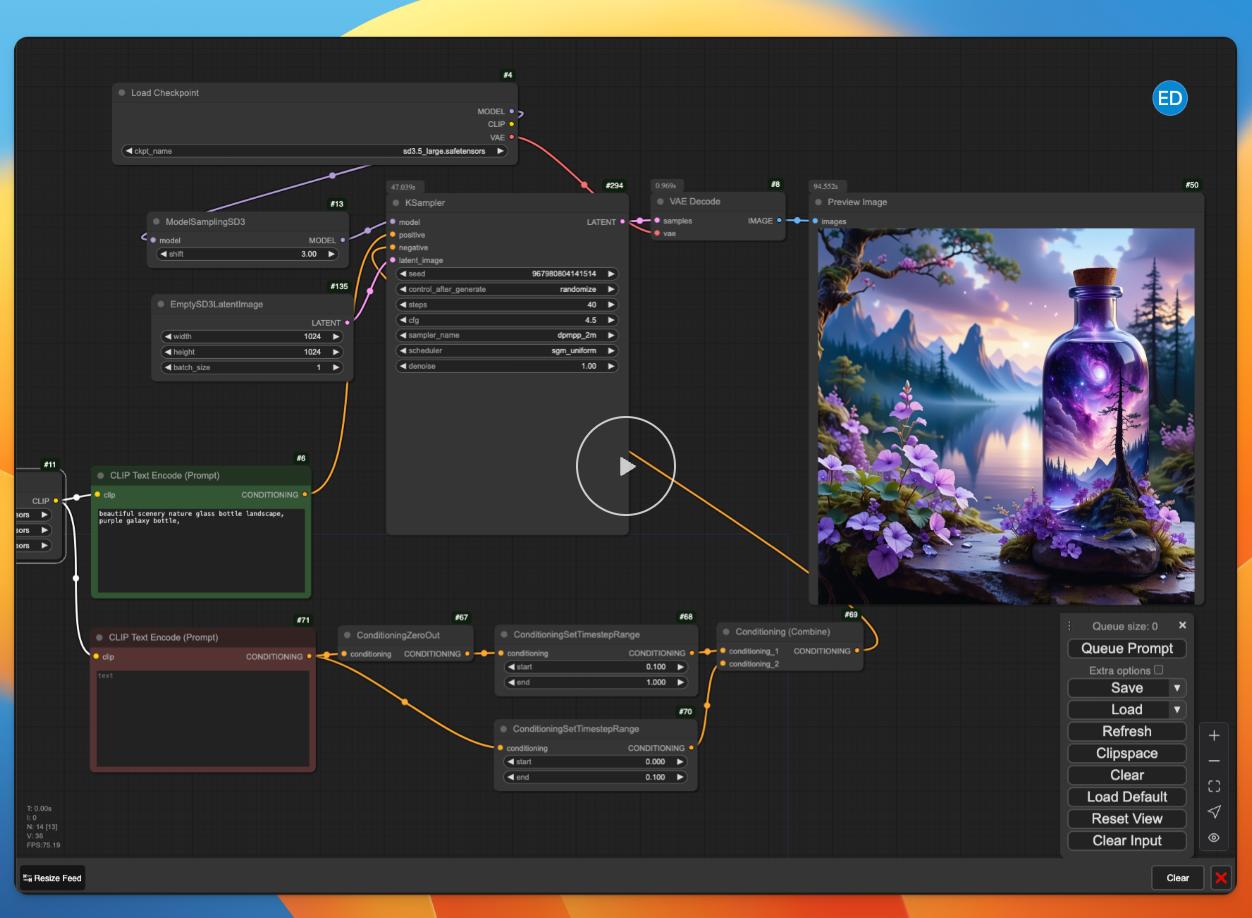
Best for: Local unrestricted AI image generation, advanced customization, privacy
Main use case: Users who want full control over models, checkpoints, LoRAs, prompts, and generation settings
Free option: Yes — ComfyUI is open source and can run locally, but you need compatible hardware and must download the models yourself.
| Pros | Cons |
|---|---|
| Runs locally with no hosted platform prompt filter | Requires installation and local setup |
| Very high control over models and generation settings | More difficult for beginners |
| Supports SDXL, LoRAs, ControlNet, inpainting and more | A capable GPU is recommended for better performance |
| Can work fully offline for stronger privacy | You need to manage models and workflows yourself |
| No subscription required for local use | Output quality depends heavily on the checkpoint and workflow |
2.10 PromptChan AI — Best for Dedicated Uncensored AI Image Generation
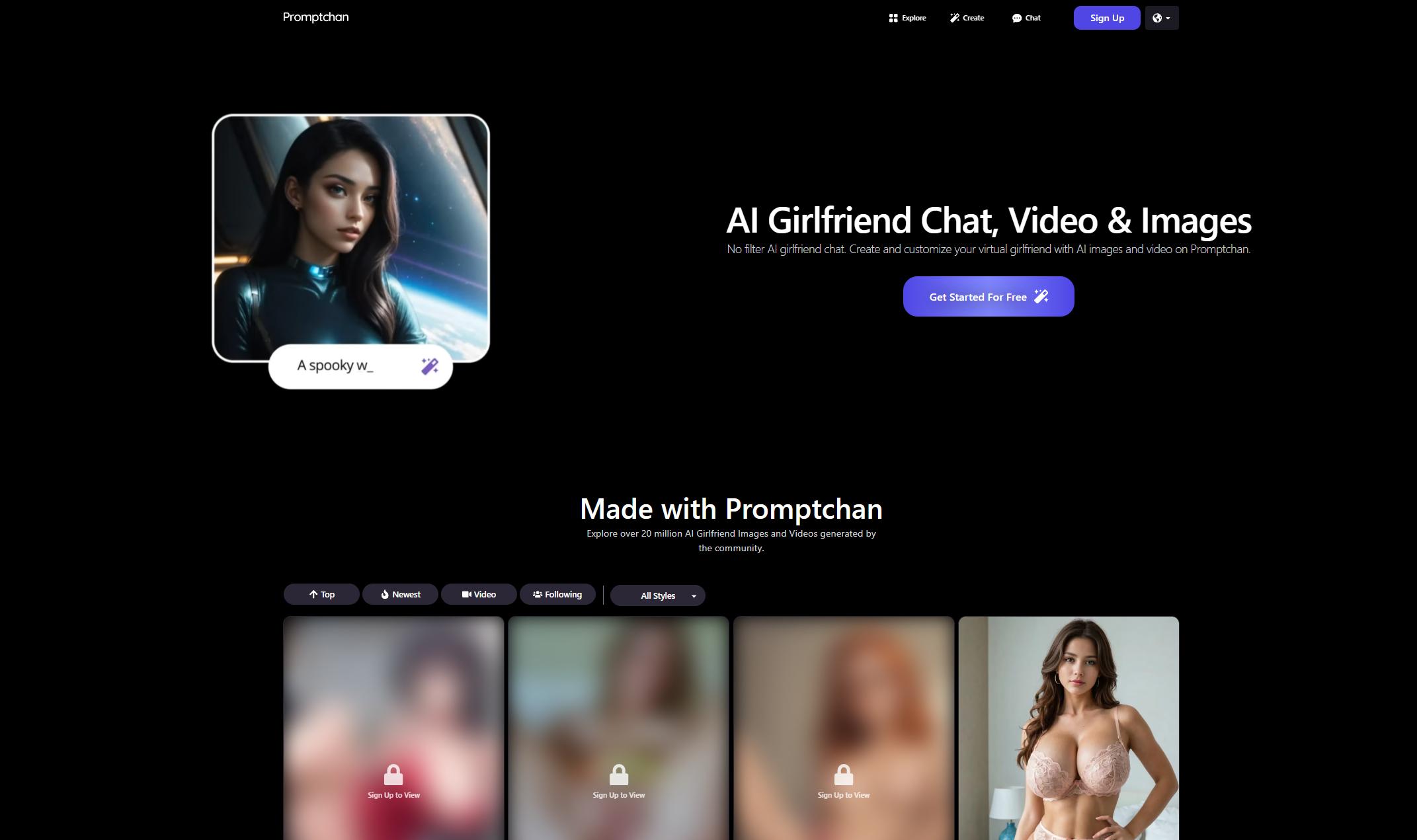
PromptChan AI is built specifically for users who want a more dedicated uncensored AI image generator rather than a general-purpose creative platform. It supports text-to-image, photorealistic and anime styles, pose and composition control, negative prompts, image remixing, and image-to-video generation. PromptChan also promotes “no-filter” image creation and offers a large public gallery where users can browse existing results and reuse prompts, making it easy to see what the generator can actually produce before creating your own.
Best for: Uncensored AI images, NSFW-focused character creation, anime and photorealistic styles
Main use case: Users who want a dedicated no-filter image generator with pose control and optional video animation
Free option: Yes — free daily Gems are available and no credit card is required, although private generation and more advanced features require a paid plan.
| Pros | Cons |
|---|---|
| Dedicated no-filter AI image generation | Requires users to be 18+ |
| Supports photorealistic, anime, pose and composition controls | Private generation is limited to paid plans |
| Large public gallery with reusable prompts | Free daily generation is limited by Gems |
| Supports image-to-video and text-to-video | More adult-content focused than a general creative tool |
| Free to start without a credit card | Advanced video features require Pro |
Final Verdict: Which Uncensored AI Generator Is Best?
There is no single uncensored AI generator that is best for every type of content. Based on our testing, HappyHorse 1.1 is the strongest overall choice for users who want flexible and affordable uncensored AI video generation, while Wan 3.0 is better suited to longer, more cinematic or story-driven videos with fewer prompt restrictions.
For images, Mage.space remains one of the most flexible all-around choices, while Venice AI stands out for users who care about privacy. Qwen Image 3.0 is a better fit if you want realistic details and image editing, and Stable Diffusion with ComfyUI offers the most control for users willing to run models locally. If your main goal is adult-oriented character creation, PromptChan, Nastia AI, and HeraHaven are more specialized options.
| If you want... | Our pick |
|---|---|
| Best overall uncensored AI video | HappyHorse 1.1 |
| Cinematic and longer AI video | Wan 3.0 |
| Flexible uncensored AI images | Mage.space |
| Private uncensored generation | Venice AI |
| Realistic AI images and editing | Qwen Image 3.0 |
| Maximum local control | Stable Diffusion + ComfyUI |
| AI companions and character content | Nastia AI / HeraHaven |
| Dedicated NSFW image generation | PromptChan AI |
FAQs About Uncensored AI Generators
-
What is the best uncensored AI generator in 2026?
The best uncensored AI generator depends on what you want to create. For AI video, HappyHorse 1.1 is our overall pick for flexible and affordable generation, while Wan 3.0 is better for longer cinematic scenes. For AI images, Mage.space offers strong creative flexibility, Venice AI focuses more on privacy, and Qwen Image 3.0 is a good choice for realistic image generation and editing.
-
Are uncensored AI generators really uncensored?
Not completely. Most uncensored AI generators still have rules around illegal, harmful, or non-consensual content. In most cases, “uncensored” means the tool offers more creative freedom, fewer prompt restrictions, and broader support for mature or fictional themes compared with mainstream AI generators.
-
Can uncensored AI generators create NSFW content?
Some uncensored AI generators are NSFW-capable, especially tools designed for adult-oriented fictional content, AI companions, or flexible video generation. However, users should always follow the platform’s rules and avoid creating real-person deepfakes, non-consensual explicit content, underage content, or anything illegal.
-
Are uncensored AI generators legal?
Uncensored AI generators are not automatically illegal. What matters is how they are used. Creating fictional adult characters, fantasy art, or original AI videos may be allowed depending on the platform. Creating non-consensual explicit images, real-person deepfakes, underage sexual content, or copyrighted material can create serious legal and safety risks.
-
Can I use uncensored AI-generated images or videos commercially?
It depends on the tool. Some AI generators allow commercial use, while others limit how you can use generated images or videos. Before using AI-generated content in ads, social media, paid products, or client projects, check the platform’s license, privacy policy, and content rules.
Conclusion
Choosing the best uncensored AI generator comes down to how much creative freedom you need and whether you are creating images, videos, or AI characters. Mage.space and Venice AI are strong choices for flexible image generation, while PromptChan focuses more on adult-oriented image creation. For users who want full local control, Stable Diffusion with ComfyUI remains one of the most unrestricted options.
For AI video, HappyHorse 1.1 and Wan 3.0 stood out in our testing for handling a broader range of creative prompts with fewer interruptions. AIReel also gives you access to Grok Imagine and Qwen Image 3.0 in the same platform, so you can test different image and video models without switching between multiple tools. Start with free credits and see which model works best for your prompts.