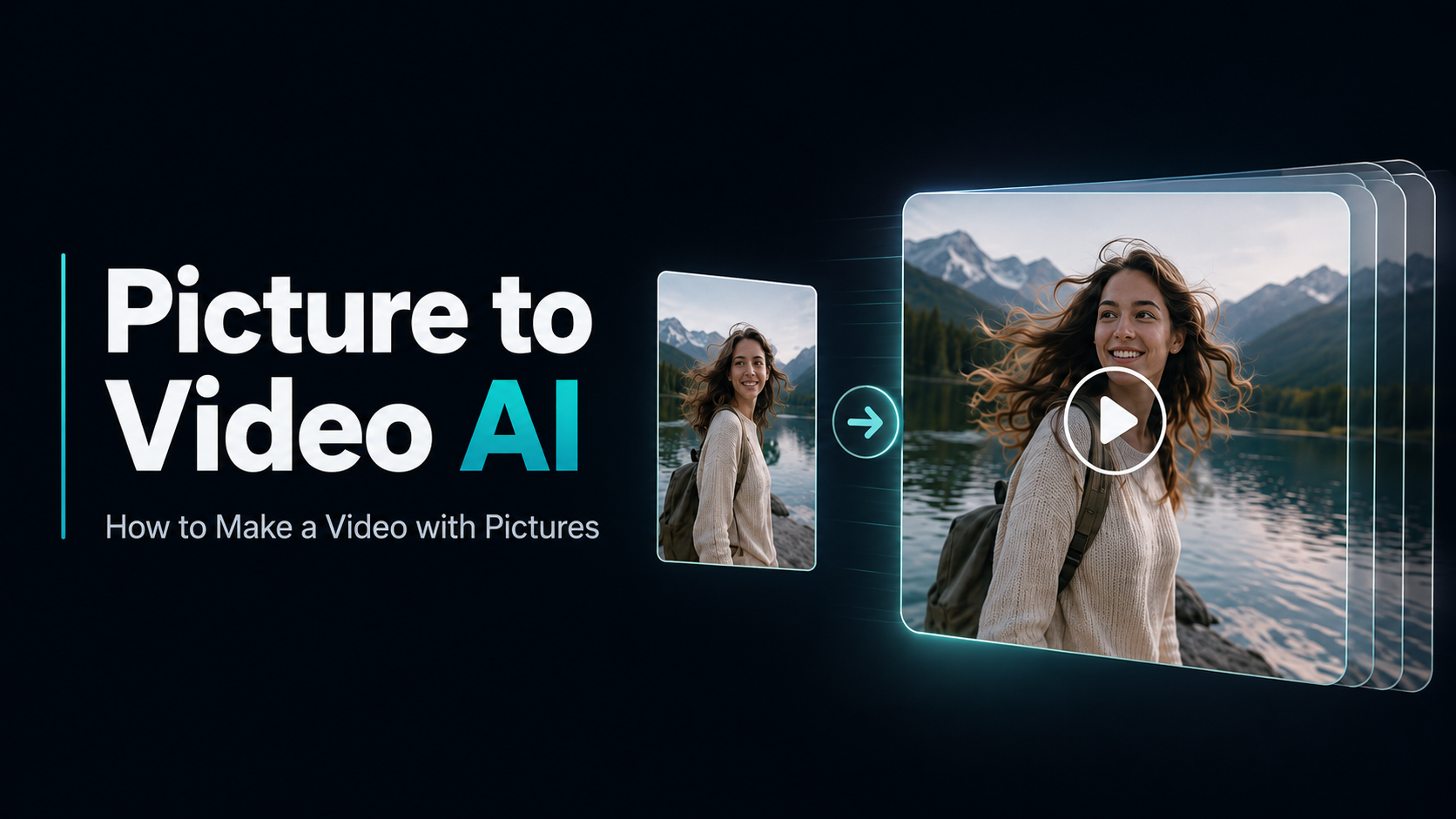
Turn Your Story Idea Into a Cinematic AI Movie Trailer With Prompts—No Filming Required
AI movie trailers are suddenly everywhere, turning original story ideas, imagined sequels, and fictional worlds into cinematic videos that attract attention across YouTube, TikTok, and Instagram. If you want to create one yourself, simply asking an AI video generator to “make a trailer” usually produces disconnected shots and inconsistent characters. This guide shows you a more reliable workflow—from planning the concept and generating each scene to writing better prompts and assembling the final result—with a complete prompt example, real cost breakdown, and practical fixes for common problems.

Table of Content
What Is an AI Movie Trailer?
An AI movie trailer is a short cinematic video created partly or entirely with generative AI. Instead of relying on footage from a completed film, creators can begin with a script, story concept, text prompt, or a few reference images. An AI video generator then produces individual shots that can be arranged with dialogue, voice-over, music, sound effects, and title cards to create a complete trailer.
This is different from a traditional movie trailer maker, which mainly helps users trim and edit footage they already have. A generative AI workflow can visualize a movie before it has been filmed—or even when the movie itself does not exist. That makes it useful for independent filmmakers pitching a concept, authors creating book trailers, game developers presenting fictional worlds, and social creators producing original concept trailers. The strongest results are usually created shot by shot, giving you more control over the characters, visual style, pacing, and story.
What You Need Before Generating
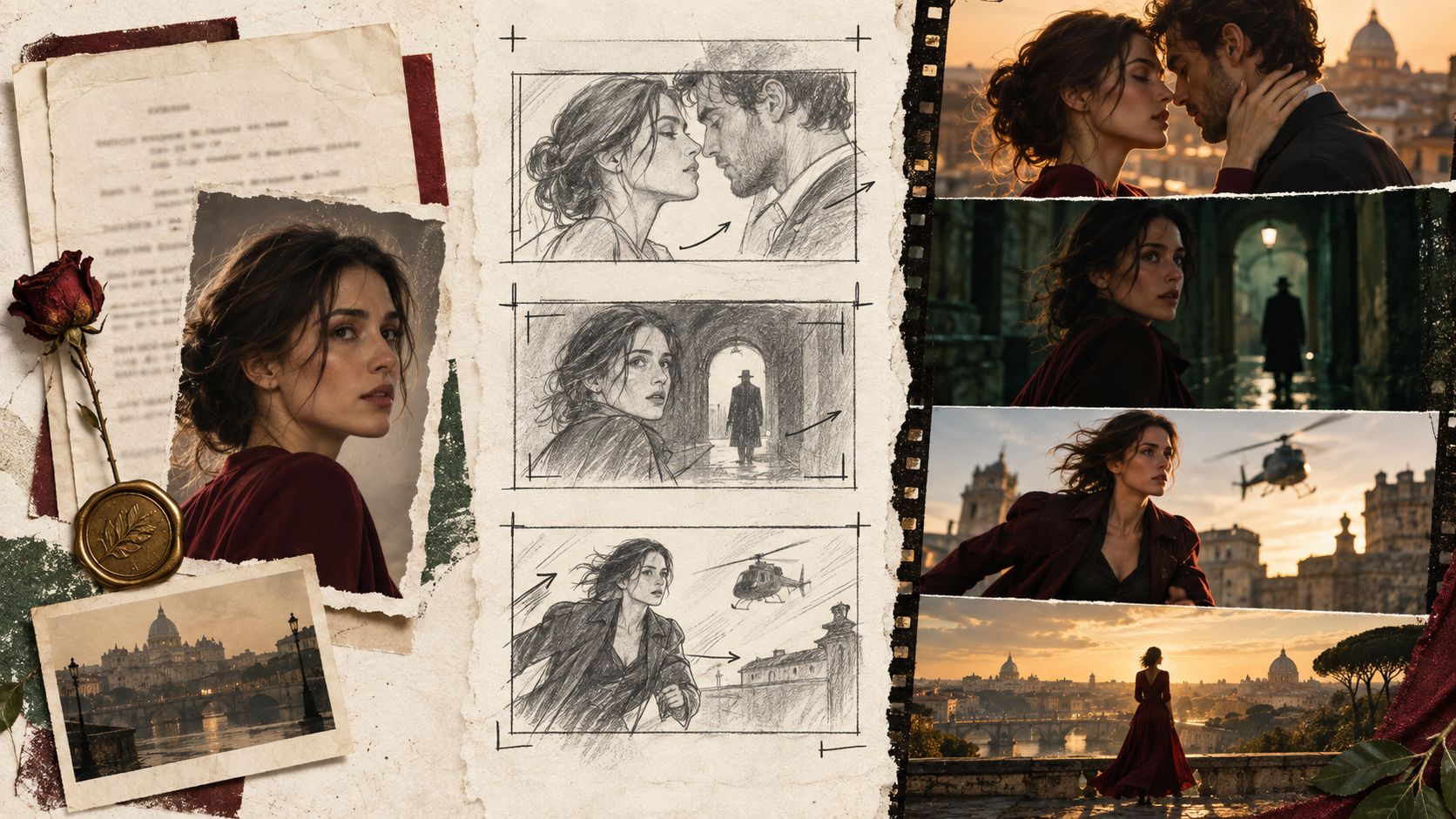
Before generating an AI movie trailer, you need to lock four things: the story hook, trailer structure, visual references, and shot list. The goal is not to plan the entire movie—it is to give every generated clip a clear role in the final cut.
- A one-sentence concept: Define the protagonist, setting, conflict, and stakes. If the idea cannot be explained clearly in one sentence, the trailer will probably feel unfocused.
- A short beat sheet: For a 30–60-second trailer, plan 6–10 shots that move from the opening hook to rising tension and a final reveal.
- Consistent visual references: Prepare images of the main character, clothing, key locations, and overall color style. These references help reduce character and scene changes between shots.
- A practical shot list: Write down the action, camera movement, framing, and sound needed for each clip. Generate the trailer shot by shot instead of expecting one prompt to produce a complete sequence.
- Once these elements are ready, you can choose the right AI movie trailer generator or video model for each scene rather than forcing one model to handle every type of shot.
How to Make an AI Movie Trailer With an AI Movie Trailer Generator
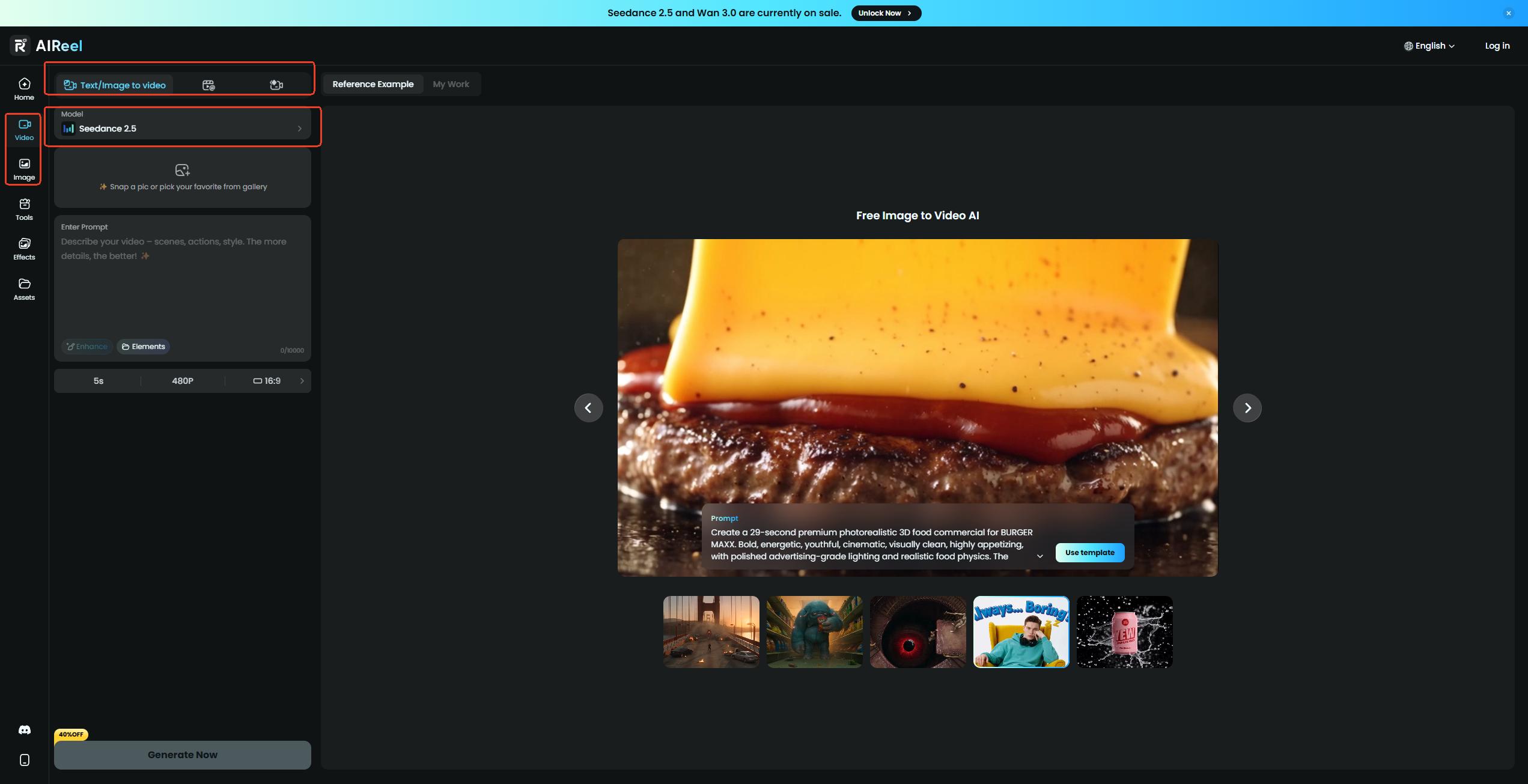
Using AIReel as an AI movie trailer generator is straightforward. Sign in, choose how you want to create the video, select a model, and enter your prompt.
1. Create or Prepare Your Characters
If you do not already have character images, use AIReel’s AI image generator to create them. You can also edit an existing image to adjust the character, clothing, background, or visual style before turning it into video.
2. Generate a Trailer From Text
Choose Text to Video, select an AI video model, and enter your movie trailer prompt. Adjust the available settings, then generate the video directly from your story description.
3. Turn an Image Into a Trailer Scene
Choose Image to Video and upload a character or scene image. Describe the action, camera movement, and atmosphere you want to add, then generate the animated scene.
4. Continue With Reference to Video
To extend the story, choose Reference to Video and upload the previous clip. Ask the model to continue from the ending while maintaining the same characters, setting, and visual style. Generate the next part, review the result, and download the completed trailer.
Real AI Movie Trailer Test: Concept and Final Result
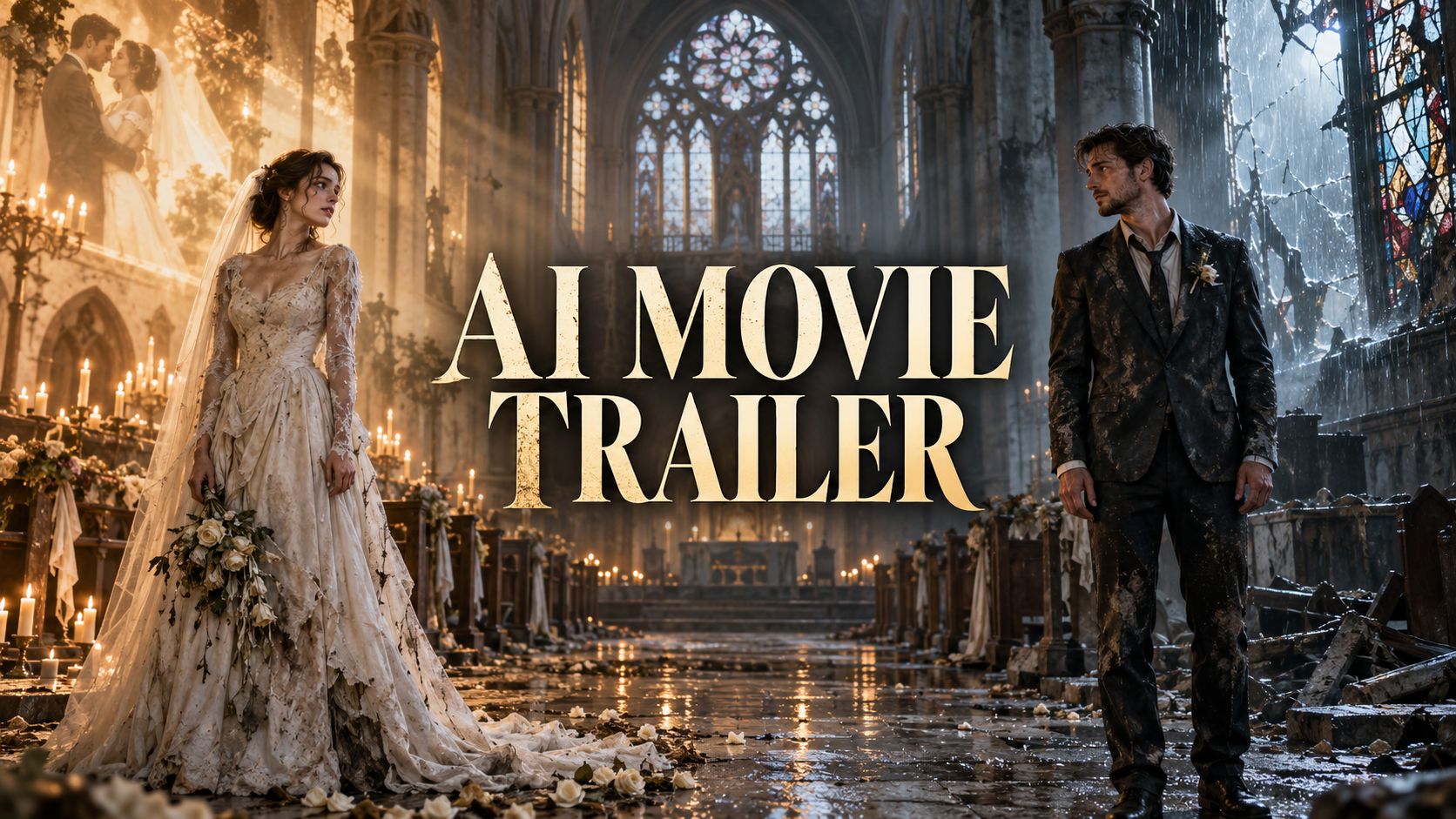
For this AI movie trailer test, we used Seedance 2.5 on AIReel to generate a complete horror romance in two parts. Each part was produced in a single generation with multiple scenes, transitions, and audio already included—no manual cutting or additional video editing was required.
The Concept
The story begins with a man fleeing an infected bride through an abandoned church. When they reach the altar, the scene shifts into memories of the same couple laughing at school, relaxing at home, going on a date, and embracing on their wedding day. The romantic memory then cuts back to reality as the bride attacks him.
In the continuation, she begins to recognize the man and realizes that she has bitten the person she once loved. As the infection spreads through him, the couple share one final moment of recognition before embracing inside the collapsing church.
How to Generated this AI Movie Trailer
|
Part |
AIReel workflow |
Final length |
Additional editing |
|
Part 1 |
Text-to-video with Seedance 2.5 |
28 seconds |
None |
|
Part 2 |
Reference-to-video using Part 1 |
26 seconds |
None |
The first 28-second video was generated directly from one detailed prompt covering the characters, story progression, visual contrast, camera style, and audio changes. We then uploaded that video as a reference and used a second prompt to continue the story with the same couple, costumes, and abandoned church.
Final Result
Part 1: The Chase, Memories, and Attack
Part 2: The Transformation and Final Goodbye
Together, the two generations create a 54-second AI movie trailer with a complete beginning, escalation, emotional turn, and ending. More importantly, the workflow shows that a longer, story-driven trailer does not always need to be assembled from many separately generated clips. With a structured prompt and a video reference, Seedance 2.5 can generate and continue a multi-scene narrative without additional editing.
Complete AI Movie Trailer Prompt Example
We created the trailer with two connected prompts. The first generated the opening through text-to-video, while the second used the first video as a reference to continue the story.
Prompt 1 excerpt:
20-second ultra-realistic cinematic horror drama. Multi-shot sequence with hard cuts. Keep the same man and woman consistent throughout…
Prompt 2 excerpt:
Continue directly from the uploaded reference video. Maintain identical characters, costumes, facial features, lighting, camera style, and abandoned church environment…
Why Choose AIReel as the Best AI Movie Trailer Maker?
AIReel is an AI movie trailer maker that brings more than 20 AI video models together in one platform. It supports text-to-video, image-to-video, and reference-video generation to help maintain consistent characters and visual styles. With native audio generation, an organized Asset Library, and free credits for new users, AIReel makes it easier to create longer, cinematic movie trailers without switching between multiple tools.
- 20+ AI video models: Choose different models for various visual styles, effects, and storytelling needs.
- Multiple generation modes: Create scenes from text prompts, animate character images, or extend existing videos with reference-based generation.
- Character and style consistency: Use reference images or clips to maintain a coherent visual direction throughout the trailer.
- Native audio generation: Generate dialogue, background ambience, music, and sound effects with supported models.
- Built-in Asset Library: Store and organize reference images, generated clips, and other creative assets for easy reuse.
- Free credits for new users: Test the platform and explore its AI movie trailer creation features before committing to a paid plan.
- Long-form storytelling support: Combine multiple scenes and assets to create more complete, cinematic trailer projects.
Common AI Movie Trailer Problems and How to Fix Them
Even a detailed AI movie trailer prompt may not produce every scene exactly as written. The most common issues usually come from unclear continuity instructions, too many actions competing within one shot, or expecting the model to follow timing as precisely as a traditional editor.
|
Common problem |
Why it happens |
How to fix it |
|
Characters change between scenes |
The model recreates the person from text instead of following a fixed visual identity. |
Use the same reference image or video throughout. Repeat only the essential details, including face, hair, age, clothing, and distinguishing features. |
|
The continuation looks like a new video |
The next prompt describes the story but does not clearly anchor it to the previous ending. |
Upload the previous clip as a reference and begin with instructions such as “Continue directly from the exact final frame” and “No reset, no new characters.” |
|
Scenes feel unrelated |
Each shot may look cinematic on its own but lack a shared story or visual direction. |
Define the emotional progression first, then repeat the same location, lighting, camera style, and color treatment across the prompt. |
|
The generated length differs from the prompt |
Timecodes help organize events, but they do not always control the exact runtime. |
Treat timestamps as pacing guidance rather than guaranteed limits. Our two prompts requested 20 seconds, while the final outputs lasted 28 and 26 seconds. Reduce the number of story beats if a tighter duration is essential. |
|
Actions look weak or unnatural |
Broad directions such as “they fight” or “she attacks him” leave too much movement open to interpretation. |
Describe the physical action, reaction, body position, and camera behavior separately. Keep each moment focused on one main action. |
|
Music continues into the wrong scene |
The model may treat audio as one continuous mood unless the transition is explicit. |
State exactly when music begins and ends. Phrases such as “music stops instantly and completely” are clearer than simply writing “no music.” |
|
On-screen titles contain errors |
AI video models may distort letters or change words between frames. |
Keep generated title cards short and high-contrast. For important names, dates, or logos, adding clean text afterward remains more reliable. |
A long prompt is not necessarily a problem. What matters is its structure. Separate the instructions into story beats, character references, visual style, audio, and restrictions so the AI movie trailer generator can distinguish global rules from scene-specific actions.
How Much Does It Cost to Make an AI Movie Trailer?
There is no single fixed cost for creating an AI movie trailer. For our test, both videos were generated through an existing AIReel subscription, so we did not calculate a separate dollar cost for the 54-second result. Credit usage can vary depending on the AI model, video length, resolution, generation mode, audio settings, and how many times a scene needs to be regenerated.
You can keep the cost more manageable by planning the full story before generating, using reference-video generation to continue an existing scene, and avoiding unnecessary retries caused by vague prompts. AIReel also gives new users some free credits, allowing you to test different models and settings before choosing a subscription.
FAQs about AI Movie Trailer
Can AI generate a complete movie trailer from one prompt?
Yes. Some AI video models can generate a multi-scene trailer with camera changes, transitions, and audio in one pass. For a longer story, however, it may be more reliable to generate the opening first and then use that video as a reference for the continuation. This was the approach used for our 54-second trailer.
How long should an AI movie trailer be?
A short concept trailer can run for 30–60 seconds, while a more developed trailer may extend to around 90 seconds. The ideal length depends less on a fixed rule and more on whether the video establishes the premise, builds tension, and ends before revealing too much.
Do I need to edit an AI-generated movie trailer?
Not always. Both parts of our test were generated with multiple scenes and audio already included, so no additional editing was required. Editing can still be useful when you need exact timing, clean title cards, subtitles, a logo, or more control over the final soundtrack.
Can I use copyrighted characters or real actors in an AI movie trailer?
Creating the video does not automatically give you permission to use protected characters, movie footage, music, or someone else’s likeness. Original characters and assets you own or have licensed are the safer choice, especially for commercial projects. Avoid presenting a fan-made or AI-generated trailer as an official release.
Can I publish and monetize an AI movie trailer on YouTube?
AI-generated trailers may be published and monetized if they meet YouTube’s wider originality, copyright, and monetization requirements. YouTube requires disclosure when realistic content has been meaningfully altered or generated with AI, although the disclosure itself does not reduce monetization eligibility. Generic, repetitive, or mass-produced AI videos may still be ineligible. Clearly labeling the video as an AI-generated concept trailer also helps prevent viewers from mistaking it for an official release. See YouTube’s current guidance on AI disclosure and channel monetization.
Conclusion
Have a movie idea but no budget, crew, actors, or filming equipment to bring it to life? With AI video generation, you can turn a simple concept into a cinematic AI movie trailer without filming or advanced editing skills. Create connected scenes with dialogue, background music, sound effects, consistent characters, and a complete trailer storyline—all from text prompts, character images, and reference videos.
With AIReel, you can create a horror movie trailer, romance movie trailer, sci-fi trailer, or other cinematic concepts. Generate text-to-video scenes, turn character images into cinematic shots, and extend existing AI videos while preserving visual consistency. New users receive free credits to test different AI video models and create an AI-generated movie trailer today.