Table of Content
The Viral POPSTAR Videos That Started the Trend
In early October 2026, Neymar posted a short AI-generated clip on Instagram with the simple caption “Lil Ney.”
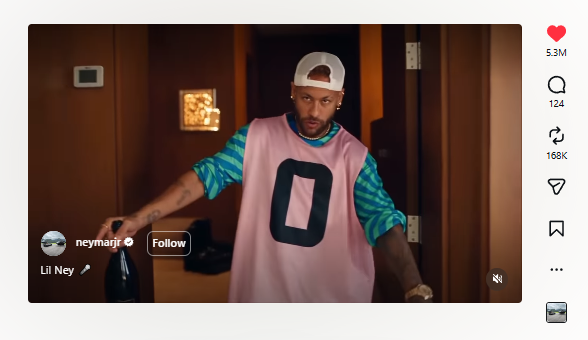
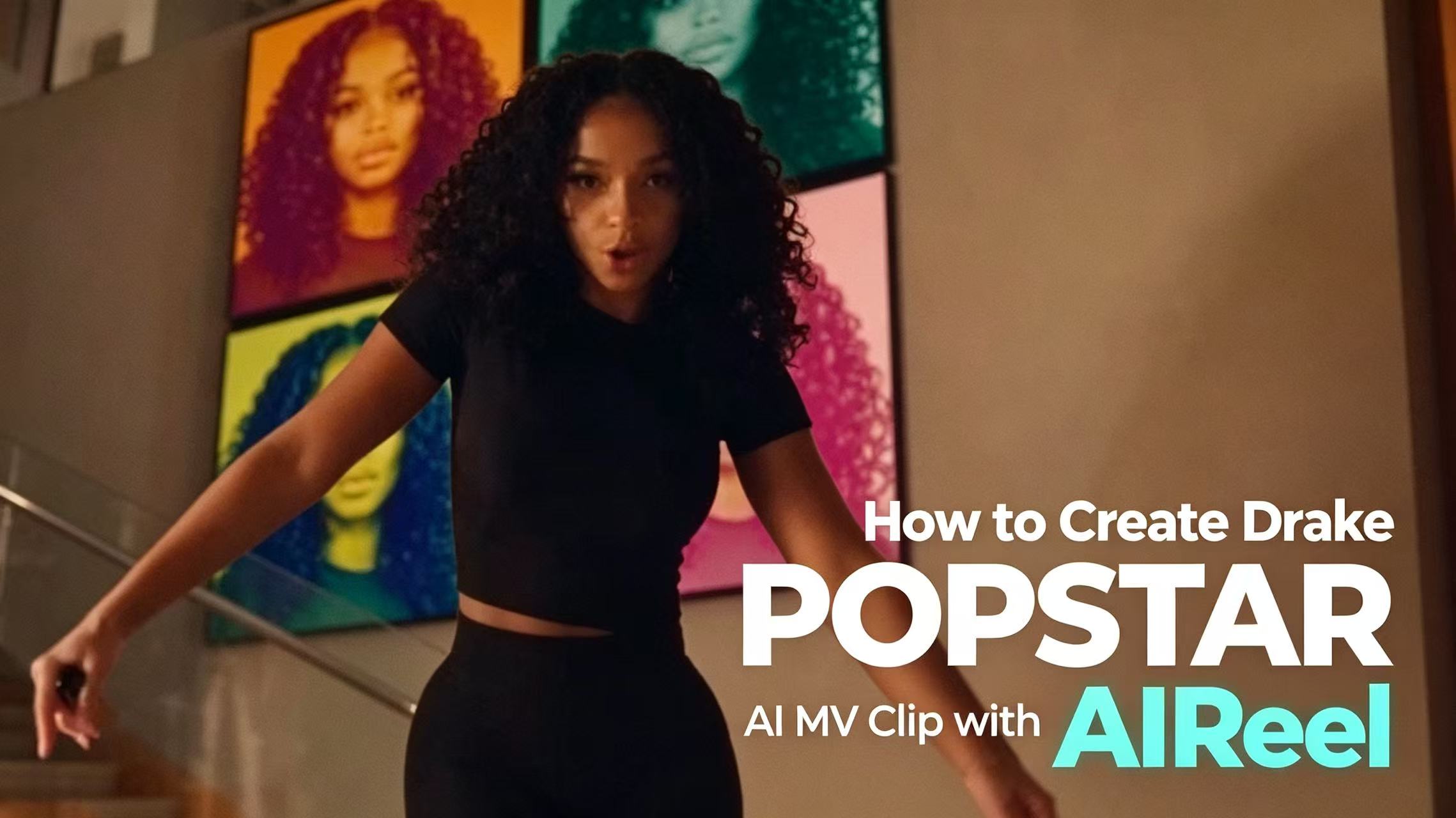
He placed himself in Justin Bieber’s role from the 2020 DJ Khaled & Drake track “POPSTAR.” The original music video already had a built-in joke — Drake doesn’t appear, so Bieber walks the mansion, holds the champagne, and lip-syncs the lyrics.
Neymar’s version kept the same stairs, security detail, party rooms, and camera moves, only swapping the face and body.
Brazilian media (CNN Brasil, G1, etc.) picked it up within hours. The post racked up millions of views and the “Lil [Name]” format spread fast. People started searching for ways to put themselves, friends, or pets into the same luxury-party sequence. That search wave is what turned a 2020 music video into a 2026 AI trend.
How to Make a POPSTAR AI Clip with the AIReel Template
The fastest route is the ready-made template. It already locks the walking, stairs, party energy and timing.
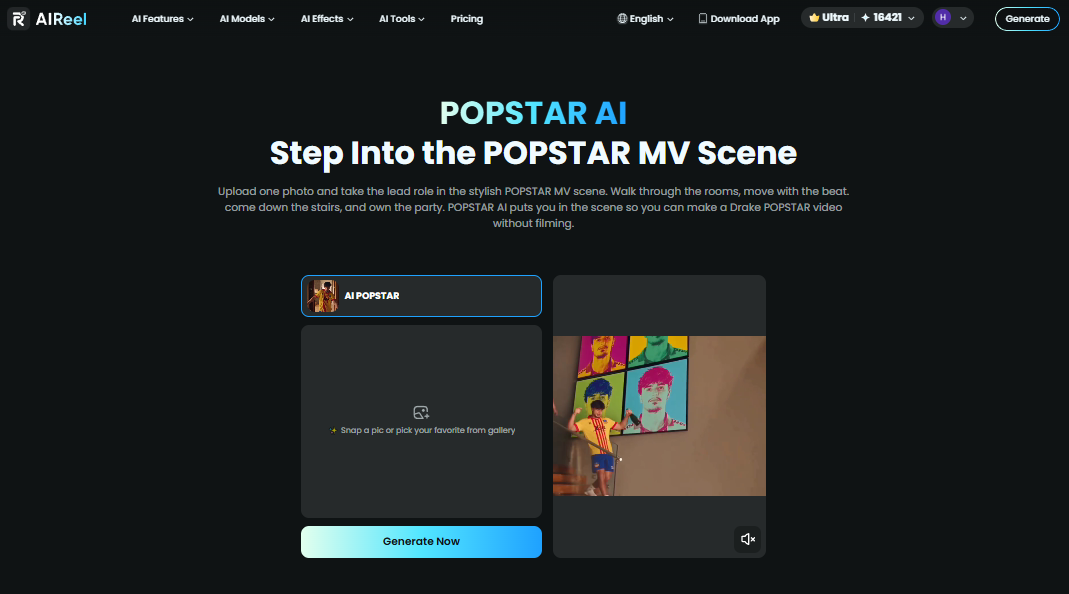
Step 1: Upload Your Portrait to POPSTAR AI
Go to the POPSTAR AI template on AIReel. Select a sharp, front-facing photo with clear lighting so the final clip looks natural and polished.
Step 2: Hit Generate and Wait a Few Minutes
Once your photo is uploaded, click Generate. The system will place you into the scene with the walking, stairs, and performance energy. It usually only takes a short while.
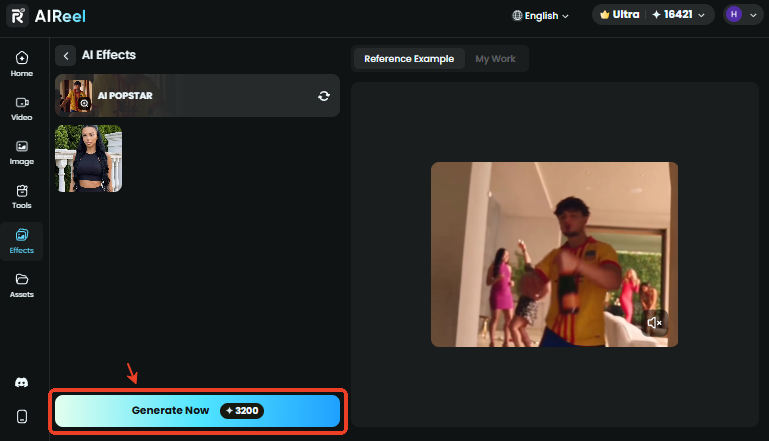
Step 3: Download and Share POPSTAR Trend
Preview the finished video, then download it. The clip is ready to post on TikTok, Instagram Reels, or YouTube Shorts.
Other Ways to Create POPSTAR AI Videos
If you want more control — different background music, a custom outfit, higher quality, or a longer sequence — use Reference to Video instead of the one-click template.
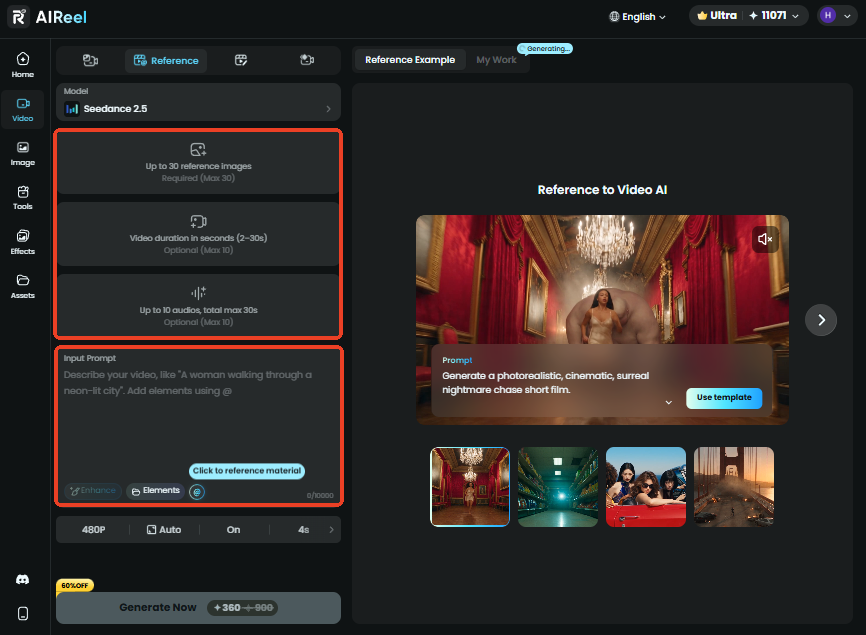
Upload your portrait plus a short reference clip of the original POPSTAR sequence (or any similar walking/party performance). Then guide the model with a prompt like:
“Replace the main performer in @Video1 with the person in @Image1. Keep the exact camera path, stairs descent, champagne hold, and party-room transitions. Maintain natural lip-sync and body movement. Luxury mansion lighting, high detail.”
This route costs more credits and takes longer, but it lets you change music, length, or style. Head Swap is less ideal here because the trend relies on full-body movement, not just a face replacement.
Examples of POPSTAR AI Video
| POPSTAR Video Example 1 (Created with AIReel) | POPSTAR Video Example 2 (Created with AIReel) |
POPSTAR AI Video FAQs
Does the generated video include the original song?
Template versions usually come with the track already timed. Always check the preview and platform rules before posting.
What photo works best?
A sharp, well-lit, front-facing portrait. Avoid heavy filters, sunglasses that hide the eyes, or extreme angles.
Can I use a pet or cartoon character?
Yes. The contrast between a serious pet face and the flashy mansion setting is one of the most shared variations.
How long does generation take?
Template: usually a few minutes. Reference-to-video: longer depending on model and length.
More POPSTAR-Like Trends to Try
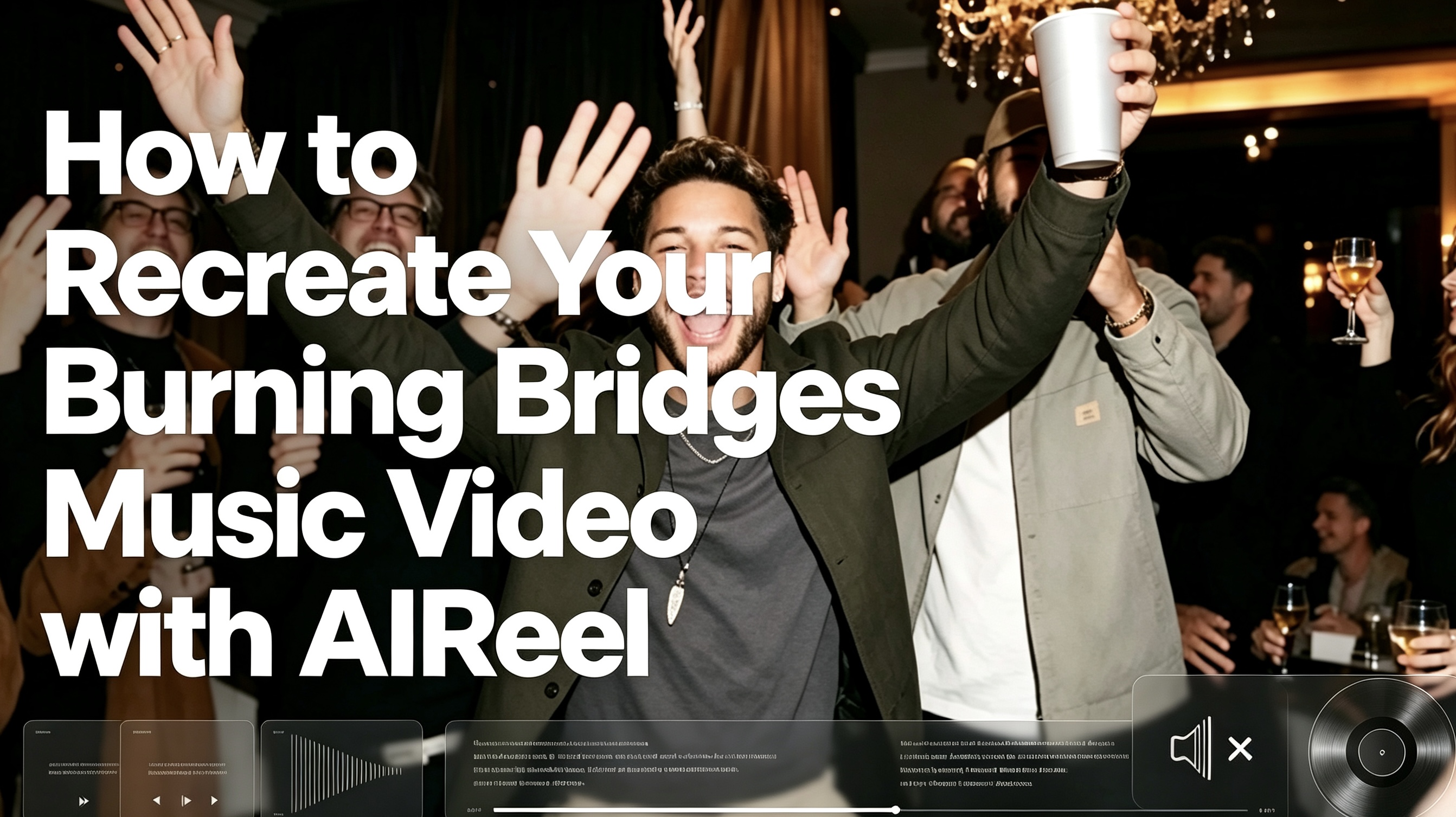
Enjoyed the Drake-era recreation? The darker party mood of Burning Bridges makes a natural next step. You can also jump into the street freestyle energy of Bulin 47 Rap. If you want to explore more, browse the wider collection in our effects library.