Seedance 2.5 Review: Is ByteDance’s New AI Video Model Worth It?
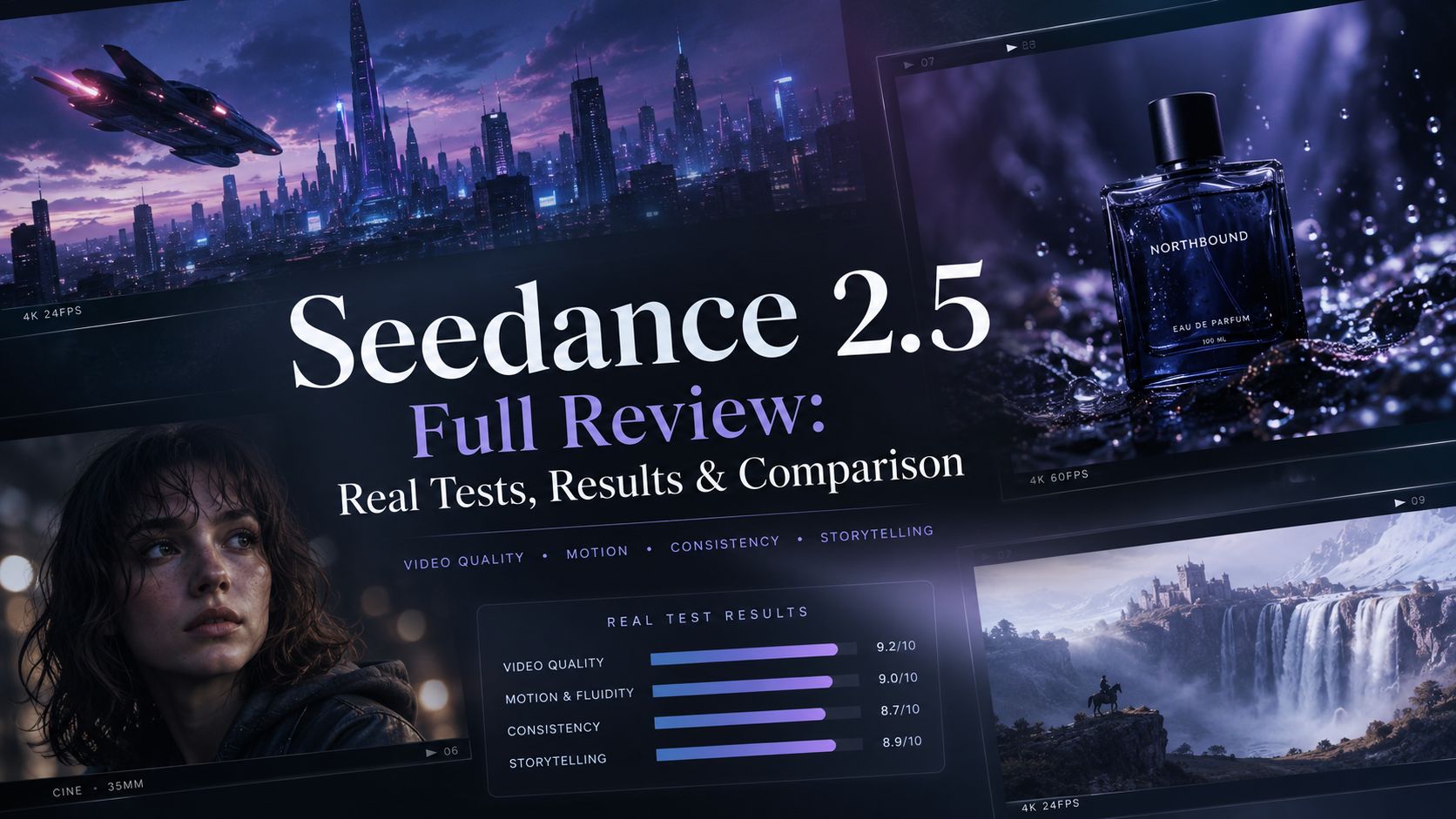
Seedance 2.5 promises major improvements in AI video generation, including longer videos, stronger reference control, and better visual consistency. But how much of an upgrade is it in real-world creation? In this review, we tested Seedance 2.5 across different scenarios, including cinematic scenes, product videos, character consistency, and reference-based generation, to see where it actually improves.
Table of Content
Part 1: What Is Seedance 2.5?
Seedance 2.5 is the latest AI video model from ByteDance, designed to create more realistic, controllable, and cinematic videos. As the next generation of the Seedance family, it focuses on improving video length, reference control, visual consistency, and overall creative flexibility.
Unlike traditional AI video models that mainly rely on prompts, Seedance 2.5 supports multimodal creation with text, images, videos, and other references. This allows creators to guide characters, scenes, motion, and visual styles with more precision.
Part 2: Seedance 2.5 vs Seedance 2.0: What Actually Changed?
Seedance 2.5 is built on the foundation of Seedance 2.0, but the biggest improvements are not just about video quality. The upgrade focuses on giving creators more control over longer, more complex, and more consistent AI video creation.
Before looking at the details, here is a quick overview of the main differences:
|
Capability |
Seedance 2.0 |
Seedance 2.5 |
|
Video creation |
Cinematic AI video generation with multimodal references |
More advanced video creation with longer scenes and stronger control |
|
Video length |
Short-form video generation |
Up to 30-second video generation |
|
Video quality |
High-quality AI video output |
Up to 4K video output |
|
Reference control |
Image, video, audio, and text-based creation |
Expanded reference control with more multimodal inputs |
|
Scene consistency |
Strong character and motion consistency |
Improved continuity for longer and more complex scenes |
|
Best suited for |
Creative videos and cinematic experiments |
Storytelling, ads, product videos, and professional content creation |
Part 3: Seedance 2.5 Real Tests for New Features
1. Longer Videos with More Complete Storytelling
One of the biggest upgrades in Seedance 2.5 is longer video generation. Instead of creating isolated short clips, Seedance 2.5 is designed to handle more complete scenes with stronger continuity. This gives creators more flexibility when building:
- AI short films
- Story-driven videos
- Brand campaigns
- Social media content
Longer generation is not only about adding more seconds. The key improvement is maintaining the connection between scenes, characters, and visual style.
2. More Advanced Reference Control
Seedance 2.5 improves how creators guide video generation through references. Compared with relying mainly on text descriptions, reference-based creation gives users more control over the final result. Creators can use visual inputs to guide:
- Character appearance
- Scene direction
- Motion style
- Overall visual consistency
This makes Seedance 2.5 more suitable for projects where maintaining a specific creative direction matters.
3. Improved Character and Scene Consistency
Maintaining consistency has always been one of the biggest challenges in AI video generation. Seedance 2.5 focuses on improving continuity across longer sequences, helping creators maintain character identity, scene style, and visual details across different shots.
This is especially valuable for:
- AI comics
- AI short dramas
- Character-based storytelling
- Multi-scene video projects
4. Better Control for Commercial and Creative Projects
Seedance 2.5 is designed for more complex video workflows, including advertisements, product videos, and cinematic storytelling. With longer generation, stronger references, and improved consistency, creators have more flexibility to move from simple concepts toward more complete video productions.
Overall, Seedance 2.5 is not a complete replacement for Seedance 2.0. Instead, it expands what creators can achieve by improving video length, reference control, and consistency for more advanced AI video projects.
Part 4: Seedance 2.5 vs Other AI Video Models: Which One Should You Choose?
With so many AI video models available today, choosing the right one depends on what you want to create. Instead of looking for a single “best” model, it is more useful to compare their strengths and ideal use cases.
|
AI Model |
Best For |
Why Choose It |
|
Seedance 2.5 |
Cinematic videos, ads, storytelling |
Longer video generation, reference control, and stronger scene consistency |
|
Veo 3.1 |
Realistic cinematic scenes |
Strong realism and natural visual quality |
|
Kling 3.0 |
Motion-heavy videos |
Dynamic movement and action scenes |
|
Hailuo 2.3 |
Fast creative experiments |
Quick generation for short-form content |
|
Runway Gen-4.5 |
Professional workflows |
Creative control and production-focused tools |
Which AI Video Model Should You Use?
Choose Seedance 2.5 if you want:
- Longer cinematic videos
- Consistent characters and scenes
- Reference-controlled generation
- AI ads, product videos, and storytelling content
Choose Veo 3.1 if you prioritize:
- Realistic environments
- Cinematic visual quality
- Natural-looking scenes
Choose Kling 3.0 if you focus on:
- Dynamic motion
- Action scenes
- Complex camera movements
Choose Hailuo 2.3 if you need:
- Fast creative testing
- Social media clips
- Quick video experiments
Choose Runway Gen-4.5 if you need:
- Professional creative workflows
- More production-focused control
The best AI video model depends on your goal. Seedance 2.5 is especially powerful for creators who want more control over how their videos look, move, and stay consistent across scenes.
Part 5: Bonus: How to Use Seedance 2.5 Online Without waiting
After testing Seedance 2.5, the best way to understand its capabilities is to try it with your own creative ideas. However, accessing new AI video models can sometimes involve limited availability, long queues, or a complicated setup process. AIReel makes it easier to try Seedance 2.5 online with a smoother creation experience. Users can access the model with free credits, enjoy faster generation without long waiting times, and create with more flexible access options.
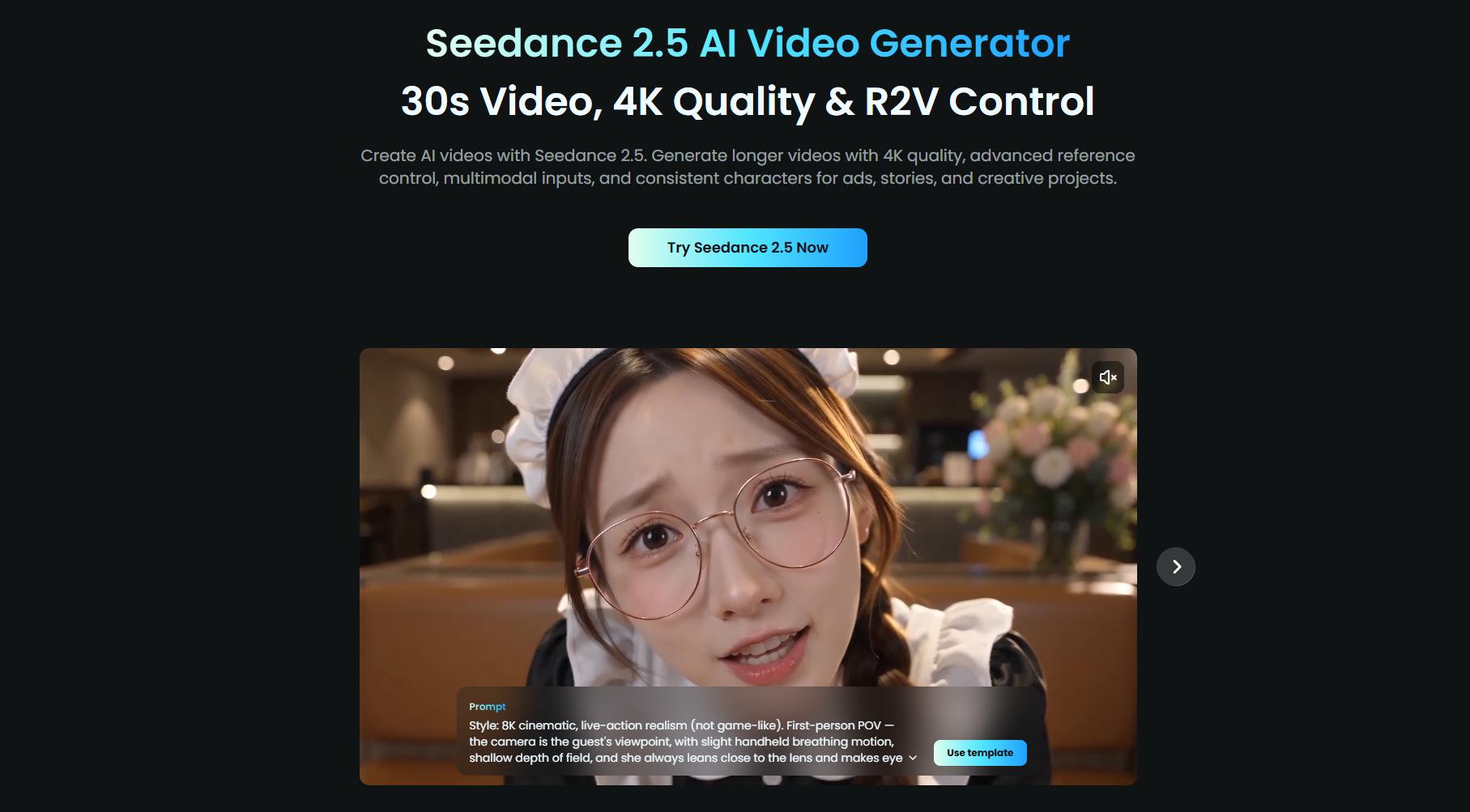
AIReel also helps users get better results with built-in creative tools:
- AI Prompt Optimizer: Turn simple ideas into more detailed video prompts with improved scene descriptions, camera movements, and visual styles.
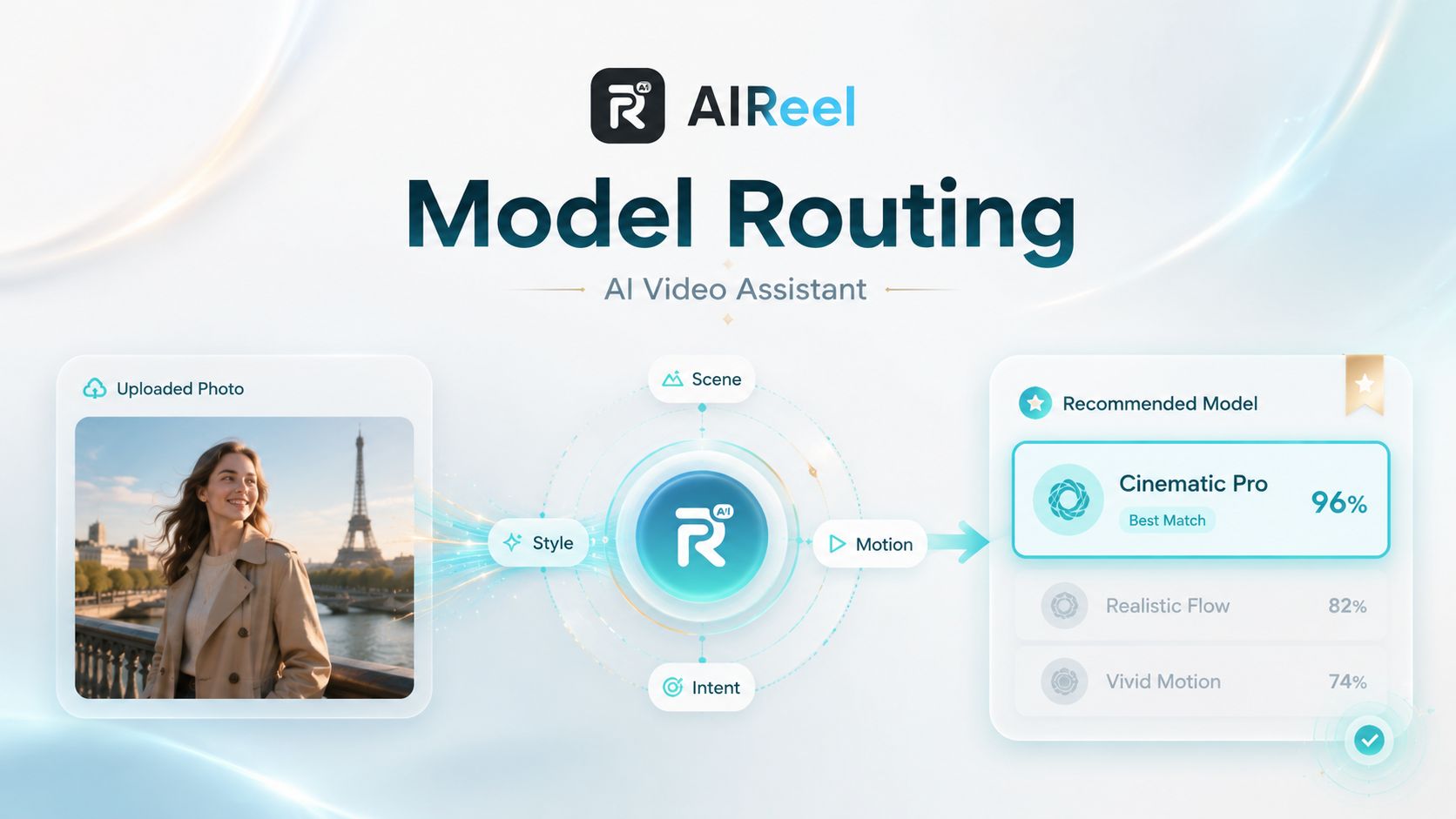
- Smart Model Routing: Find a suitable AI video model based on your creative needs instead of manually comparing different models.
- 1000+ Trending Templates: Start from ready-to-use creative formats for ads, social videos, product content, and storytelling.
- Multi-Model Comparison: Access Seedance 2.5, Seedance 2.0, Veo, Kling, and other leading models to test different results in one workflow.
- Easy Workflow for Beginners: Create advanced AI videos without complex settings, coding, or professional video production experience.
- Web & Mobile Creation: Create Seedance 2.5 videos across web and mobile with a flexible workflow wherever you create.
Part 6: FAQs about Seedance 2.5 AI Video Generator
1. Is Seedance 2.5 free to use?
Availability depends on the platform and current access options. AIReel provides users with free credits to try Seedance 2.5 and explore its AI video generation capabilities before creating larger projects.
2. Where can I try Seedance 2.5 online?
You can try Seedance 2.5 online through platforms that provide access to the model. AIReel allows creators to use Seedance 2.5 directly online with additional AI tools such as prompt optimization, smart model routing, and creative templates.
3. Can Seedance 2.5 create realistic human videos?
It depends on the platform’s available features and usage policies. Some platforms may apply restrictions on realistic human images or videos, while AIReel supports realistic human video creation with Seedance 2.5. When using real people’s images or footage, make sure you have proper authorization and respect portrait rights.
4. What prompts work best for Seedance 2.5?
Detailed prompts usually produce better results. Include the subject, action, environment, camera movement, lighting, and visual style. AIReel’s AI Prompt Optimizer can also help turn simple ideas into more structured prompts for better video generation.
5. Can Seedance 2.5 maintain the same character across multiple scenes?
Yes. Seedance 2.5 is designed to improve character and scene consistency across multiple shots. This makes it more suitable for AI comics, AI short dramas, storytelling projects, and other content that requires recurring characters.
6. Is Seedance 2.5 suitable for beginners?
Yes. Beginners can start with simple prompts, templates, and reference images instead of writing complex instructions. AIReel also provides tools such as Prompt Optimizer and templates to make the creation process easier.
Conclusion
Seedance 2.5 brings meaningful improvements to AI video creation with longer video generation, stronger reference control, improved consistency, and more flexible creative workflows. From cinematic storytelling and AI short films to product videos, advertisements, and social media content, it gives creators more control over how their ideas become videos.
If you want to explore Seedance 2.5 without a complicated setup, AIReel provides an easy way to try the model online with free credits. Start creating with Seedance 2.5 in AIReel and experience the next generation of AI video creation.