Which AI Reel Tools Are Best for Business Owners? (2026)
Creating reels for your business should leave you time to run it. Whether you need a product promo, a presenter-led demo, or content for your next offer, the right AI tool depends on what you want to make. This guide compares five AI reel tools by features, pricing, and practical use cases to help you choose.

Table of Content
Quick answer: If you run a business and need to convert product images or brief concepts into reels, skipping the need for camera work or post-production, the top AI reel platforms for 2026 include AIReel suits product-focused businesses that need short promotional videos, with Marketing Studio for product ad creative [S13], Product Avatar for presenter-led demos [S14], and ready-made ad effects for different visual styles [S15]. Its Lite plan starts at $13.99 a month on monthly billing, with feature and model access depending on the plan [S2]; Canva suits users already working within Canva who seek Brand Kits and post scheduling in one place [S3]; invideo is best for clips structured from a written script and refined on a timeline [S4]; HeyGen creates presenter-led content using AI avatars, such as a digital version of you [S5]; and Creatify produces paid video ads derived from a product page link [S6].
Previously, making reels meant personally shooting, cutting, and captioning every segment. Modern AI reel software now builds the video content from a single image, a text prompt, a written script, or a URL, so selecting the right platform hinges on your initial input and the reel's goal. This comparison examines five tools based on their output types, a specific verifiable capability, the base cost under monthly billing, and the commercial requirement they meet. All data points are drawn from the respective vendor's site or an independent entry in the Sources list, reviewed in November 2026.

Comparison Table: AI Reel Tools for Business Owners
|
Tool |
What it generates |
Verified feature |
Entry price (billed monthly) |
Best for |
|---|---|---|---|---|
|
AIReel |
Product video ads, promotional posters, and avatar-led product videos [S13][S14] |
Reference-based ad creation [S13]; ready-made product ad effects [S15] |
$13.99 a month (Lite: 3,000 credits, up to 50 videos) [S2] |
Turning product photos and ideas into short reels |
|
Canva |
16:9 AI clips of up to 8 seconds with synchronized audio (Create a Video Clip, powered by Veo-3) [S7] |
5 Brand Kits, AI resize and social content scheduling on Pro [S3] |
$18 a month (Pro, one person) [S3] |
Owners who already design posts in Canva |
|
invideo |
Videos planned from a script with an AI co-writer and a shot-by-shot storyboard [S4] |
Timeline editor and real-time collaboration with live cursors [S4] |
$9 a month per seat (Basic: 190 credits) [S8] |
Scripted videos edited shot by shot |
|
HeyGen |
Presenter videos with AI avatars [S5] |
Custom video avatar with your own voice and likeness; over 175 languages and dialects [S5] |
$29 a month (Creator: 600 credits) [S5] |
Speaking-to-camera videos without filming |
|
Creatify |
Video ads from a pasted product page URL [S6] |
300 realistic AI actors and 200+ ad templates on Standard [S9] |
$15 a month (Standard: 55 credits) [S9] |
Paid ad drafts from a product page |
Why Reels Matter More for Business Owners in 2026
Businesses now rely on short vertical video as the primary method for displaying products on social platforms, altering the criteria owners should apply when selecting a reel tool.
- Video is now the default, not the differentiator. According to Wyzowl's State of Video Marketing 2026 survey (266 respondents, fieldwork in late 2025), 91% of businesses incorporate video into their marketing strategies, with social media videos the most-made type at 69% [S10]. Since posting video has become standard practice, evaluate a reel tool based on the volume of finished clips a plan permits you to publish.
- Buyers want to see the product in a short clip. According to the same survey, 63% of people indicate that viewing a brief video is their preferred method for discovering product details [S10]. Use genuine product images as the starting point for your reels to ensure the footage accurately depicts what customers will receive.
- Vertical video with sound costs less per result. Meta's data indicates a 34.5% lower cost per result compared with image ads for campaigns featuring 9:16 video ads with audio and key messages in the safe zone [S11]. Before paying for a tool, verify it exports vertical 9:16 clips or can resize to 9:16.
- AI video tools are now mainstream. Wyzowl states that 63% of video marketers have used AI to produce or modify video, up from 51% [S10]. When weighing AI reel tools, focus on the level of control you hold and the price of a completed video, rather than simply checking if they rely on AI.
AI Reel Tool Profiles
AIReel
AIReel combines AI image and video generation with tools built around product promotion. Its Marketing Studio offers AI Ad Generator for product videos and AI Product Poster for promotional images, while AI Video Ad Cloner provides a reference-based starting point for ads featuring your own products [S13]. AI Product Avatar pairs product visuals with a digital presenter and a custom script for demos and UGC-style videos [S14]. Owners can also choose ready-made ad effects, including 360-degree displays and bullet-time product shots [S15], or begin with a written idea through AIReel’s Agent, which lists Product Marketing and Advertisement among its creative starting points [S16]. For a small shop, these options provide several ways to turn existing product assets into launch content, promotional visuals, and short social videos.
AIReel’s Lite plan starts at $13.99 a month on monthly billing and includes basic-model access and no-watermark outputs [S2]. Before subscribing, check the plan coverage and credit requirements for the specific marketing tool you intend to use.
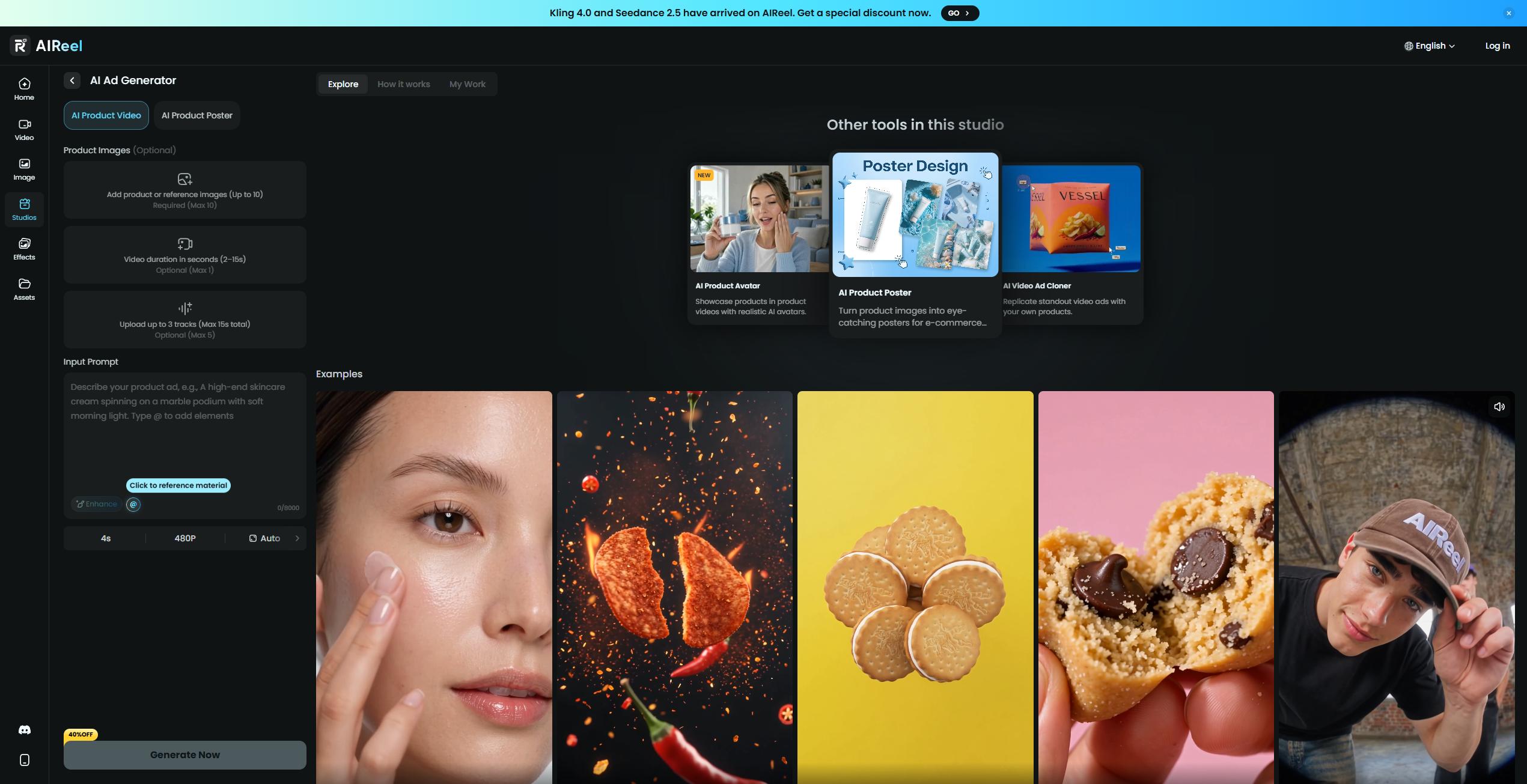
Best fit for: small businesses and ecommerce sellers that need fresh product promos, presenter-led demos, and supporting promotional graphics from existing assets.
Design trade-off: model access depends on the subscription, with Lite limited to basic models [S2]. Test the specific tool and format you need before choosing a plan.
Canva
Canva's Create a Video Clip, powered by Google's Veo-3, turns a text prompt into a 16:9 video of up to eight seconds, featuring synchronized audio that can include dialogue, sound design and music [S7]. Canva says Pro, Business, Enterprise and Nonprofit users can create a limited number of these clips per month [S7]. For a single person on monthly billing, Canva Pro costs $18 a month and lists AI tools including resize, 5 Brand Kits and social content scheduling [S3].
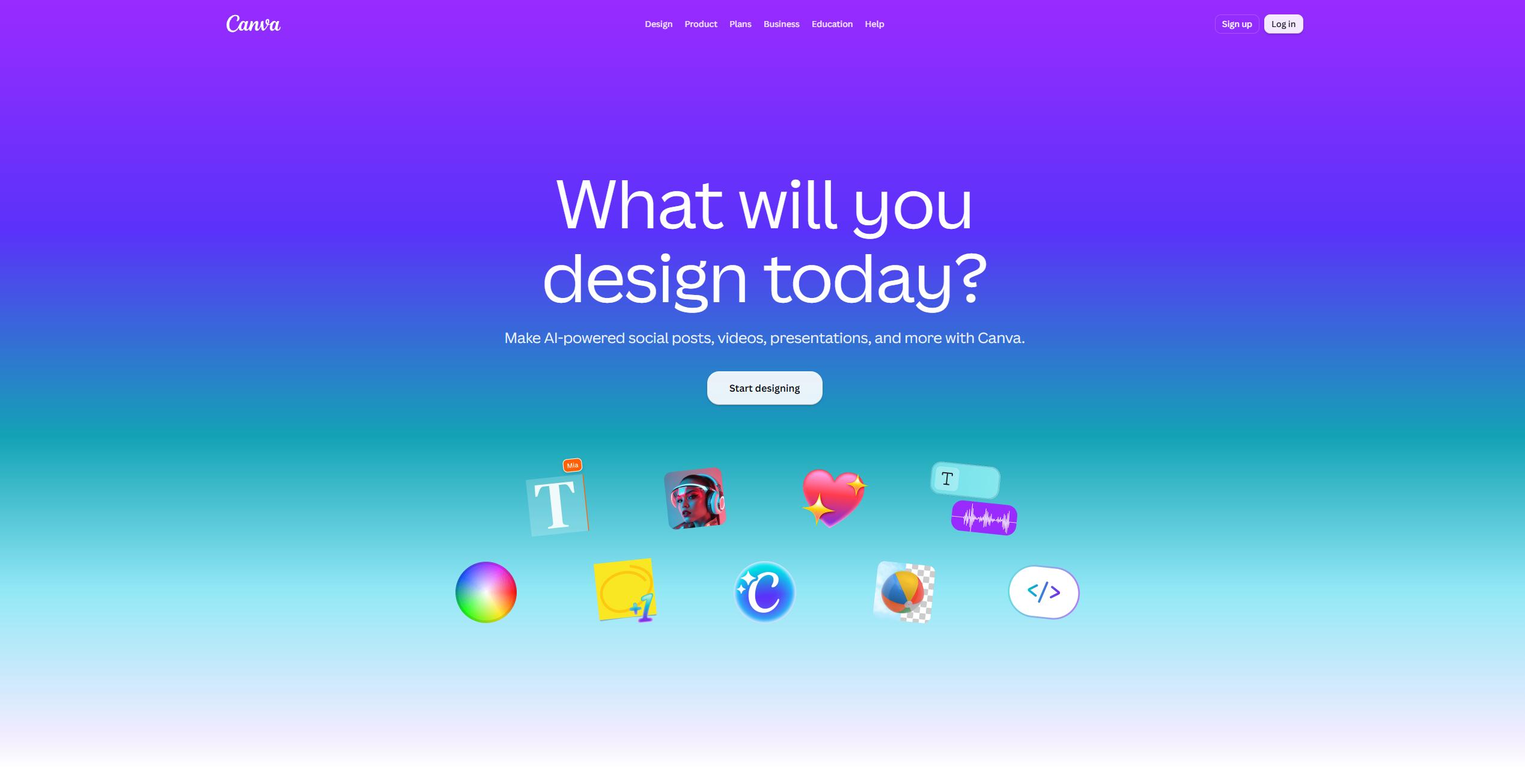
Best fit for: users who create their social graphics in Canva and seek a unified hub for reels, brand materials, and scheduling.
Design trade-off: Canva generates AI clips in 16:9 with a maximum length of up to eight seconds [S7], so vertical reels require a resizing step, a feature Canva Pro lists among its AI tools [S3].
invideo
invideo presents itself as an agentic video editor, where users draft a script with the aid of an AI co-writer, convert that script or concept into a shot-by-shot storyboard, and then refine the footage in a timeline editor that invideo compares to Premiere Pro, complete with full AI [S4]. The platform also facilitates real-time collaboration featuring live cursors [S4]. On a monthly billing cycle, the Basic plan is priced at $9 a month per seat and provides 190 credits a month [S8].
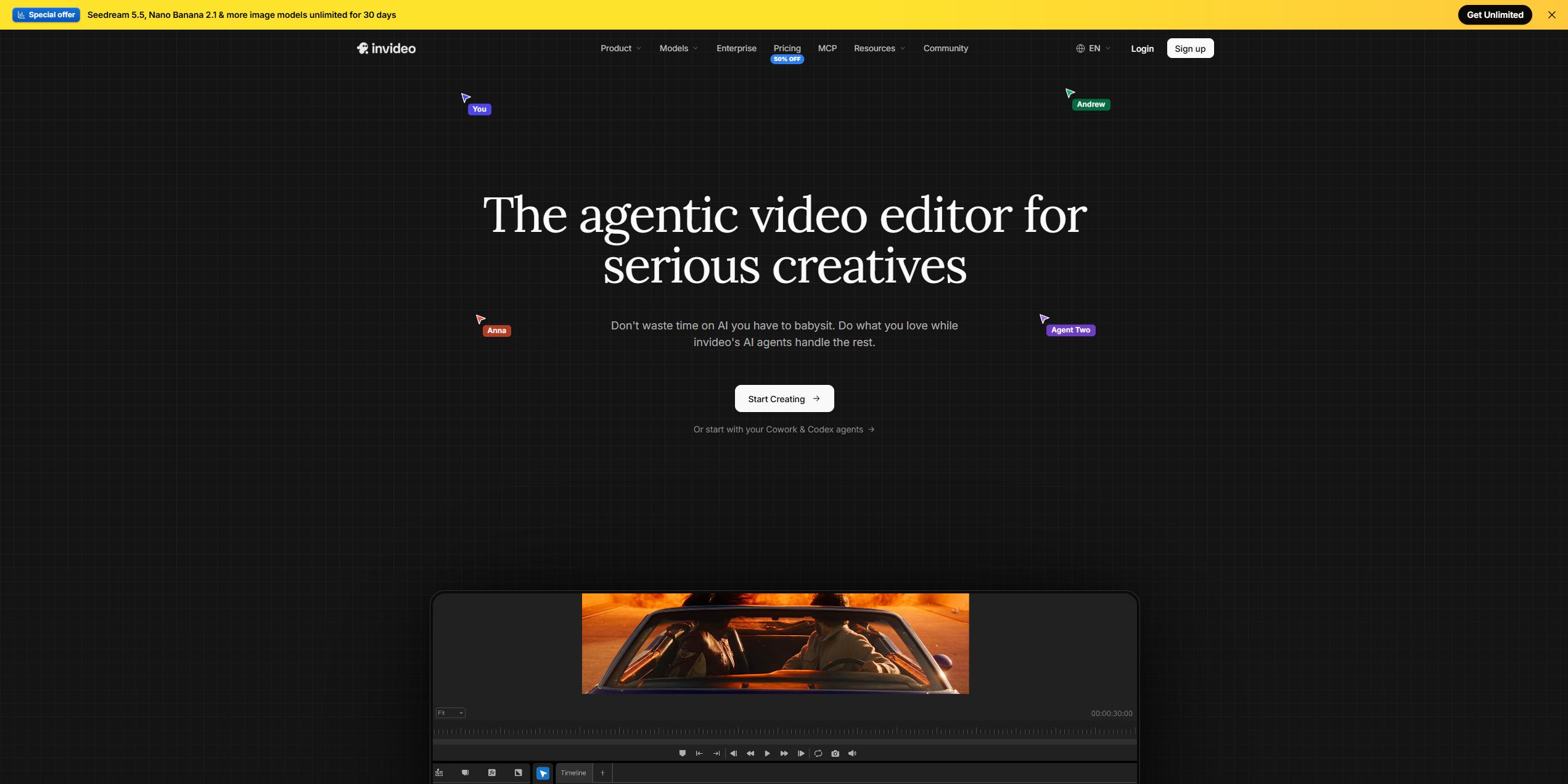
Best fit for: individuals or compact groups that map out footage from a written plan and require the ability to fine-tune each individual shot directly on the timeline.
Design trade-off: the Basic plan from invideo restricts agent usage to the Lite agent and leaves out Seedance 2.5 [S8].
HeyGen
The Creator plan from HeyGen allows users to generate videos featuring AI avatars. This tier offers a personalized video avatar using your specific voice and appearance, 1080p exports, removal of HeyGen branding, and over 175 languages and dialects [S5]. Users pay $29 a month for this service when choosing monthly billing, which also grants 600 credits [S5].
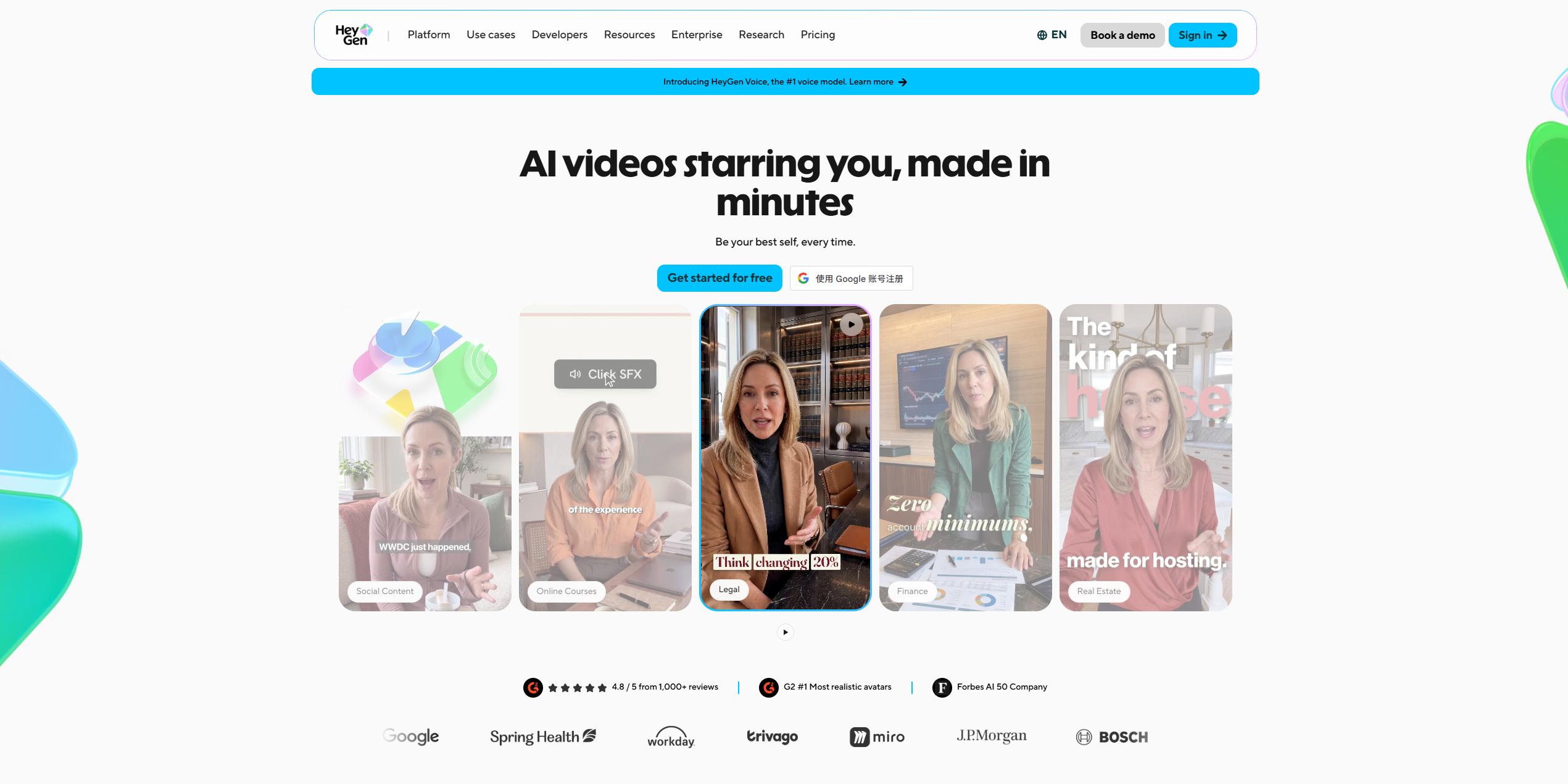
Best fit for: owners seeking a presenter, or a digital replica of themselves, to address the audience on screen without recording footage, even in foreign tongues.
Design trade-off: The Creator plan from HeyGen centers on the Avatar III and Avatar IV avatar engines [S5], making it a better fit for reels driven by a presenter compared to clips featuring just the product.
Creatify
When you provide a product page link to Creatify, it produces a video advertisement; the process involves pasting the URL and selecting an avatar before the ad is created [S6]. The Standard plan from Creatify is priced at $15 a month under monthly billing, which includes 55 credits a month, 300 realistic AI actors, 200+ ad templates, 50+ premium models and watermark removal [S9].
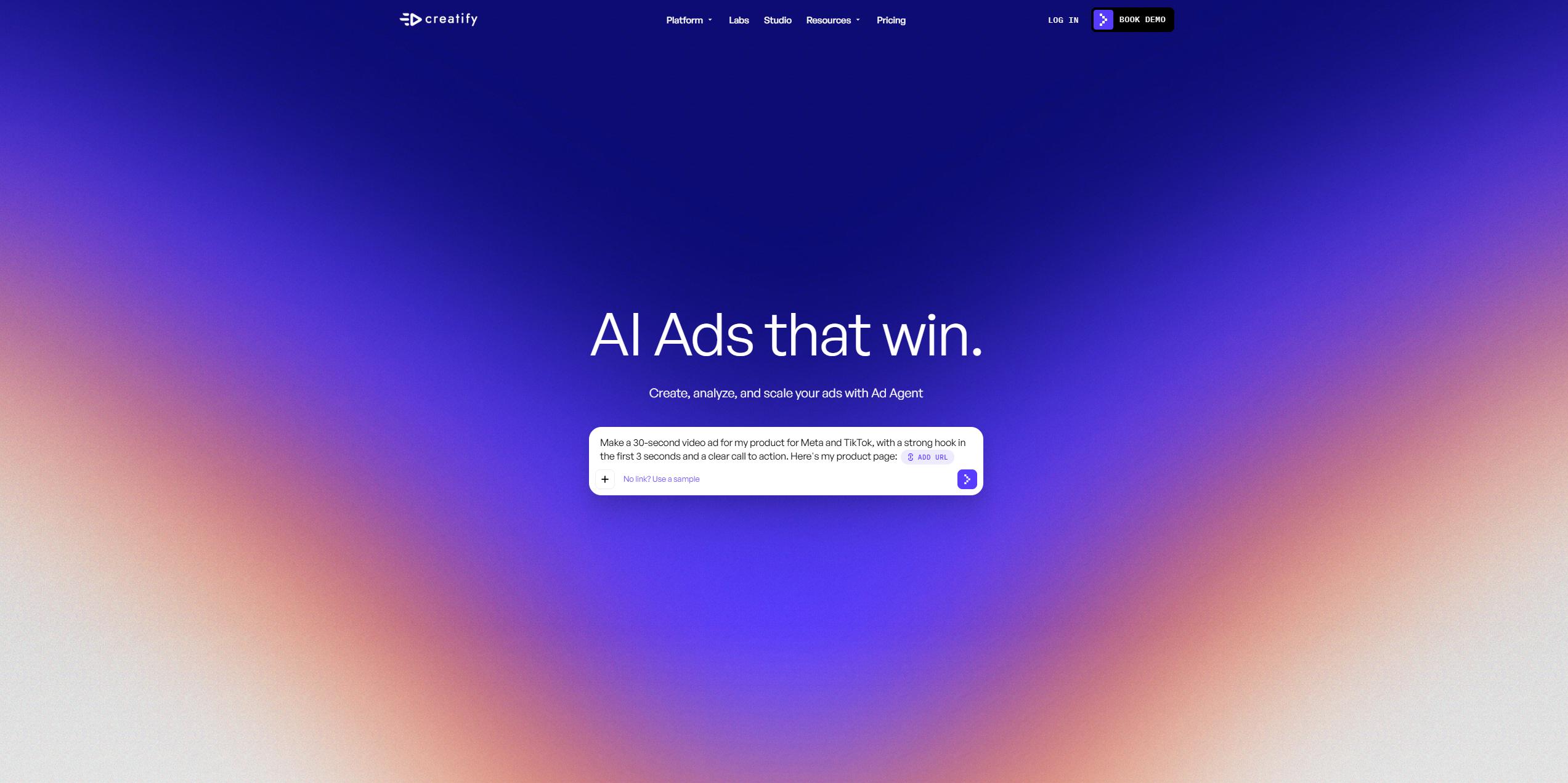
Best fit for: owners who run paid social ads and want ad drafts generated directly off their product page.
Design trade-off: Creatify says its Standard plan is for testing AI video ads [S9], making it better suited for ad trials than for regular organic content.
What Actually Makes an AI Reel Work for a Business?
Five specific routines matter more than the software itself when it comes to deciding if a reel holds attention and drives revenue.
1. Start from the real product
Start with clear photos of the product you actually sell. AIReel’s image-to-video tool can use those photos as the basis for short clips [S12], while its marketing tools offer additional routes to product ads and promotional posters [S13]. Before publishing, check that the product’s shape, packaging, labels, and key details remain accurate; small text and branding can change during generation [S15].
2. Make it vertical, with sound
According to Meta, campaigns featuring 9:16 video ads that include audio and place key messages within the safe zone see 2X higher delivery to the Reels placement [S11]. Ensure all your reels are generated or adjusted to the 9:16 format, and position text away from the frame borders.
3. Count finished clips, not credits
Pricing structures for credits vary by platform: AIReel Lite provides 3,000 credits for up to 50 videos [S2], invideo Basic offers 190 credits [S8], HeyGen Creator grants 600 credits [S5], and Creatify Standard supplies 55 credits [S9]. Since credit values differ between services, you should ask each provider how many completed clips your subscription actually covers.
4. Test more than one hook
Create two or three openings for the same product, each focused on a different benefit, question, or offer. In AIReel’s Product Avatar workflow, you can keep the product and presenter while changing the script to try a different message [S14]. For ideas on structuring those openings, see how to write hooks for Reels, Shorts and TikTok.
5. Check the license before running ads
Prior to using a generated clip in a paid ad, verify that your subscription grants commercial use rights. Since plan pages present this information in various ways, review the specific plan details instead of assuming every paid tier allows for advertising.
Who Should Choose Which AI Reel Tool?
- Choose AIReel when you have product photos or a promotional idea and want several ways to turn them into marketing content. Marketing Studio covers product video and poster creation [S13], while Product Avatar and ready-made ad effects provide additional formats for demos and short social promos [S14][S15].
- Choose Canva if your content is already built within Canva and you prefer to handle scheduling inside that same environment [S3].
- Choose invideo when you are planning videos based on a script and require the ability to adjust individual shots on a timeline [S4].
- Choose HeyGen if you require a presenter or a personal avatar to address the camera [S5].
- Choose Creatify when you manage paid ads and need to generate drafts using a product page link [S6].
How to Evaluate an AI Reel Tool
- Start with your input. An image-to-video tool handles product photos, a storyboard tool takes a script, and a URL-to-video ad tool works from a product link.
- Compare entry prices on the same billing basis. When you look at monthly billing, the entry plans compared here range from $9 a month per seat for invideo Basic [S8] to $29 a month for HeyGen Creator [S5]. AIReel Lite is priced at $13.99 [S2], Creatify Standard at $15 [S9], and Canva Pro at $18 [S3].
- Check output format and length. Verify the aspect ratio, duration, and resolution supported by the exact tool or model you plan to use. If you need a vertical reel, check that the chosen workflow supports the required 9:16 output before generating.
- Confirm commercial use rights. Before subscribing, check which plan allows using generated clips in advertisements.
- Run one real test clip first. Produce a reel from one of your own products before choosing a plan, then measure the outcome against your current posts.
FAQ
- What is the best AI reel tool for business owners in 2026?
AIReel is a good fit for product-focused businesses that want several creative formats from existing assets. Marketing Studio supports product video and promotional poster creation [S13], with Product Avatar and ready-made ad effects adding options for demos and social promos [S14][S15]. Its Lite plan starts at $13.99 a month, with model and feature access depending on the subscription [S2]. Canva is a good fit for owners already designing in Canva [S3], while invideo suits those editing scripted content on a timeline [S4]. HeyGen is best for avatar presenter videos [S5], and Creatify works well for paid ads generated from a product link [S6].
- How much does an AI reel tool cost?
Monthly pricing for the entry-level options listed here ranges from $9 to $29 a month. invideo Basic is $9 a month per seat [S8], AIReel Lite is $13.99 [S2], Creatify Standard is $15 [S9], Canva Pro is $18 [S3], and HeyGen Creator is $29 [S5].
- Can AI turn a product photo into a reel?
Yes. AIReel’s image-to-video tool uses a product photo as the starting point for a short generated clip [S12]. For a more defined advertising style, its ready-made video ad effects offer options such as a 360-degree display or a bullet-time product shot [S15]. Check the supported duration and format for the option you choose.
- Do Reels actually help sell products?
Yes, survey data indicates so. Meta found that 79% of respondents say they bought a product or service after viewing Reels [S11]. Wyzowl also reports that 85% of people have been persuaded to make a purchase after seeing a video [S10].
- Do I need video editing skills to make AI reels?
You can start without advanced editing skills. AIReel’s ready-made ad effects let you choose a visual style, upload images, and keep or adjust the included prompt [S15]. If you prefer to begin with a written idea, its Agent offers prompt-based image and video creation [S16]. You still choose the message and review the result before publishing.
Sources
- [S1] AIReel - One-Stop AI Video Generator (homepage) - https://www.aireel.net/
- [S2] AIReel - Pricing - https://www.aireel.net/pricing
- [S3] Canva - Pricing: Compare Free, Pro, Business and Enterprise plans - https://www.canva.com/en/pricing/?countryCode=us
- [S4] invideo - Create & edit AI videos with Agent Two - https://invideo.io/
- [S5] HeyGen - Pricing Plans for Creators and Marketers - https://www.heygen.com/pricing
- [S6] Creatify - URL to Video AI Generator - https://creatify.ai/features/url-to-video
- [S7] Canva - AI Video Generator: Text to Video AI Tool - https://www.canva.com/features/ai-video-generator/
- [S8] invideo - Pricing - https://invideo.io/pricing/
- [S9] Creatify - Pricing Plans - https://creatify.ai/pricing
- [S10] Wyzowl - State of Video Marketing 2026 (Video Marketing Statistics) - https://wyzowl.com/video-marketing-statistics/
- [S11] Meta for Business - Instagram and Facebook Reels ads - https://www.facebook.com/business/ads/facebook-instagram-reels-ads
- [S12] AIReel - Free AI Video Generator from Images - https://www.aireel.net/image-to-video
- [S13] AIReel – Marketing Studio and product advertising tools – Marketing Studio, AI Ad Generator, AI Product Poster, and AI Video Ad Cloner.
- [S14] AIReel – AI Product Avatar – https://www.aireel.net/ai-tools/ai-product-avatar
- [S15] AIReel – AI Video Ad Generator for Products – https://www.aireel.net/ai-effects/ai-video-ads
- [S16] AIReel – Agent – https://www.aireel.net/agent