AIReel Marketing Studio: What It Does and How to Use It
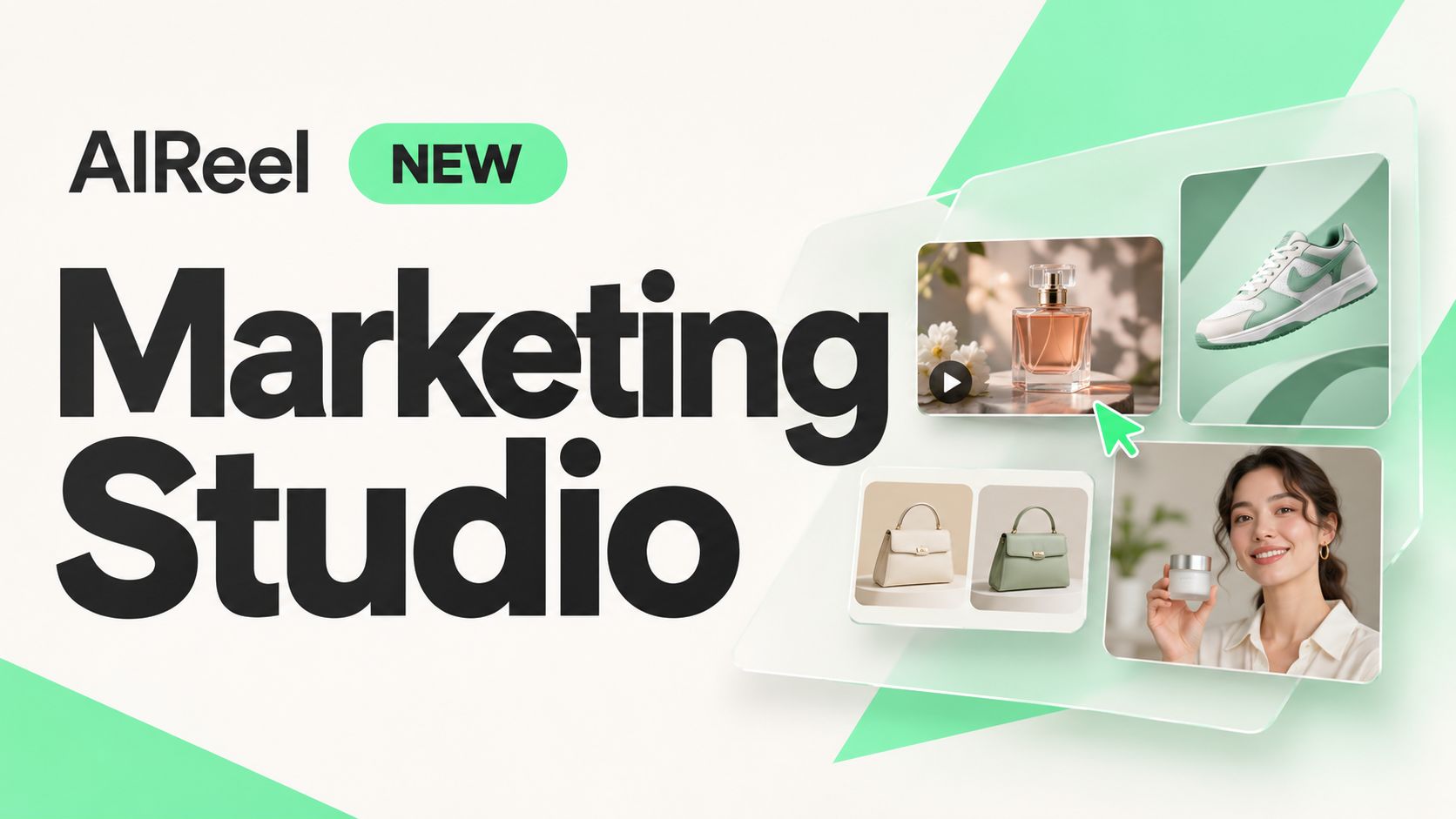
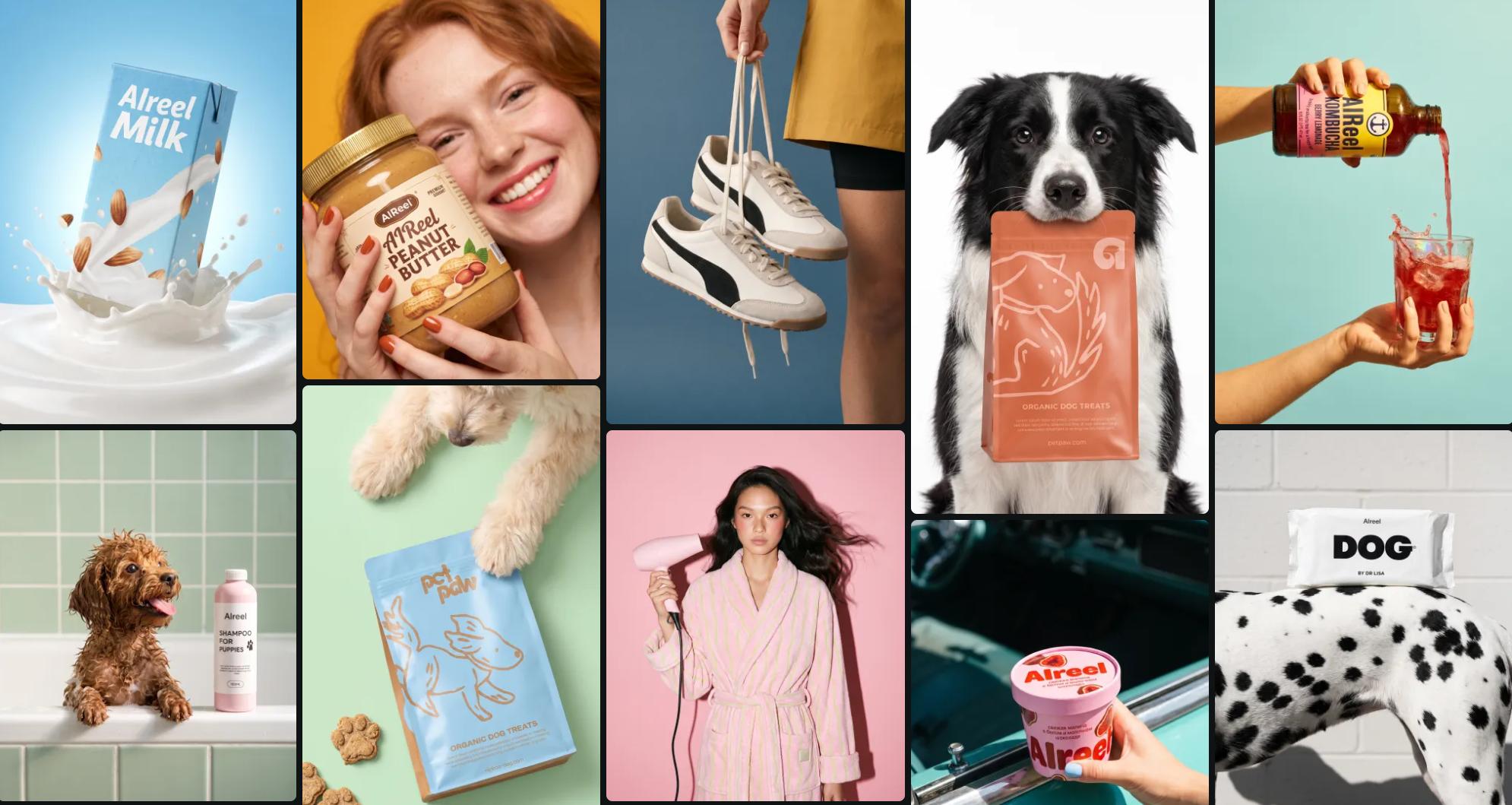
AIReel Marketing Studio is now live, giving you four ways to create content for your products: generate videos from product photos, design promotional posters, recreate reference ads with your own products, and make AI avatar presentations. This guide shows what each tool does, what materials you need, and how to get started.
Table of Content
What Is AIReel Marketing Studio?
AIReel Marketing Studio is an AI marketing workspace that helps online sellers, brands, and marketers turn product images and ideas into promotional content. It brings together four tools for creating product videos, designing posters, adapting reference ads, and presenting products with AI avatars.
|
Tool |
What it does |
|
AI Product Video |
Product videos with custom scenes, movement, and visual effects. |
|
AI Product Poster |
Product posters for launches, promotions, and online stores. |
|
AI Video Ad Cloner |
A new version of a reference ad featuring your own product. |
|
AI Product Avatar |
Videos with an AI presenter showcasing or introducing your product. |
Four Ways to Create Product Content with AIReel
AIReel Marketing Studio lets you build different creative formats around the same product. Here’s how each tool fits a different marketing task.
Turn Product Photos into AI Videos
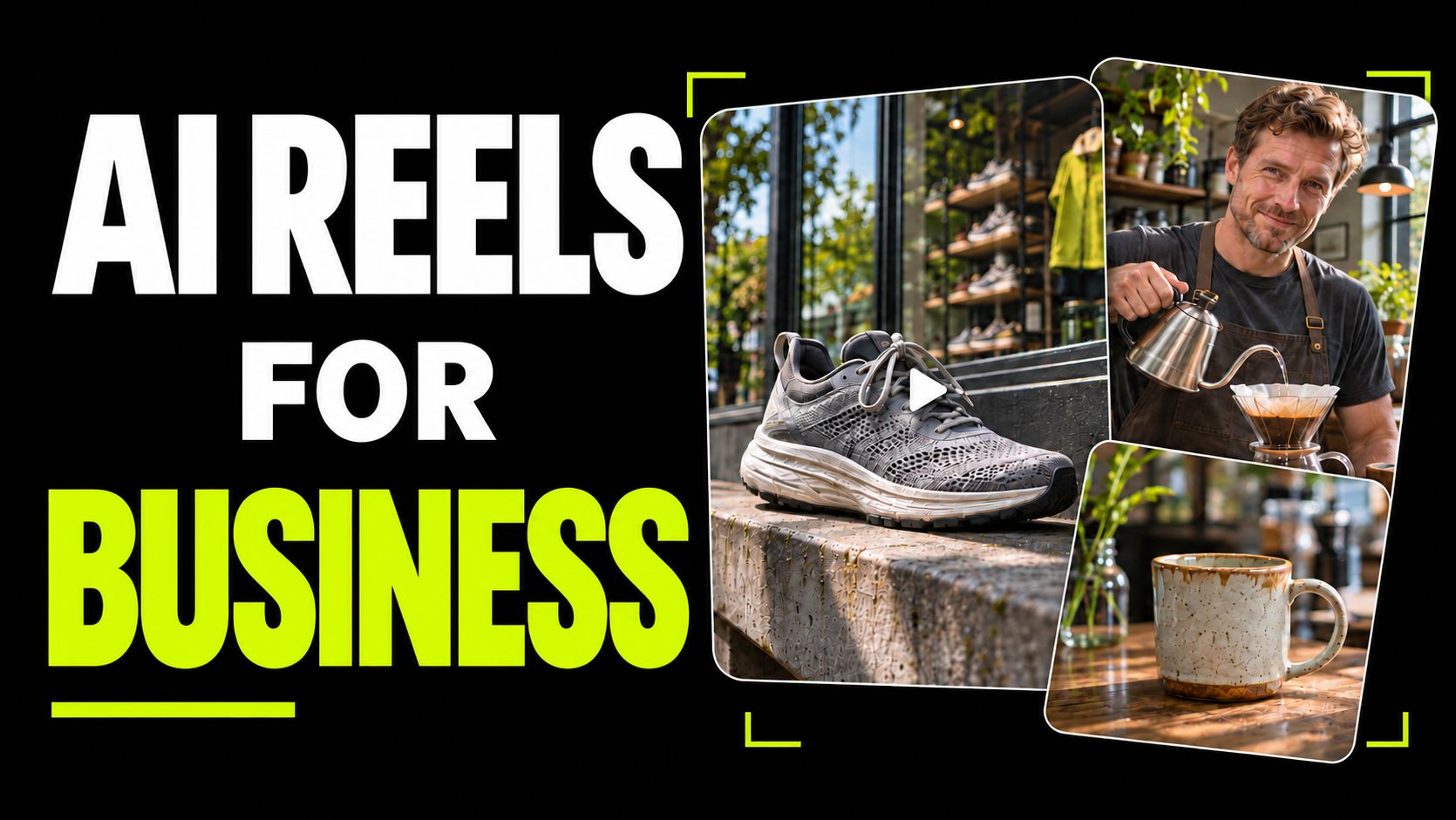
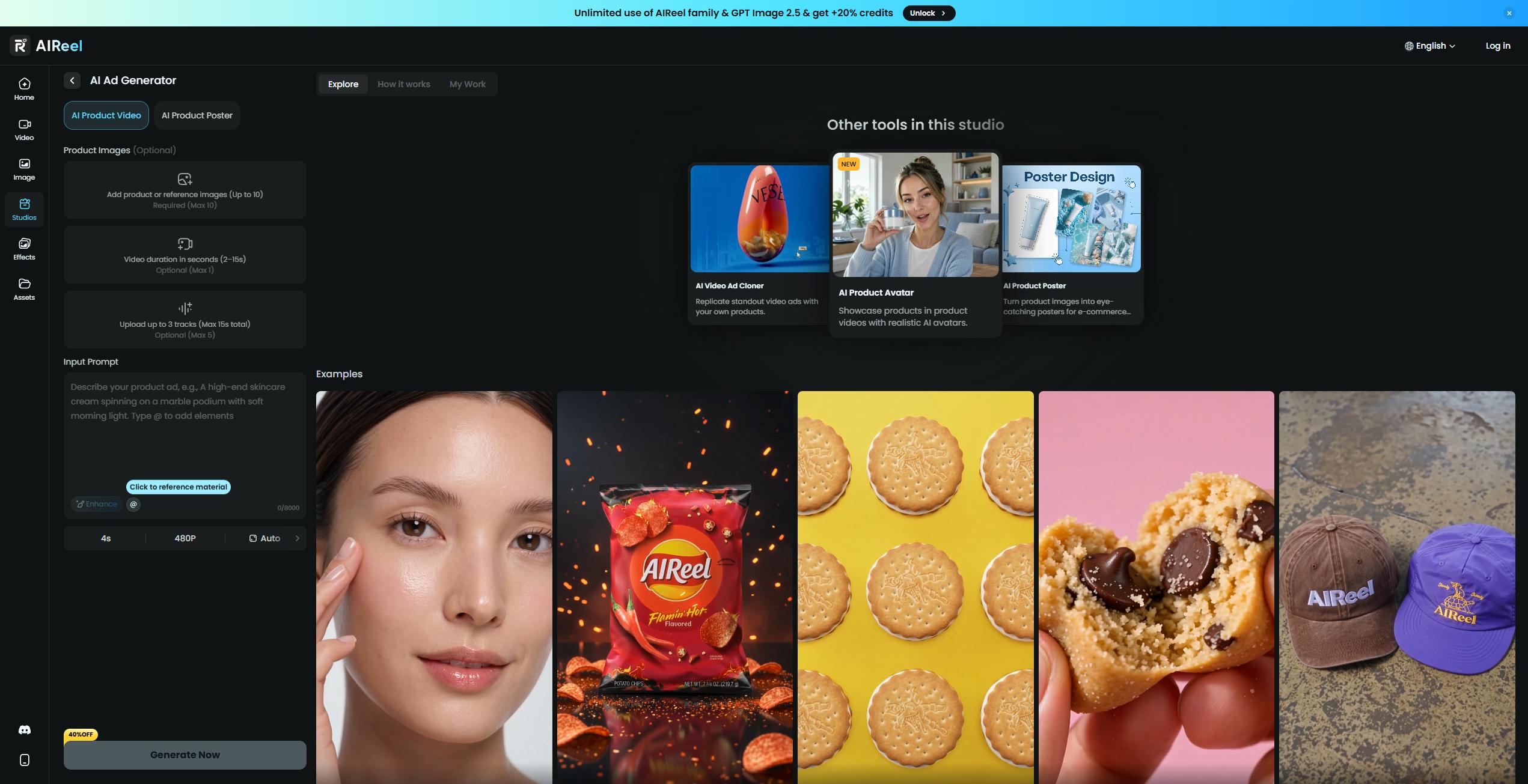
Use AIReel’s AI Ad Generator in AI Product Video mode to turn a still product image into a moving showcase. Describe the setting, product movement, lighting, and camera angle—or add reference video and audio to guide the result. Create a slow close-up of skincare packaging, a rotating accessory shot, or a snack reveal with ingredients moving around the product.
Generate Product Posters for Launches and Promotions
Use AI Product Poster to create promotional visuals around your product. Describe the composition, background, colors, and text you want to include. Try a clean layout for a new arrival or a bold seasonal design for a promotion, then check product details and lettering before publishing.
Recreate Reference Ads with Your Own Product
Have an ad style in mind but find it difficult to describe? AI Video Ad Cloner uses a reference video to guide a new version featuring your product. Add your product images and explain which elements to follow, such as the camera movement, scene progression, or visual effects, and what you want to change.
Create Product Videos with AI Avatars
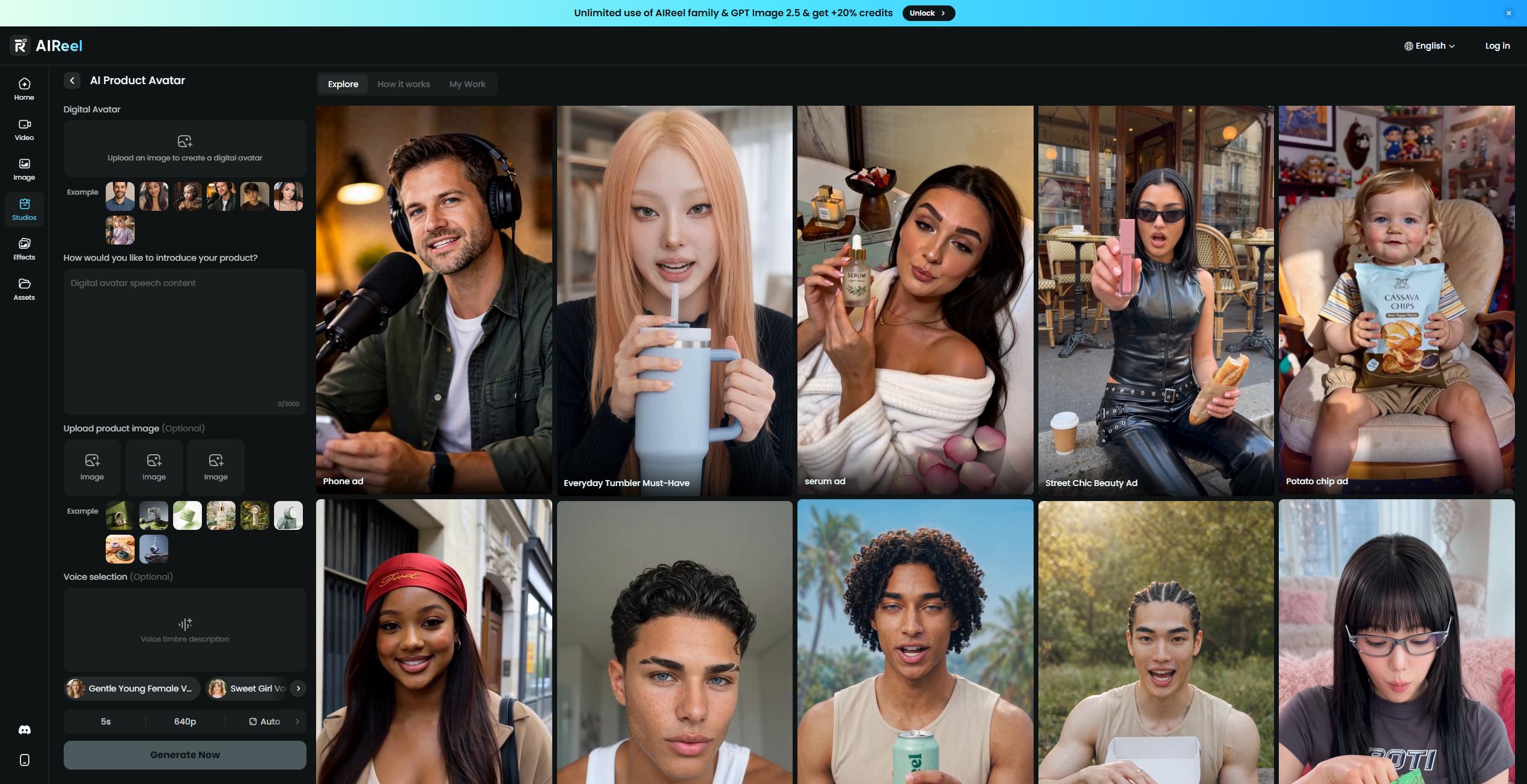
Use AI Product Avatar when your content needs a presenter. Pair your product with an AI character and a script to introduce its features, explain a benefit, or create a UGC-style promotional video. Keep the message focused—for example, a short skincare introduction that highlights one product benefit.
How to Get Started with AIReel Marketing Studio
Start with the content you need, then add your product materials and creative direction.
1. Choose Your Tool
Open AIReel Marketing Studio and choose AI Product Video, AI Product Poster, AI Video Ad Cloner, or AI Product Avatar based on what you want to create.
2. Add Your Materials and Instructions
Upload the materials required by your chosen tool, such as product photos, a reference ad, or a presenter image. Describe the scene, style, actions, or message you want to include.
3. Generate, Review and Download
Choose the available output settings and check the credit cost before generating. Preview your result, review product details and any text or speech, then download it—or adjust your instructions and generate another version.
Bonus: Tips for Better Product Images and Videos
Most tools in AIReel Marketing Studio let you define the creative direction yourself. Use these tips to make your instructions more specific and your results easier to review.
Tell the AI What to Keep and What to Change
Separate product details from the scene you want to create. For example: “Keep the bottle’s amber glass, white label, and black cap. Change the background to a bathroom shelf with soft morning light.” Name the details that matter instead of relying on “keep the product the same.”
Match the Instructions to the Format
For a video, describe the action and camera movement. For a poster, specify the layout and exact text. For an avatar presentation, provide the spoken lines and explain how the presenter should display the product.
|
Format |
Example instruction |
|
Product video |
Slowly push the camera toward the bottle. Keep it upright with the label facing forward. |
|
Product poster |
Place the bottle on the right. Put “Meet Your Daily Glow” in the upper-left corner, with space below for an offer. |
|
Avatar video |
Hold the bottle beside your face with the label visible. Say: “Meet the newest addition to your morning routine.” |
Keep Short Clips to One Clear Action
Start with a product rotation, an ingredient reveal, or a brief introduction. Asking for an unboxing, application demonstration, scene change, and closing offer in one short clip gives each action less time to develop. Generate separate clips when the idea needs several distinct moments.
Choose a Ready-Made Template When It Fits
For a quicker starting point, explore the AI video ad templates. Pick a suitable effect and follow its upload requirements. Use custom generation when you need a different scene, movement, or visual direction.
Inspect Packaging and Product Handling
Pause generated videos where the label is visible and where hands touch the product. Check for altered lettering, changing shapes, or fingers passing through packaging. For posters, proofread product names, prices, and offer dates before publishing.
AIReel Marketing Studio FAQs
Is AIReel Marketing Studio free to try?
New users receive free credits to try AIReel. Each generation uses credits, with the cost depending on the tool and output settings. Check the amount shown before generating; subscriptions and credit packs are available for additional use.
Do I need product photos to use Marketing Studio?
Not every workflow requires product photos. You can start with a written description where supported. To feature an existing product, upload clear photos so the AI has a visual reference for its shape, colors, and packaging.
Do I have to use a template?
No. Most Marketing Studio workflows let you describe your own scene, layout, or presentation. Selected AI video ad templates are also available when you want a ready-made starting point.
Will my product look exactly the same after generation?
AI-generated results can change small details, especially packaging text, logos, and product shapes during movement. Use clear reference images, specify the details to preserve, and review the output before publishing.
Does AI Video Ad Cloner make an exact copy of a reference ad?
AI Video Ad Cloner uses a reference ad to guide a new version featuring your product. Describe which elements to follow, such as pacing, camera movement, or visual effects. The result is a new generation and may differ from the reference.
Can I use Marketing Studio content commercially?
Commercial use depends on your plan and AIReel’s applicable terms. You should also have permission to use any uploaded product images, reference footage, music, and people’s likenesses. Check the relevant terms before using generated content in a campaign.