How to Make Viral Reels, Shorts & TikTok Videos with AI
Making viral AI videos for Instagram Reels, Youtube Shorts & TikTok is not really about pressing a button and waiting for an algorithm to reward you. The videos that travel the furthest usually have a clear viewer reason: they solve a small problem, trigger curiosity, confirm an identity, entertain quickly or make someone want to share.

Table of Content
AI can help you move faster through ideas, hooks, scripts, captions and edits. But it can also make your content feel generic if you let it decide everything. The best workflow is not fully automated. It is AI-assisted, creator-led and tested against how real people watch short-form video.
The Real Goal: Make Videos People Keep Watching
A viral short video usually wins before the viewer has time to think. The opening line, first visual and pacing must immediately answer one question: why should I keep watching?
AI is useful because it can generate many possible answers quickly. The mistake is treating those answers as finished content. Most first AI outputs are too broad, too polished or too slow for Reels, Shorts and TikTok. They need pressure-testing before they become usable.
Why virality starts with retention, not AI effects
A video can have impressive AI visuals and still fail if viewers leave in the first three seconds. Retention comes from promise, movement and payoff. The viewer needs to sense that something useful, surprising or emotionally satisfying is coming soon.
This is why an ordinary screen recording with a strong hook can outperform a beautifully generated clip with no clear point. AI effects may attract attention, but structure keeps attention.
The three jobs AI should handle in your workflow
- Expansion: turning one idea into many angles, hooks and script versions.
- Compression: cutting long explanations into a short, watchable sequence.
- Variation: creating alternate openings, captions, edits and reposting angles for testing.
AI should reduce blank-page time and editing friction. It should not replace your judgment about what your audience actually cares about.
Quick AI Video Workflow Overview
The safest way to use AI for viral short videos is to treat each video as a small experiment. You are not trying to create one perfect post. You are building a repeatable system for finding angles that earn attention.
| Stage | What AI Helps With | What You Still Need to Judge |
|---|---|---|
| Idea research | Generating angles, audience pains and content variations | Whether the idea has a real viewer reason |
| Hook writing | Creating multiple opening lines and curiosity gaps | Whether the hook is believable and immediate |
| Script creation | Structuring the video into setup, value and payoff | Whether every sentence earns its time |
| Visual production | Generating scenes, avatars, B-roll ideas or shot lists | Whether visuals make the message clearer |
| Editing | Suggesting cuts, captions, pacing and variations | Whether the final video feels human and watchable |
| Testing | Creating new versions from the same idea | Whether the idea deserves iteration or should be dropped |
1. Idea research
Start by asking AI for problems, desires, mistakes, myths or objections in your niche. Then filter the list manually. A good short-form idea should be easy to understand in one sentence and strong enough to support a specific promise.
2. Hook and script generation
Ask AI for several hook types instead of one script. A weak hook usually creates a weak video, even if the rest of the content is useful. Once the hook works, build the script around delivering on that promise quickly.
3. Visual production
Use AI visuals only when they support the idea. If the viewer has to work harder to understand the video because the visuals are too abstract, the production quality is working against you.
4. Editing and optimization
Editing for viral short videos is mostly subtraction. Cut slow intros, repeated phrases, decorative transitions and anything that does not move the viewer toward the payoff.
5. Testing and iteration
After posting, the question is not simply whether the video went viral. The better question is where people stayed, where they dropped and whether the idea deserves another version.
Platform Differences: TikTok vs Reels vs Shorts
That judgment starts with platform fit. AI can help you create different hooks, edits and caption angles, but a version that feels natural on one platform may feel slightly off on another. The same core idea can work across TikTok, Reels and Shorts, but the opening line, pacing, first frame and level of polish often need to change.
This does not mean you need three completely different videos. It means the same idea may need three slightly different entrances. One version might need a more casual opening, another might need a cleaner first frame, and another might need a clearer topic promise in the first second.
TikTok: Keep the Opening Fast and Conversational
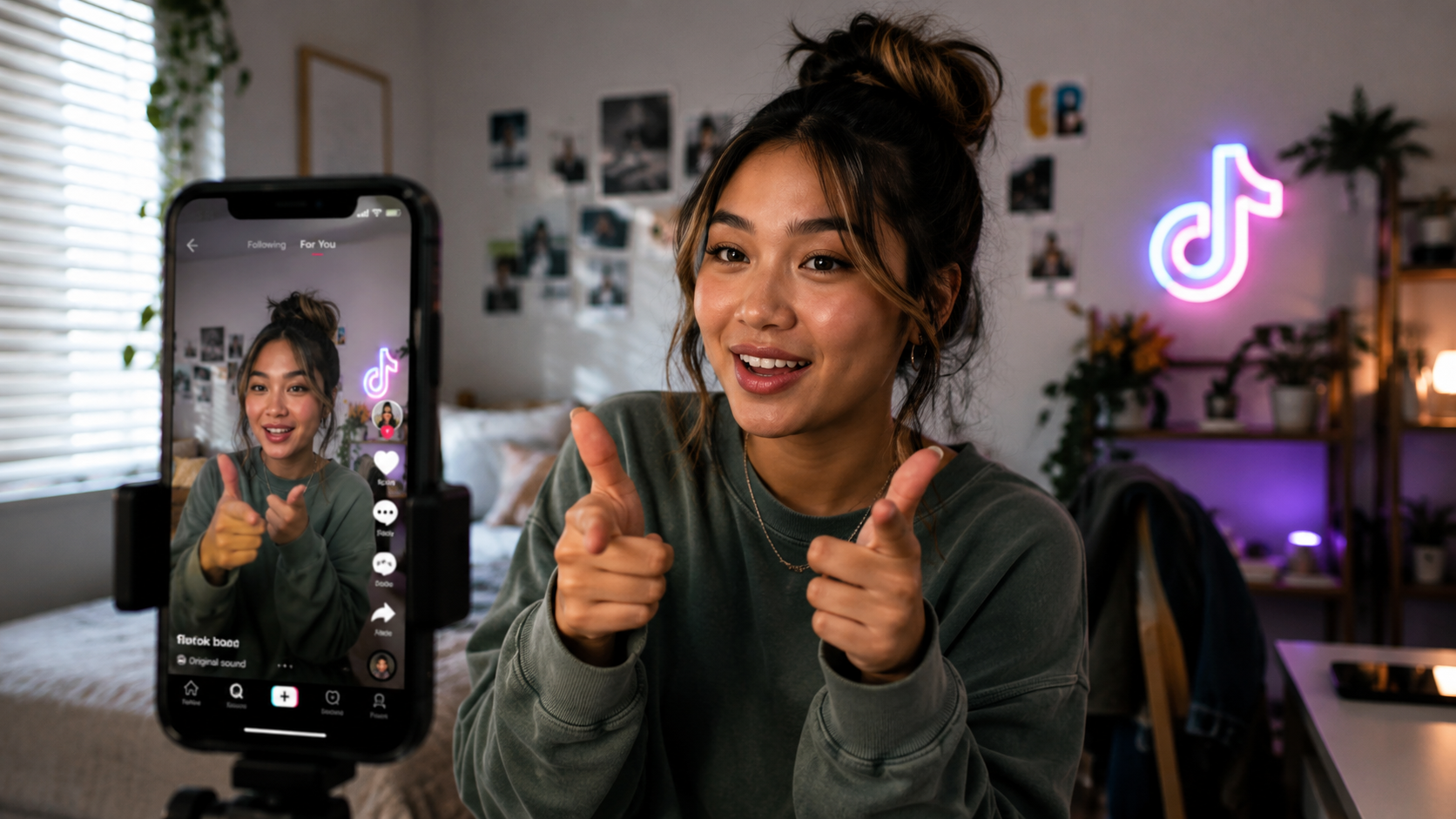
TikTok often rewards immediacy, personality and trend awareness. The opening can feel more direct, casual or reactive. If a video feels too polished, it may lose the feeling of being native to the feed.
When using AI for TikTok, ask for hooks that sound spoken rather than written. Then read them out loud. If they feel like a blog title, rewrite them.
Instagram Reels: Make the First Frame More Polished
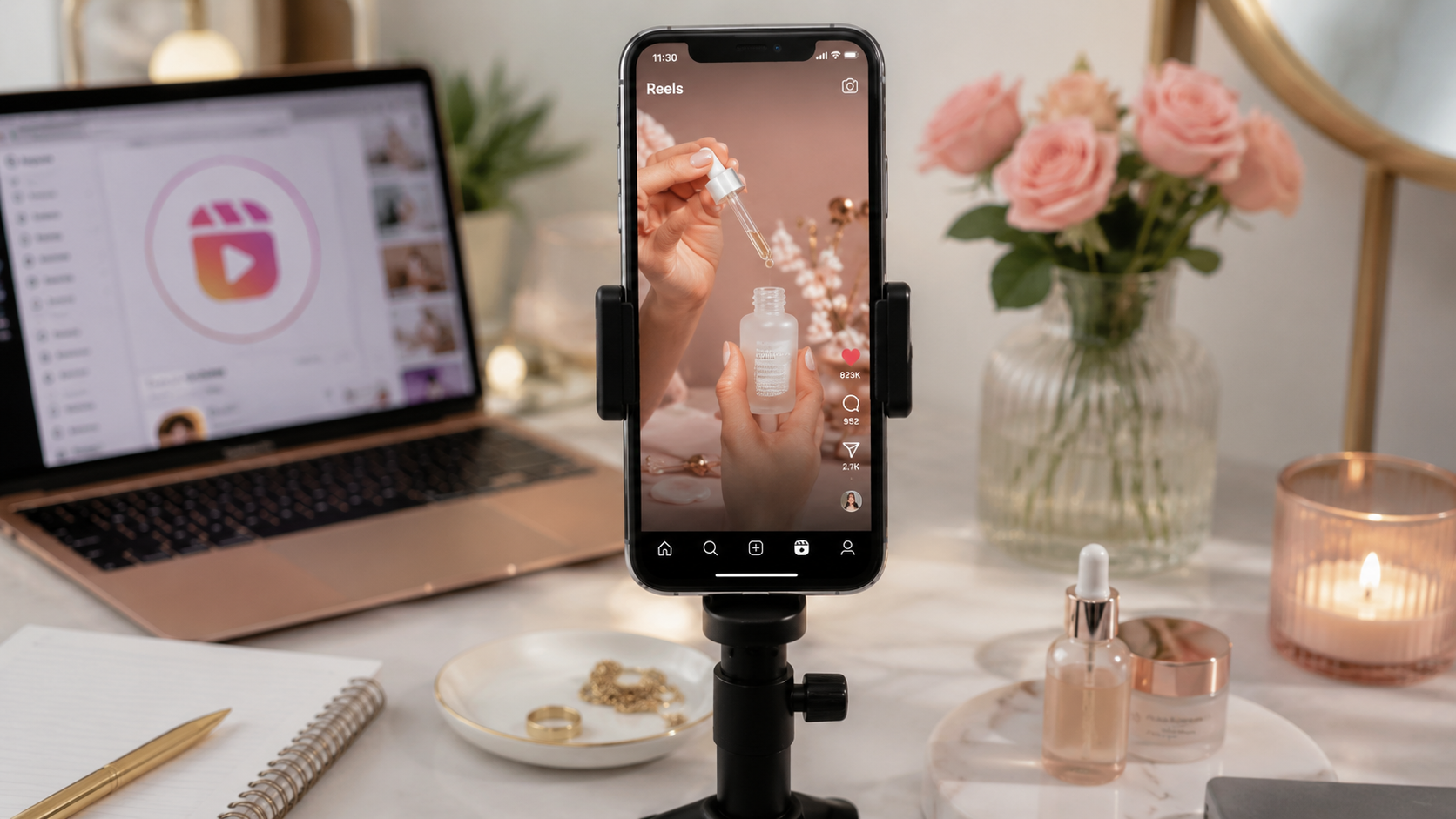
Reels often benefits from stronger visual polish, clear niche identity and shareable packaging. The same idea may need a cleaner caption style, more attractive first frame or a stronger save-worthy takeaway.
AI can help generate carousel-like talking points, overlay text and caption variations that feel more organized without making the video stiff.
YouTube Shorts: Make the Topic Clear Immediately
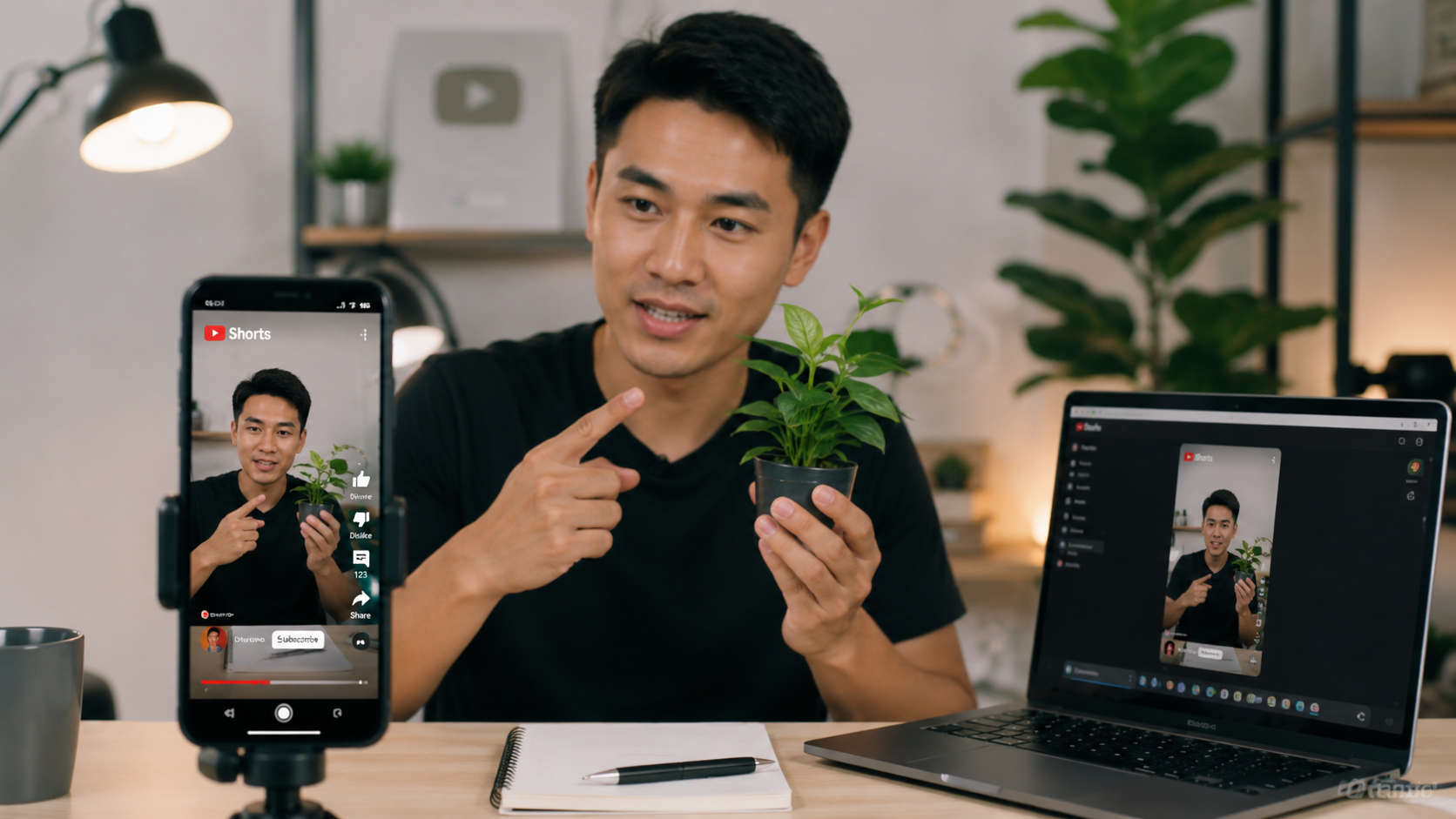
Shorts often works well when the topic is clear and the payoff is easy to understand. A slightly more direct title-like hook can help because viewers may encounter the video through topic interest as much as feed momentum.
For Shorts, use AI to tighten the promise and make the first few seconds extremely clear. Cleverness matters less if the viewer cannot immediately identify the topic.
Once the main platform is clear, it becomes easier to build the idea. You are no longer asking AI for a generic viral video. You are asking for an idea shaped around a specific feed, viewer mood and reason to keep watching.
Step 1: Build the Video Idea Before You Open an AI Tool
The biggest AI video mistake happens before the first prompt. Many creators ask for a viral video idea without giving AI a clear audience, emotion or viewing context. The result is usually a safe, generic concept that sounds useful but does not feel urgent.
Choose a clear viewer problem or desire
A strong short video usually begins with a small, recognizable tension. The viewer wants to save time, avoid embarrassment, learn a shortcut, feel understood, compare choices or see something surprising.
Instead of prompting AI with:
Create a viral TikTok about productivity.
Give it a sharper starting point:
Create 10 short video angles for people who feel busy all day but finish work with nothing important done. Focus on hooks that feel specific, slightly uncomfortable and practical.
The second prompt gives AI friction to work with. That friction is where better hooks usually come from.
Turn trends into formats, not copies
Trends can help, but copying the surface of a trend rarely creates lasting results. A better method is to identify the format behind the trend. Is it a before-and-after? A confession? A mistake reveal? A ranking? A rapid transformation?
Once you understand the format, AI can help adapt it to your niche without making the video feel like a copy. This lowers the risk of producing content that looks current but says nothing new.
Find the emotional reason someone would share
Shares often come from emotion, not just information. People share videos because they want to help someone, signal taste, prove a point, laugh with a friend or show that something describes them.
Before scripting, ask AI to identify the likely share reason. If the answer is vague, the video idea may not be strong enough yet.
Step 2: Use AI to Write Hooks That Stop the Scroll
Hooks are where AI can save the most time, but only if you force it to produce variety. One hook is not enough. Ask for different psychological angles, then choose the one that creates the strongest reason to continue watching.
Curiosity hooks
Curiosity hooks work when the viewer senses missing information. They should not feel like clickbait. The promise must be paid off quickly, or the viewer will feel tricked.
A useful AI prompt is:
Give me 20 curiosity hooks for a 30-second video about [topic]. Avoid vague phrases like you will not believe this. Make each hook specific enough that the viewer knows what kind of payoff is coming.
Problem-solution hooks
These hooks work well for educational, product and tutorial videos. The opening should name a problem the viewer already recognizes, then suggest that the video will make it easier to solve.
The risk is sounding too much like an ad. If the hook feels like it is selling before helping, rewrite it around the viewer's frustration rather than the product or method.
Pattern-interrupt hooks
A pattern interrupt breaks the expected rhythm of the feed. It might be a surprising statement, unusual visual, direct challenge or unexpected first line.
AI often makes these too dramatic. A good pattern interrupt should feel unusual but still connected to the content. If the opening is shocking and the video becomes ordinary, retention usually drops.
Misuse and myth hooks
Mistake-based hooks work because they create a small fear of doing something wrong. They are especially useful for tutorials, tools, fitness, beauty, finance, software and creator education.
Examples include:
- You are editing your short videos in the wrong order.
- This is why your AI videos still feel generic.
- Stop asking AI for viral ideas before you do this.
These hooks work best when the video explains the mistake clearly instead of just using fear to grab attention.
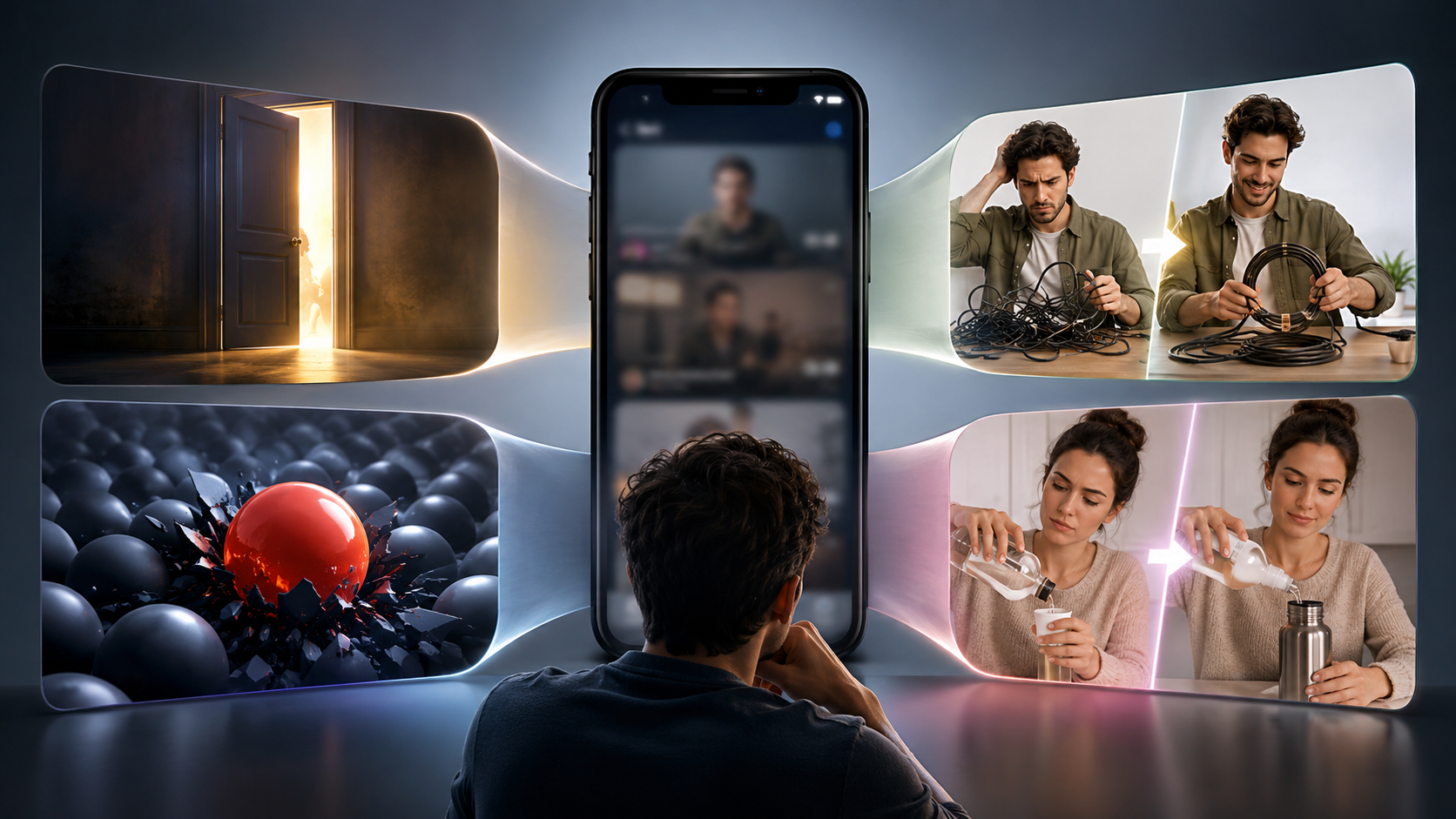
Step 3: Create a Short Script That Does Not Feel AI-Written
AI-written scripts often fail because they explain too much before reaching the point. Short videos do not need a full article compressed into narration. They need one idea delivered with rhythm.
Remove slow setup
If your script starts with background information, cut it. The viewer does not need a warm-up. Start at the tension, the result or the mistake.
A useful editing test is to remove the first sentence and see if the video becomes stronger. With AI scripts, it often does.
Add proof, contrast or example
Generic AI scripts make claims. Strong short videos show contrast. Instead of saying a method is better, show what changes when someone uses it.
For example, a weak script says:
AI can help you create better content faster.
A stronger version says:
I asked AI for viral ideas and got generic topics. Then I added the audience's fear, the platform and the desired emotion. The hooks immediately became more usable.
The second version feels closer to a real process. That makes it easier to trust.
Keep one idea per video
AI makes it tempting to include every useful point. That usually weakens the video. A short video should not try to teach everything about a topic. It should make one promise and complete it.
If the script has three separate lessons, split it into three posts. This gives you more content and makes each video easier to watch.
Step 4: Make AI Visuals, Voiceovers and Captions Work Together
Short-form video is not just a script with pictures added. The visual, voice and caption need to move together. When they compete, the viewer has to work harder, and harder usually means shorter watch time.
When to use AI avatars or generated clips
AI avatars and generated clips can work when the concept benefits from speed, consistency or a faceless format. They are useful for explainers, simple storytelling, product demos, fictional scenes and visual metaphors.
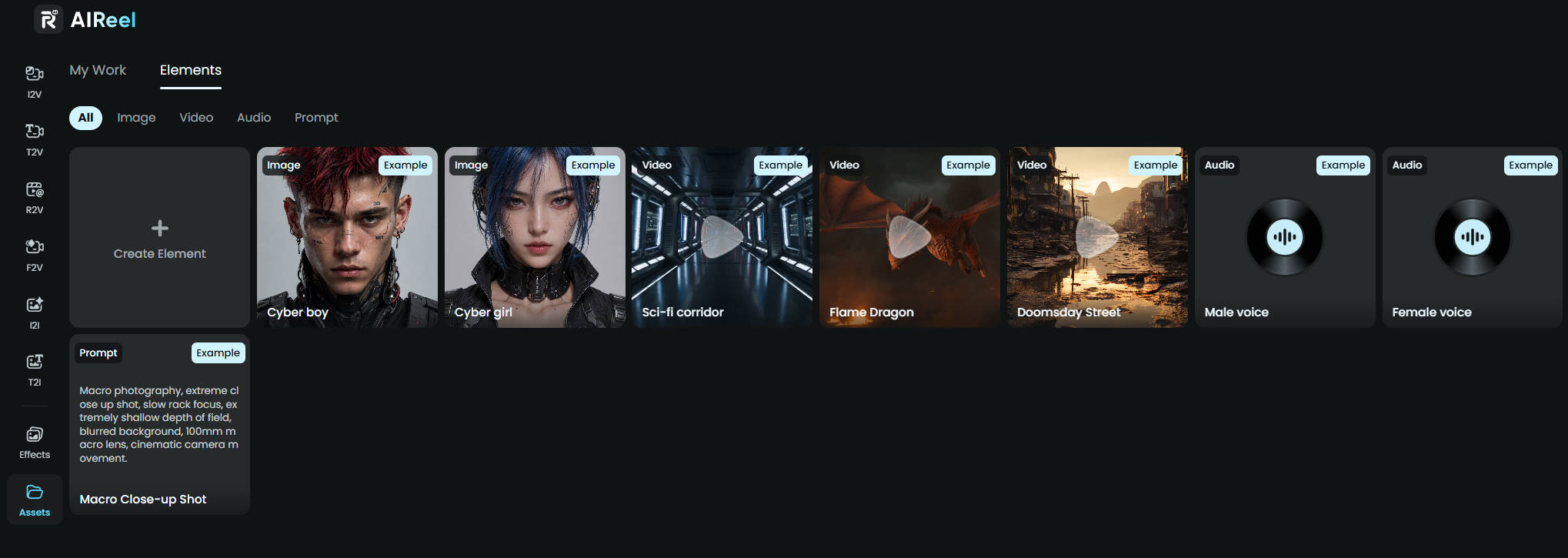
They are also helpful when you already have a clear idea or short script and need a faster way to explore possible visual directions. Instead of filming or sourcing every scene manually, text-to-video generation can give you a rough version to evaluate: does the scene make the point clearer, does the motion match the voiceover, and does the visual style fit the viewer's expectations?
They are weaker when trust depends on personal experience, physical proof or emotional nuance. If the audience needs to believe that a real person tested something, a fully artificial presentation may create distance.
When stock, screen recordings or real footage work better
Not every AI video needs AI-generated visuals. Screen recordings can be better for tutorials because they show the actual process. Real footage can be better for lifestyle, fitness, food, travel, beauty and product content because it carries texture and proof.
The practical rule is simple: use the visual format that makes the idea easier to believe or understand.
How captions affect pacing and comprehension
Captions are not just accessibility text. In short videos, captions control rhythm. They help viewers follow the idea when the sound is off, and they can make the video feel faster without adding more information.
Avoid placing long paragraphs on screen. Break captions into short beats. If a line takes too long to read, it slows the video even if the voiceover is fast.
Step 5: Test, Remake and Scale Winning AI Videos
Once the visuals, voiceover and captions are working together, the video is ready to test, not necessarily ready to call finished. The first version of an AI-assisted video should be treated as a draft in the real world. After publishing, the goal is to learn whether the idea, hook, pacing and payoff were strong enough to hold attention.
Watch where people lose interest
Do not judge the video only by views. Look at where attention drops. If viewers leave in the first few seconds, the hook or first visual may be too weak. If they stay at the beginning but drop before the payoff, the script may be taking too long to deliver. If the video gets watched but not shared or saved, the idea may be clear but not useful or surprising enough.
Change one thing at a time
AI makes it easy to create many versions, but changing everything at once makes the result harder to understand. Start with the part most likely to affect retention: the opening line, first frame, caption style or script order. If the same idea performs better with a different hook, you have learned something useful. If every version fails in the same way, the idea itself may not be strong enough.
Remake strong ideas instead of chasing new ones
One mistake creators make is abandoning an idea too quickly. If a video shows signs of interest, such as strong early retention, saves, comments or rewatches, use AI to create new variations around the same angle. Try a different platform version, a shorter script, a clearer example or a stronger visual opening.
This is where AIReel can be useful. When you already know the idea is worth testing again, you do not always need to restart the whole production process. You can use a new prompt, an existing image, or a clearer start-and-end frame to explore another version of the same concept. That makes it easier to test a different opening, visual direction or story beat while the original idea is still fresh.
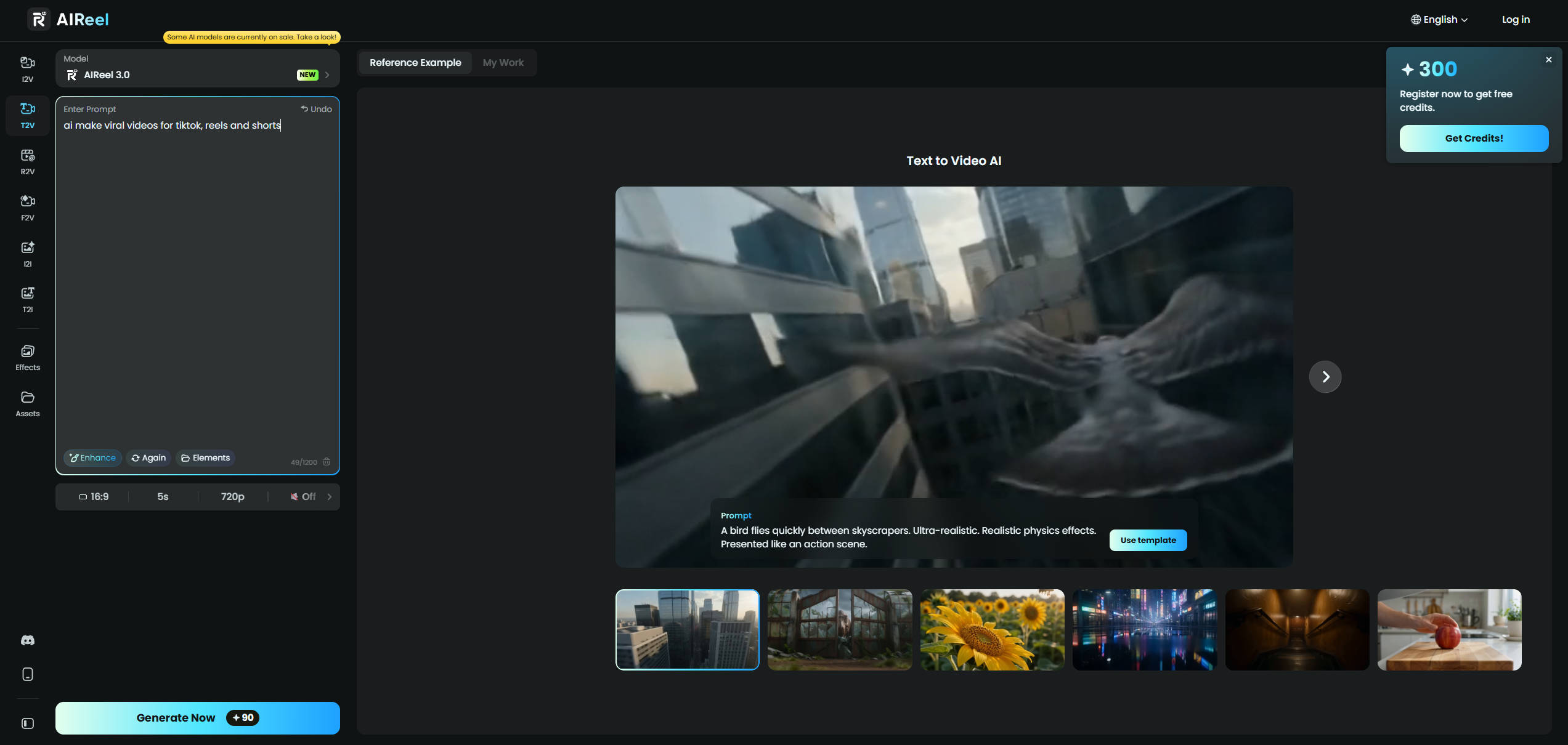
The advantage is not that AIReel decides which version will win. It gives you a faster way to turn a promising idea into something visual enough to review. For example, you might turn a product image into a short clip, create a new scene from text, or refine the look of an existing visual before deciding whether the remake is worth publishing.
Scale patterns, not random posts
The point of testing is not to publish more for the sake of volume. It is to find patterns you can repeat. When a certain hook style, topic angle, caption rhythm or visual format keeps working, use AI to produce more versions around that pattern. That is where AI becomes useful for growth: not by guessing what will go viral, but by helping you repeat what your audience has already shown interest in.
Tip: Match the AI Workflow to the Viral Video Type
After the basic workflow to create a viral AI video is clear, the next decision is what kind of short video you are actually making. A trend reaction, an educational short, a product video and a faceless niche video may all use AI, but they should not use it in the same way.
The difference is the reason people keep watching. Some videos spread because they feel timely, some because they solve a clear problem, some because they make a product feel relevant, and some because the format is easy to recognize and repeat. The table below shows where AI can help most for each type, and where the workflow can easily go wrong.
| Video Type | Why It Can Spread | How AI Helps | Main Trap | Best Fit |
|---|---|---|---|---|
| Fast trend videos | They feel timely, reactive and easy to join | Create several niche-specific versions before the trend gets stale | Copying the format without adding a fresh angle | Creators who can publish quickly and react often |
| Educational videos | They solve one clear problem or teach one useful shortcut | Turn a broad topic into a hook, simple steps and a concrete example | Trying to explain too much in one short video | Experts, coaches, SaaS brands and tutorial creators |
| Product or brand videos | They connect a product to a real viewer situation | Translate features, objections and use cases into short scripts | Sounding promotional before the viewer feels understood | Brands that understand their customer pain points |
| Faceless niche videos | They are repeatable, recognizable and easier to scale | Generate scripts, voiceover drafts, caption beats and visual directions faster | Becoming generic because every video follows the same template | High-volume pages, explainers and curated content formats |
The biggest cost of AI video creation is not the subscription fee. It is the time spent publishing content that looks finished but has no strong reason to be watched. Before scaling a workflow, check the basics: is the audience specific, is the hook clear, does the script feel like a draft or a finished idea, and does the video create watch value rather than just production value?
Automation is useful only after you know which formats perform. Test manually first, identify the patterns that actually hold attention, then use AI to create more variations around those patterns. That is how AI helps you move faster without turning every video into the same polished but forgettable output.
FAQs about Making Viral Videos with AI
Can AI make a video go viral?
AI can help you create more ideas, hooks, scripts and video variations, but it cannot guarantee that a video will go viral. Virality still depends on whether the idea matches the viewer, whether the opening creates a reason to keep watching and whether the video delivers its payoff quickly enough.
Can I make viral videos without showing my face?
Yes, but the video still needs personality, perspective or a clear value promise. Faceless AI videos often fail when they rely only on generic stock visuals, synthetic voiceovers and recycled facts. A faceless format works better when the angle is specific and the editing rhythm feels intentional.
Do AI videos perform worse than human-made videos?
Not automatically. AI-assisted videos can perform well when the idea, hook and pacing fit the platform. Fully generic AI videos often struggle because they feel interchangeable. The issue is usually not that AI was used, but that no clear human judgment shaped the final result.
How many versions should I test before changing the idea?
For a strong idea, test at least a few versions before giving up. Change the hook, first visual, caption style or script order. If several versions fail in the same way, the problem may be the idea itself rather than the edit.
Conclusion
AI can help you make Reels, Shorts and TikTok videos faster, but speed alone does not create virality. The videos that perform best usually have a clear viewer promise, a strong opening, tight pacing and a payoff that arrives before attention fades.
The most reliable workflow is to use AI for expansion, compression and variation while keeping human judgment in charge of the idea. Start with the viewer, build a specific hook, cut the script aggressively, choose visuals that clarify the message and test multiple versions of ideas that show promise.
In short-form video, AI is not the viral button. It is the production assistant. The creator still decides what is worth watching.