Why AIReel Outperforms Other AI Video Generators
Characters, products, outfits, and scenes no longer have to be rebuilt from scratch in prompts—AIReel carries references into the video, maintaining a more coherent look, motion, and composition than other AI video generators.
Every Element, Working as One
See how different references unfold into distinct stories, aesthetics, and visual outcomes—showcasing the creative range AIReel brings to every AI generation.
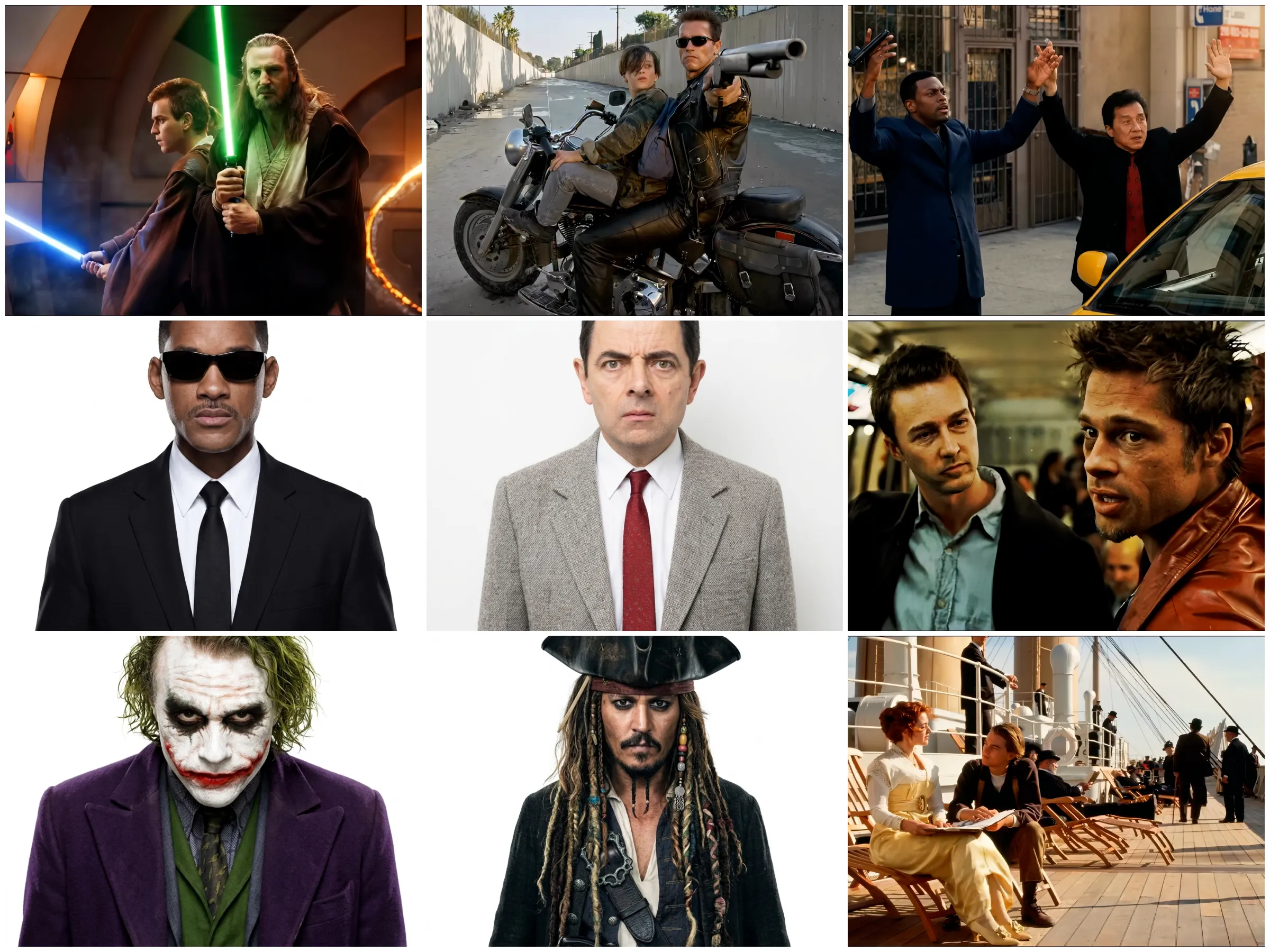
00:00–00:05
@Character 1 raises a silver flashing device toward the camera and switches it on. A strong blue-white flash bursts out. The characters behind him look startled and confused.
00:05–00:10
@Character 2 slowly enters the sword-fight scene from the back left. He stops behind the group with a cold, intimidating look. The characters in the foreground stay tense and ready to fight.
00:10–00:15
@Character 3 slowly appears at the back of the subway car and moves closer, watching the people ahead with an unsettling smile. The two men remain serious and do not notice him at all.
00:15–00:20
@Character 4 suddenly jumps into the scene on a ship's deck. He lands awkwardly, swings his arms to catch his balance, then steadies himself. The seated man and woman turn toward him, surprised and confused.
00:20–00:25
@Character 5 walks into the street scene from the left and stops directly behind two men with their hands raised. He stares straight ahead without expression; the two men keep their hands up in surrender.
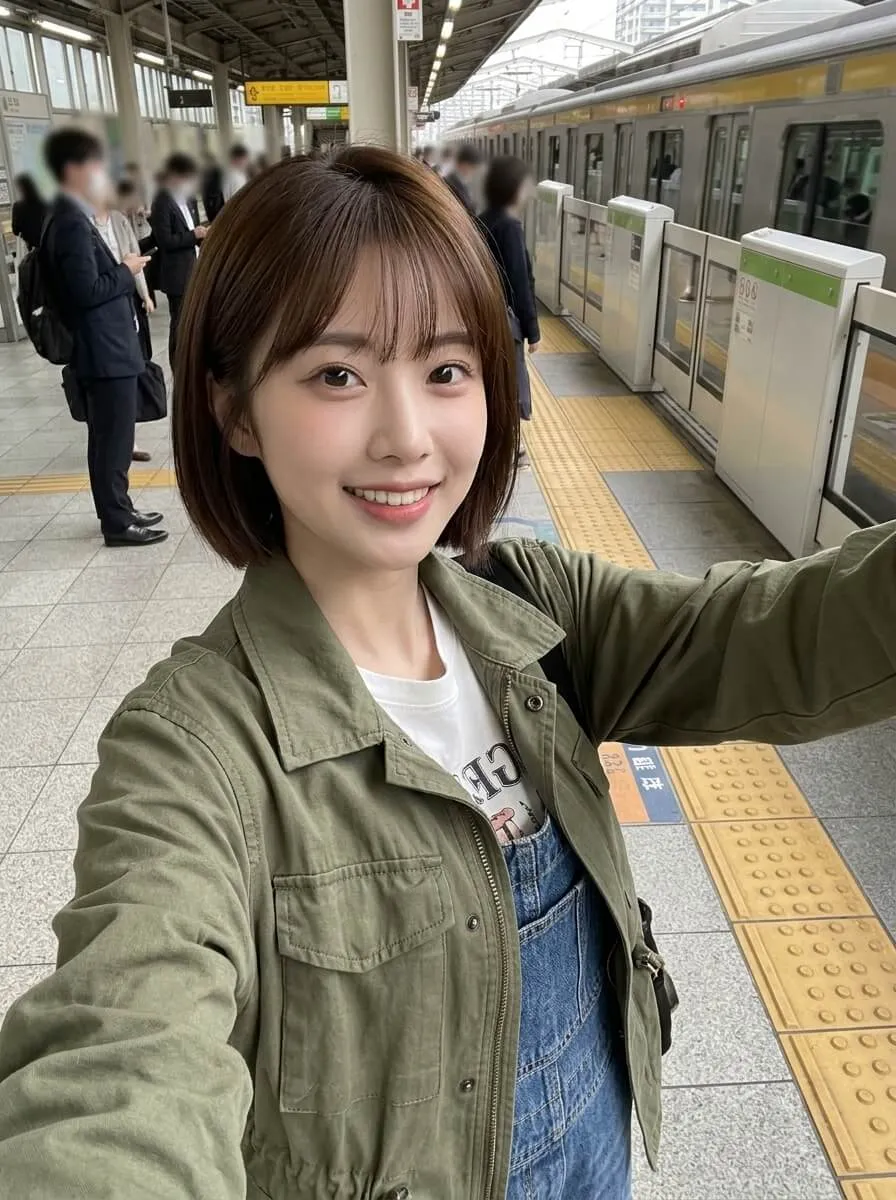
Short-haired @Character 1 stands in the center of a seamless white studio. She faces the camera, turns, flips her hair, and hits a series of cute, energetic poses. Each time she spins or briefly blocks the frame, her outfit changes smoothly into a new look: a green knit cardigan with polka-dot shorts, a pink slip dress, a gray cropped top with a pleated skirt, a fitted light-blue top, and a yellow plaid dress. Keep her face and hairstyle unchanged throughout. Small outfit-preview thumbnails appear around her. Keep the pace quick and playful, the wardrobe transitions clean and natural, and the lighting bright and soft against a pure white background. The finished clip should feel like a polished social-media fashion reel.
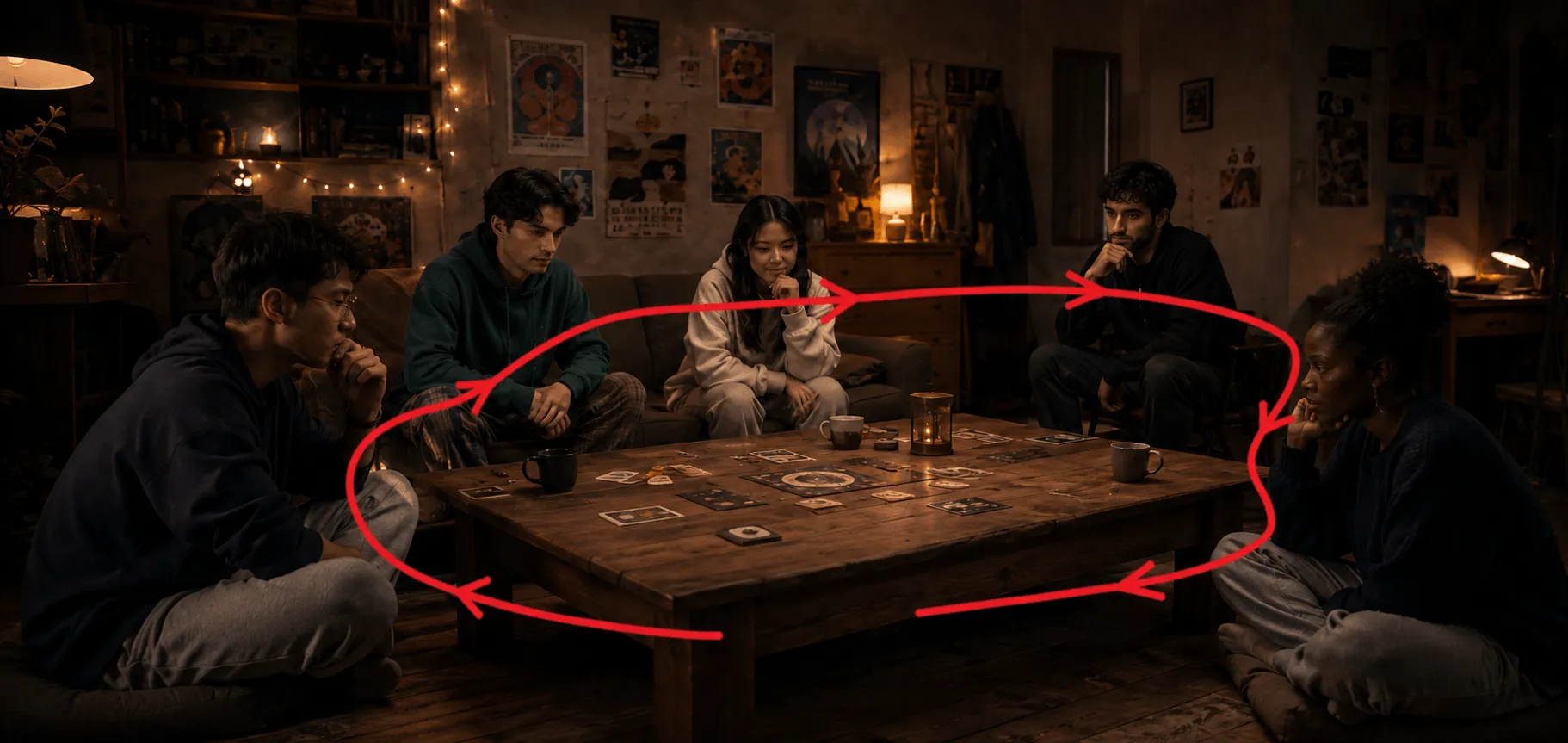
Follow the red camera path in the image exactly. Use a first-person camera view and move only in the direction shown by the red arrows. The red sketch is only a movement guide; no red lines or arrows should appear in the finished video.
Move clockwise around the dark wooden table. Start at the front of the table near the bottom of frame, move left past the man on the far left, then go behind the table past the left-center, center, and right-center participants. Move around to the front of the man on the far right, then return to the starting point to complete the loop.
Five clearly different young adults sit around the wooden table playing Werewolf. Put game cards and face-down role cards on the table and leave natural spacing between the players. Move the camera slowly from left to right, bringing each person to the center of frame in turn. When the camera faces a player, that player says the line clearly with accurate lip sync.
Dialogue from left to right:
1. Far left: “No one died last night.”
2. Left-center: “I closed my eyes.”
3. Center: “I think someone is pretending to be the Seer.”
4. Right-center: “Pass. I’ll hear what the others have to say first.”
5. Far right: “I’ll check one person tonight.”
After the last line, an off-screen voice says, “Everyone, close your eyes.” As soon as it finishes, all five players close their eyes together.
Use warm, dim room light, soft cinematic lighting, deep depth of field, subtle film grain, and a teal-and-orange grade. Keep the camera movement very smooth with no shake or sudden jumps.
Do not show red lines, arrows, annotations, subtitles, logos, hard cuts, sudden path changes, or any filming equipment.
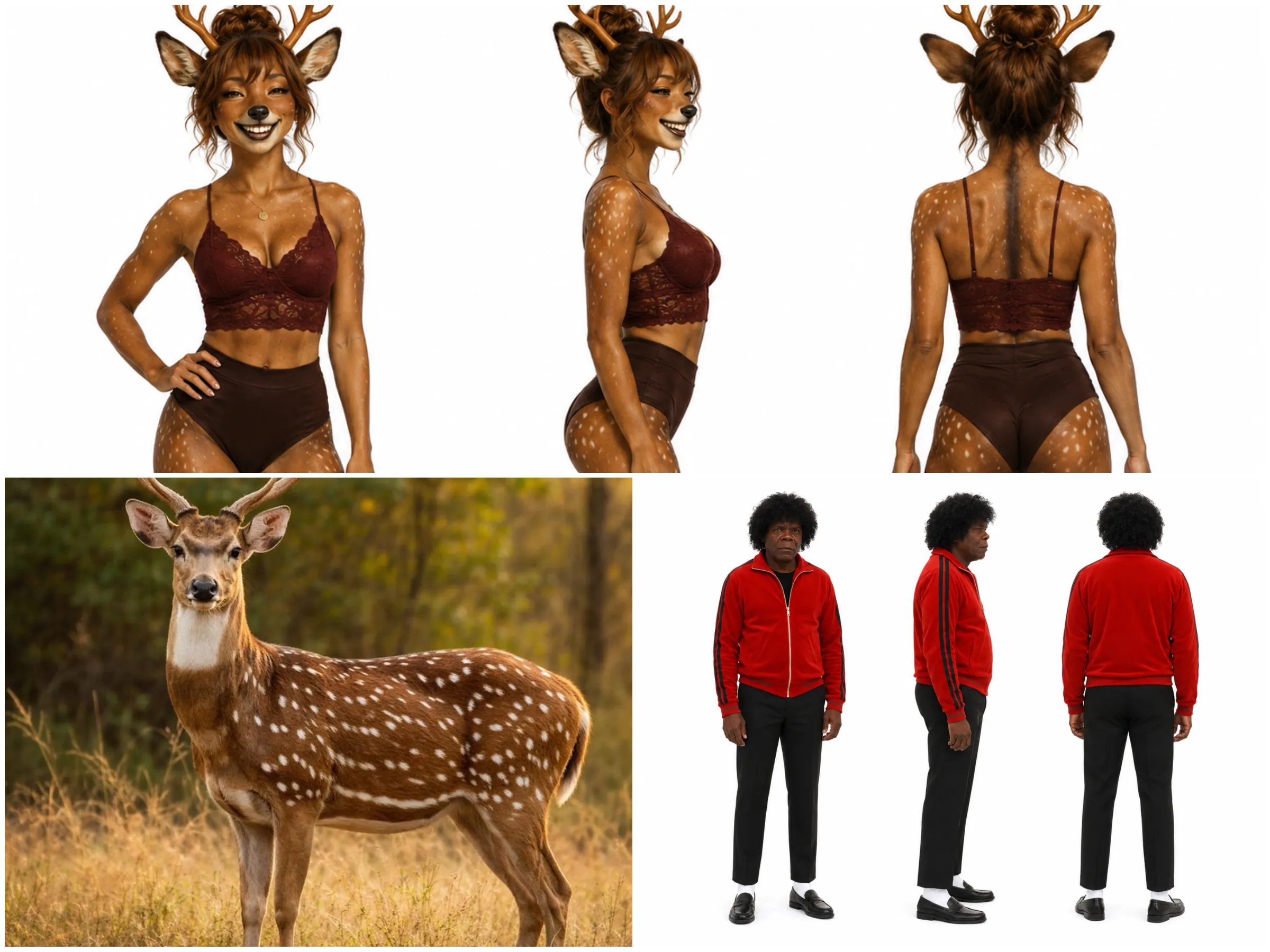
00:00–00:05
@Character 1 stands in front of a restroom mirror as @Character 2 enters behind him and moves closer. Keep both characters' faces and clothing identical to the reference images throughout.
00:05–00:10
@Character 2 attacks @Character 1. @Character 1 dodges quickly and counters at once. Use a dynamic handheld camera and fast, clean action.
00:10–00:15
@Character 1 defeats @Character 2 and throws him into the mirror, shattering the glass. @Character 2 falls to the floor while @Character 1 remains standing, calm and still.
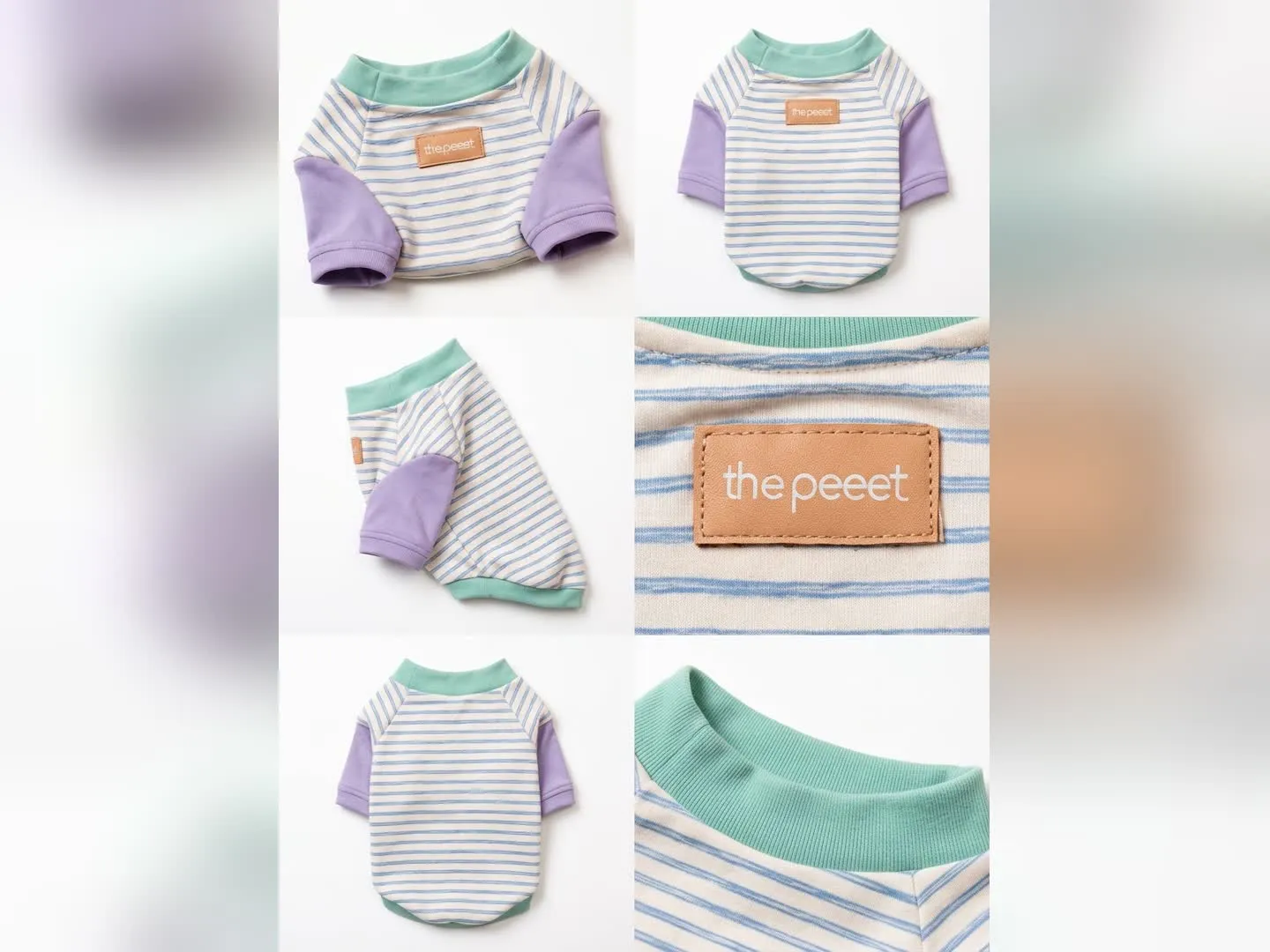
00:00–00:07
Turn @image 1 into a clean product showcase. Slowly rotate the pet shirt against a white background, clearly showing the striped fabric, mint collar, purple sleeves, and front label.
00:07–00:14
A fluffy little dog wears @image 1 and turns naturally to show the front, side, and back of the shirt.
00:14–00:21
Cut to an in-use shot: the dog runs and plays in a sunny park while wearing @image 1, showing the shirt's comfortable fit and freedom of movement.
00:21–00:27
Return to a polished e-commerce hero shot. Show close-ups of @image 1's fabric, collar, stitching, and label, then end on a clean white background with the dog sitting beside the product.
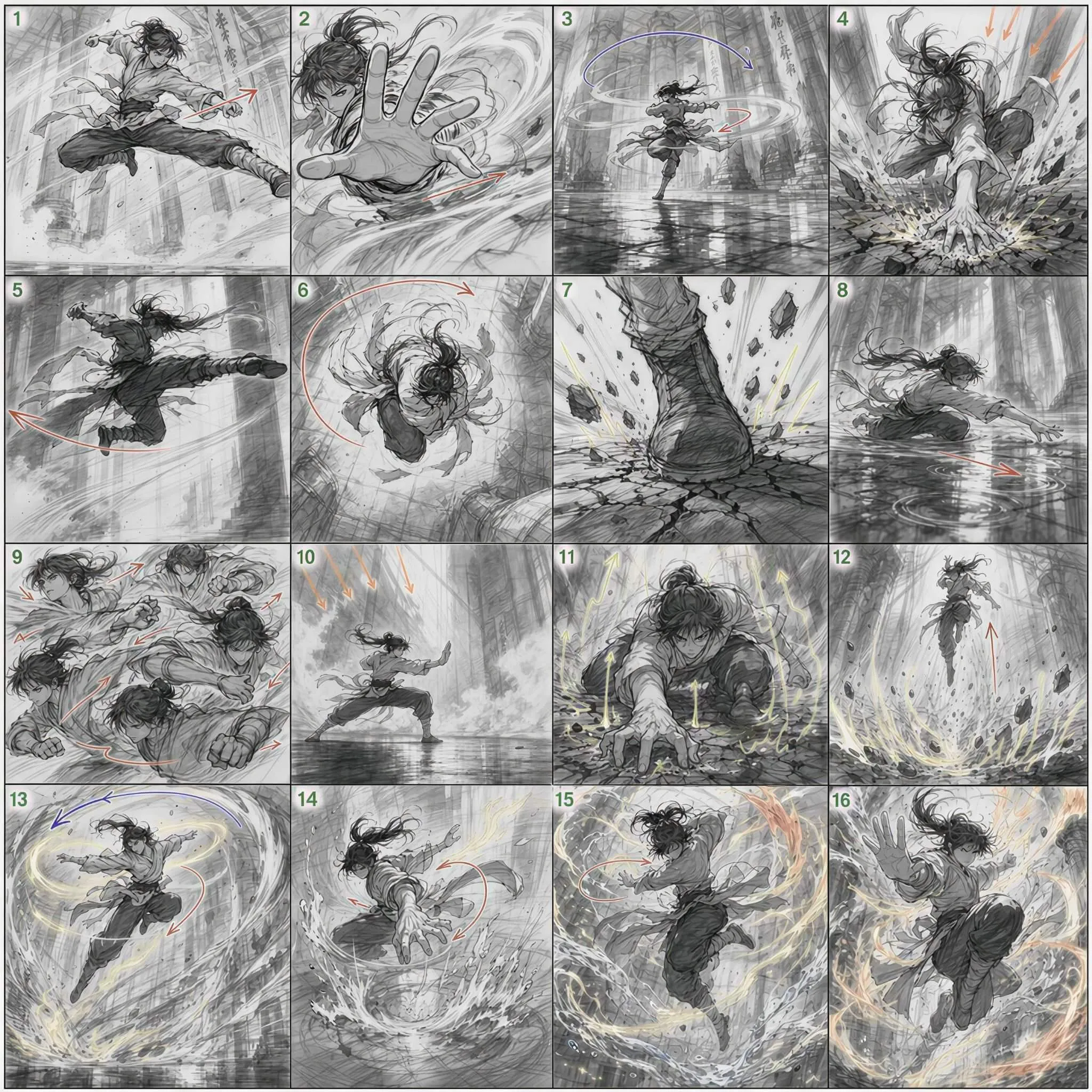
Create a 15-second cinematic kung fu performance. Use @image 1 as the storyboard reference and follow it shot by shot. Match the action order, pacing, body movement, framing, travel direction, camera angles, and visual progression to the storyboard. Treat each storyboard panel as a key pose in one continuous action and keep the original shot order. The result should feel like the storyboard has been brought to life as one flowing live-action sequence. End on a freeze-frame with the performer suspended in mid-air.
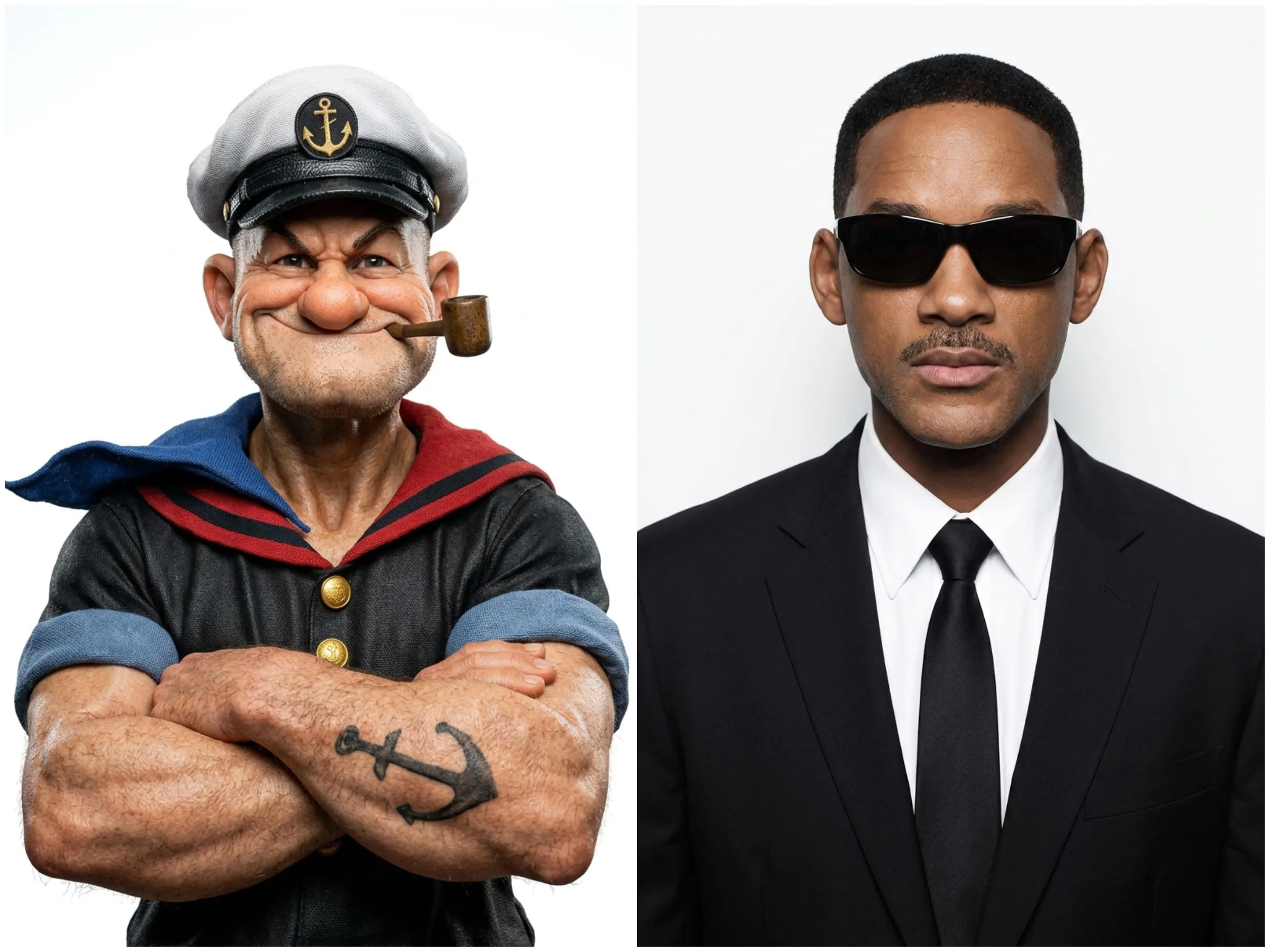
15-second cinematic action sequence in one continuous take, set in a dark, damp industrial warehouse. Blue metal mesh fencing surrounds the space, with exposed steel beams, pipes, and hanging chains overhead. Cool white fluorescent lights cut through light mist and reflect off the wet concrete floor. Match Protagonist 1's face, build, and clothing to [previous character's name]. Match Protagonist 2's face, build, and clothing to [previous character's name]. Keep both characters unchanged throughout. Shoot the whole sequence as one unbroken take. Give the movement natural weight and inertia, use cinematic motion blur and a cool blue-green grade, and avoid gore.
Timing and shots
[0:00–0:02] Standoff and first attack
Medium shot. Protagonist 1 and Protagonist 2 face each other in a warehouse aisle. Protagonist 2 suddenly throws a punch; Protagonist 1 slips aside and brings up a hand to block. The camera slowly pushes in to build tension.
[0:02–0:05] Close-quarters fight
Track sideways with the characters. They trade fast punches, blocks, wrist grabs, and breakaways. Protagonist 2 tries to control Protagonist 1's arm and drive him toward the blue metal fence. Protagonist 1 ducks away and looks for a chance to counter.
[0:05–0:09] Shoulder throw
Protagonist 1 drops his center of gravity, grabs Protagonist 2 by the arm and upper body, pivots, and throws him over the shoulder. Both bodies rotate through the air as Protagonist 2 flips fully over Protagonist 1. Pull the camera back smoothly and keep both characters full-body in frame, showing the lift, clothing movement, and believable gravity.
[0:09–0:12] Ground control
They hit the wet floor hard, splashing water and kicking up a little mist. Protagonist 1 rolls through, mounts and pins Protagonist 2, then throws several quick downward punches. Drop the camera close to floor level and add a small amount of handheld shake for impact.
[0:12–0:15] Finish
Protagonist 2 is down on the reflective floor and no longer fighting back. Protagonist 1 stops, rises slowly, steps over Protagonist 2, and looks down into the camera. Push in quickly from a low angle to a close-up of Protagonist 1, ending on a hard, controlled expression.
All-in-One Video Tool
From Reference Images to a Complete Video
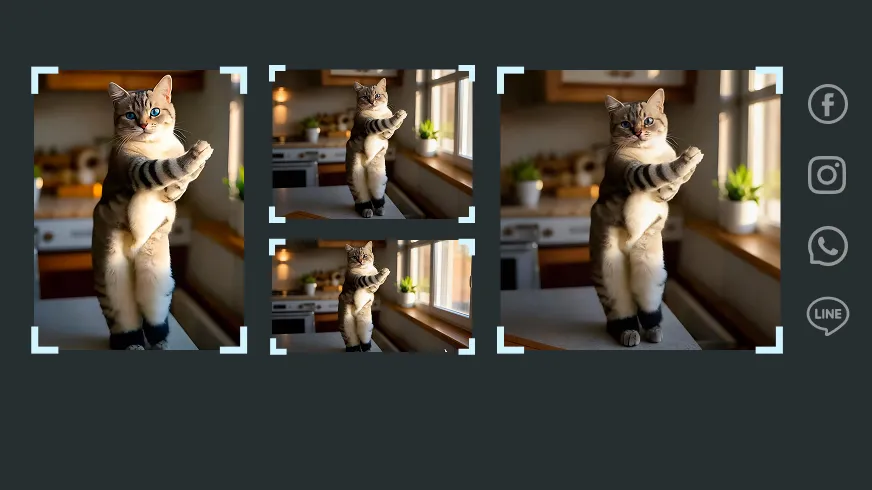
For Social-Ready Content
Rework familiar faces, products, and worlds into short-form content ready across social platforms.

High-Quality Output
From facial features to product details and atmosphere, every element feels like it belongs in the same video.
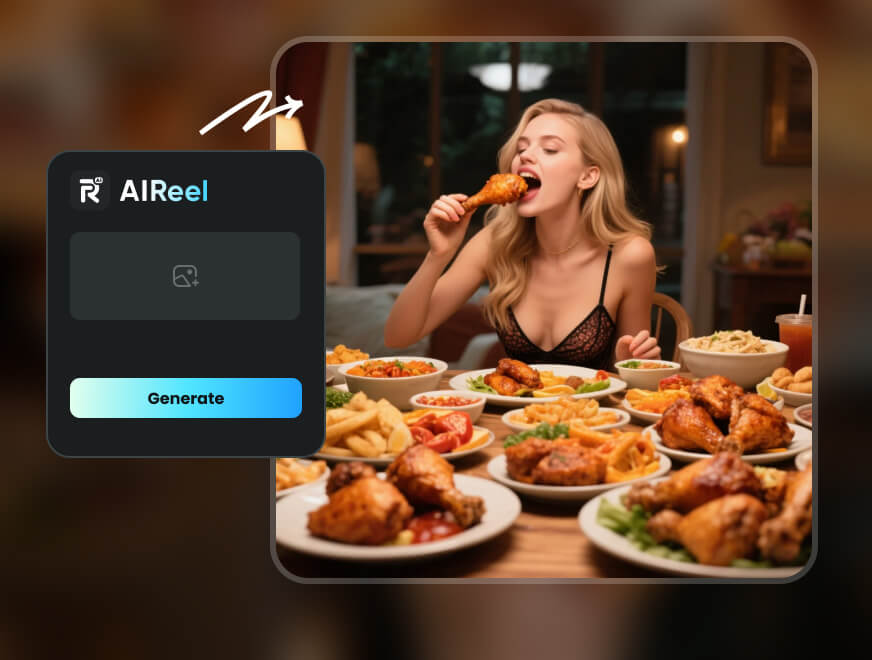
Smart Tools, Simple Workflow
Choose the visual ingredients, describe what should happen, and let AI bring the entire scene together.
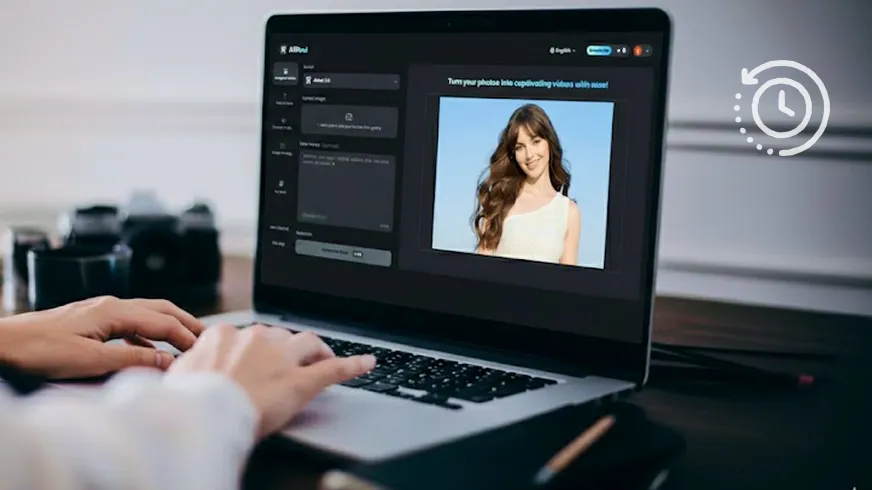
Save Time and Cost
Turn existing assets into new scenes, campaigns, and storylines—without restarting production.
How to Create Videos with Scripts & Visual References
Ready to turn scripts and visual references into AI video? Just follow a few simple steps.
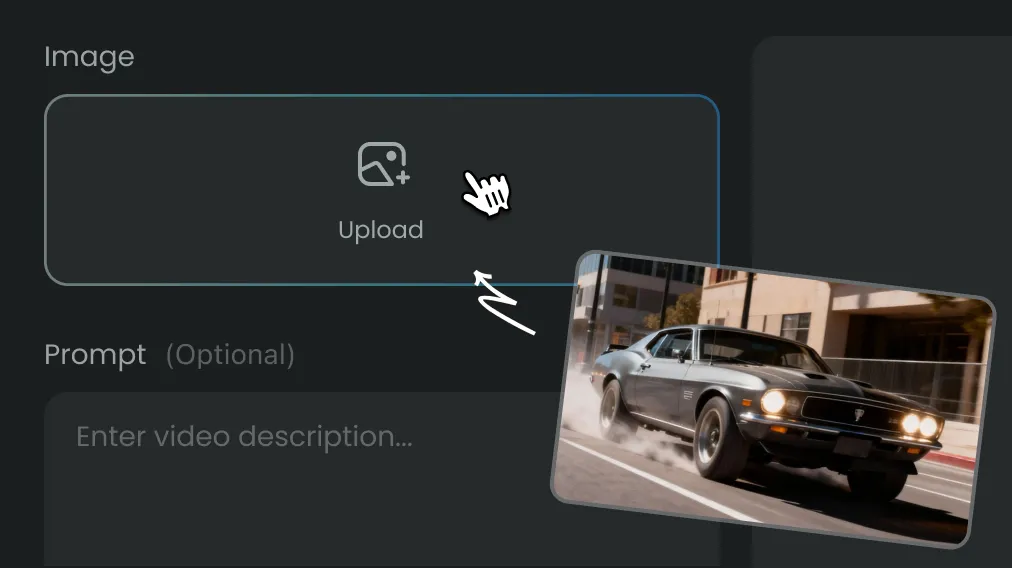
Step 1
Upload character, product, outfit, or scene images.
Step 2
Write the script and describe the action.
Step 3
Wait a few seconds and your AI video will be ready.
FAQs
Reference to Video AI uses uploaded images and a written script to guide the characters, products, objects, outfits, scenes, and actions shown in the final video.
Each uploaded image acts as a visual guide for the script, helping AI understand which details should shape the subjects, setting, and overall look of the video.
When signed in, the images, script, and settings used for each video are saved in the generation history for later reuse. They remain private to the account and are not shown to other users.
AIReel is built for:
- Content creators
- Social media managers
- Marketers and advertisers
- E-commerce sellers
- Filmmakers and visual storytellers
- Anyone creating videos from characters, products, scenes, or storyboards
No filming or video editing experience is required.
Yes. New users can create a AI video at no cost before deciding whether to upgrade. Additional generations are available through purchased credits or a paid plan.
AIReel can create character interactions, outfit changes, product showcases, fantasy scenes, spatial walkthroughs, storyboard-based videos, and social media content.
Adjust the script, replace unclear images, or describe the subject’s actions and interactions more precisely before generating again.
Create Stunning AI Videos All in One Stop
AIReel replaces complex tools — faster, smarter, and more affordable.