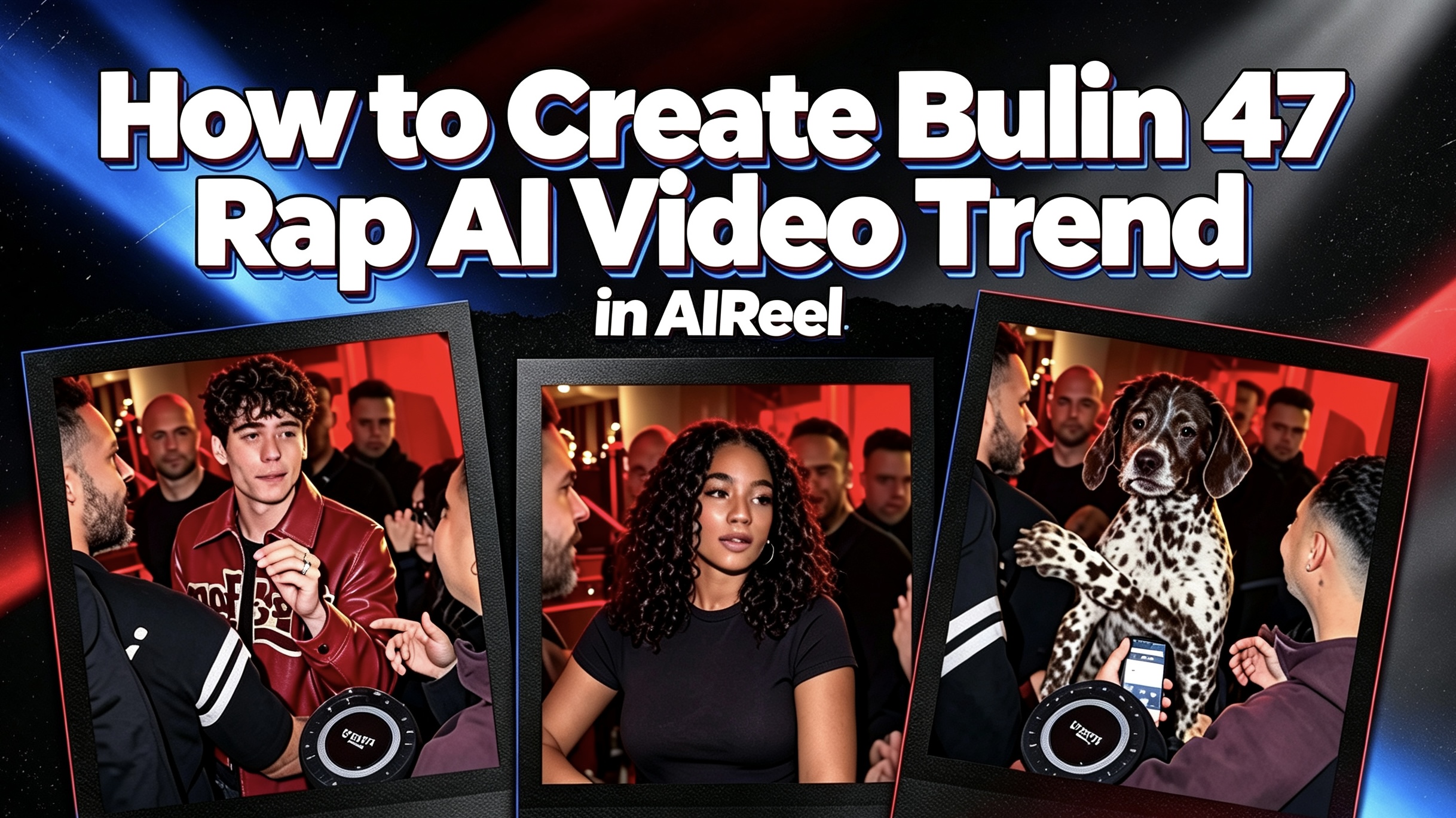
Bulin 47 Rap AI Video Tutorial: One Photo to Viral Freestyle Trend
The Bulin 47 Rap trend drops you right into the middle of a spontaneous street freestyle — red lights, portable speaker, crowd filming, and that signature shoulder bounce. AIReel’s template lets you take the lead role from a single photo, with the original sound already locked in. Not sure how to make one? Here’s a clear walkthrough.
Table of Content
How to create your Bulin 47 Rap AI video
Step 1: Open the Bulin 47 Rap template
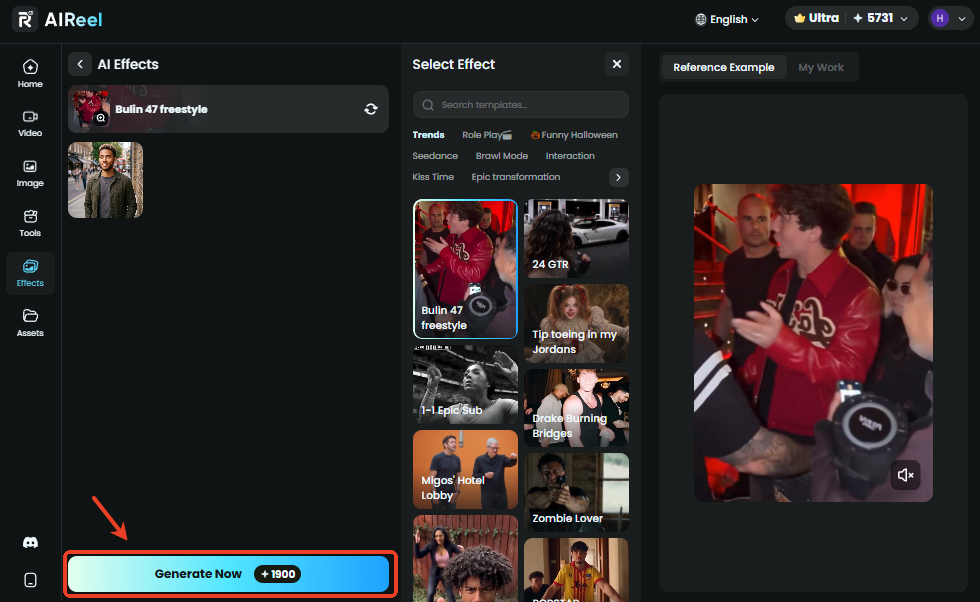
Go to the AI Bulin 47 Rap template on AIReel.
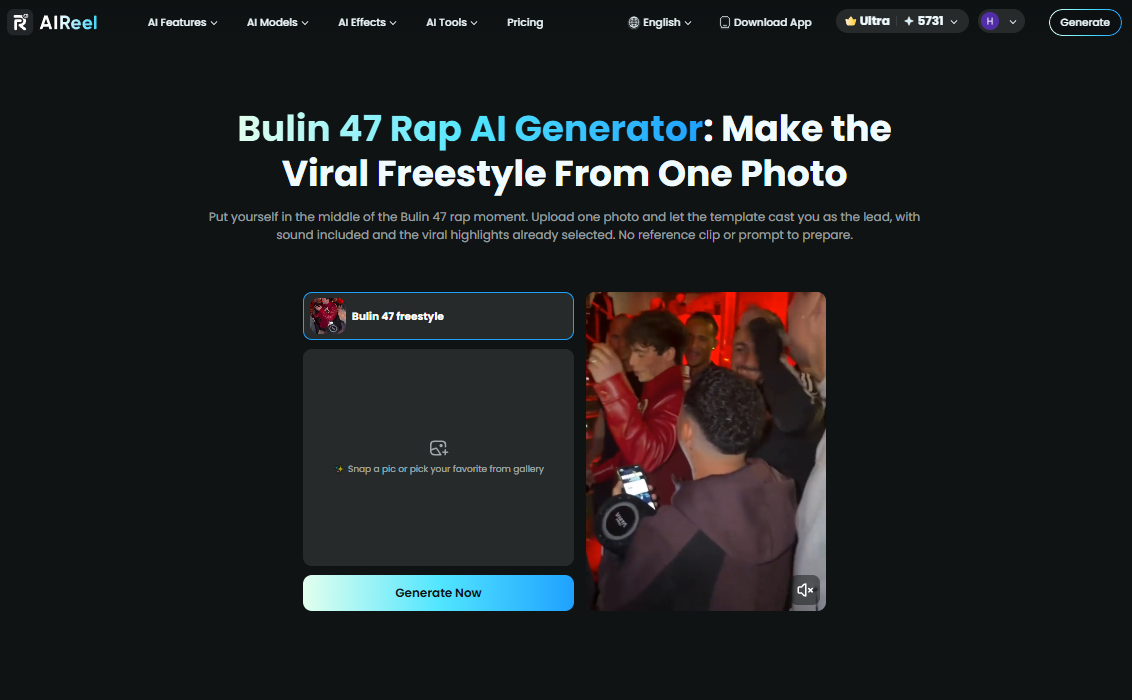
Step 2: Upload one clear photo
Choose a sharp, front-facing portrait. The person in the photo becomes the main freestyler while the speaker holder, crowd, and camera work stay the same.
Good lighting and a clearly visible face help the performance look natural.
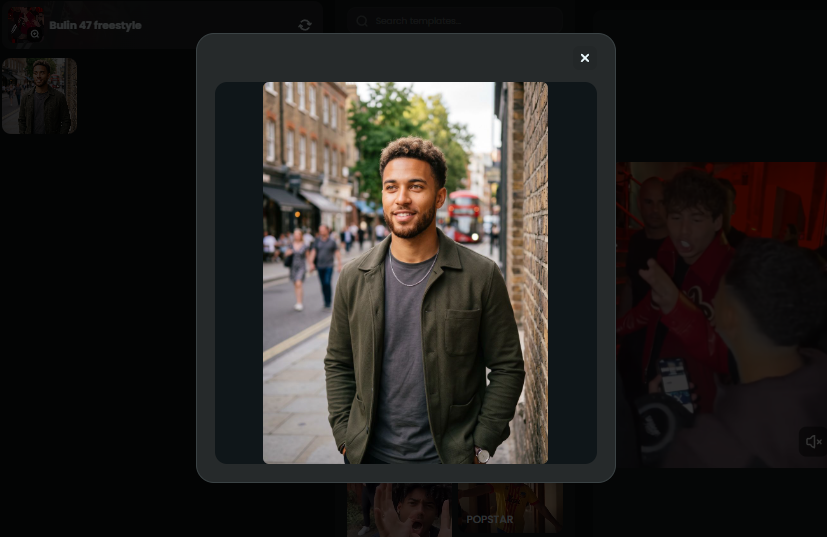
Step 3: Generate and download
Hit generate, preview the clip with sound, then save the finished video. It’s ready to post on TikTok, Instagram Reels, or YouTube Shorts.
Example of Bulin 47 Rap AI video
Practical Tips
- Clear outlines: Make sure the person in your original photo stands out cleanly from the background. This helps the AI isolate the subject and keep facial details sharp through the freestyle moves.
- Style it out: Streetwear, bold chains, sunglasses, or casual fits usually blend best with the energetic street atmosphere of the original scene.
- Mixing it up: For a fun twist, try uploading a photo of a pet looking serious or a friend making an unexpected expression. The contrast with the high-energy freestyle often lands as comedy.
- Sharing advice: When posting, a confident or playful caption fits the vibe perfectly. Use relevant tags like #Bulin47 #Bulin47challenge #Bulin47freestyle #AIVideo and #StreetFreestyle to help others find your content.
More ways to play
Got your flow down and ready to switch up the vibe? Your AI studio session doesn't have to end here. If you want to trade the comedic rap energy for some high-budget, VIP swagger, you can easily step into the spotlight with the Popstar AI template.
Looking for something a little more low-key? The Burning Bridges template delivers that moody, late-night Drake aesthetic perfect for a cinematic beat drop.
If you're still itching to explore more creative possibilities, you can check out the complete lineup of visual tracks in our effects library, or if you want to remix and fine-tune your own moving clips, head over to our video-to-video editing tools.