Best Higgsfield Alternatives in 2026: Cheaper and More Flexible AI Video Tools
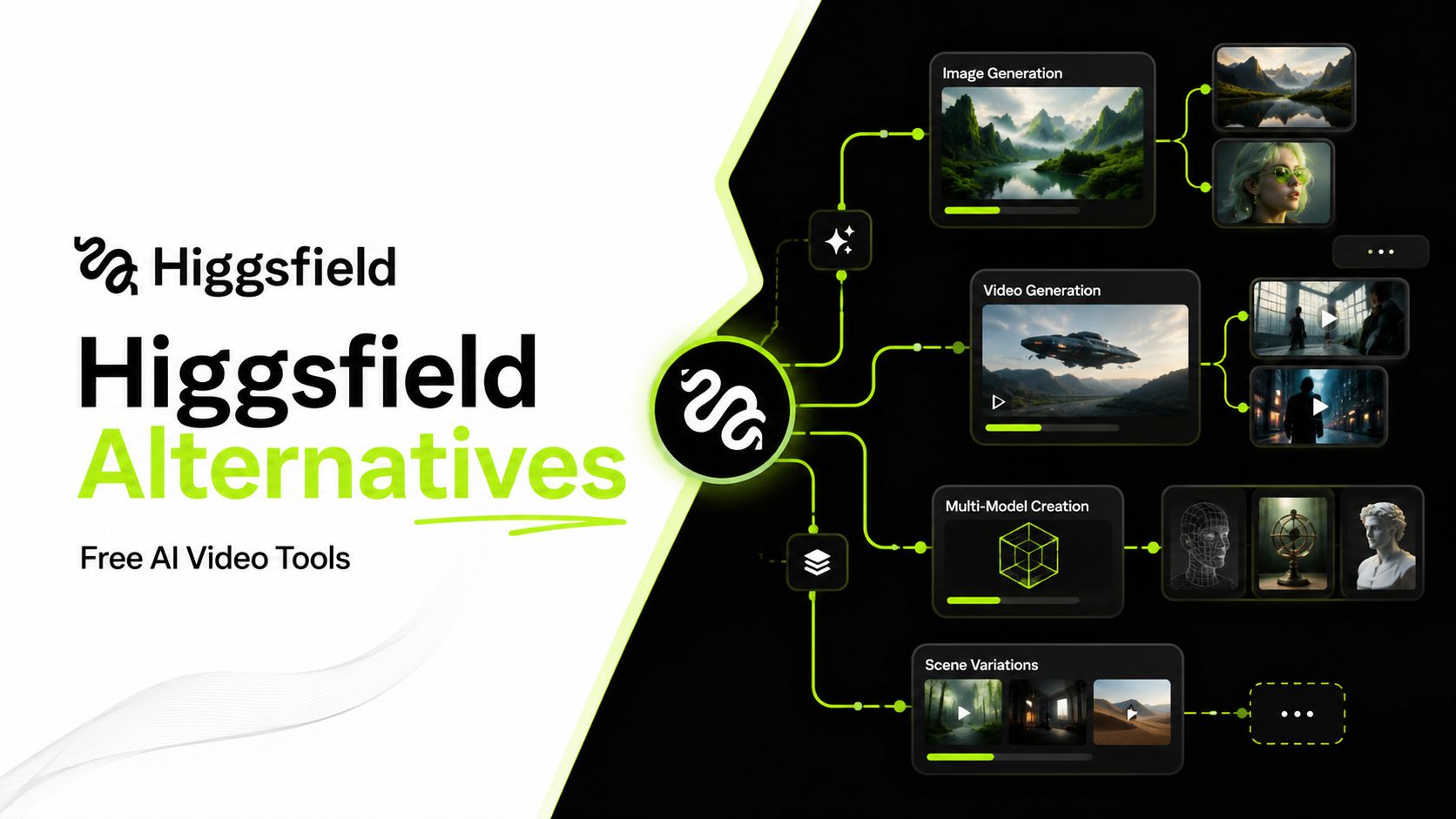
Higgsfield has become one of the more recognizable names in AI video, especially for creators who want cinematic camera control and access to several generation models in one place. The downside is cost: experimenting across models can burn through credits quickly, and the platform can feel excessive if you only need a few core video tools. For this list, we picked 8 free Higgsfield alternatives that offer a better fit in at least one area—whether that’s price, model choice, simpler workflows, or a more focused set of features.
Table of Content
Best Free Higgsfield Alternatives at a Glance
There isn’t one Higgsfield replacement that wins at everything. Some tools are better for cinematic video, others give you broader model access, and a few make more sense if you mainly create social content or ads. The table below gives you the short version before we get into the details.
|
Tool |
Best for |
Free option |
Why consider it over Higgsfield? |
|
AIReel |
Multi-model AI creation |
Yes, limited credits |
A simpler way to create images and videos across multiple AI models, with templates and effects built into the same workflow |
|
Runway |
Professional filmmaking |
Yes, limited credits |
Stronger editing and production tools if you want more control beyond generation alone) |
|
Kling AI |
Cinematic AI video |
Yes, limited credits |
A good fit if your main priority is generating polished, motion-heavy video rather than using a larger creative suite |
|
Krea |
Creative workflows |
Yes, daily credits |
Combines image, video, real-time generation and several models in one workspace, with a fairly generous way to test the platform first |
|
Pika |
Social videos and effects |
Yes, monthly credits |
Easier to pick up for short, playful video effects and quick social content |
|
Luma Dream Machine |
Realistic motion |
Limited free access |
Worth considering if natural movement and cinematic-looking shots matter more than having lots of extra tools |
|
LTX Studio |
Storytelling and pre-production |
Yes, one-time credits |
More useful for creators who want storyboards, shot planning and longer-form workflows alongside video generation |
|
Creatify |
AI ads and product videos |
Yes, monthly credits |
Much more focused on turning products and marketing ideas into ready-made video ads |
Why Look for a Higgsfield Alternative?
Higgsfield offers a lot, but that can also be the problem. Credits can run out quickly when you are testing different ideas, and many creators simply do not need the full set of cinematic controls and extra tools. If you mainly care about access to good AI video models, lower generation costs, or a simpler workflow, a free Higgsfield alternative may make more sense.
The best replacement really depends on what you use most. Some tools are better for filmmaking, some for social content or ads, while others focus on giving you more models in one place. That is why the alternatives below are compared by use case rather than treated as one-size-fits-all replacements.
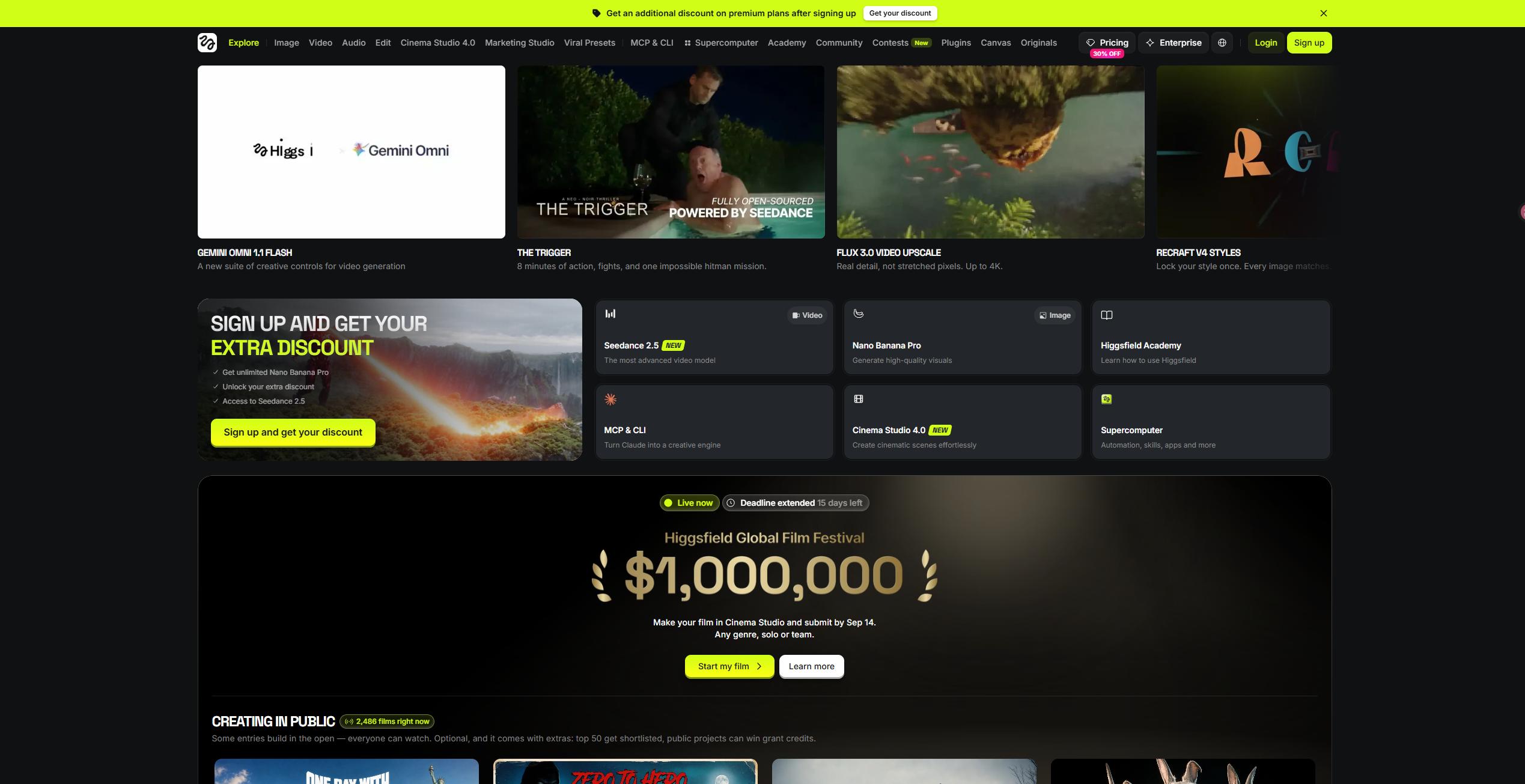
8 Best Higgsfield Alternatives in 2026
The strongest Higgsfield alternatives are not necessarily the ones with the longest feature lists. What matters more is whether they give you better value, easier access to the models you use, or a workflow that fits the kind of videos you actually make.
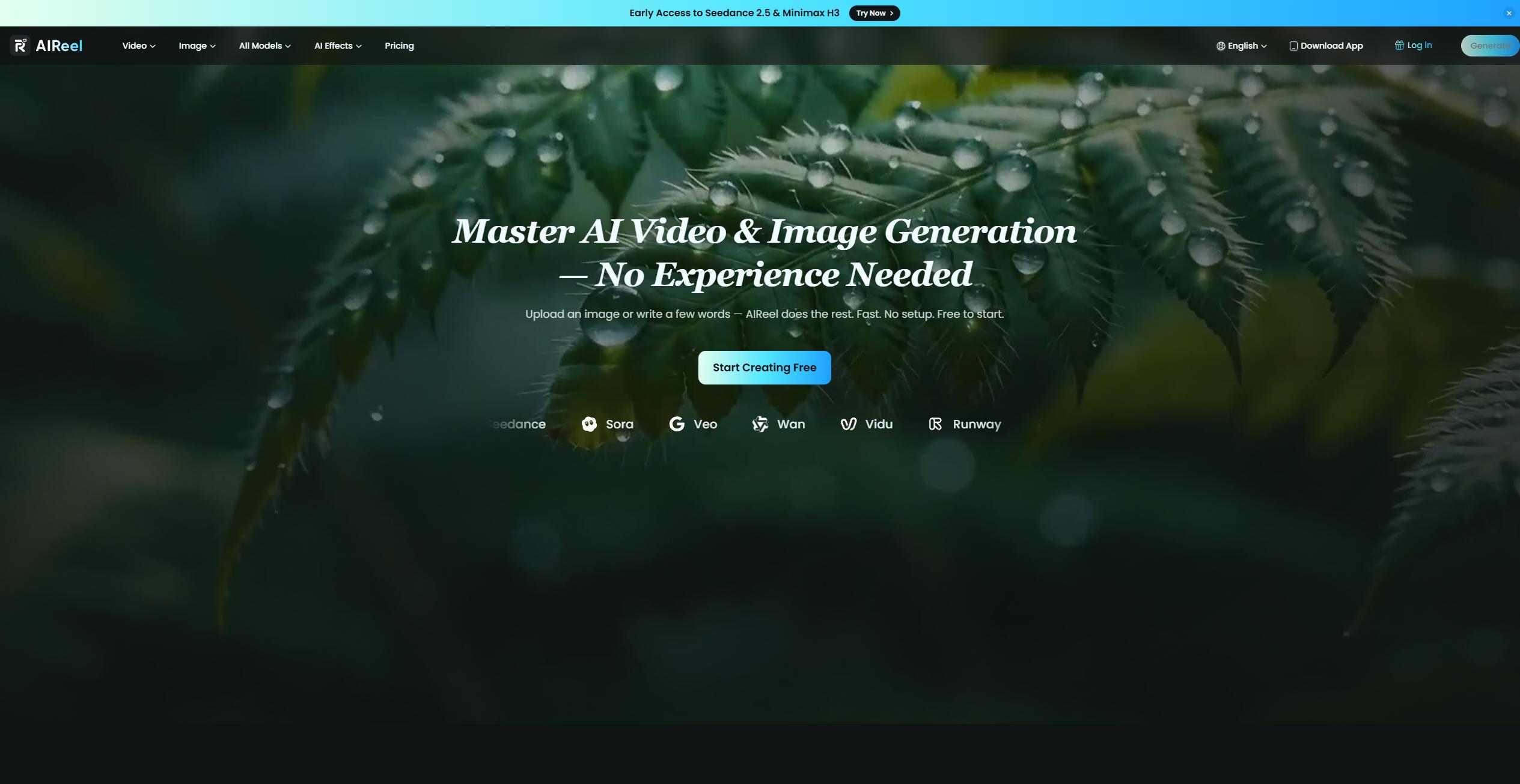
1. AIReel — Best for Multi-Model AI Creation
AIReel is a good fit if what you like about Higgsfield is having several AI models available in one place, but you do not need quite as much emphasis on cinematic camera control.
It brings together 20+ AI image and video models, along with text-to-video, image-to-video, AI effects and 1,000+ ready-made templates. That makes it particularly useful if you regularly switch between models or create a mix of images, short videos and social content without jumping between several platforms.
Best for: Creators who want broad model access in one workspace
Free option: Yes, new users receive free credits
Why choose it over Higgsfield: Easier multi-model workflow, plenty of templates and effects, and a lower barrier for everyday AI image and video creation
Where Higgsfield is stronger: More advanced cinematic camera and lens controls
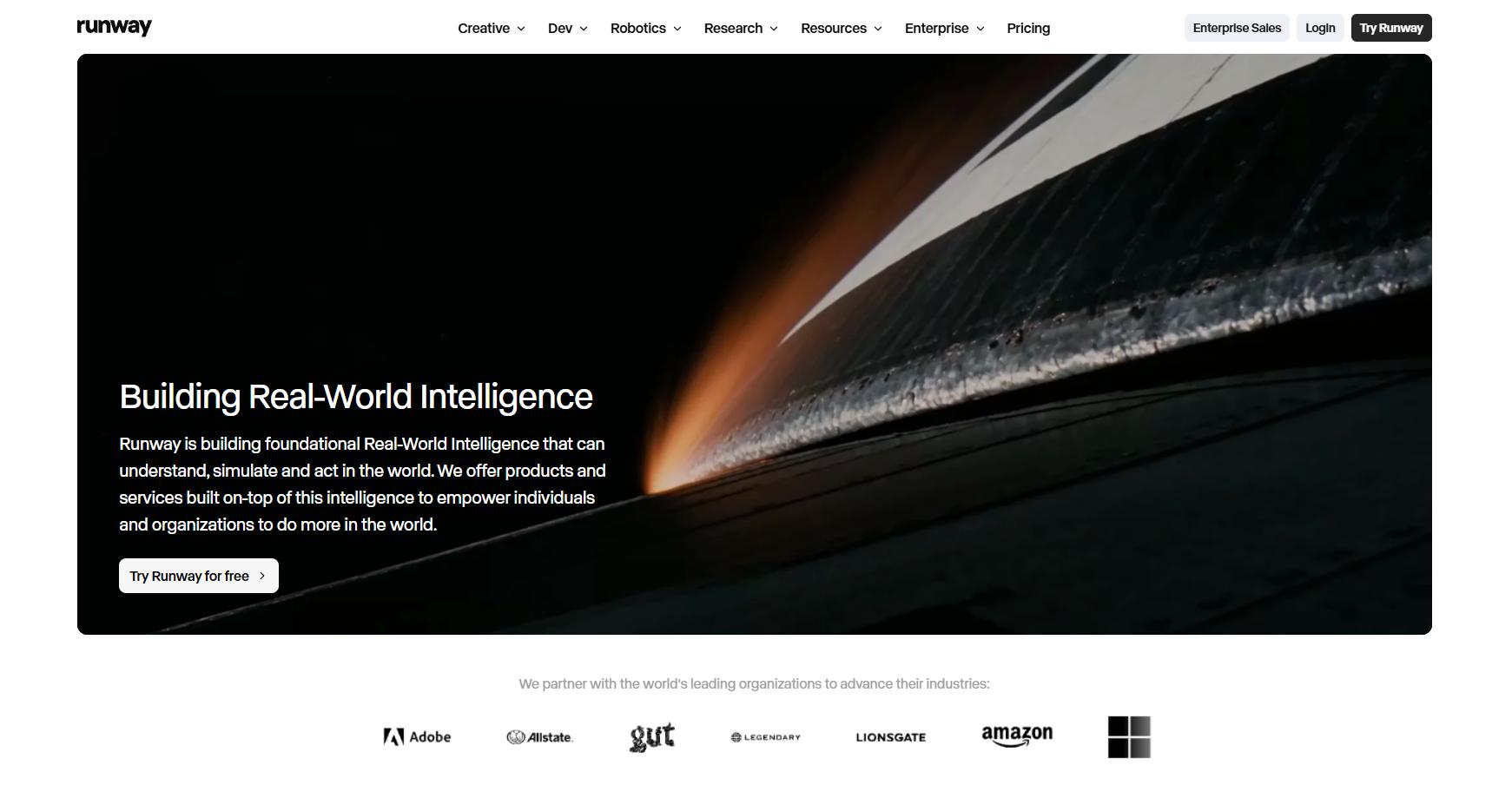
2. Runway — Best for Professional Filmmaking
Runway is the stronger choice if you want more than straightforward AI video generation. Its latest Gen-4.5 model supports both text-to-video and image-to-video, with detailed prompting for camera movement, scene timing, and multi-step action. The platform also goes further into editing and production workflows, which makes it better suited to filmmakers, creative teams, and people who want to keep refining a shot after it has been generated.
The free plan gives new accounts 125 one-time credits, so it is enough to try Runway but fairly limited for regular video generation. Gen-4.5 currently costs 12 credits per second, which is also worth keeping in mind if you plan to iterate heavily.
Best for: Filmmaking, advanced video workflows, and creative teams
Free option: Yes, with 125 one-time credits
Why choose it over Higgsfield: Stronger editing and post-generation workflow, with more tools for taking a clip beyond the first generation
Where Higgsfield is stronger: A more immediately accessible cinematic workflow for users who mainly want camera presets and visual effects
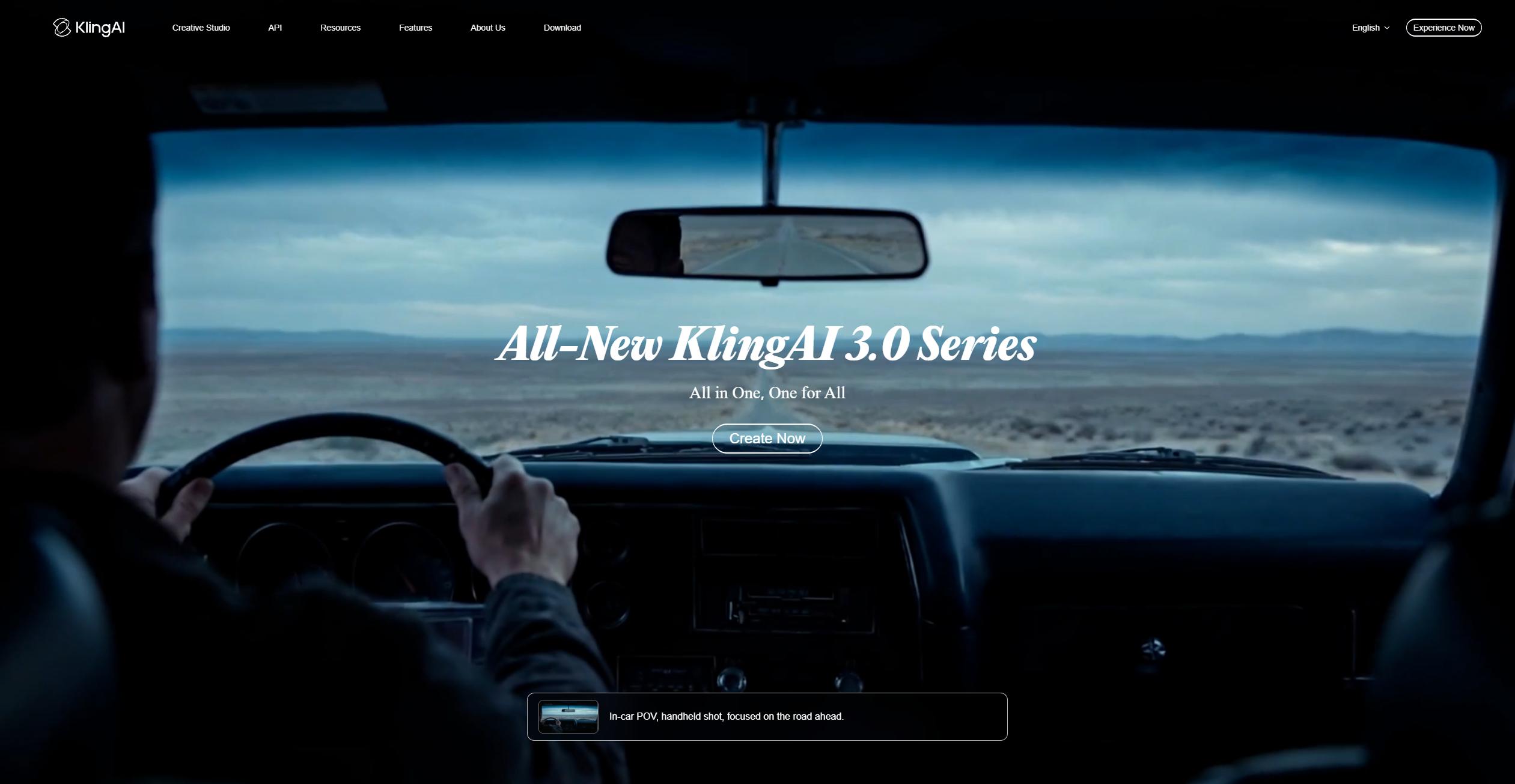
3. Kling AI — Best for Cinematic Video
Kling AI is one of the better Higgsfield alternatives if your main concern is the quality of the generated video itself. Its latest video tools focus heavily on motion, camera movement, multi-shot generation, and higher-resolution output, making it a good option for cinematic clips without needing Higgsfield’s broader creative suite.
It is also fairly easy to try before paying. Kling currently offers free access with credits, although higher resolutions, newer models, and more demanding generation settings use credits much faster.
Best for: Cinematic AI video and motion-heavy scenes
Free option: Yes, with free credits
Why choose it over Higgsfield: More focused if you mainly want strong video generation rather than a large collection of creative tools
Where Higgsfield is stronger: Better all-in-one workflow for creators who want camera presets, effects, and access to several different models in the same platform
4. Krea — Best for Creative Workflows
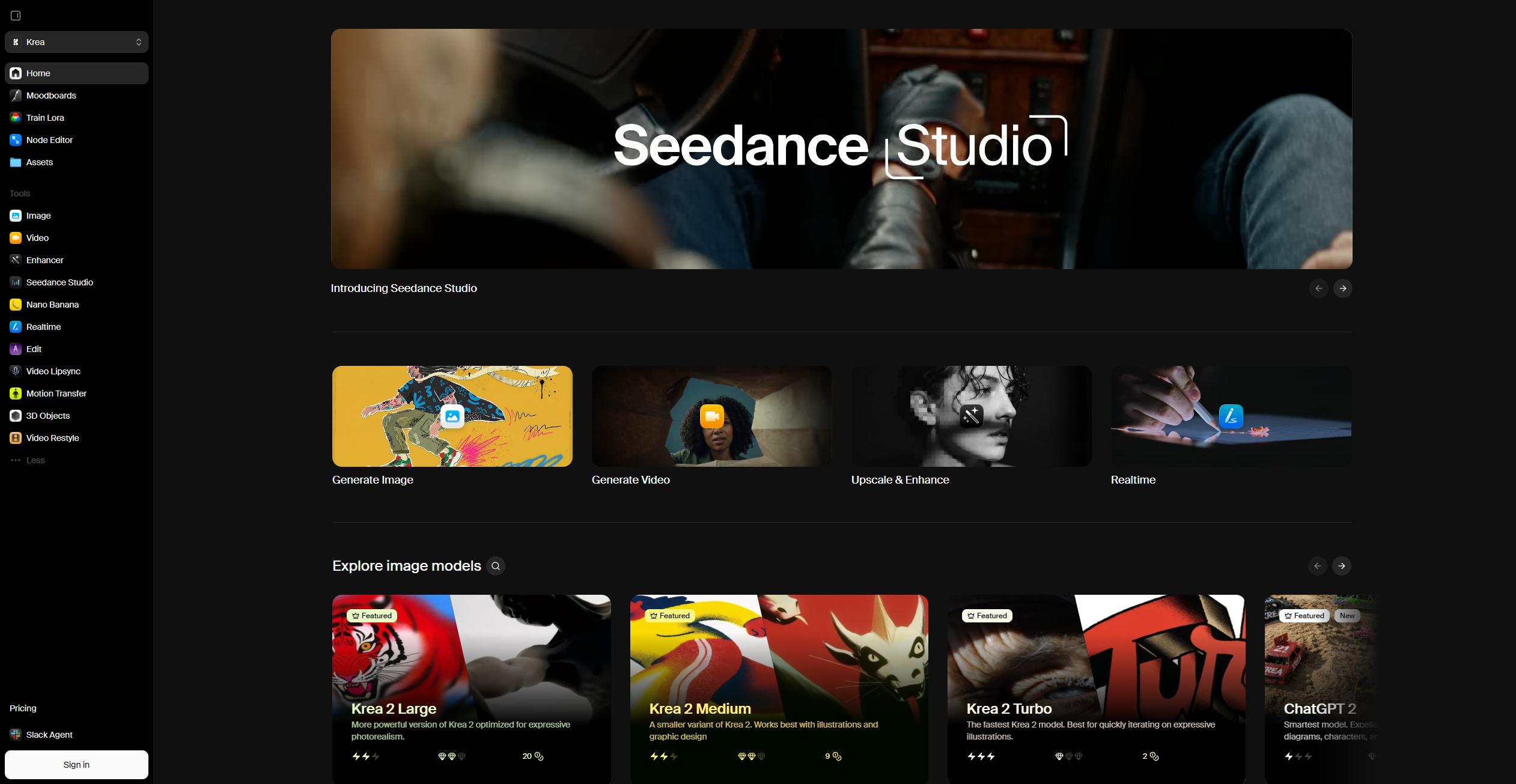
Krea makes more sense if you want a flexible creative workspace rather than a tool built mainly around finished video generation. It combines image, video, real-time generation, editing, upscaling, and a large model library in one interface. Its current video lineup includes models from Kling, Runway, Veo, Seedance, Luma, MiniMax, and others, so it is particularly useful if you like testing the same idea across different models.
The free plan is also genuinely useful for testing: Krea gives 100 compute units per day with limited access to image and video models, while paid plans unlock a much broader model selection.
Best for: Creators who want a visual workspace and broad model access
Free option: Yes, with 100 daily compute units
Why choose it over Higgsfield: More flexible for moving between image, video, real-time generation and different AI models
Where Higgsfield is stronger: More focused cinematic controls and a workflow designed around directing shots and camera movement
5. Pika — Best for Social Videos and Effects
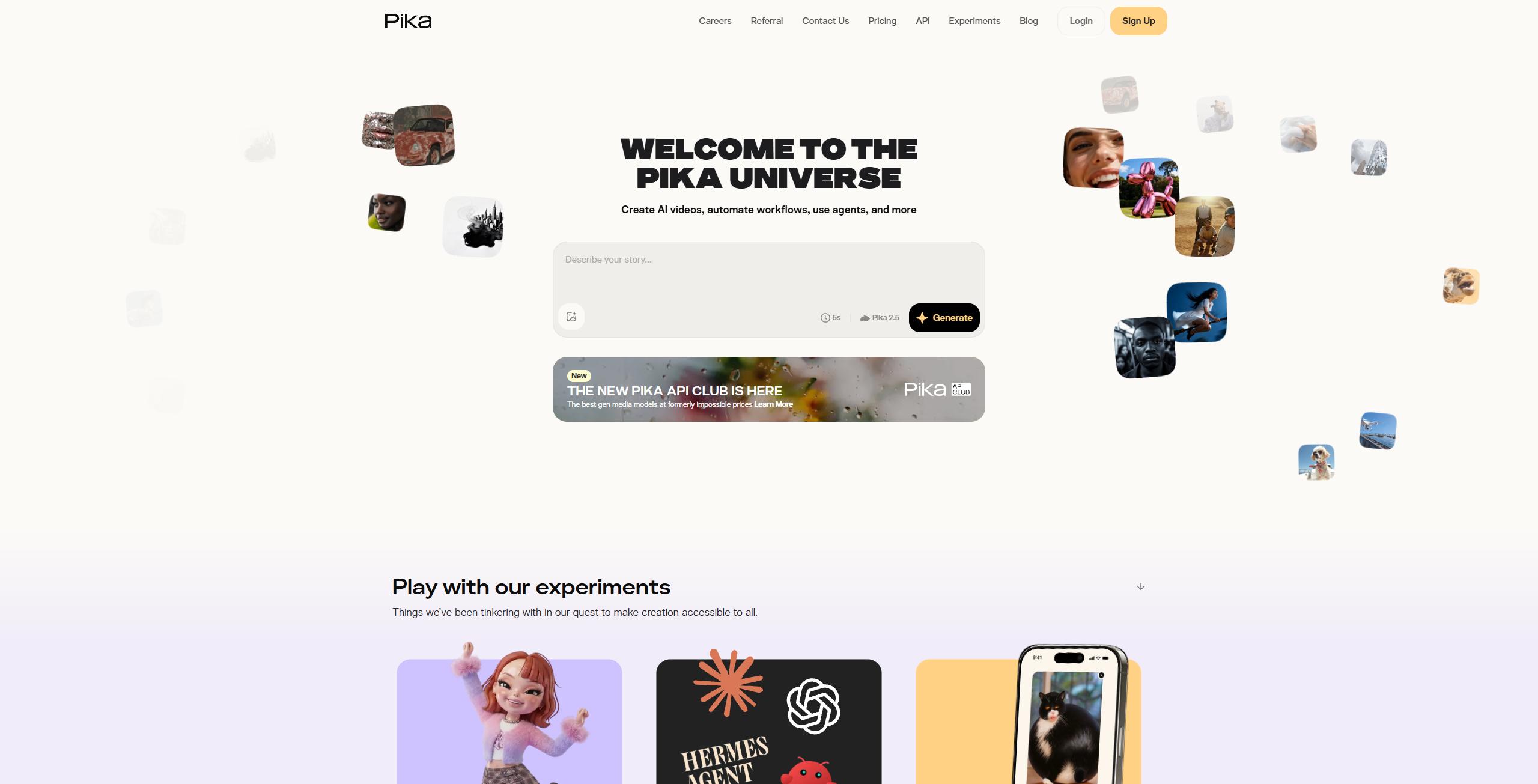
Pika is a better fit if you care more about quick, playful video creation than a full filmmaking workflow. Its tools such as Pikaffects, Pikaswaps and Pikadditions are built around short, attention-grabbing transformations, which makes it especially useful for social posts, memes and lightweight creative experiments. The free plan currently includes monthly video credits and access to Pika 2.5 at 480p, so it is easy to test without paying first.
Best for: Social content, effects and short-form video
Free option: Yes, with monthly credits
Why choose it over Higgsfield: Faster and simpler for effect-driven content without needing a broader cinematic toolkit
Where Higgsfield is stronger: More control over camera language, shot design and professional-looking cinematic workflows
6. Luma Dream Machine — Best for Realistic Motion
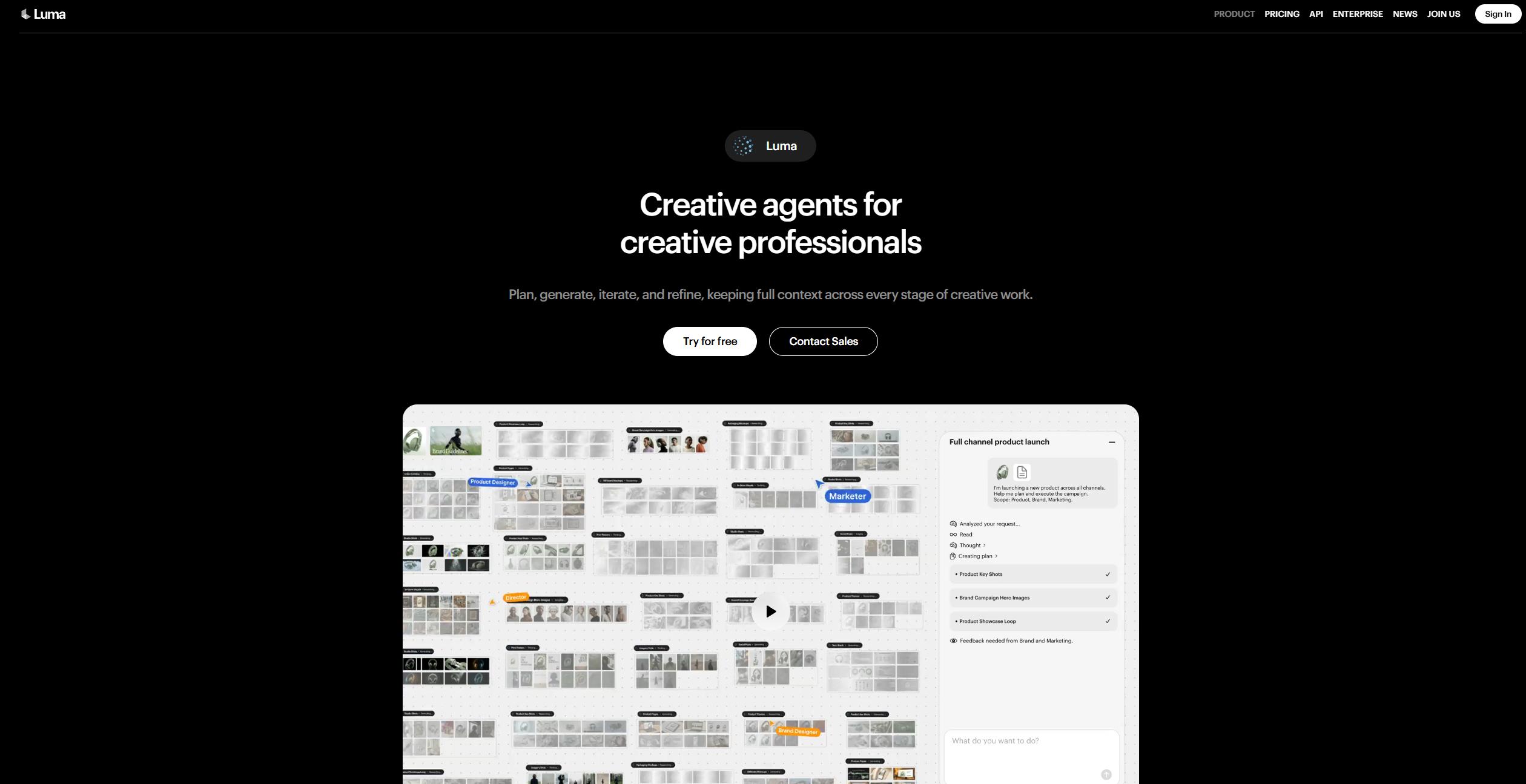
Luma Dream Machine is worth considering if natural motion and visual quality matter more to you than having a large collection of built-in effects. Its Ray3.14 model supports native 1080p generation and focuses heavily on motion consistency, prompt adherence and realistic-looking results. Luma also offers video-to-video and character-reference workflows through Ray3 Modify, although many of the more advanced controls sit behind paid plans.The free tier is fairly limited and mainly works as a way to explore the platform, with draft-resolution video generation and personal-use restrictions.
Best for: Realistic motion and polished AI video
Free option: Yes, but limited
Why choose it over Higgsfield: Strong choice when the quality and movement of the generated clip matter more than extra creative tools
Where Higgsfield is stronger: Easier access to broader effects, camera presets and multi-model workflows
7. LTX Studio — Best for Storytelling
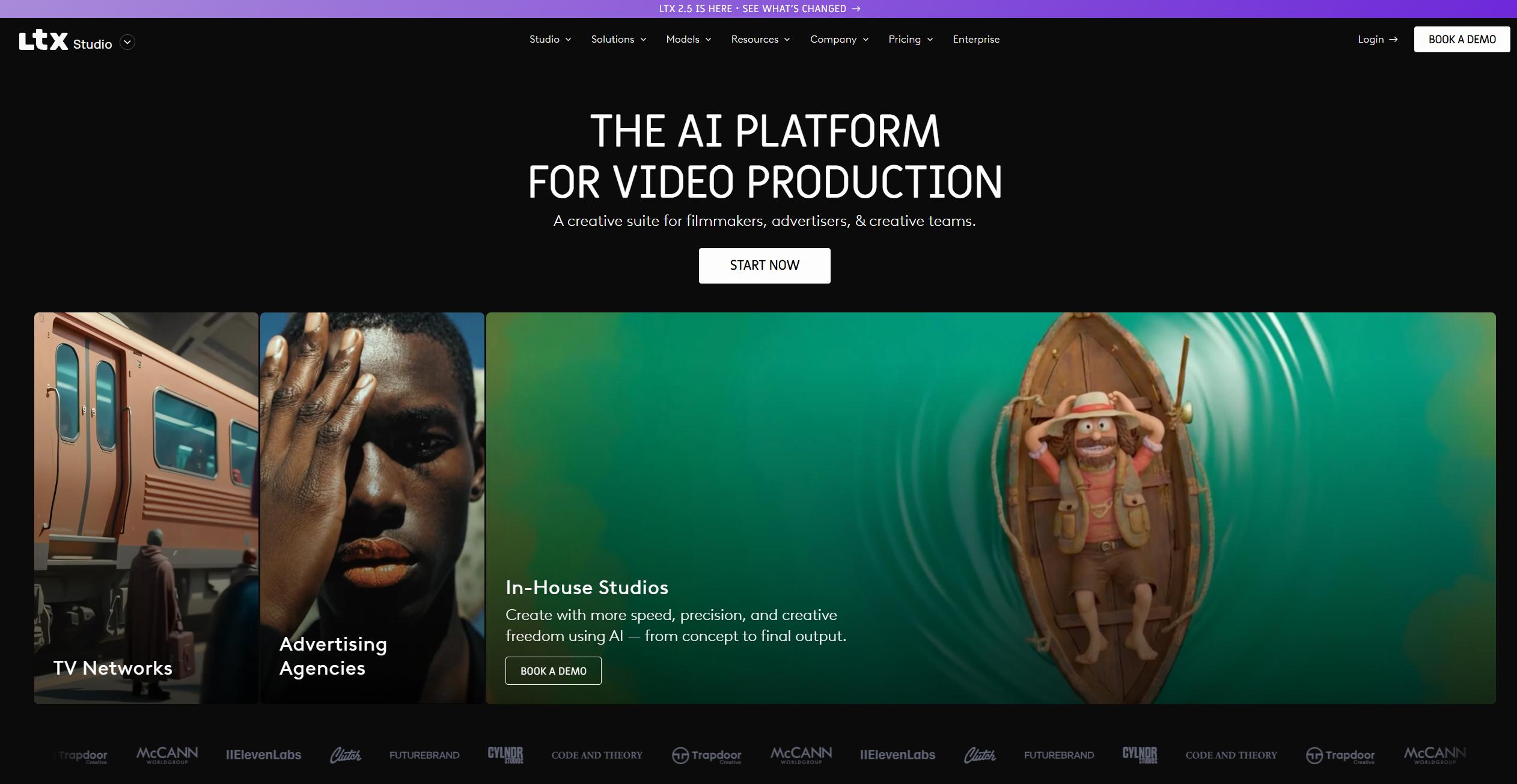
LTX Studio stands out because it approaches AI video more like a production workspace than a simple generator. Alongside image and video generation, it includes storyboards, advanced camera controls, video-to-video tools and node-based workflows, making it more useful for creators planning scenes rather than generating isolated clips.Its free plan comes with 800 one-time credits and access to core generation tools, though free projects are limited to personal use.
Best for: Storyboards, narrative projects and pre-production
Free option: Yes, with 800 one-time credits
Why choose it over Higgsfield: Better suited to planning scenes and building a longer creative sequence around individual generations
Where Higgsfield is stronger: More immediate if your priority is generating polished cinematic shots without building a full production workflow
8. Creatify — Best for AI Ads
Creatify is the most specialized option on this list. Rather than trying to compete with Higgsfield as a general AI filmmaking platform, it is built around marketing content: video ads, product videos, avatars, ad templates and creative testing. Its current paid plans also include access to dozens of premium image, video and audio models.The free plan includes 10 credits per month, enough for up to two short video ads, although free exports carry a watermark.
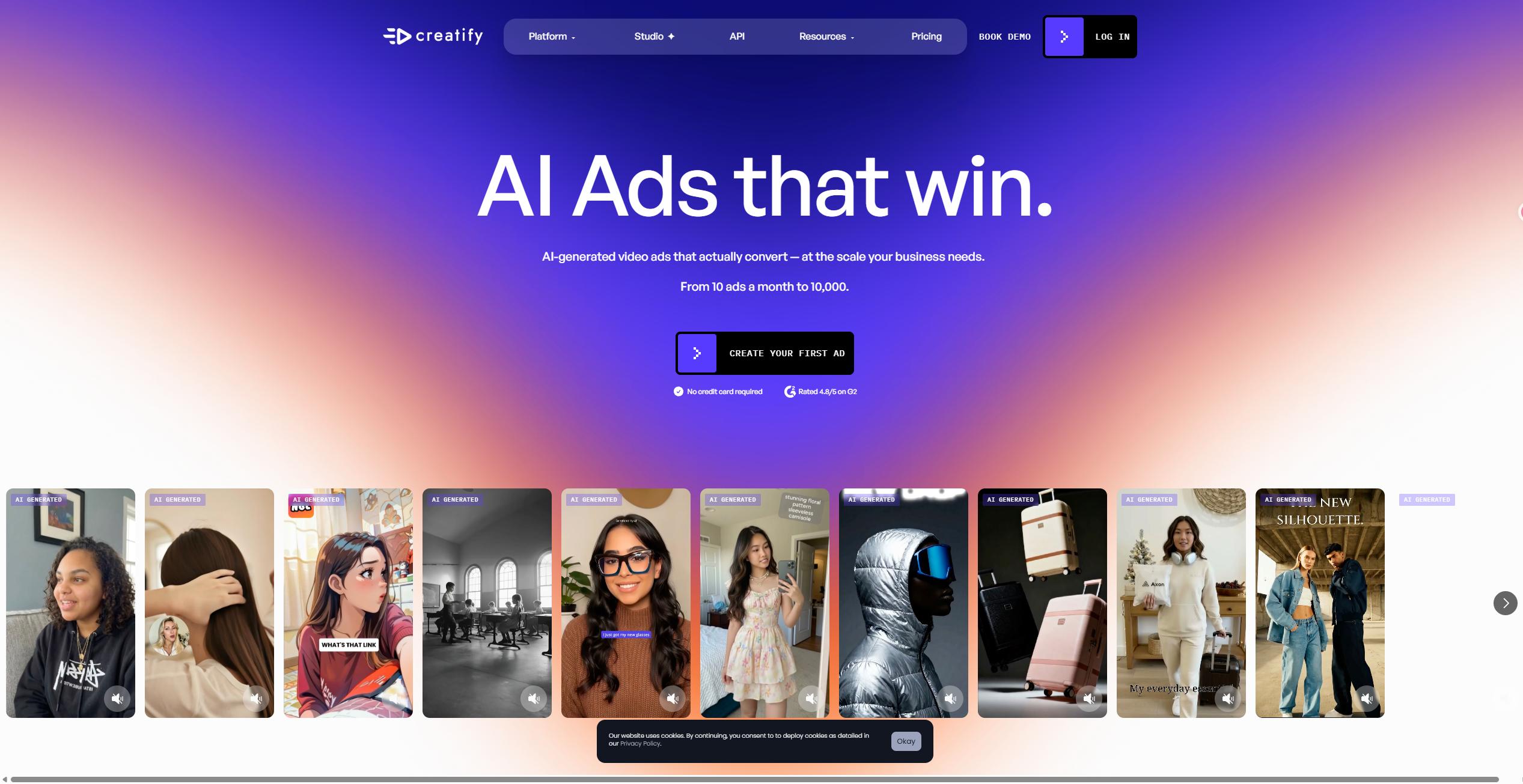
Best for: Product videos, UGC-style ads and marketing teams
Free option: Yes, with 10 monthly credits
Why choose it over Higgsfield: Much more focused if your end goal is creating ads rather than cinematic AI video in general
Where Higgsfield is stronger: Better for open-ended creative work, cinematic experimentation and non-advertising video generation
Higgsfield vs Alternatives: Feature Comparison
|
Tool |
Text to Video |
Image to Video |
Multiple AI Models |
AI Image Generation |
|
Higgsfield |
✓ |
✓ |
✓ |
✓ |
|
AIReel |
✓ |
✓ |
✓ |
✓ |
|
Runway |
✓ |
✓ |
Limited |
✓ |
|
Kling AI |
✓ |
✓ |
— |
✓ |
|
Krea |
✓ |
✓ |
✓ |
✓ |
|
Pika |
✓ |
✓ |
Limited |
Limited |
|
Luma Dream Machine |
✓ |
✓ |
— |
✓ |
|
LTX Studio |
✓ |
✓ |
Limited |
✓ |
|
Creatify |
✓ |
✓ |
✓ |
✓ |
The main difference is how broad you want your workflow to be. AIReel and Krea are stronger choices if you want to generate both images and videos while switching between different AI models. Runway and LTX Studio lean more toward production workflows, while Kling and Luma make more sense if video generation itself is the priority.
Higgsfield Alternatives Compared by Price
Pricing is one of the biggest reasons to look beyond Higgsfield. Most tools use credits, but the amount included—and what those credits can be used for—varies quite a lot.
|
Tool |
Free Option |
Paid Plans Start At |
Entry Plan / Monthly Credits |
|
Higgsfield |
Limited free access |
From $19/mo* |
Basic — 270 credits/mo* |
|
AIReel |
Yes, one-time credits |
$13.99/mo |
Lite — 3,000 credits/mo |
|
Runway |
Yes, 125 one-time credits |
$15/mo |
Standard — 625 credits/mo |
|
Kling AI |
Yes, limited |
From $6.99/mo |
Standard — 660 credits/mo |
|
Krea |
Yes, 100 compute units/day |
$9/mo |
Basic — 5,000 compute units/mo |
|
Pika |
Yes, 80 credits/mo |
$10/mo |
Standard — 700 credits/mo |
|
Luma Dream Machine |
Yes, limited |
$25/mo |
Lite — 10,000 credits/mo |
|
LTX Studio |
Yes, 800 one-time credits |
$12/mo |
Lite — 8,000 credits/mo |
|
Creatify |
Yes, 10 credits/mo |
$39/mo |
Starter — 100 credits/mo |
On entry price alone, Kling and Krea are cheaper. But AIReel stands out for giving 3,000 monthly credits at $13.99, with the same credit balance available across its image and video creation workflow rather than being tied to a single video model. For creators who regularly test different models or create both images and videos, that can make the entry plan easier to stretch.
Note: Credit values are not directly comparable across platforms, since each tool charges differently by model, duration and resolution.
Which Higgsfield Alternative Should You Choose?
The best choice depends less on which platform has the longest feature list and more on what you actually create.
- Choose AIReel if you want a lower-cost, multi-model workspace for both AI images and videos, with templates and effects included.
- Choose Runway if professional editing and filmmaking tools matter more than price.
- Choose Kling AI if cinematic motion and standalone video generation are your main priorities.
- Choose Krea if you like experimenting with different models inside a flexible creative workspace.
- Choose Pika for short social videos, effects, and quick creative experiments.
- Choose Luma Dream Machine if realistic motion and polished visual quality matter most.
- Choose LTX Studio if you are planning stories, scenes, and longer video projects.
- Choose Creatify if your main goal is producing product videos or AI ads.
For creators who mainly want good model choice without paying for a heavier filmmaking suite, AIReel is one of the more practical Higgsfield alternatives on this list, especially if you regularly move between image and video generation.
FAQs
What is the best free Higgsfield alternative?
It depends on what you need. AIReel is a strong option if you want access to multiple image and video models in one place, while Kling AI is better suited to standalone cinematic video generation and Pika is easier for short-form effects.
Is there a cheaper alternative to Higgsfield?
Yes. Kling AI, Krea, Pika and several other tools have lower-cost entry plans. AIReel is also competitive if you want one subscription that covers both image and video generation across multiple models.
Which Higgsfield alternative has multiple AI models?
AIReel and Krea are two of the better options if model choice is important. Both let you work with different AI models without moving between separate platforms.
Is Runway better than Higgsfield?
Runway is generally a better fit for creators who want a broader editing and production workflow. Higgsfield has an advantage if cinematic camera controls and ready-made shot styles are your main priority.
Is Kling AI better than Higgsfield?
Kling can be a better choice if you mainly care about generating cinematic AI video and do not need Higgsfield's wider creative toolkit. Higgsfield remains more convenient if you want multiple models, effects and filmmaking controls in one workspace.
Can I use AI video models without Higgsfield?
Yes. Models such as Kling, Seedance and others are available either directly from their developers or through multi-model platforms such as AIReel and Krea.
Are free Higgsfield alternatives actually usable?
Most free plans come with credit, resolution or export limits, but they are usually enough to test the workflow and generation quality before paying. If you plan to generate video regularly, comparing paid credit costs is still important.
Conclusion
There is no single Higgsfield alternative that will suit every creator. Runway is stronger for production-heavy workflows, Kling is a good pick for cinematic generation, and tools like Pika, LTX Studio, and Creatify make more sense for more specific use cases. If your priority is finding a free Higgsfield alternative with lower costs and more flexibility, it is worth comparing how each platform handles model access, credits, and the type of content you create most often.
For creators who regularly move between AI images and videos, AIReel is an easy option to start with. It brings multiple models, templates, and effects into one workspace, with free credits available for testing before you commit to a paid plan. Try AIReel for free and see which model fits your workflow best.