AI Tattoo Generator See Tattoos on Your Body for Free
Curious how a tattoo would actually look on you? Upload your photo and let AIReel add realistic tattoo effects directly to your skin. Try different tattoo looks, placements and styles — from subtle fine-line designs to bold sleeves — before making it permanent.
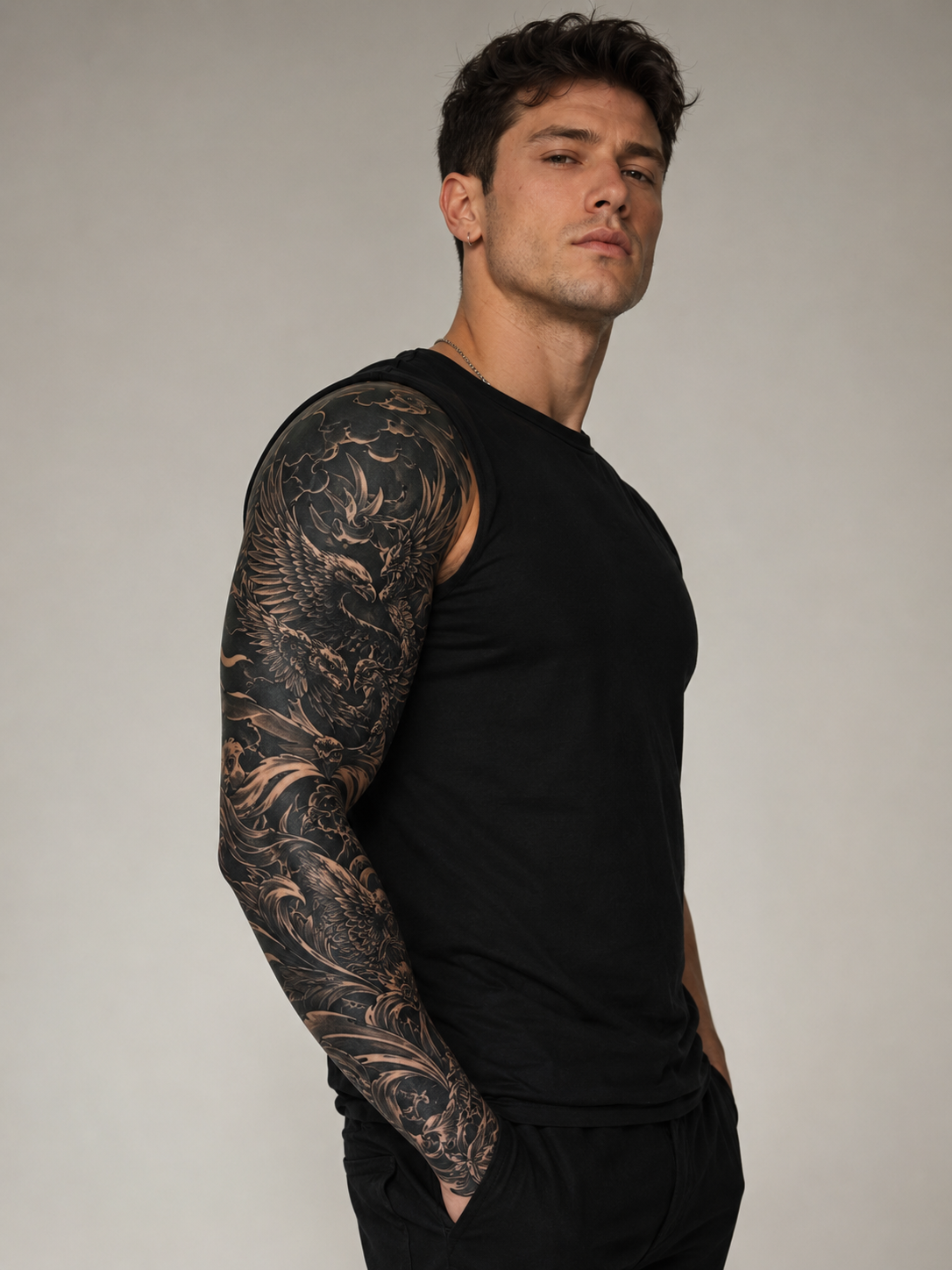
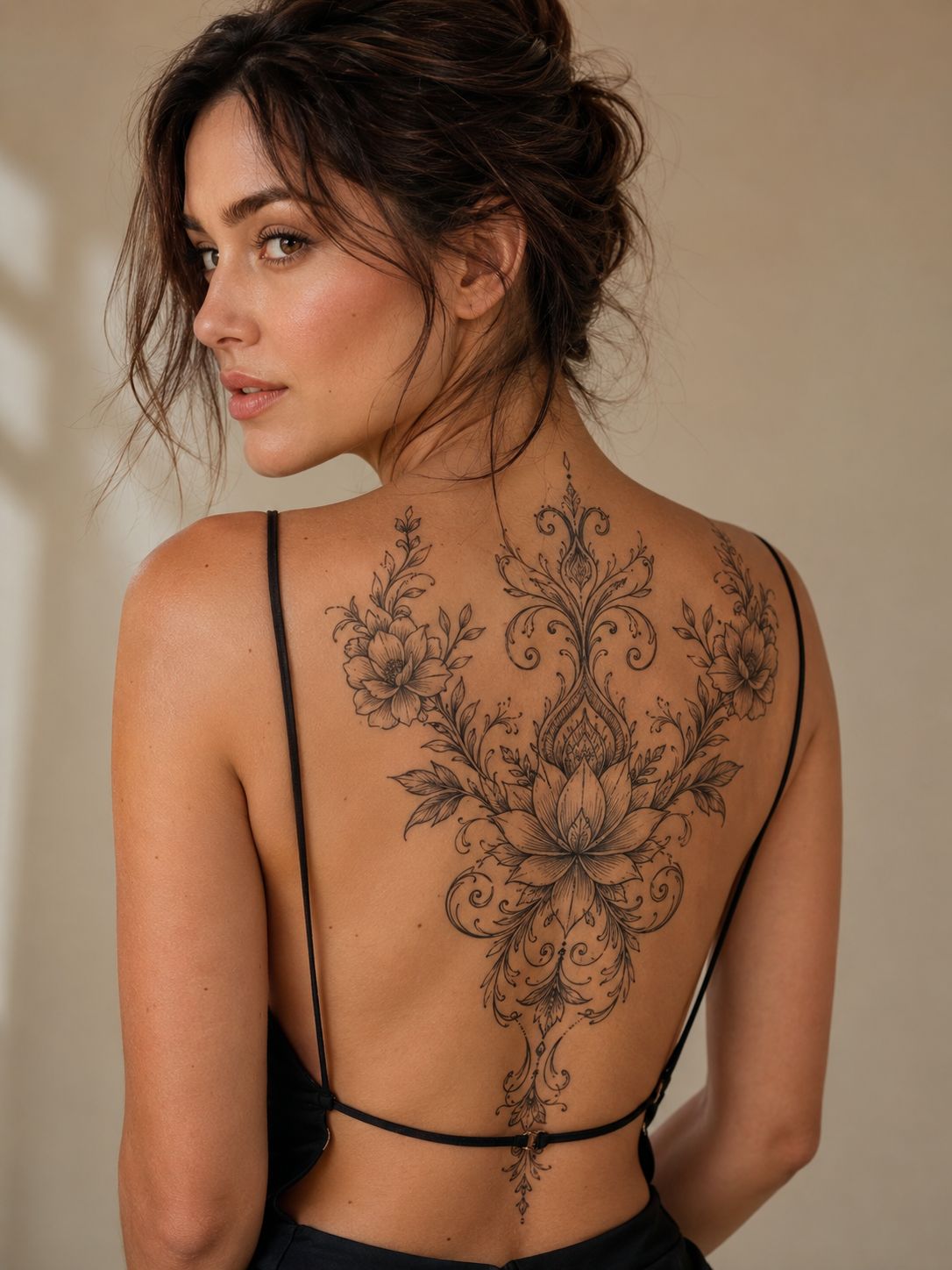
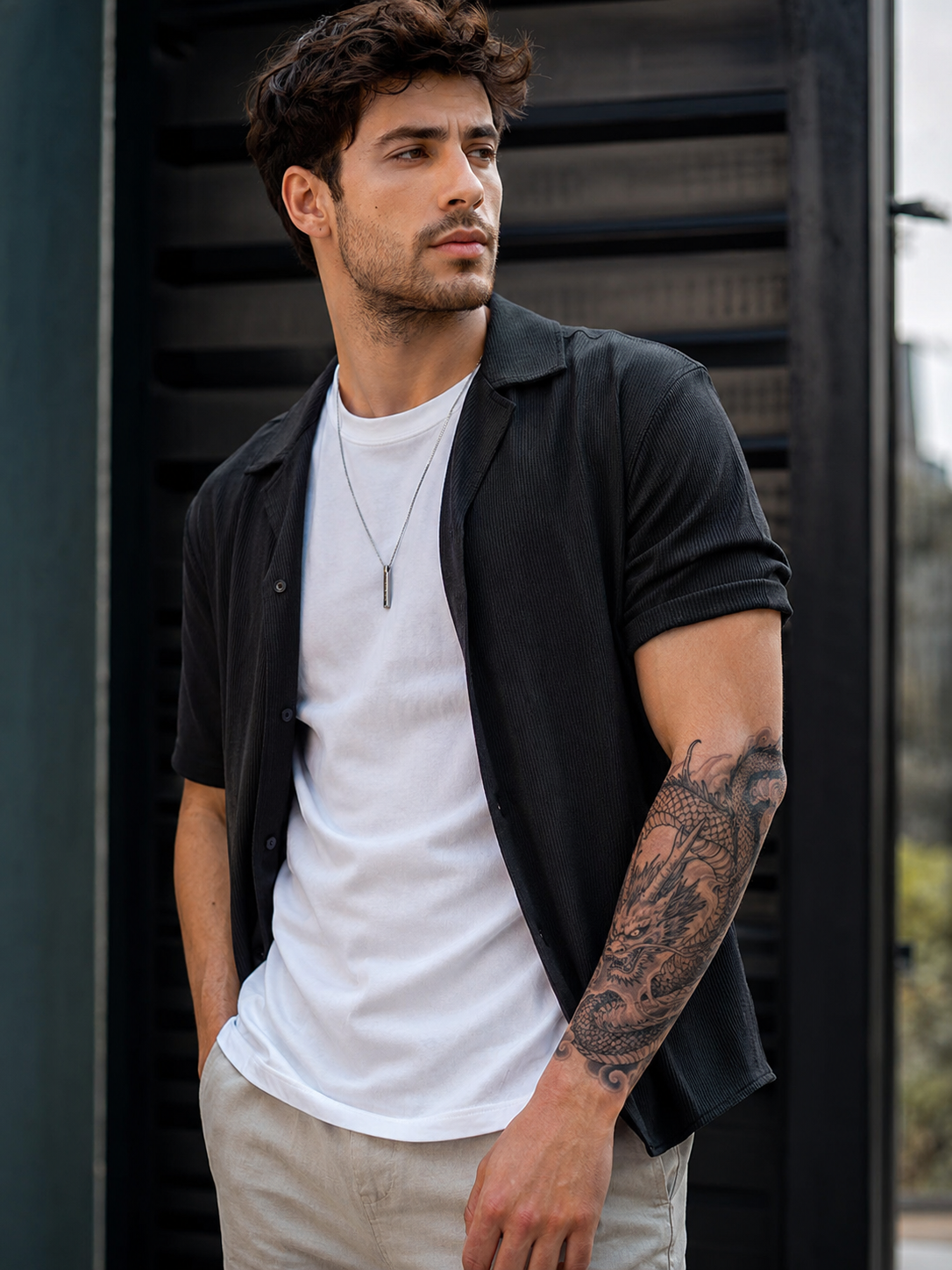
See How AI Tattoos Look on Different Styles
From small fine-line tattoos to full sleeves, preview different tattoo looks directly on real photos.

How to Use an AI Tattoo Generator From a Photo
Step 1
Choose a clear photo where the arm, back, neck or other area you want to transform is easy to see.

Step 2
Enter your tattoo idea or upload a reference image to guide the style and design.

Step 3
Create your result in seconds and see how a tattoo changes your look before committing to real ink.

Try on Tattoos with AI Before You Make Them Permanent
Preview Tattoos on Your Own Photo
Wondering what you would look like with a tattoo? Upload a portrait or body photo and use the AI tattoo generator from photo to add ink directly to visible skin, making it easier to picture the final look.
Get a More Realistic AI Tattoo Try-On
Instead of placing a flat tattoo sticker over your image, AIReel generates the tattoo as part of the photo, helping it follow the skin, body shape and original lighting for a more natural AI tattoo try-on effect.
Explore Tattoos for Different Placements
Try different looks on visible areas such as your arms, shoulders, back or neck. From a small tattoo to a larger statement piece, your photo becomes a quick way to explore possible tattoo placements.

Turn Tattoo Ideas Into Visual Inspiration
You do not need to know exactly what you want before starting. Generate a tattoo look, compare different results and use them as visual inspiration while deciding on your next tattoo.
AI Tattoo Generator FAQs


More AI Effects
Create Stunning AI Videos All in One Stop
AIReel replaces complex tools — faster, smarter, and more affordable.