AI Niulai Generator
Don’t just reuse the same Niu Lai reaction images. Turn your own photos into the viral Niulai look and create low-poly 3D meme images that actually feel personal.
The Niu Lai Look, Applied to Real Photos
The AI Niulai transformation keeps what makes the original photo recognizable, then rebuilds it with the rough, low-poly 3D character behind the viral Niulai look.
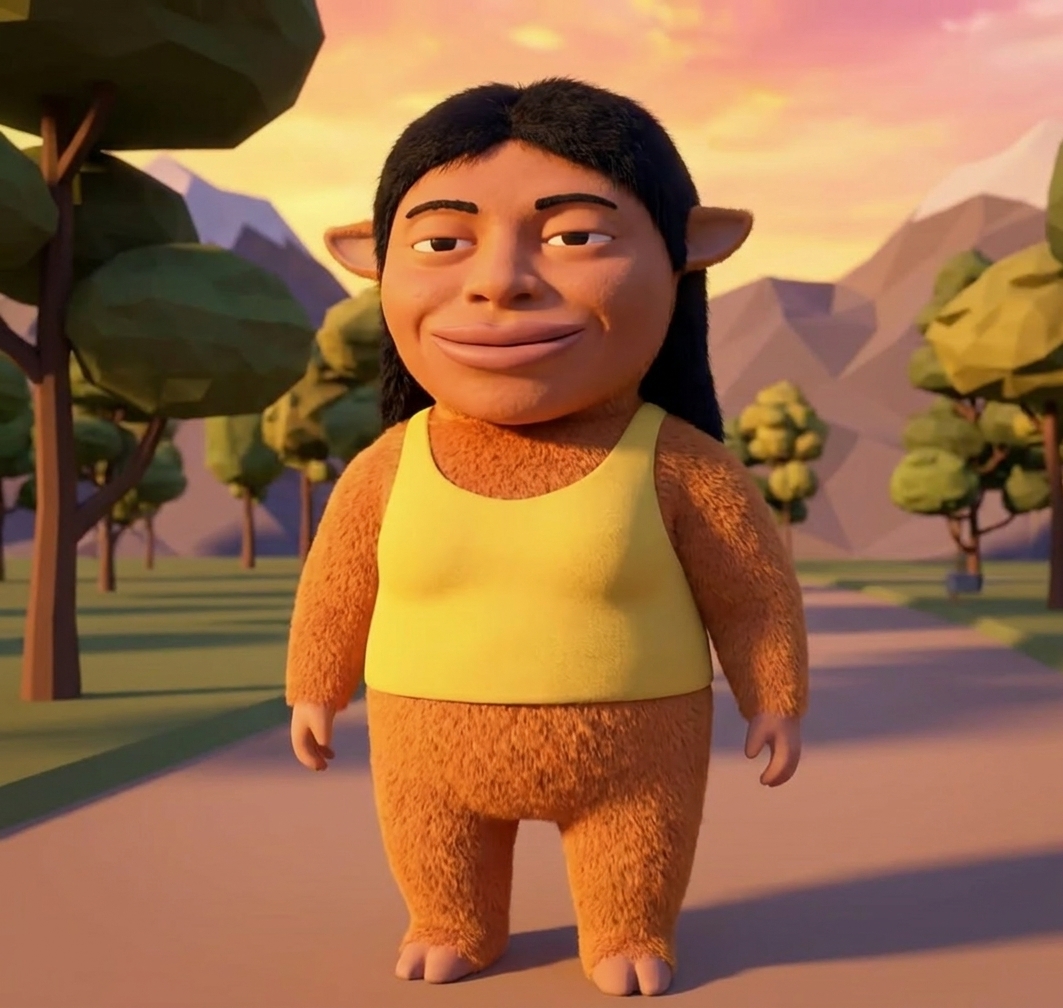
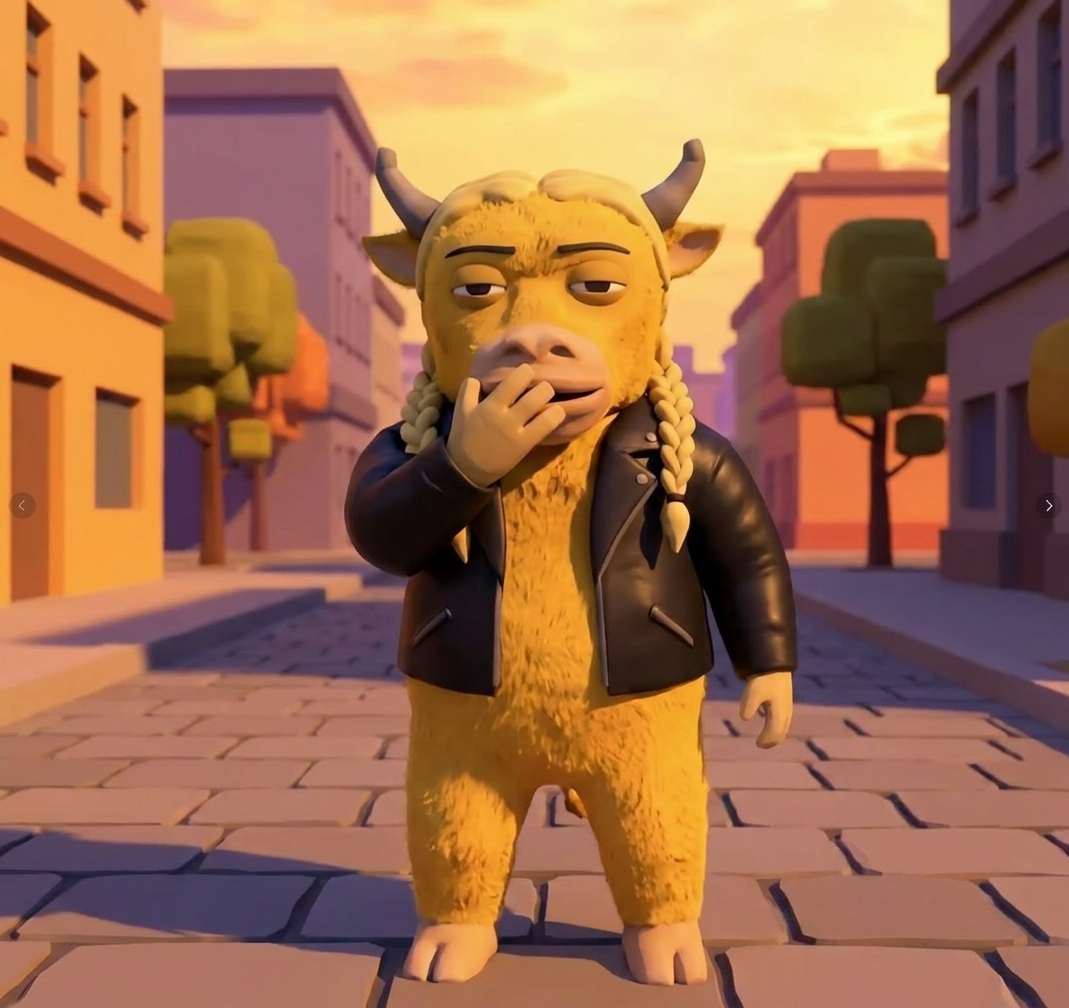
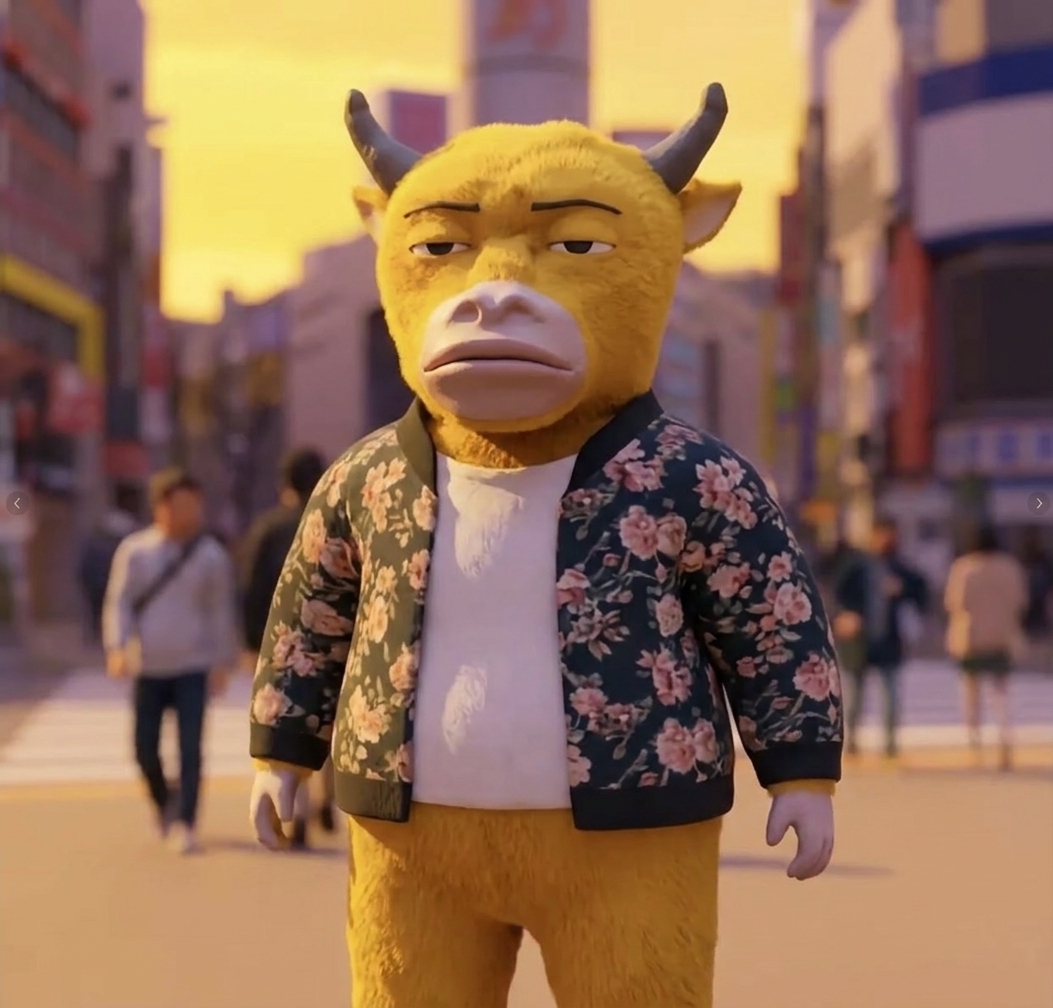
How to Turn a Photo Into the Niu Lai Look with AI
Step 1
Sign in to AIReel and open the AI Niulai generator to get started.

Step 2
Choose any photo you want to transform into the Niu Lai style.

Step 3
Create your Niu Lai-style image, then try more AI effects with your photo.

Everything You Need for Niulai AI
Give Everyday Scenes a Niulai Twist
A normal snapshot, awkward moment, or ordinary scene can take on the strange, playful visual character associated with Niu Lai.
Make Yourself the Niu Lai Meme
Skip the same recycled reaction images. Turn your own face, friends, pets, or photos into something unmistakably Niulai.
The Roughness Is the Niulai Style
Perfect 3D isn’t the point. Chunky geometry, simple textures, and deliberately unpolished CGI give Niulai images their instantly recognizable character.
Turn Your Camera Roll Into a Niu Lai World
Apply the same Niulai aesthetic to completely different photos and turn familiar people, objects, and moments into a whole collection of strange 3D creations.
Frequently Asked Questions
More AI Effects
Create Stunning AI Videos All in One Stop
AIReel replaces complex tools — faster, smarter, and more affordable.