Seamless AI Video Continuation
Extend a short clip beyond its original ending without an obvious jump or awkward break. New footage picks up from where the source video leaves off, helping the continuation feel smooth and naturally connected.

Turn a short clip into a longer video by generating what happens next. Continue the motion, camera flow, and visual direction of your original scene without simply looping or slowing it down.
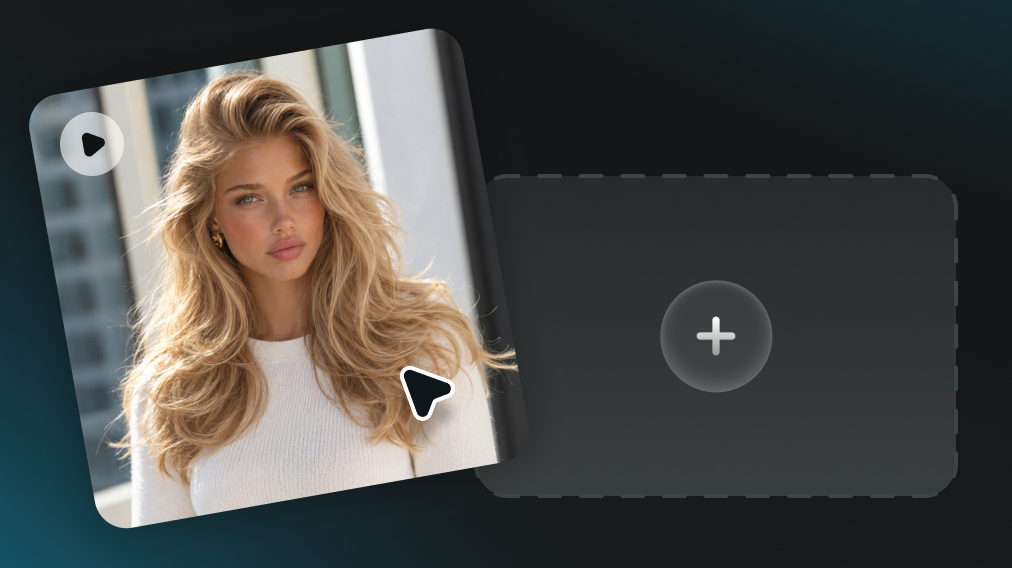
Choose the clip you want to continue. A clear ending with visible motion gives the AI more context for generating the next part of the scene.
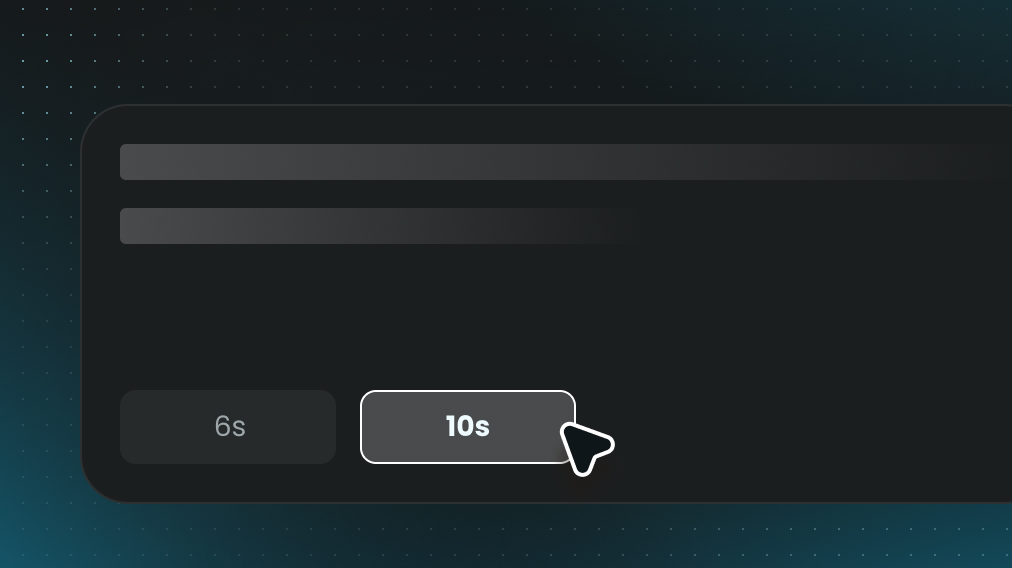
Tell the AI how you want the video to continue. Guide the next action, camera movement, pacing, or scene direction with a simple prompt.
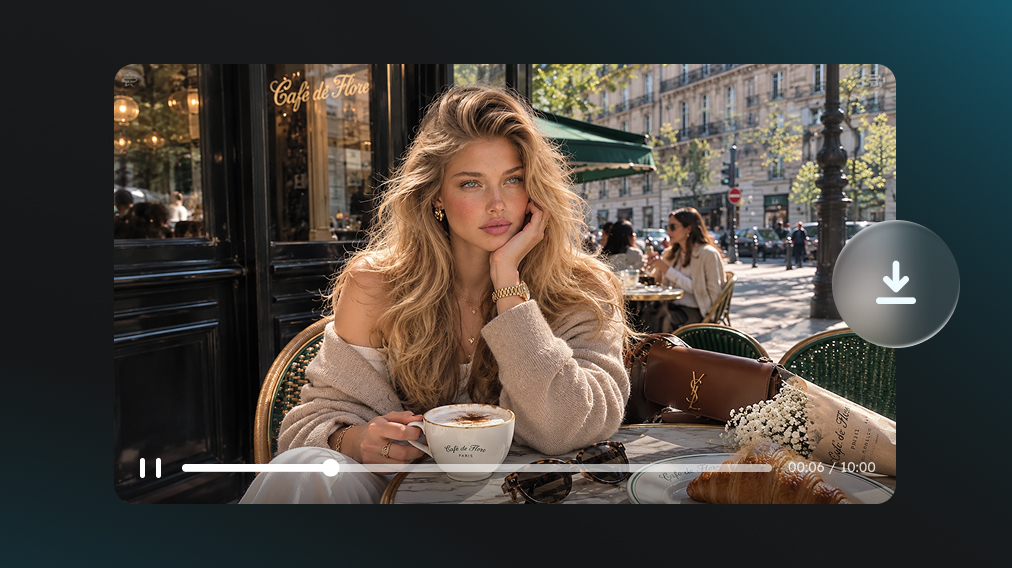
Let AI create new footage that carries the scene beyond the original ending. Preview the continuation and use the longer video in your next edit or project.
Extend a short clip beyond its original ending without an obvious jump or awkward break. New footage picks up from where the source video leaves off, helping the continuation feel smooth and naturally connected.
Choose what happens next instead of relying on a fully automatic continuation. Use a simple prompt to guide the next action, camera movement, reaction, or story direction as the scene develops.
Choose a five- or ten-second extension based on how much extra time the video needs. Add a brief continuation or give an action, transition, or story moment more room to develop.
Keep building when one extension is not enough. Continue from the newly generated footage to add more time and create longer scenes without recreating the original video from the beginning.
Carry sound beyond the original ending along with the extended footage. Keep dialogue, ambience, music, or other scene audio moving forward so the longer video feels more complete.
Maintain recognizable characters, objects, environments, and visual style as the video becomes longer. Reduce distracting changes between extensions and keep the overall scene visually connected from one section to the next.
Add more time where it matters, whether a scene needs a stronger ending, a longer action, or more room to tell the story.
Keep an AI-generated clip going when the scene ends too early. Extend the action, movement, or story without starting the entire generation again.
Add a few extra seconds when a hook, reaction, transition, or ending feels rushed. Longer clips can give key moments more room to land naturally.
Continue product reveals, demonstrations, lifestyle scenes, or promotional footage when the original shot is too short for the message or pacing.
Carry character actions, camera movement, atmosphere, or story beats beyond the original ending to create a more complete cinematic sequence.
Generate additional footage when a useful shot does not last long enough for a voiceover, music cue, transition, or surrounding edit.
Give a scene more room to reach a natural stopping point. Extend the final action, reveal, transition, or outro instead of cutting off too soon.

See how creators use AI video extension to keep good clips going, shape what happens next, and get more from footage that ends too soon.
I had a clip I really liked, but it ended right before the movement felt finished. The extension picked up surprisingly well, and I didn’t have to keep regenerating the whole scene just to get a few more seconds.

This has been really handy for clips that feel just a little too short for an edit. Adding another five or ten seconds gives me much more room to work with, especially for transitions and endings.

I expected the extended part to feel noticeably different, but the transition was much smoother than I thought it would be. Being able to nudge the next scene with a prompt also makes the result a lot more usable.

Explore our full suite of AI-powered creative tools to elevate your content.