AI Avatar

How to Create an AI Avatar Video

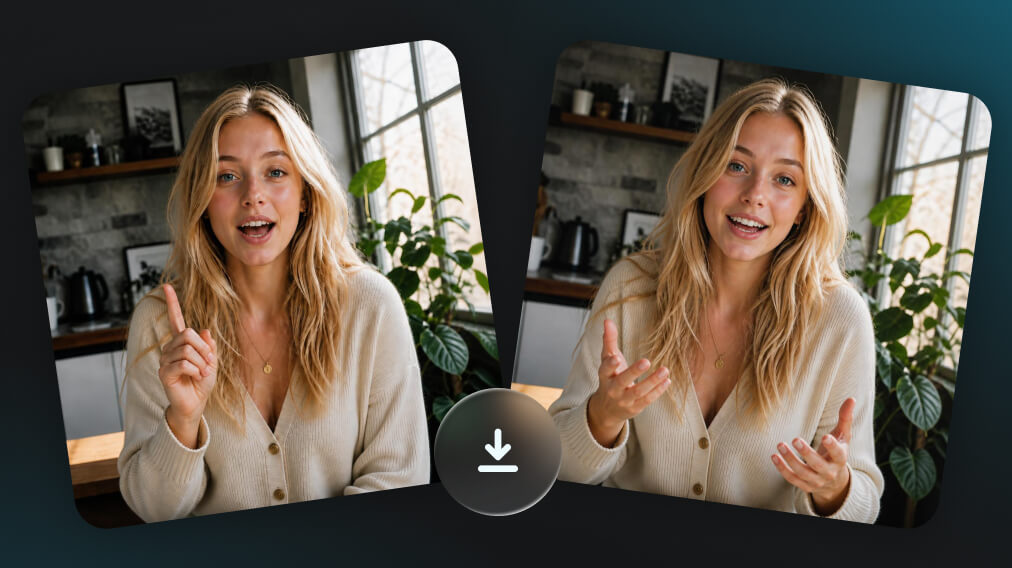
Expressive AI avatars with a face, a voice, and natural performance—combining speech, lip sync, gestures, movement, and on-screen interaction to create more dynamic and engaging videos.

ai avatar generator - step 1
Step 1
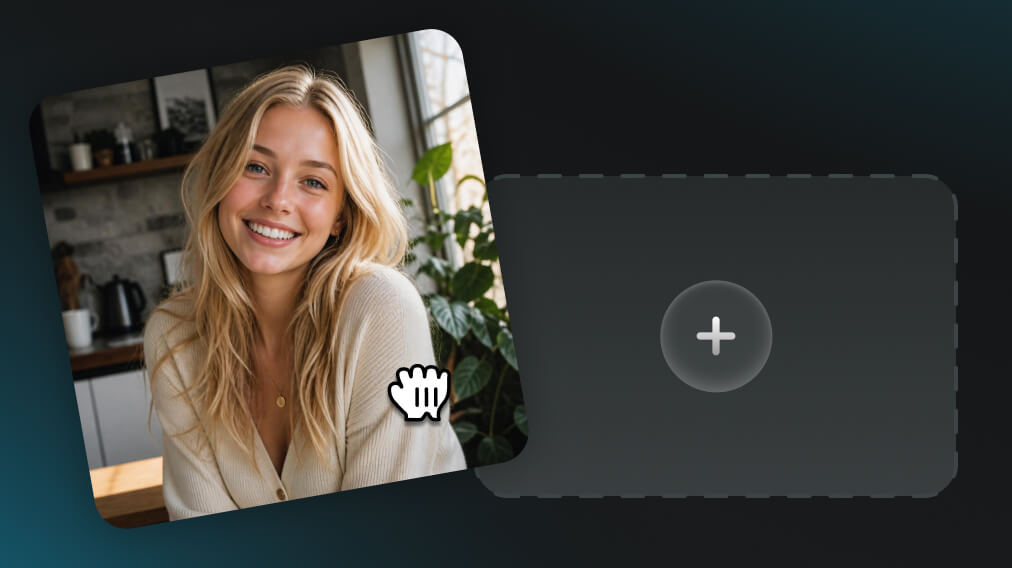
AI Avatar Selection & Customization

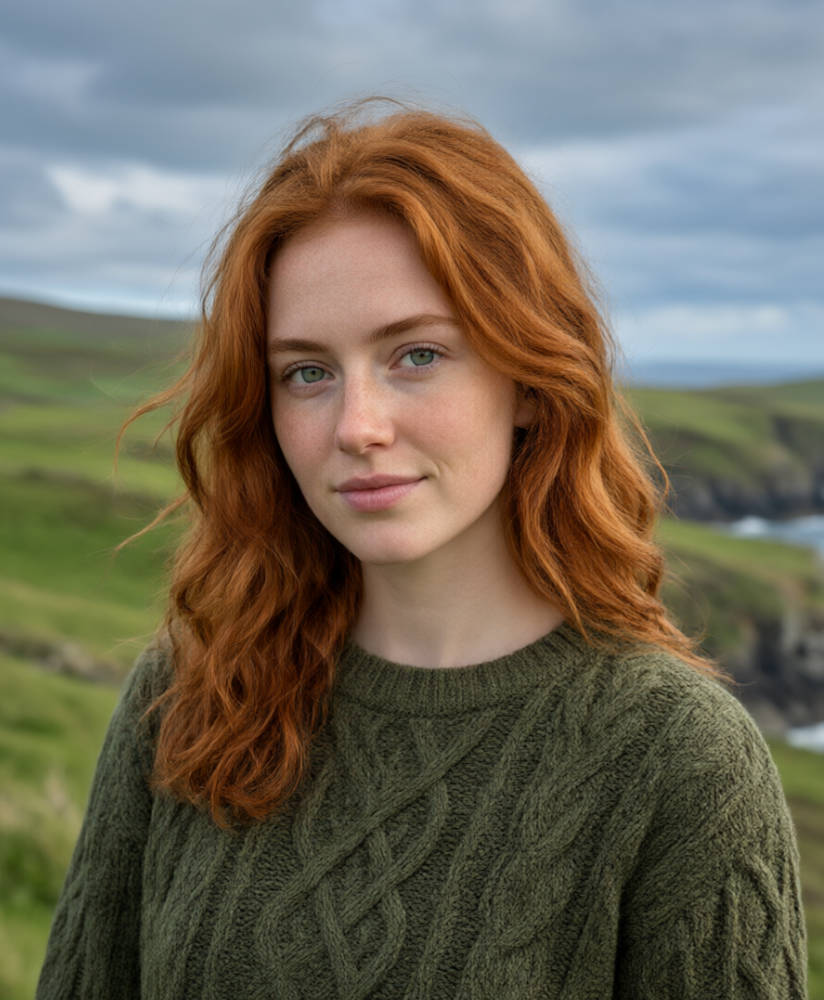
Begin with a preset avatar, an avatar saved in Assets, an uploaded image, or a new avatar created from text or a reference image. Customize it as needed before adding audio and generating the video.

ai avatar generator - step 2
Step 2
Avatar Audio & Background Settings

Upload an audio file with speech or vocals for the avatar, or select saved audio directly from Assets. The audio determines the voice, pronunciation, pacing, and delivery in the generated video. Then, set the scene with a suitable background.

ai avatar generator - step 3
Step 3
AI Avatar Video Preview & Export

Use a prompt to customize the avatar’s actions, then generate the AI avatar video and preview the speech, lip sync, facial expressions, and movement. The finished video is ready to export, share, or publish across different platforms.

AI Avatars for Any Role


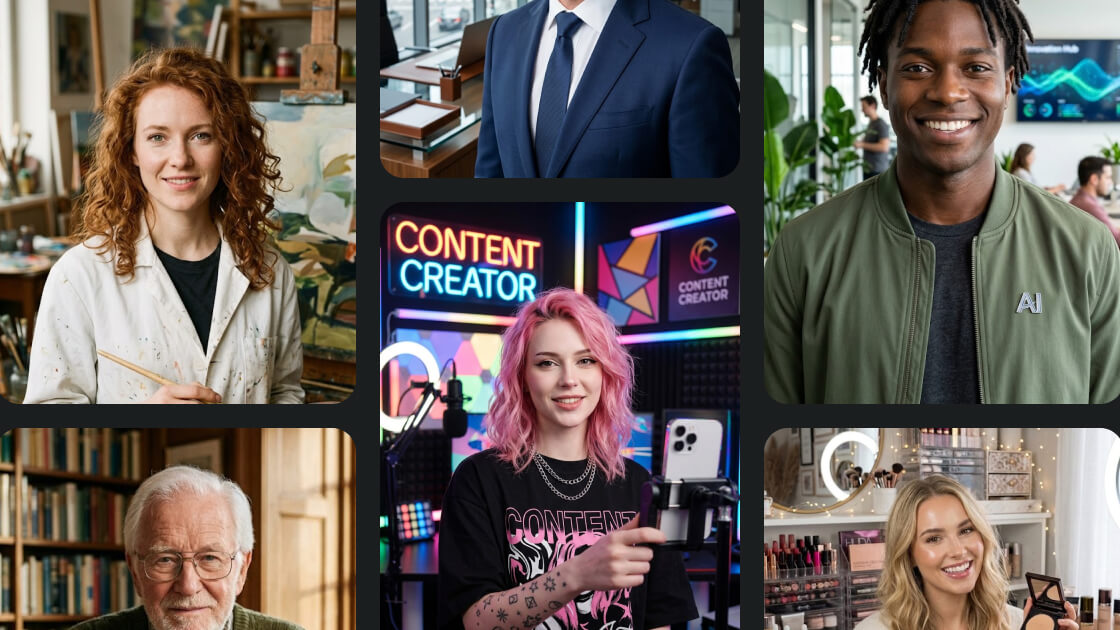
Create presenters, spokespeople, storytellers, creators, or original digital characters for different types of content. Adjust appearance, character style, and on-screen identity to match business videos, social content, tutorials, product explainers, or more creative productions.
AI Avatars for Any Role

Audio-Driven Avatar Performance

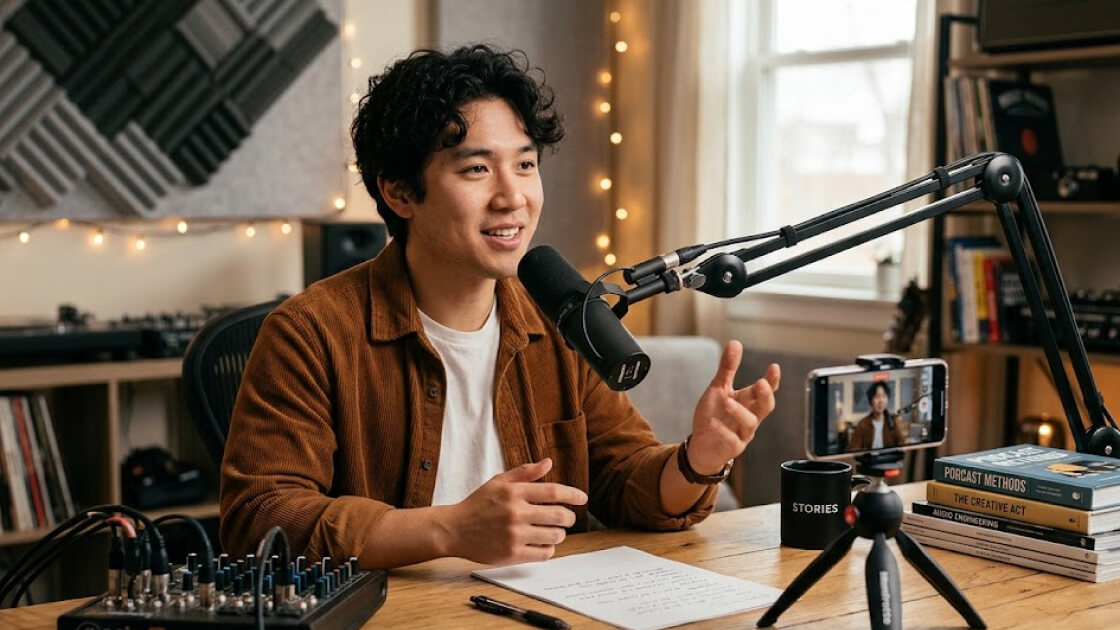
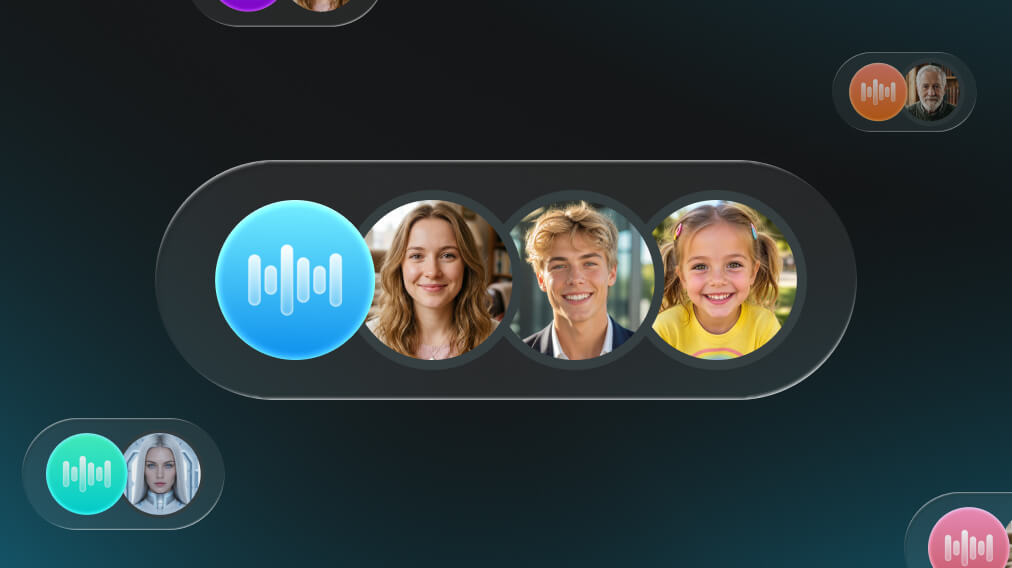
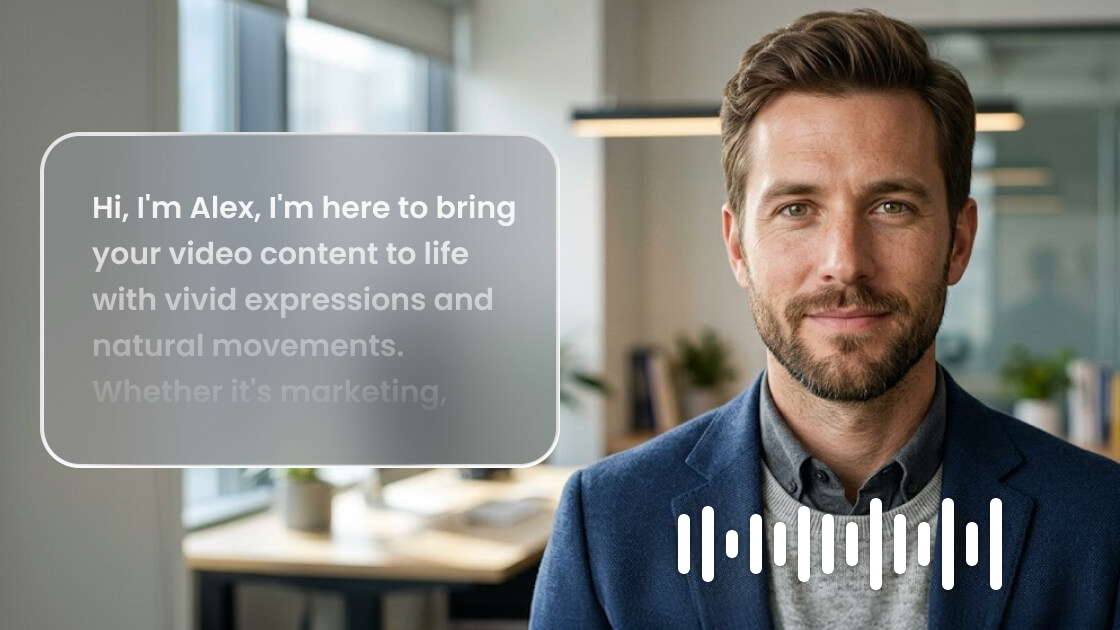
Upload the audio you want your avatar to speak and keep the original voice, language, pacing, pronunciation, and emotion from the recording. Pair different audio tracks with different characters to create avatar videos that fit each role and message.

Distinct Voices for Digital Characters

Precise Lip Sync, Down to Every Word

No floating words. No mouth movements that arrive a beat too late. Synchronize each line with precise lip movements and facial expressions, keeping the delivery aligned with what’s being said while making it feel like it truly belongs to the character on screen.

Precise Lip Sync, Down to Every Word

Talking Heads, Now in Motion

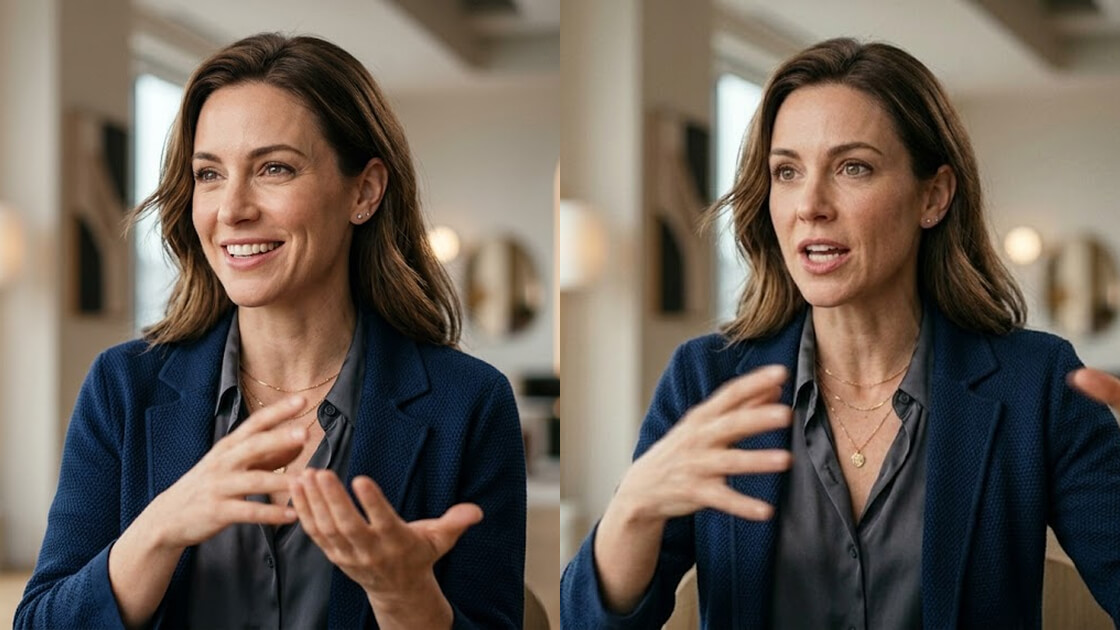
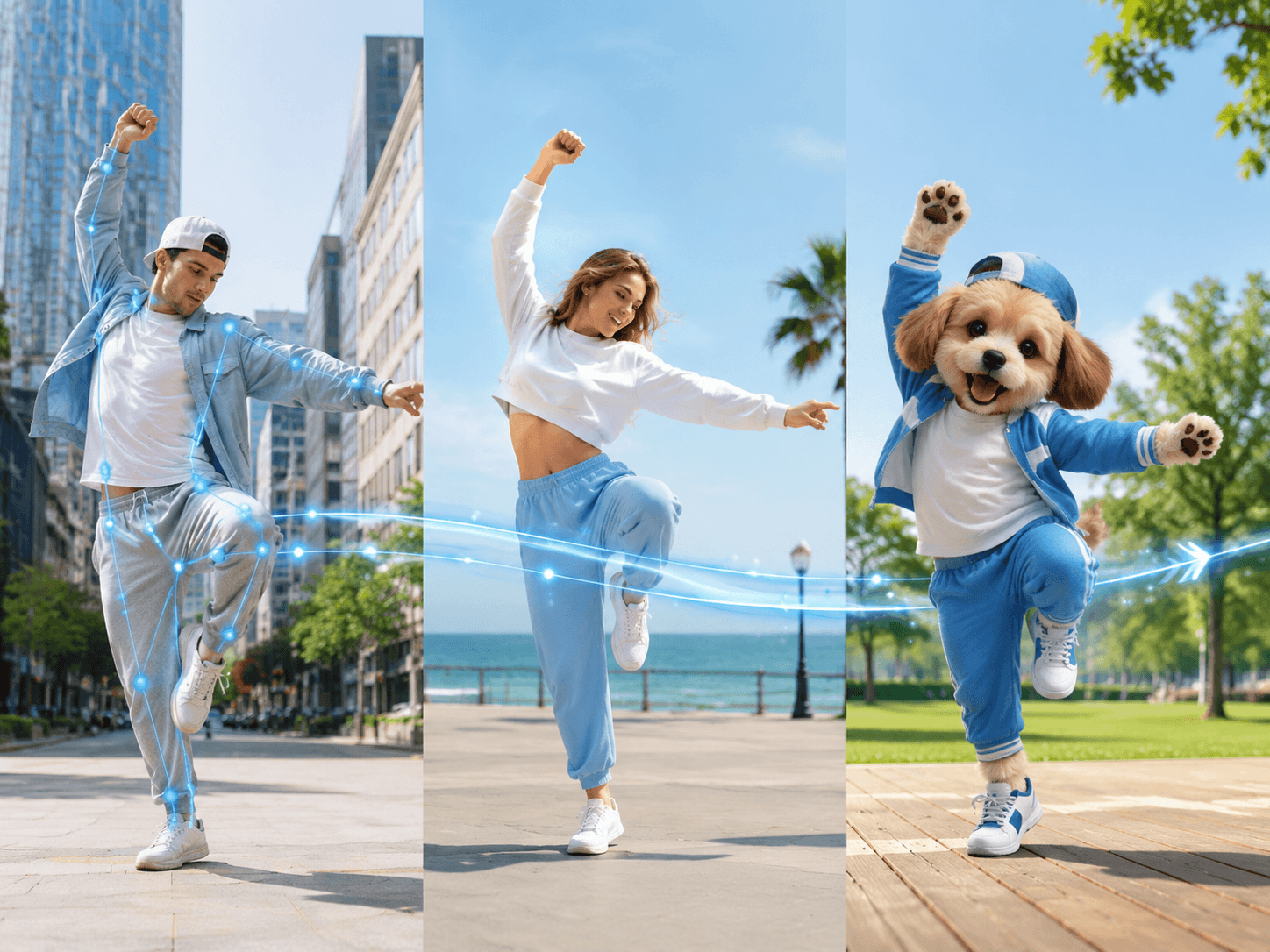
Add gestures, head movement, posture changes, and body motion that respond to the dialogue instead of keeping the character fixed in place. Use movement to emphasize key lines, add emotion, and make longer avatar videos feel more dynamic on screen.

From Talking to Moving

One Avatar, Many Scenes

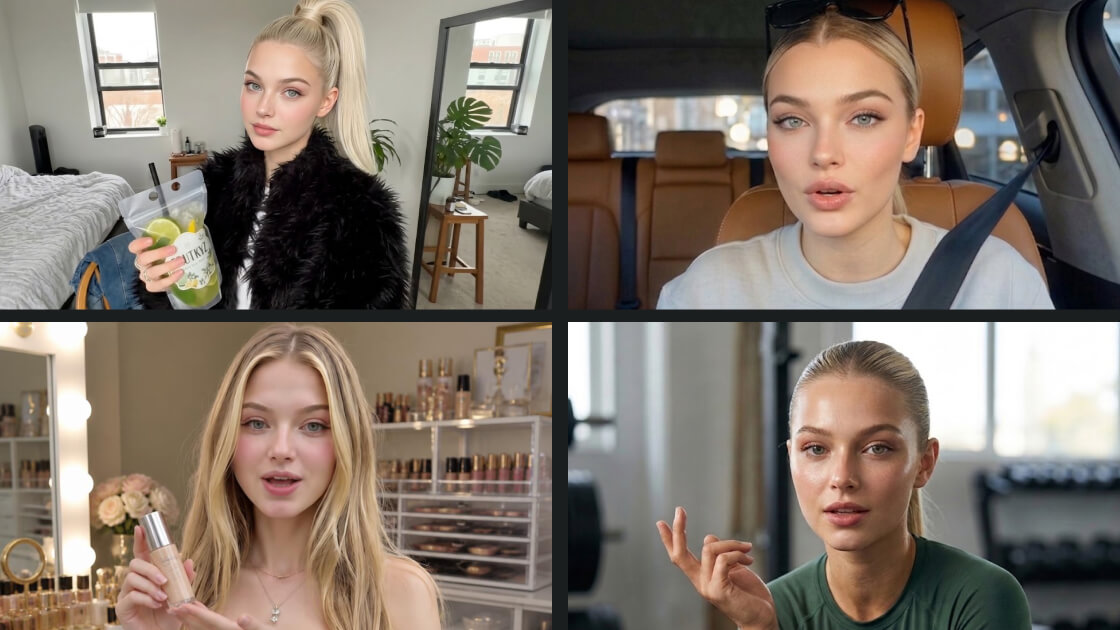
Adapt the same avatar for different videos. Switch up outfits, backgrounds, environments, and visual styles to take the same character from a product demo to a social clip, a presentation, or an entirely different world—without rebuilding it from scratch.

One Avatar, Many Scenes

Speak Naturally Across Languages

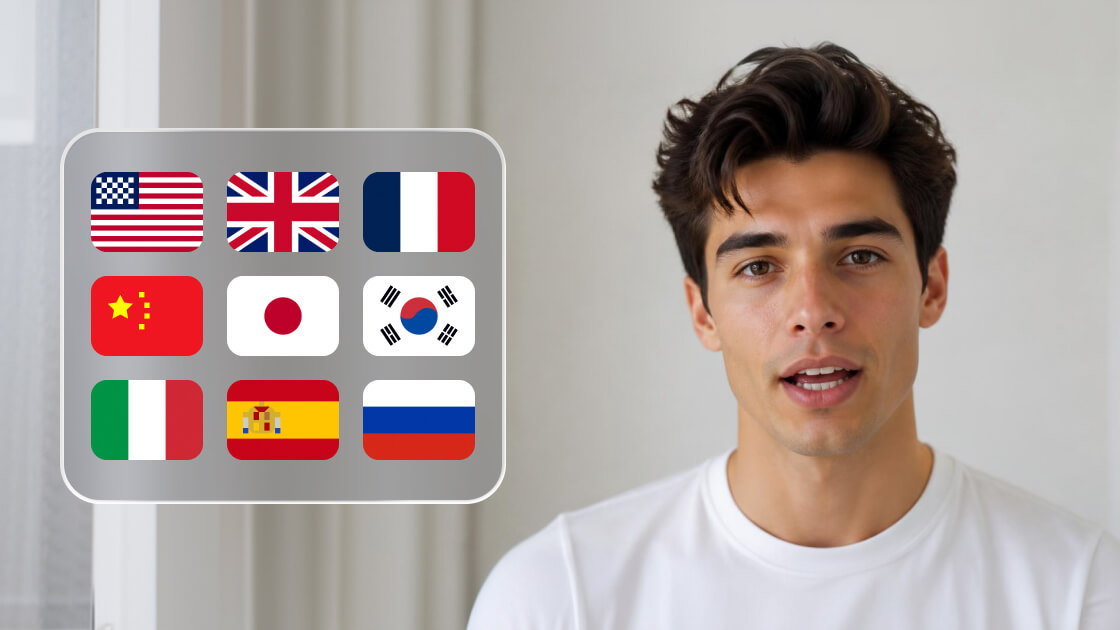
Adapt avatar videos for different regions by uploading audio in the language you need. Keep the same character and visual identity while using different recordings for different languages, accents, and localized versions.

Speak Naturally Across Languages

AI Avatar Videos for Work That Usually Needs a Camera

Some videos are worth filming once. Others need a new version next week, tomorrow, or the moment something changes. AI avatars make recurring video easier to produce, update, and adapt—without starting with another shoot.

Marketing & Advertising

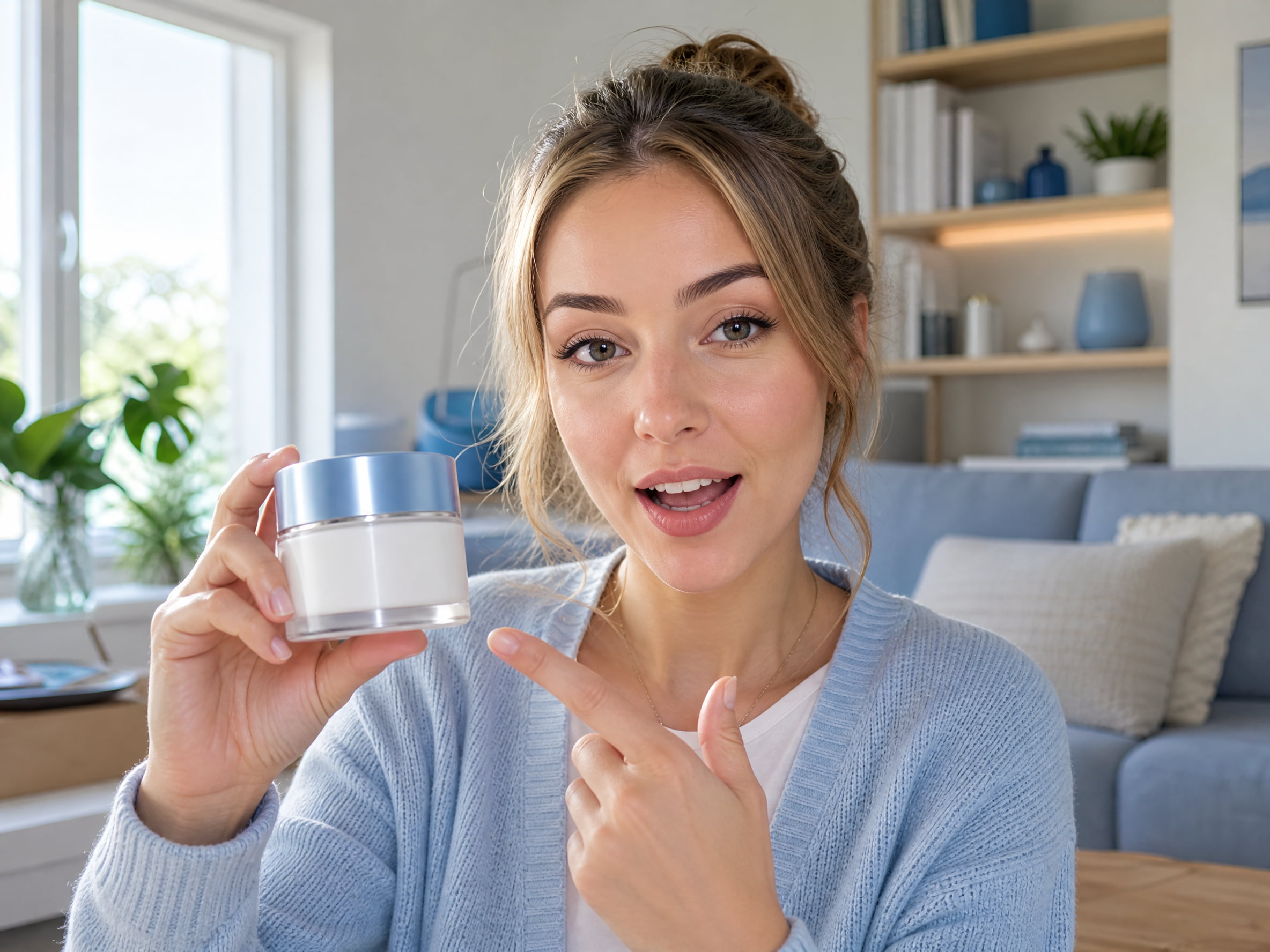
Create UGC ads, product explainers, e-commerce videos, influencer-style content, real estate promotions, and multilingual campaigns with AI avatars built for different audiences, channels, and creative formats.

Business & Enterprise

Turn company knowledge into scalable video for onboarding, internal communications, sales enablement, product updates, and enterprise training—with consistent avatars across teams, regions, and content libraries.

Learning & Training

Build AI avatar videos for e-learning, remote education, employee training, tutorials, and course content. Update lessons, use uploaded voiceovers in different languages, and reuse presenters across modules without filming each version again..

Events & Virtual Experiences

Bring AI presenters into webinars, virtual events, product launches, conference content, digital signage, live experiences, and immersive formats—from promotional clips to on-screen hosts and event highlights.

Customer Engagement

Add a digital face to product guidance, customer onboarding, multilingual support, healthcare information, and virtual assistant experiences with AI avatars designed for clear, consistent communication.

Creators & Small Teams

Produce social videos, explainers, fundraising content, product promotions, and recurring updates with fewer production steps—ideal for startups, nonprofits, local businesses, bloggers, vloggers, and creative agencies.

AI Avatars in the Real Workflow

For the kind of video work that doesn’t stop after the first version.

I already had the voiceover ready, so turning it into an avatar video was much easier than filming a presenter from scratch.

Maya Chen
Maya Chen
Growth Marketing Manager

The lip sync was the part I was worried about. It actually looks a lot better than I expected, especially on the shorter videos.

Olivia Brooks
Olivia Brooks
Short-Form Video Creator

I made the English version first, then tried the same avatar in Spanish. Being able to keep the same presenter was really useful for us.

Daniel Ortiz
Daniel Ortiz
Localization Manager

I found an avatar that worked well with the audio I was using and just kept using it. It’s nice not having every video look like it came from a completely different person.

Jordan Lee
Jordan Lee
Social Media Strategist

AI Avatar Questions, Answered

Complete Toolkit for Modern Creators

Explore our full suite of AI-powered creative tools to elevate your content.