Video Enhancer

How to Enhance Video Quality with AI

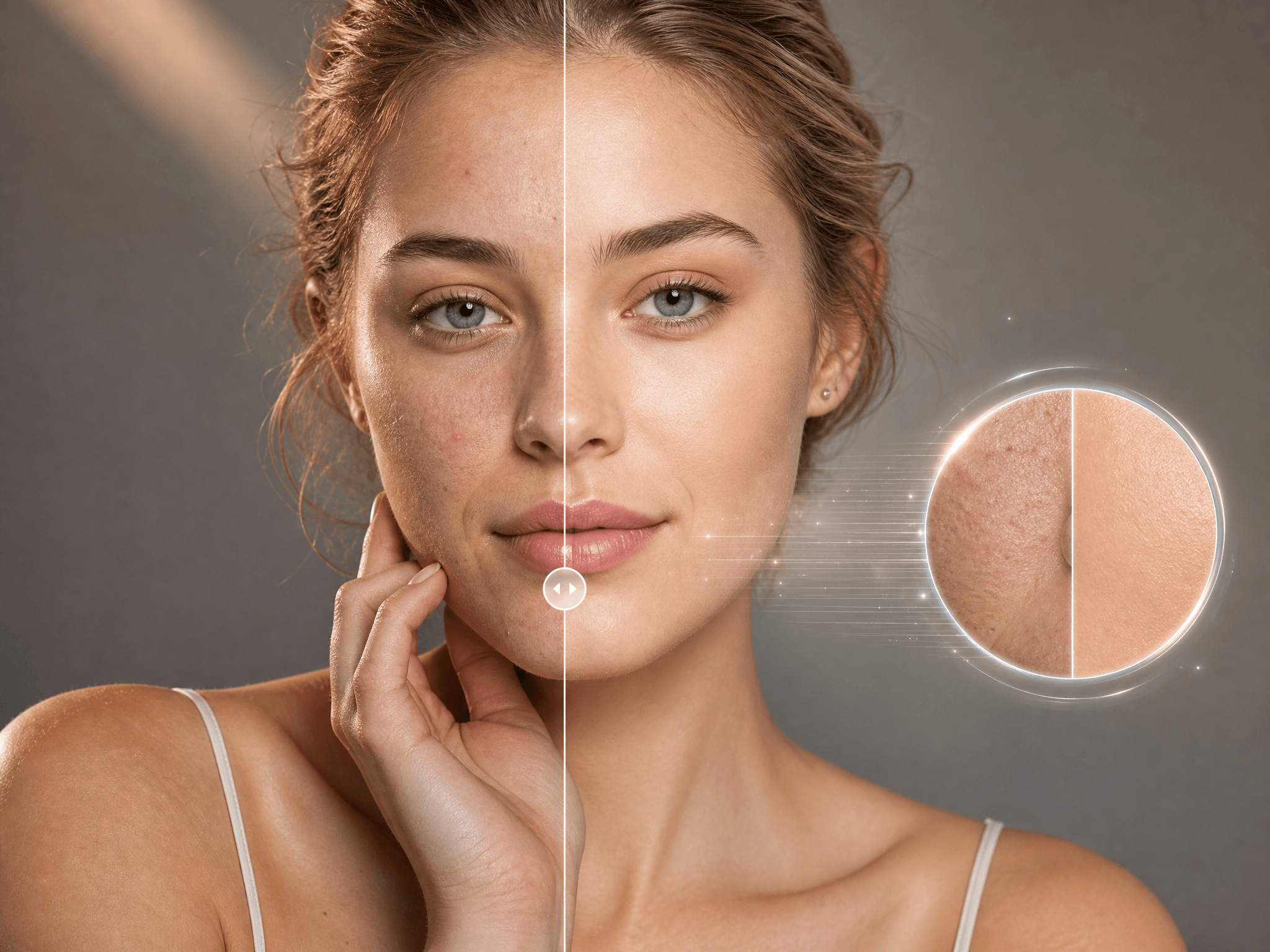
From pixelated frames to visible compression, AI video enhancement helps bring out finer details and a cleaner, sharper look without complicated editing.

Enhance Video Quality with AI - Step 1
Step 1
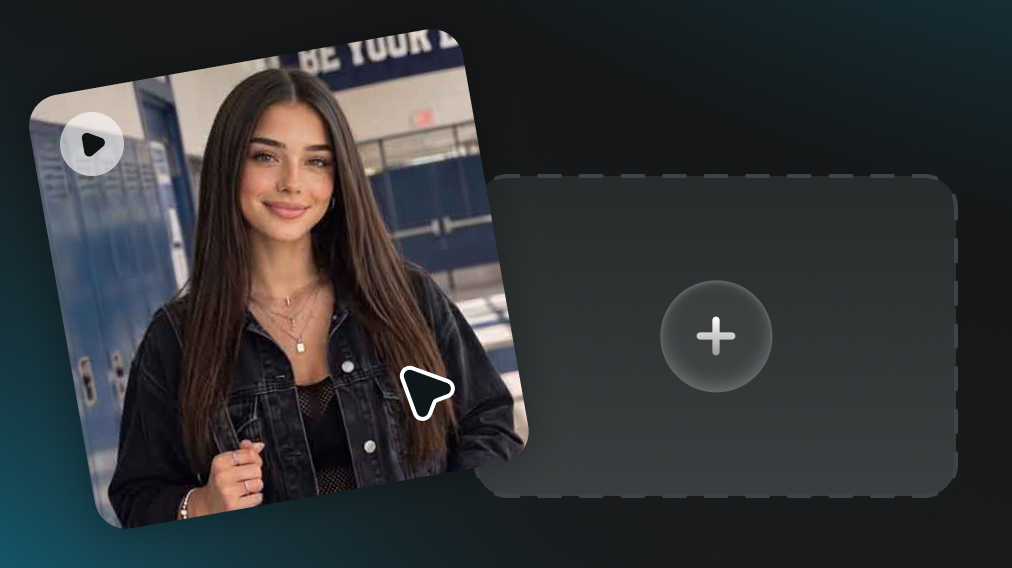
Upload a Source Video

Add the video you want to enhance. Blurry, low-resolution, or lower-quality videos can all be used as the source.

Enhance Video Quality with AI - Step 2
Step 2
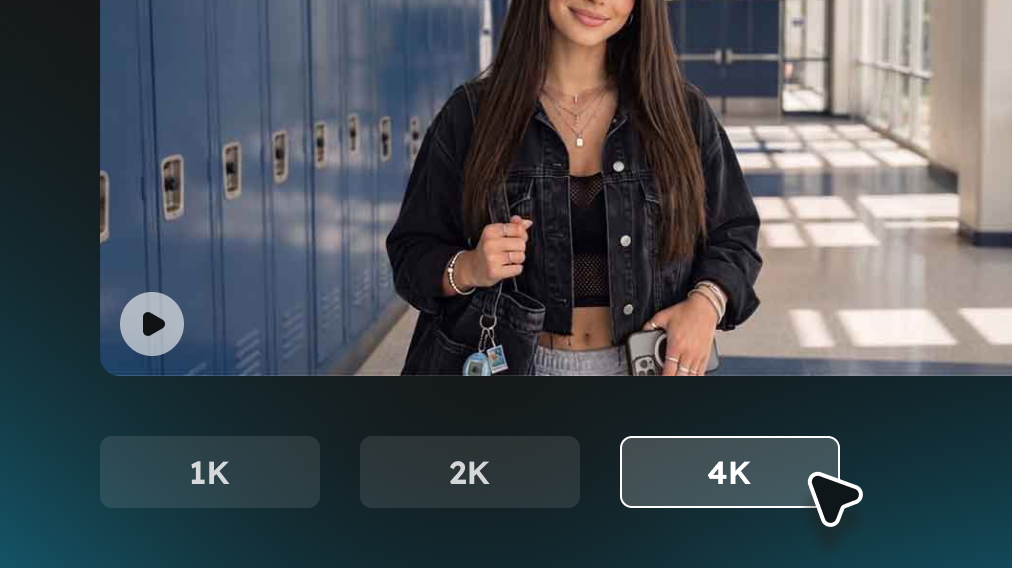
Select Output Resolution

Select the output resolution you need, from 1K to 2K or 4K, depending on how much you want to upscale the video.

Enhance Video Quality with AI - Step 3
Step 3
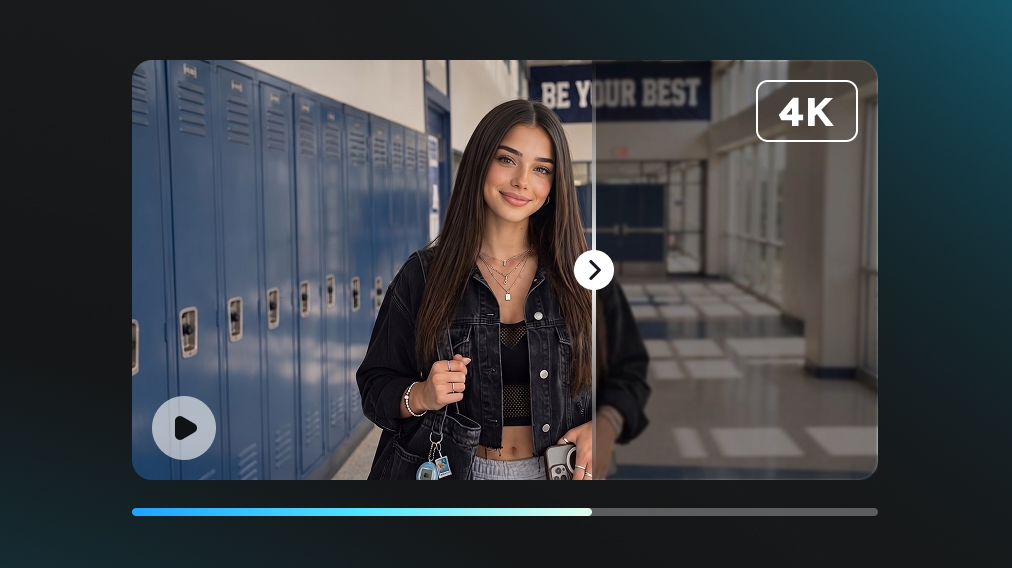
Create a Higher-Quality Video

Let AI improve video clarity and resolution while preserving the original content, then preview and download the enhanced video.

One-Click Video Detail Restoration

Compression, repeated exporting, and platform re-encoding can leave videos looking softer, more pixelated, or less detailed than the original. AI video enhancement helps refine visible edges and textures so compressed footage looks cleaner and more suitable for reuse, sharing, or republishing.


Clearer Video on Larger Screens

A clip that looks acceptable on a phone can reveal obvious softness and pixelation once it is viewed on a desktop monitor, TV, projector, or presentation screen. Higher-quality output helps existing footage hold up better when displayed at a larger size.

Quality Upgrade for Existing Videos

Not every video still has an original project file or high-quality source available. Enhance finished clips, downloaded videos, archived footage, and older exports without recreating the content or rebuilding the entire editing project from scratch.

Skip Manual Sharpening & Resizing

Improving a low-quality video manually can involve sharpening, resizing, export settings, and repeated previews before the result looks right. AI video enhancement reduces that adjustment work and provides a more direct way to improve existing footage.

Works with Popular Video Formats

Videos can come from phones, cameras, screen recordings, editing apps, downloads, and social platforms. Support for commonly used video formats makes it easier to enhance footage from different sources without adding a separate conversion step first.

No Software Download/Installation

AI video enhancer can be handled directly online without installing a desktop editor, adding plugins, or configuring a separate processing environment. It is a more accessible option when only the video quality needs improvement rather than a full editing workflow.

What Can an AI Video Enhancer Improve?

Give existing video content a quality upgrade that makes it more suitable for today’s screens and publishing standards.

Social Media Videos

Enhance short-form clips before publishing or republishing them on TikTok, Instagram Reels, YouTube Shorts, and other social platforms.

Product Videos

Improve product demos, showcases, and promotional clips so products appear clearer across ecommerce pages, ads, and social content.

Old Family Videos

Give older personal recordings, digitized clips, and saved memories a cleaner appearance when only a lower-quality version remains.

Screen Recordings

Improve recorded tutorials, software walkthroughs, gameplay clips, and other screen captures when text or interface details appear too soft.

Presentation Videos

Prepare video clips for business presentations, classrooms, webinars, and event displays where visual quality matters more on a larger canvas.

Downloaded and Saved Videos

Enhance videos collected from different sources when a higher-quality original file is unavailable.

AI Video Enhancer Reviews from Users

A simpler way to give existing videos a cleaner, more polished look without making them feel overprocessed.

I wasn’t expecting a dramatic transformation—I just wanted the video to look less rough. The result felt noticeably cleaner without making the image look overly processed.

Marcus R.
Marcus R.
Content Creator

What I like most is that it works well as a final pass. When a video is already finished but still doesn’t feel quite polished enough, this is an easy last step before publishing.

Sophie L.
Sophie L.
Marketing Specialist

I’ve tried enhancement tools that made videos look unnaturally sharp. This felt more balanced, which matters more to me than simply pushing the resolution as high as possible.

Chris W.
Chris W.
Social Media Manager

AI Video Enhancer: Common Questions

Complete Toolkit for Modern Creators

Explore our full suite of AI-powered creative tools to elevate your content.