AI Beauty

How AI Beauty Filter Works

Turn a portrait into a cleaner, glowing photo by applying AI Beauty Filter to skin, clarity, and overall image quality.

Upload Your Portrait Photo
Step 1
Upload Your Portrait Photo

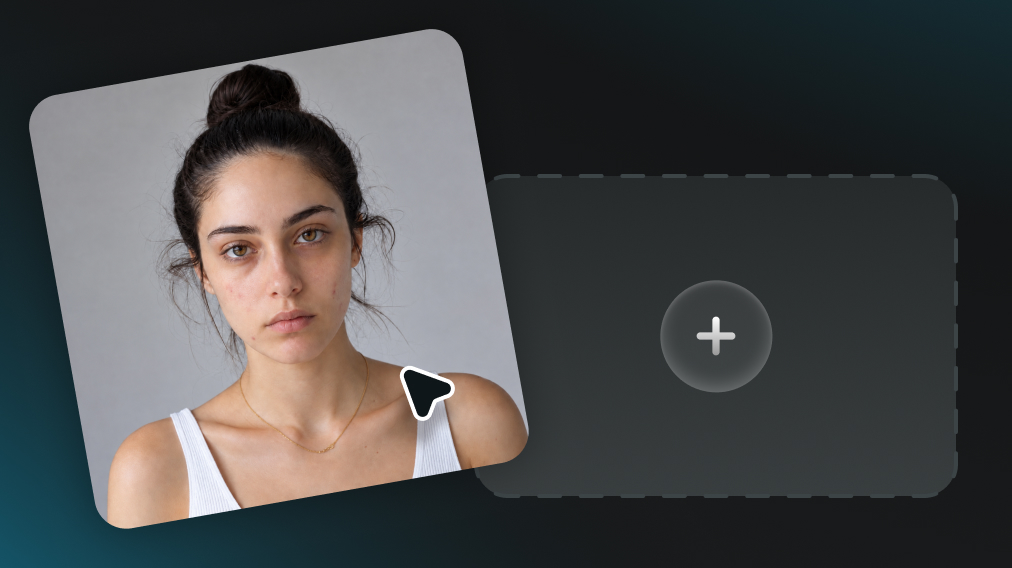
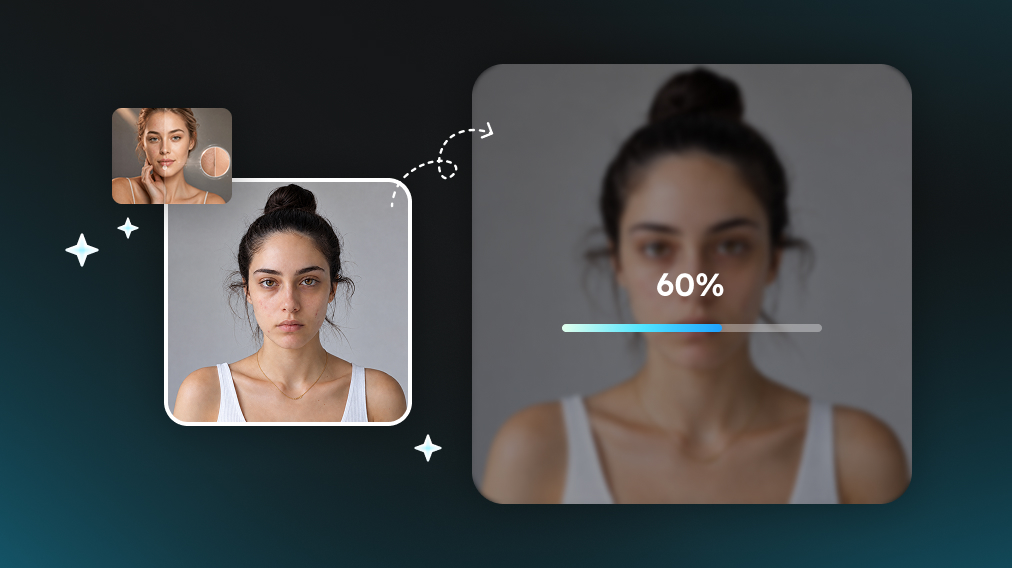
Upload a clear photo with a visible face. AI Beauty Filter reads skin texture, facial features, and any makeup already in the picture before enhancement begins.

Apply AI Beauty Filter
Step 2
Apply AI Beauty Filter

Apply the beauty filter and wait while it refines blemishes, lifts facial clarity, and brightens the skin. The original face, expression, and makeup style stay in place.

Save or Share the Result
Step 3
Save or Share the Result

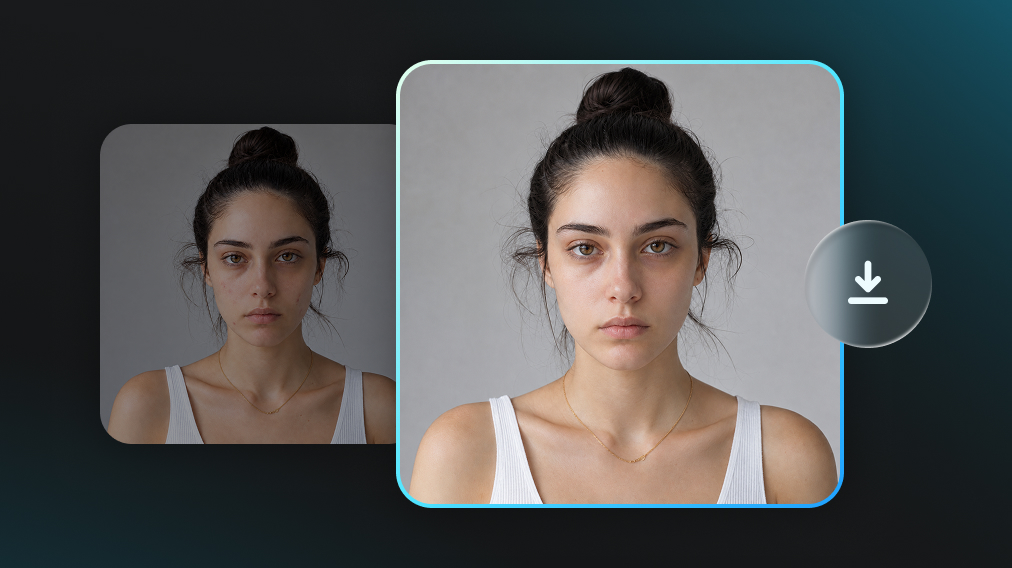
After about 30 to 60 seconds, download the enhanced portrait or share it. The photo keeps a real, soft-skin look that is ready for friends, profiles, and social posts.

Natural Beauty That Still Looks Real

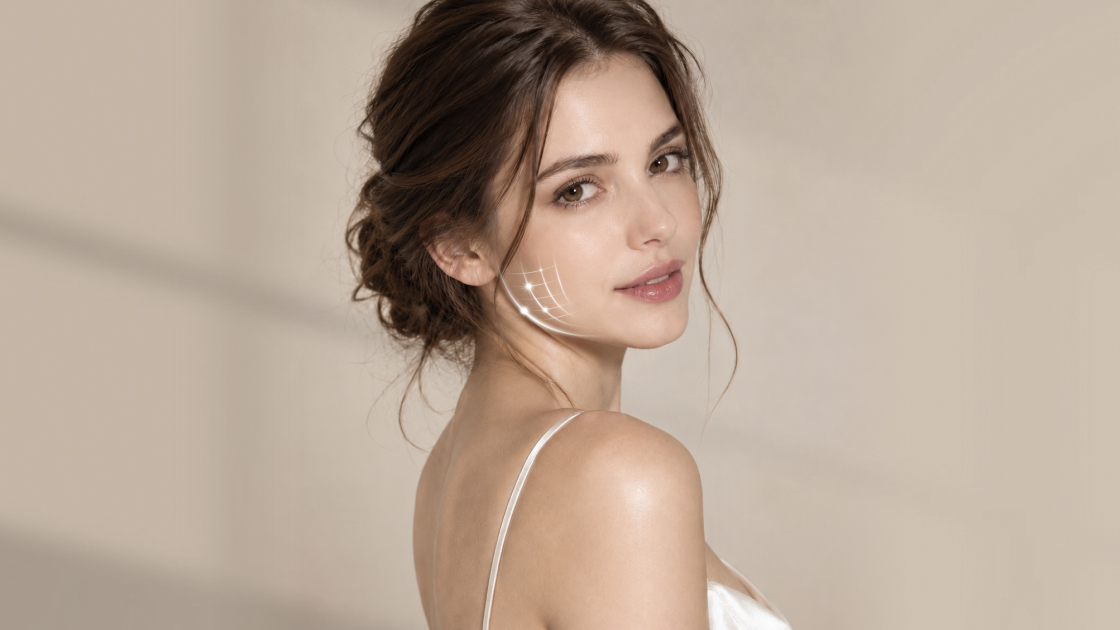
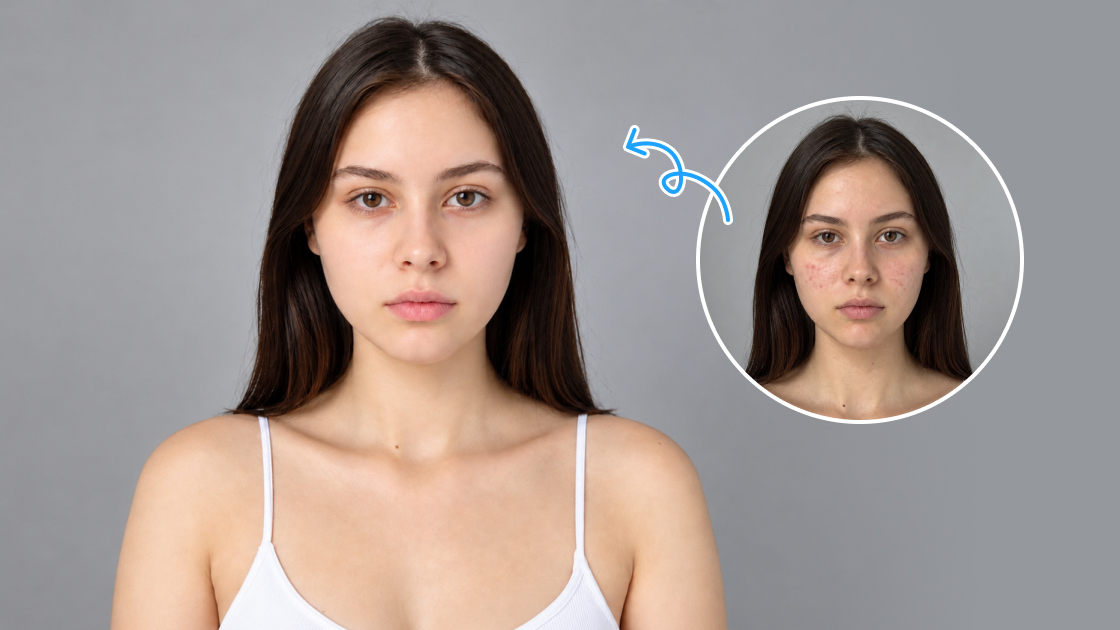
AI Beauty Filter refines blemishes, evens tone, and adds a light glow without plastic smoothing. Skin stays textured and believable, with a soft, clean-girl finish rather than a heavy makeup overlay. The portrait looks healthier, not like a different person.
Natural Beauty That Still Looks Real

Keeps Face, Charm, and Identity

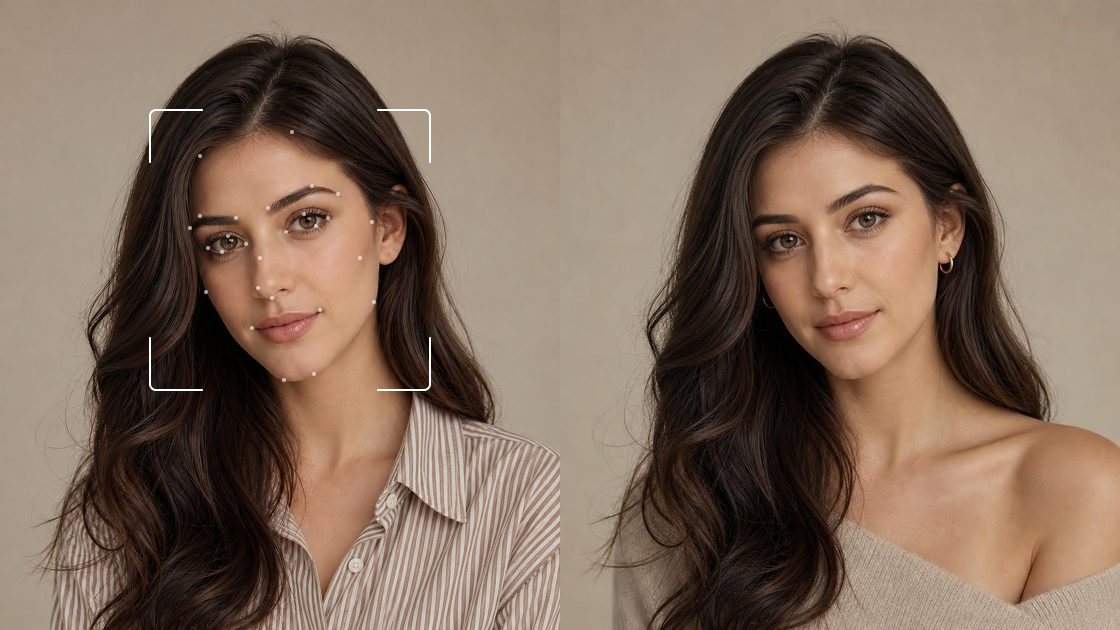
The filter does not slim the jaw, enlarge the eyes, or reshape the nose. AI Beauty Filter preserves facial structure, expression, and the details that make someone recognizable, so friends still see you in the photo.

Keeps Face, Charm, and Identity

Light Touch on Makeup

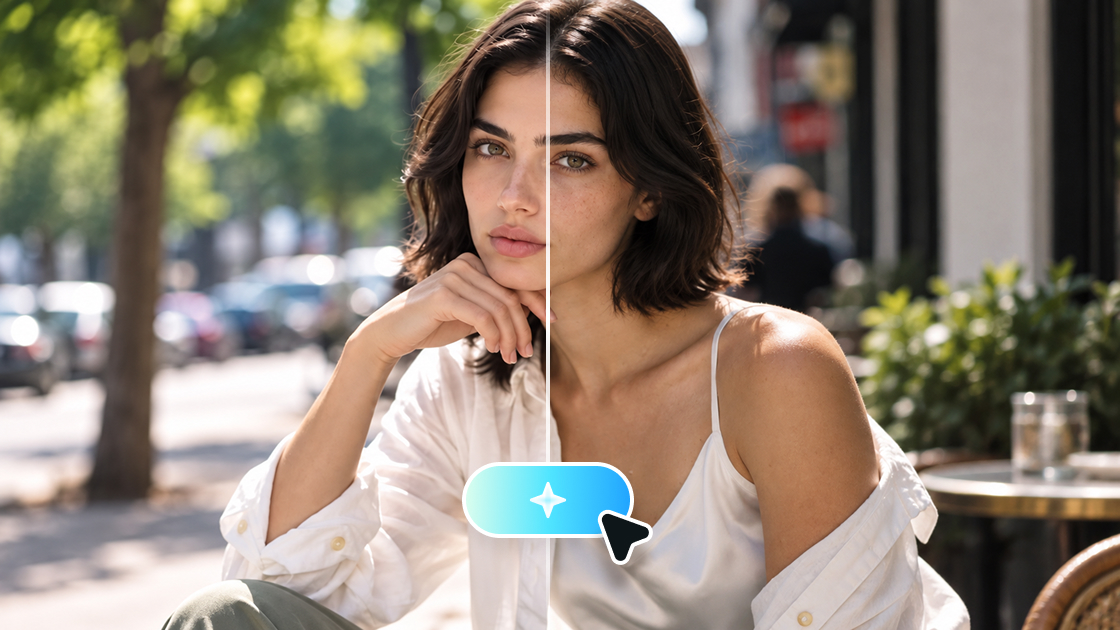
If the photo already has makeup, AI Beauty Filter keeps that look instead of covering it. On a bare face, it only cleans flaws and lifts glow, so the image stays true to the original and easier to edit later.

Light Touch on Makeup

One Upload, No Manual Retouching

There are no sliders, masks, or brush tools to learn. Upload a portrait, apply AI Beauty Filter, and wait for the result. Skin cleanup, clarity, and brightness happen in one pass.

Easy to Share with Friends and SNS

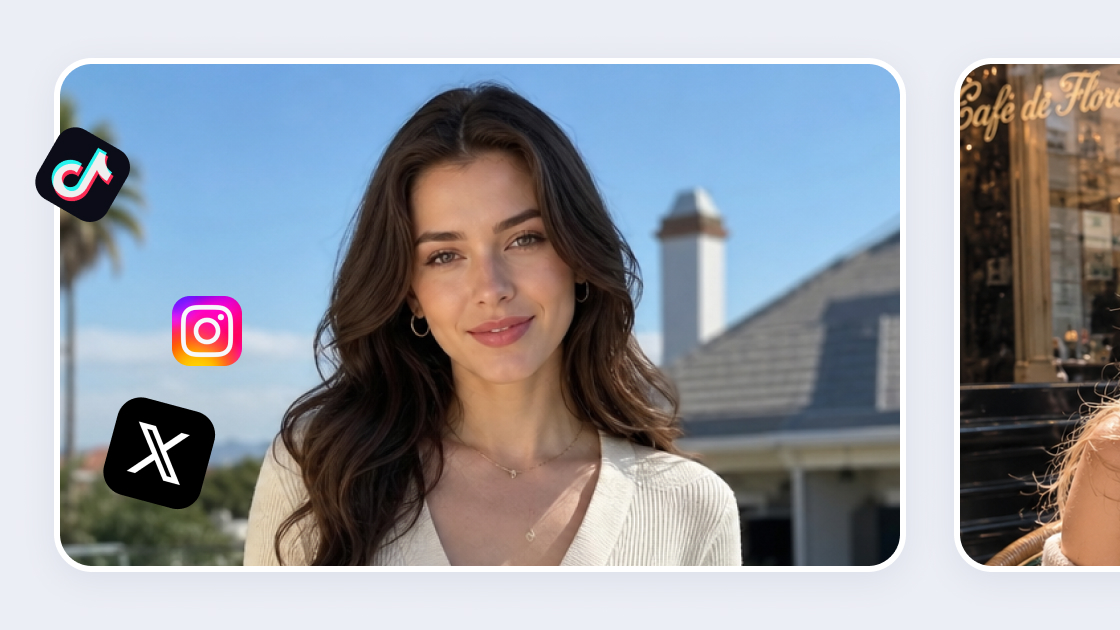
The finish is subtle enough for daily photos, group shots, and profile pictures. AI Beauty Filter makes portraits look cleaner and more camera-ready without an obvious filter effect, so they feel easy to post or send.

Easy to Share with Friends and SNS

Works for Women, Men, and Kids

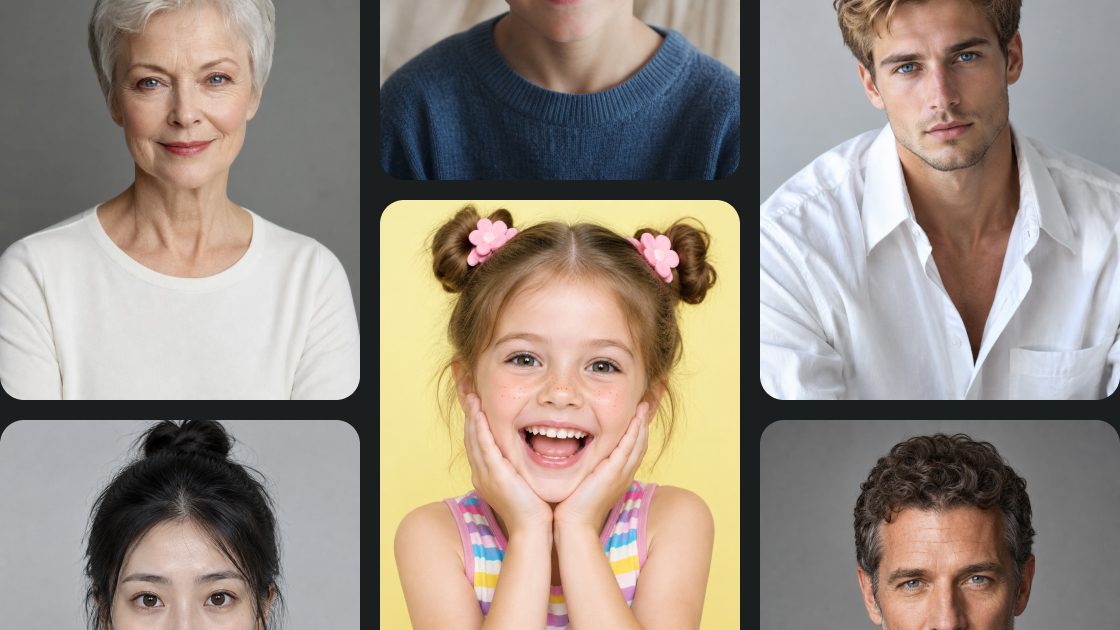
Because the look is closer to no-makeup than glam, it suits more than beauty selfies. AI Beauty Filter cleans the complexion, softens facial tones, and sharpens image quality on men, children, and family portraits.

Works for Women, Men, and Kids

Get a Cleaner, Softer Portrait with AI Beauty Filter

Use AI Beauty Filter for selfies, family photos, profiles, and everyday portraits that still look like you.

Everyday Selfie Cleanup

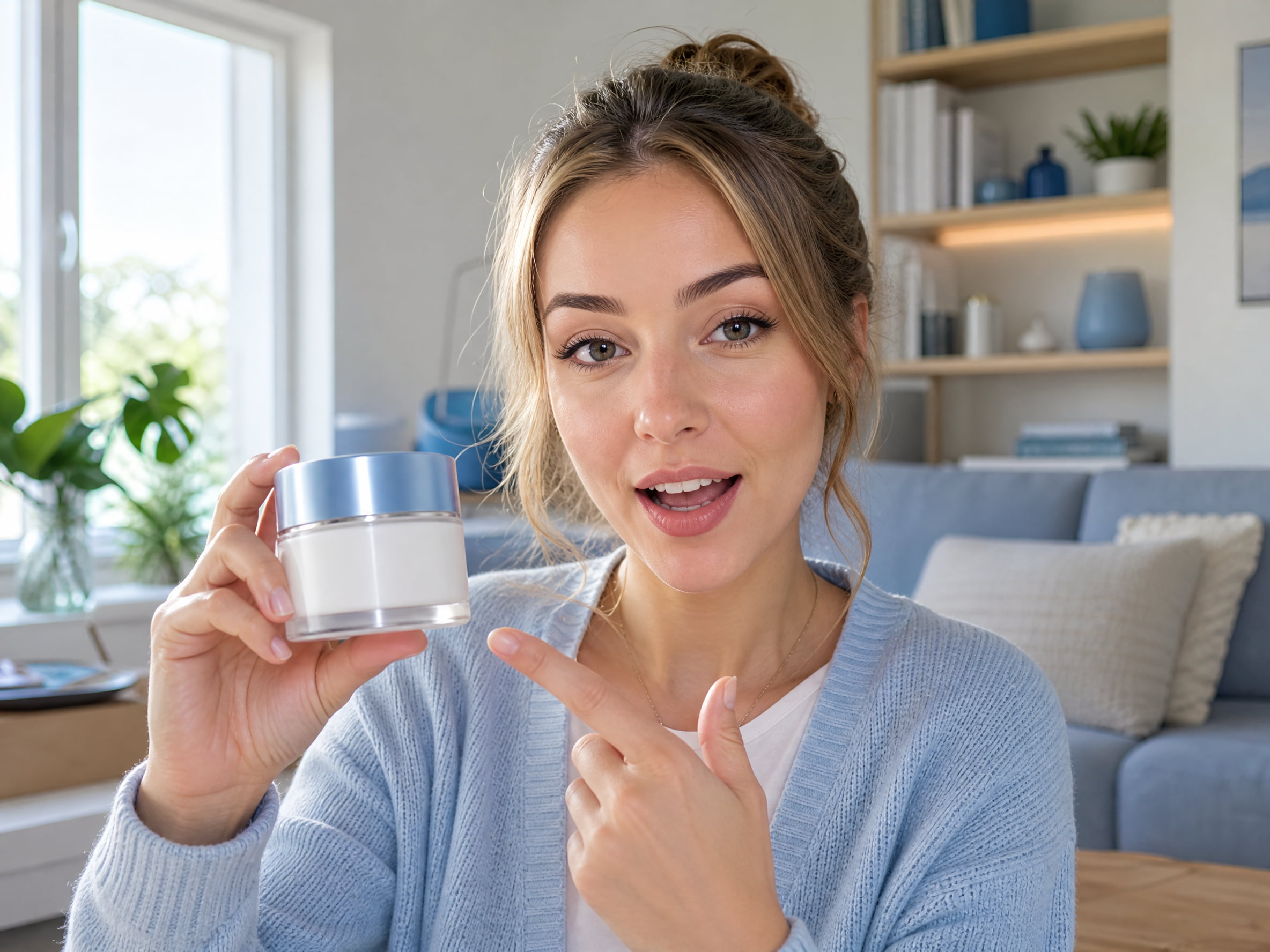
Clean up a casual selfie without turning it into a glam shot. AI Beauty Filter reduces blemishes, brightens the complexion, and keeps your expression intact. The photo still feels like a real moment, just clearer and more refreshed.

Makeup Photo Polish

When makeup is already on, the filter does not replace it with a new style. AI Beauty Filter smooths skin and lifts facial clarity around the existing look, so the original makeup stays visible.

Bare-Face Natural Glow

For photos with little or no makeup, AI Beauty Filter treats flaws and dullness only. You get a soft, clean-girl finish that stays true to the original face and leaves room for later editing.

Family, Kids, and Men's Photos

The no-makeup finish works beyond beauty selfies. Apply AI Beauty Filter to men's headshots, children's pictures, or family photos when you want clearer skin and a healthier glow without added cosmetics.

Social and Profile Pictures

Prepare portraits for Instagram, TikTok, dating apps, or work profiles. AI Beauty Filter improves skin and image quality while keeping the face recognizable, so the photo looks polished rather than filtered.

Creator Pre-Edit Cleanup

Creators can run AI Beauty Filter as a first pass before further styling. Skin looks cleaner and more even, which makes later color, lighting, or makeup work easier to control.

What Users Say About AI Beauty Filter

Real experiences from people using AI Beauty Filter for natural portrait enhancement.

I wasn't expecting it to look this normal. I dropped in a selfie and this beauty filter cleaned up my skin but left my makeup alone. A couple of friends thought I just had a good skin day which is honestly all I wanted.

Sophie K.
Sophie K.
Lifestyle Creator

I skip most beauty tools because they paint on lipstick or shrink the jaw. AI Beauty Filter doesn't. Skin just looks healthier and I can send portraits out without doing a full retouch first.

Daniel P.
Daniel P.
Photographer

I handle photos for a few people including guys and kids so the glam stuff is useless. Ran them through AI Beauty Filter and it just cleaned things up. Nobody looks overdone which is a relief when you're posting for other people.

Priya C.
Priya C.
Social Media Manager

Heavy makeup filters weird me out. I uploaded a no-makeup photo, waited like a minute, and AI Beauty Filter sent back something soft and glowy that still looks like me. Saved it and posted. That's all I needed.

Hannah L.
Hannah L.
Student

Frequently Asked Questions about AI Beauty Filter

Complete Toolkit for Modern Creators

Explore our full suite of AI-powered creative tools to elevate your content.