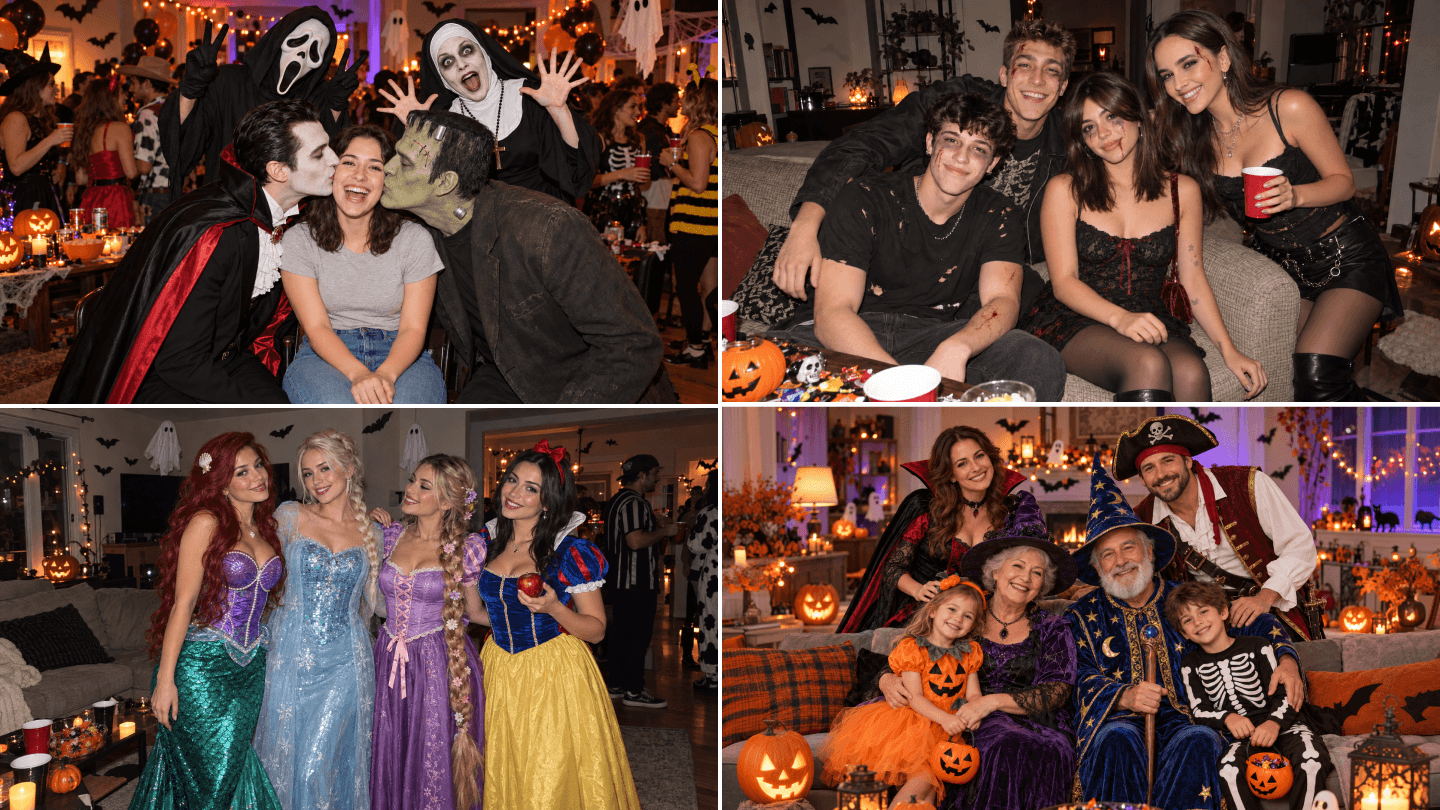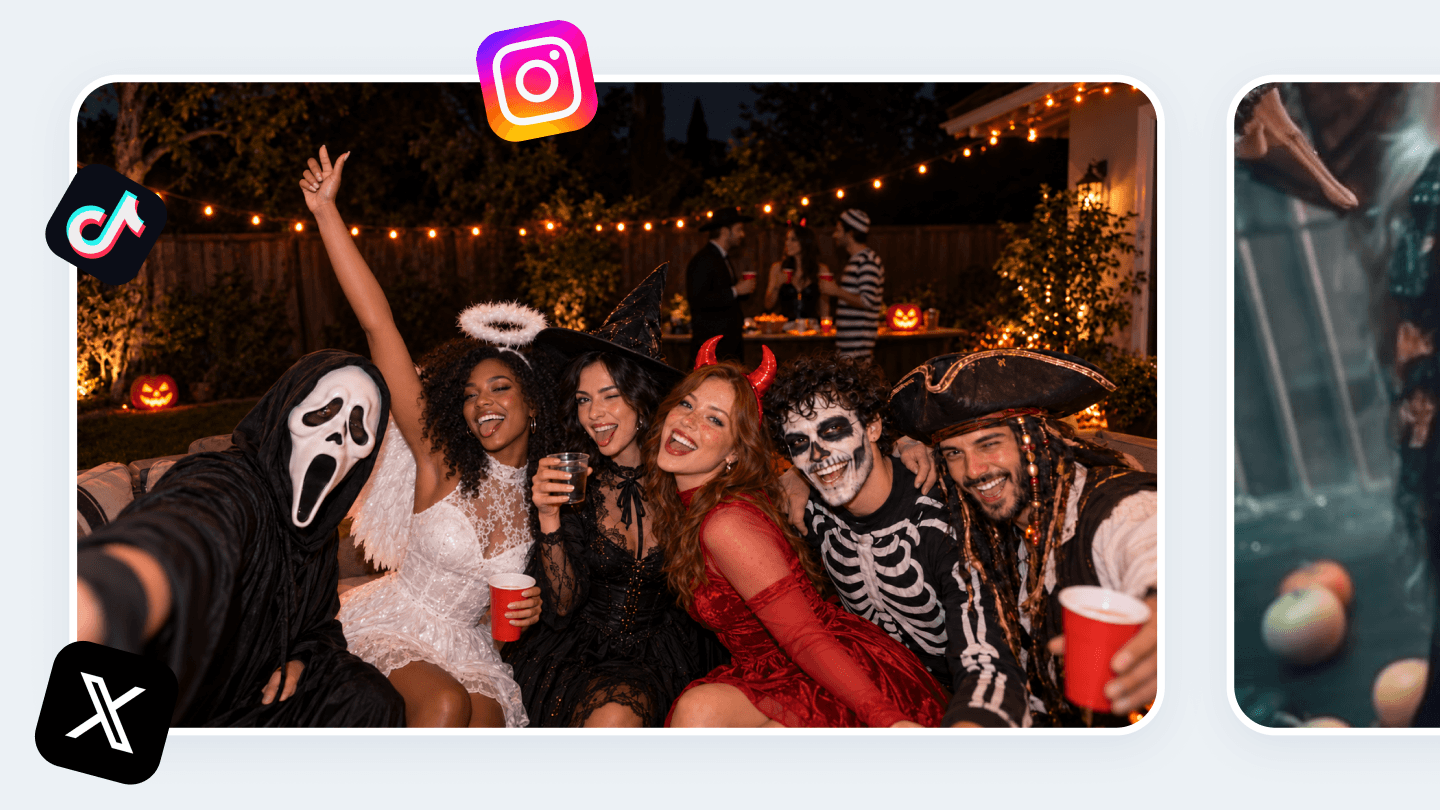
AI Halloween Photo Generator

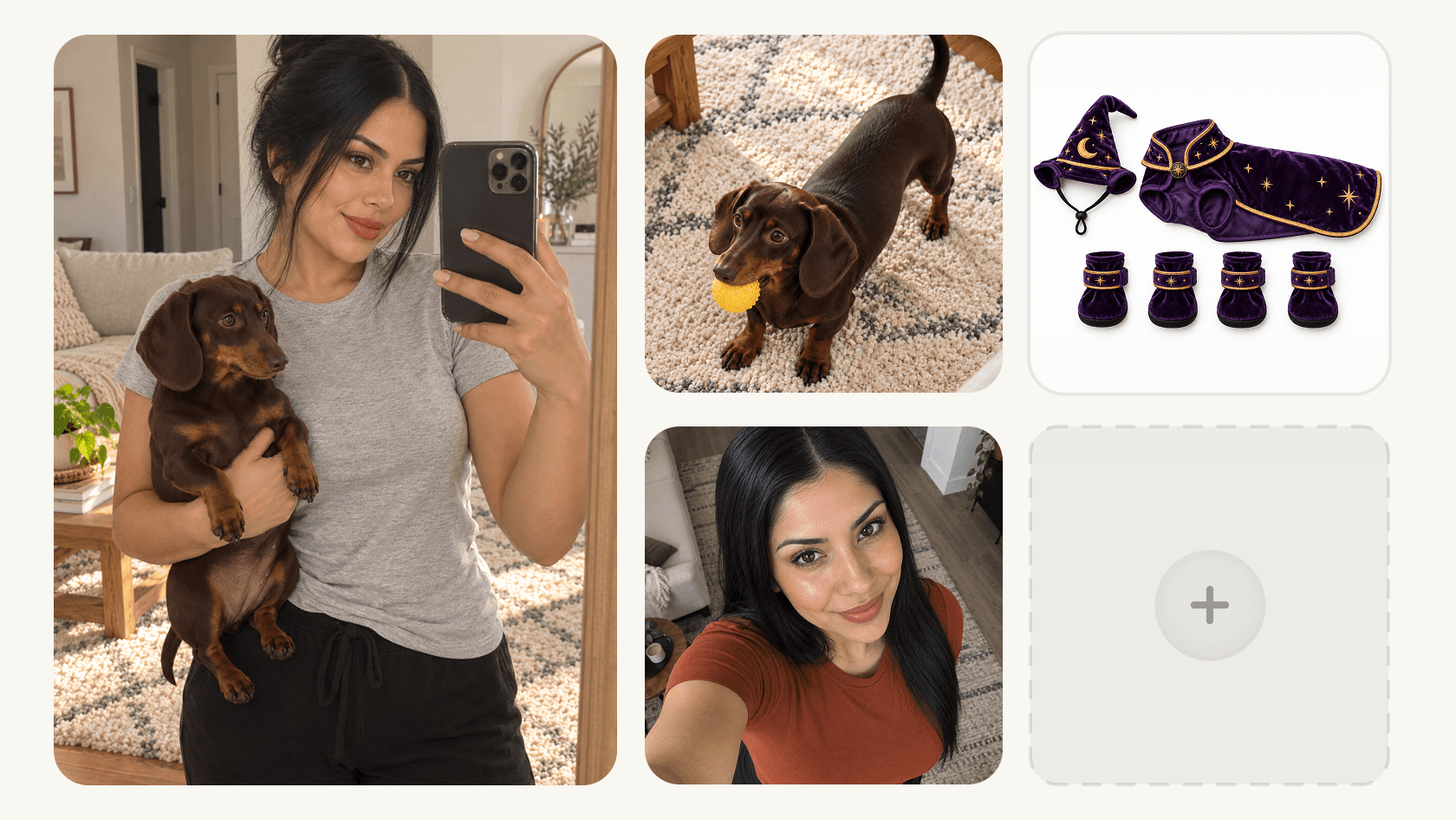
Turn an everyday photo into a pumpkin-lit portrait, a haunted-house scene, or your own take on the Halloween AI trend. Upload your image and describe the transformation, or add reference images of Halloween elements you want to include. Generate your Halloween photo with a few simple instructions.

Simple prompts. No manual photo editing required.

AI Halloween Photo Generator
100K+

Users Worldwide

20+

AI Models

1000+

Templates

4.7

Google Play

Create Your Own Halloween Photo, Down to the Details

Reimagine Yourself as a Halloween Character

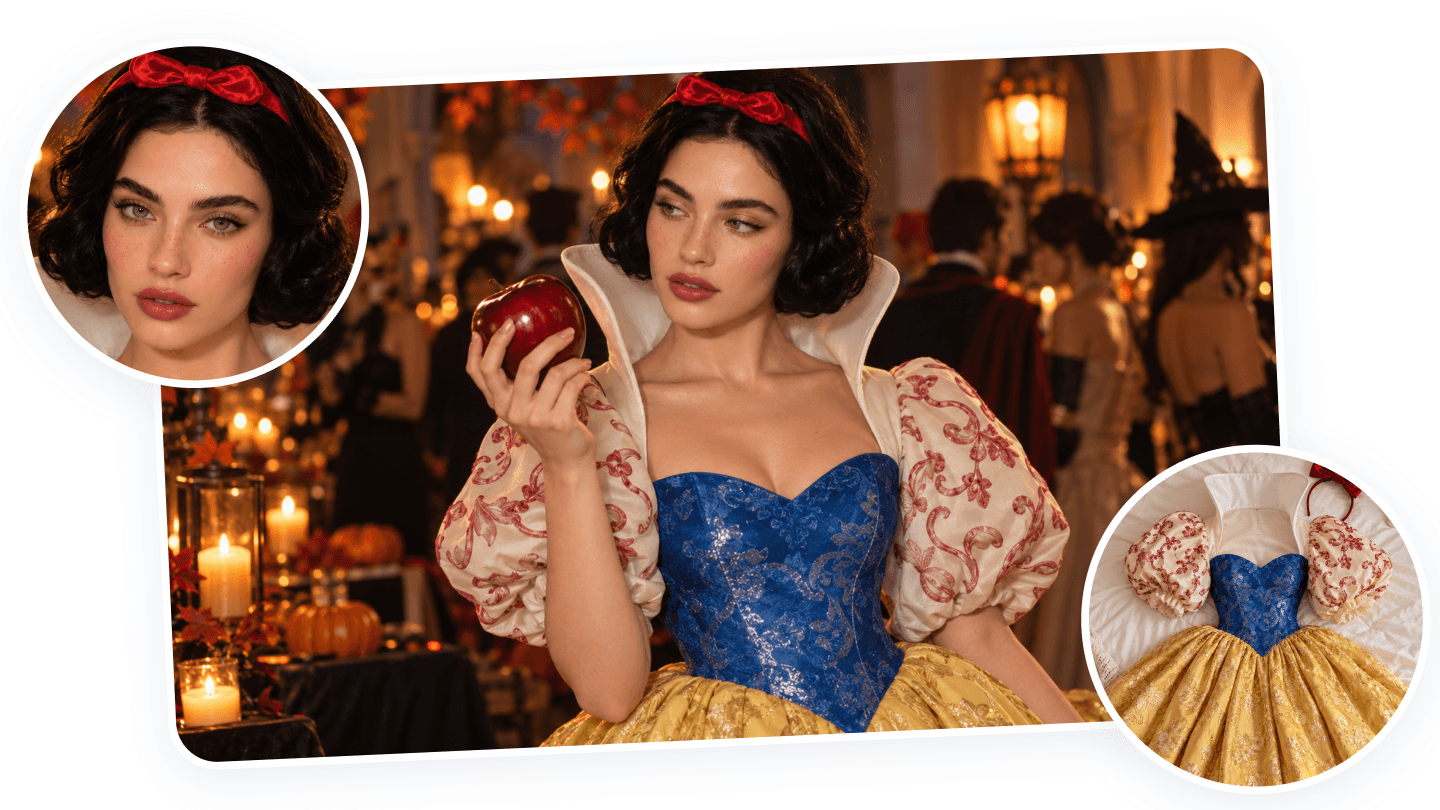
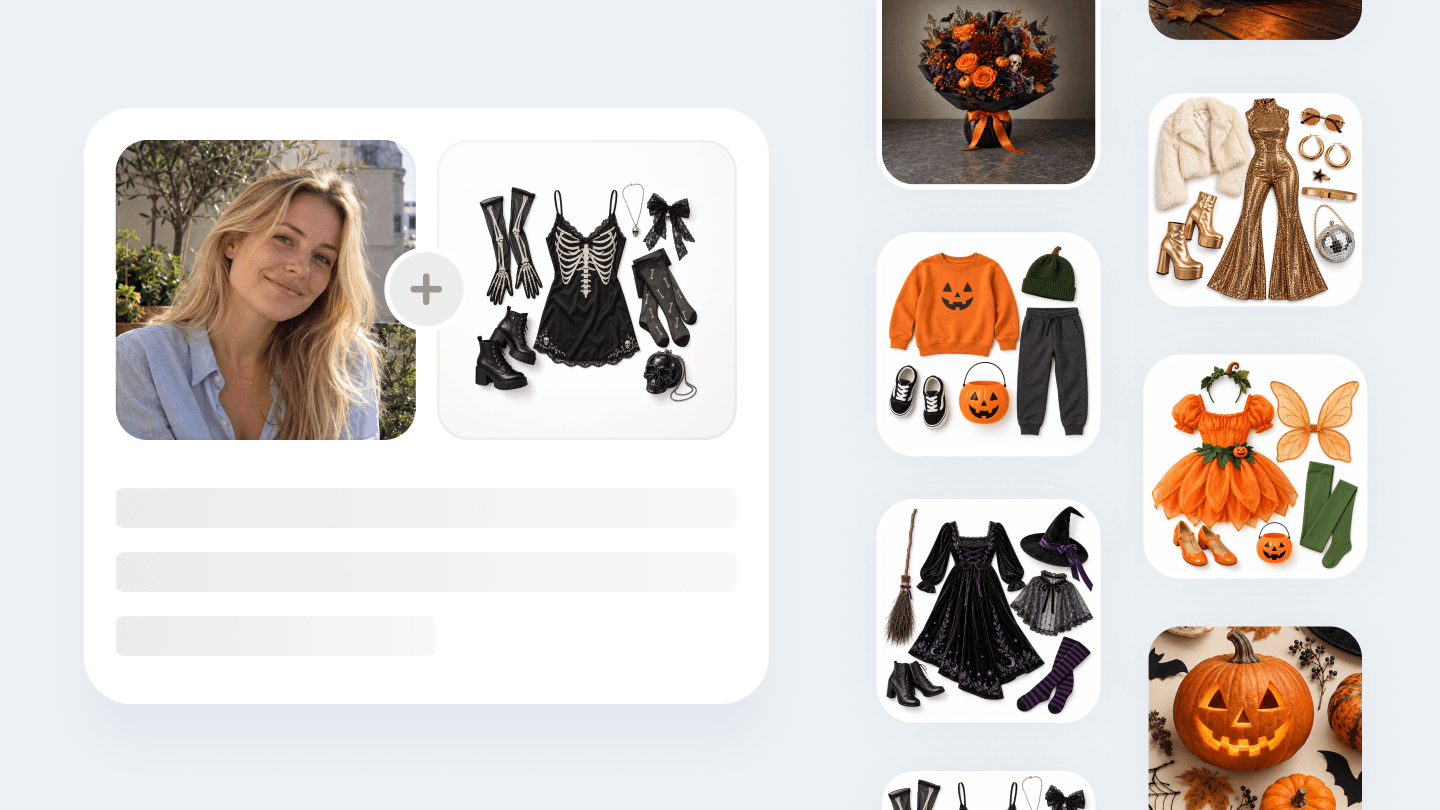
Turn your portrait into a vampire, witch, or clown with a look built around your idea. Use the Halloween AI Photo Generator to change clothing, add makeup, or introduce details such as fangs and a pointed hat. Combine these elements to create your Halloween character.
Easy Halloween Trend Templates for Your Post

Custom Your Photo with Prompts & References

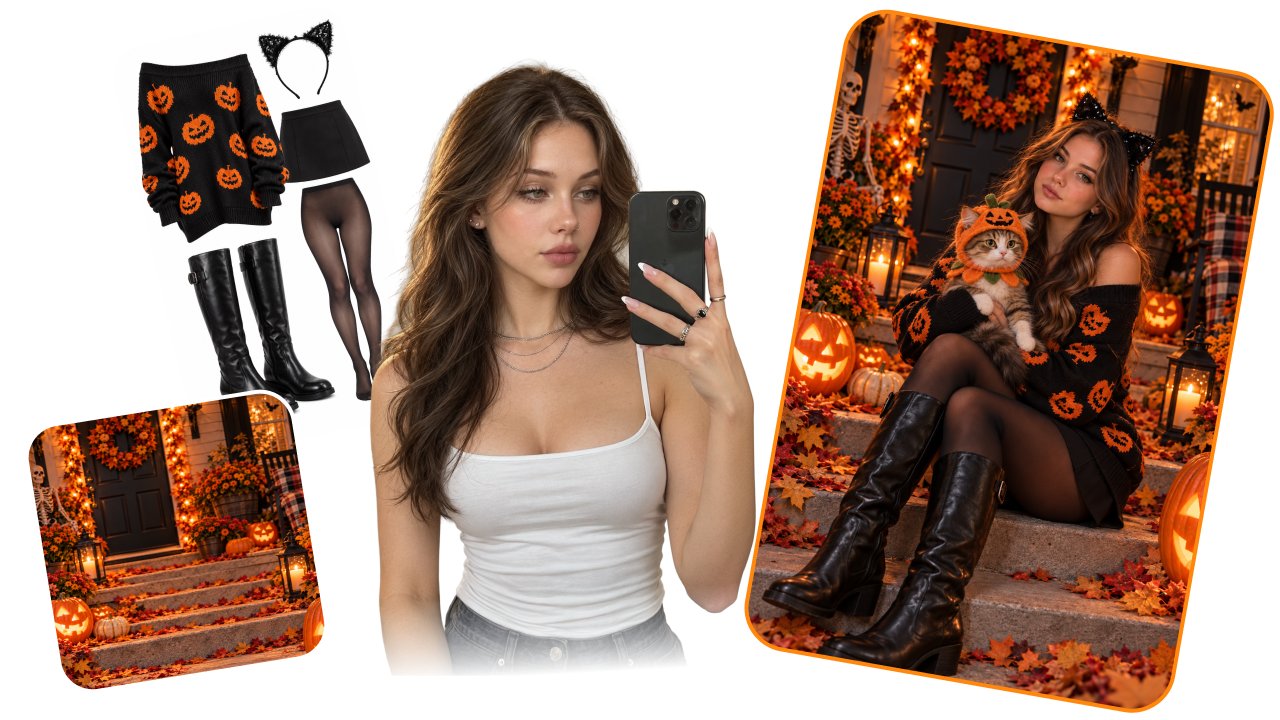
Use this Halloween photo editor to describe the changes you want, from darker makeup to a ghost in the background. Write Halloween AI photo prompts or upload a reference image and explain which element to add and where it should appear.

Custom Your Photo with Prompts & References

Build a Complete Halloween Scene Around Your Photo

Give your Halloween portrait a setting with its own story. Place yourself beside a foggy graveyard, fill a room with floating candles, or add pumpkins to your porch. Coordinate costumes, props, and backgrounds to create AI Halloween images with a consistent mood.

Build a Complete Halloween Scene Around Your Photo

Create Halloween Photos You'll Want to Share

Fill your feed with Halloween atmosphere. Choose the colors, lighting, and little spooky details that suit your style. Create AI Halloween pictures for Instagram posts, Stories, or a seasonal profile update, then share your favorite version.

Create Halloween Photos You'll Want to Share

Why Create Halloween Photos with AIReel?

Turn Everyday Photos into Halloween Scenes

Turn Everyday Photos into Halloween Scenes

Skip the costume hunt, makeup, and set design. Upload a regular selfie or everyday photo and let AIReel transform it into a Halloween image with the atmosphere you want. Start creating without preparing a full themed shoot.

Bring Your Own Halloween References

Bring Your Own Halloween References

Have a particular prop in mind? Upload its image alongside your photo and explain how to include it. A reference gives your idea a visual starting point, whether you want a spooky detail or a scene built around decorations.

Start Fast with Halloween Templates

Start Fast with Halloween Templates

Use AIReel's wide selection of Halloween templates to generate a polished look quickly. Explore popular trends, spooky portraits, and seasonal scenes, then adjust the prompt when you want a more personal result.

How to Use the AI Halloween Photo Generator

STEP 1

Step 1: Upload Original Photo

Choose a photo you want to transform. Can be a selfie or a group photo. A clear image with a visible subject helps to create a better result.

Use Cases of the AI Halloween Photo Generator

Give your profile a seasonal twist, create a themed content series, or set the mood for your next Halloween gathering.

Social Posts and Profile Pictures

Social Posts and Profile Pictures

Join the spooky season AI trend with a photo that starts with you. Turn a selfie into a ghostly portrait or try an AI Halloween costume. Create a matching mood across your profile picture, feed posts, and Stories.

Creators Planning Halloween Content

Creators Planning Halloween Content

Build a visual theme for your October posts. Use the AI Halloween generator to explore any trending Halloween topic. Keep recurring colors and props in your prompts to give a series a shared direction.

Party Invitations and Seasonal Announcements

Party Invitations and Seasonal Announcements

Set the scene before the party begins. Turn a photo of yourself or your venue into a Halloween image with eerie lighting, cobwebs, and pumpkins. Use the result as a visual for invitation designs.

Families and Friend Groups

Families and Friend Groups

Create a shared Halloween theme for the people you celebrate with. Generate individual photos with Halloween mood, or use a group reference to plan a coordinated set of social posts and party pictures.

Cosplay and Character Concepts

Cosplay and Character Concepts

Preview a character before you make a costume or plan a shoot. Use your photo with references for masks, makeup, props, or clothing, then explore a look that can guide a cosplay build, character board, or themed portrait.

Small Businesses and Event Teams

Small Businesses and Event Teams

Give a seasonal campaign a recognizable visual style. Turn team photos, product scenes, or event spaces into Halloween images for announcements, promotions, newsletters, and social content.

Choose a Plan for Your Halloween Photos

Select a plan to get more credits

AI Halloween Photo Generator FAQs