Why AIReel Stands Out Among Other AI Video Editors

Make more of the footage you already have. AIReel's AI Video Editor lets you describe a change, add images to show the look you want, and use audio to guide the atmosphere. Restyle the scene or extend its ending to take the same clip in a new direction.

Turn Existing Footage Into New Ideas

A new setting, a different visual style, or another moment in the story can give familiar footage a fresh purpose. Use an AI Video Editor to edit videos with AI through prompts, reference images, and audio. Explore these ideas for your next clip.

Transform a handheld city walk into a cinematic night scene. Keep the original camera movement and pacing while adding neon reflections, rain, and a moody film look.
Remake the @Video1 into a commercial for an international luxury skincare brand, characterized by stunning lighting, pure colors, high-end textures, and elegant figures. The visuals should possess the authentic quality of premium professional photography—exquisite, bright, and crystalline—while preserving the original 8-second, continuous, single-take sequence of the subject’s natural movements.
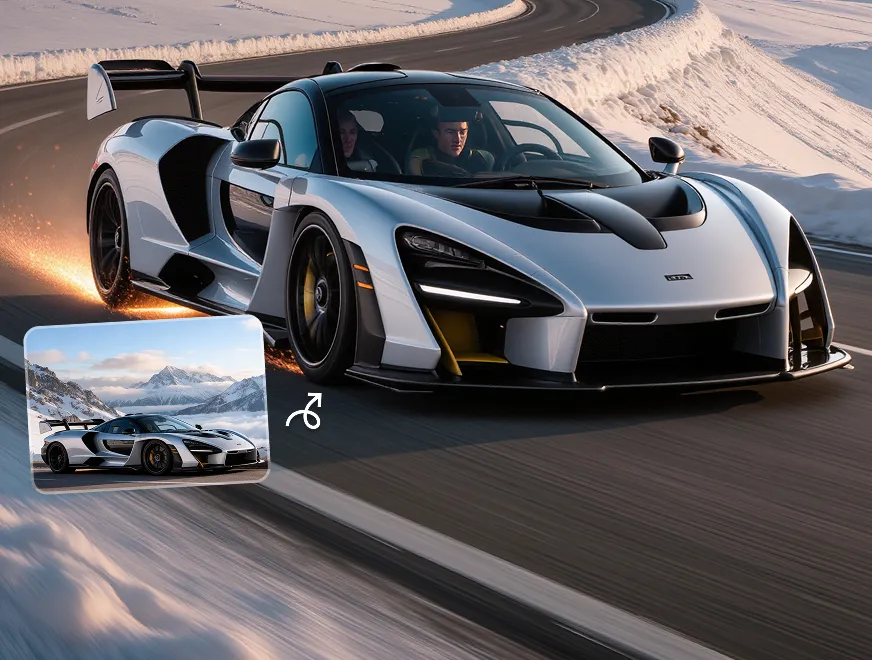
Remake @Video1 into an 8-second, cinematic-style commercial for a luxury sports car. A bright red supercar cruises smoothly from left to right along a vast desert highway. The setting sun bathes the sand dunes and the sky in a warm, golden hue, with fine golden dust particles drifting through the air.
Transform @Video1 into a hand-drawn anime sequence. Add expressive linework, speed streaks, and a bold illustrated background.
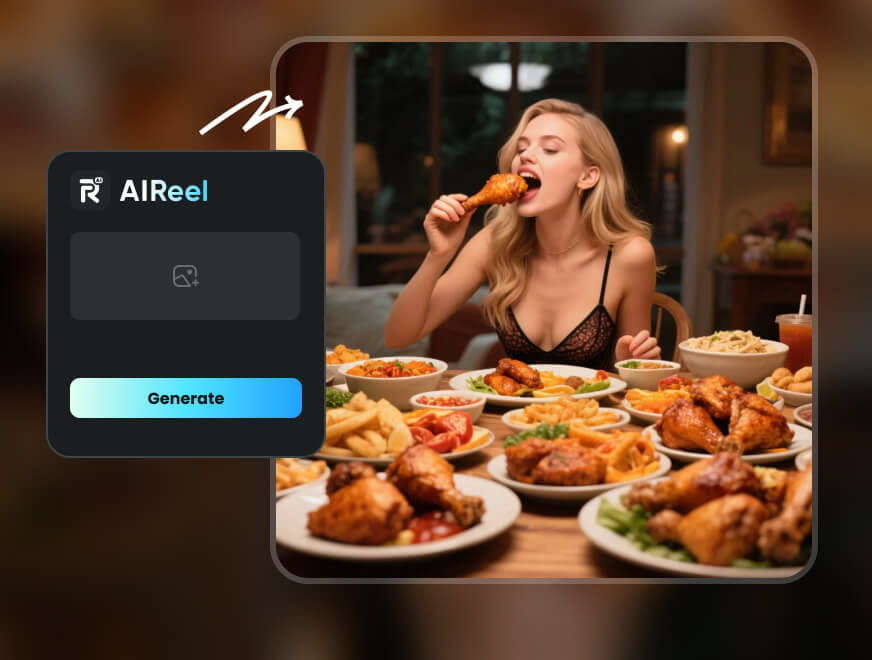
Give @Video1 a warm documentary feel. Use @Image1 to guide the kitchen's rustic style, materials, and color palette. Emphasize steam and food texture, with soft natural-looking light and an intimate atmosphere.
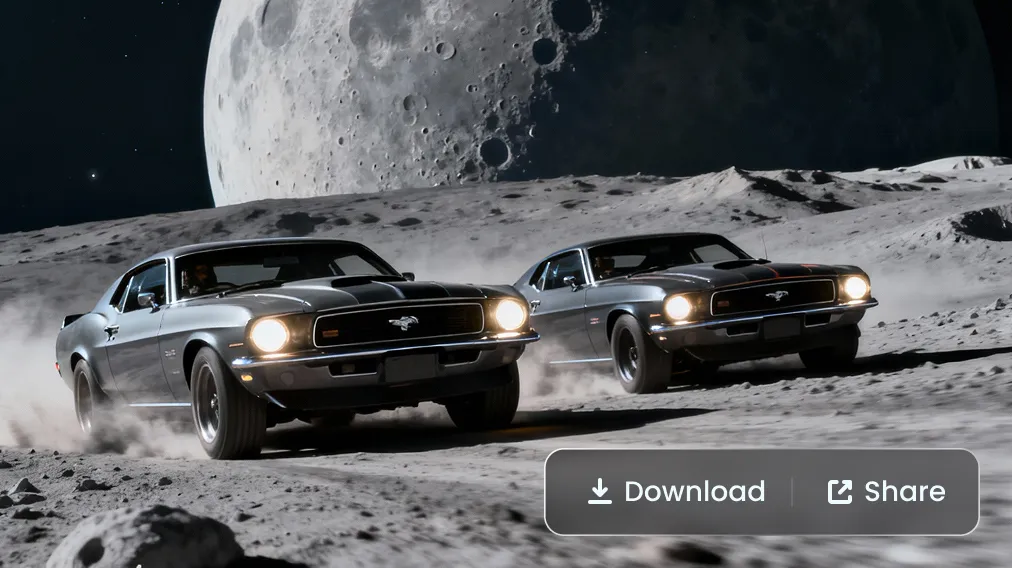
Transform the 8-second natural landscape shot from @Video1—featuring a traveler standing quietly on a grassy slope and gazing out at the mountains—into an epic, apocalyptic coastal scene marked by a violent thunderstorm.
Continue a character’s final step beyond the original clip. Describe a new doorway opening into a bright festival, and extend the video so the movement flows into the next scene.

All-in-One AI Video Platform

Shape your footage's look and atmosphere, then extend the story in one AI Video Editor.
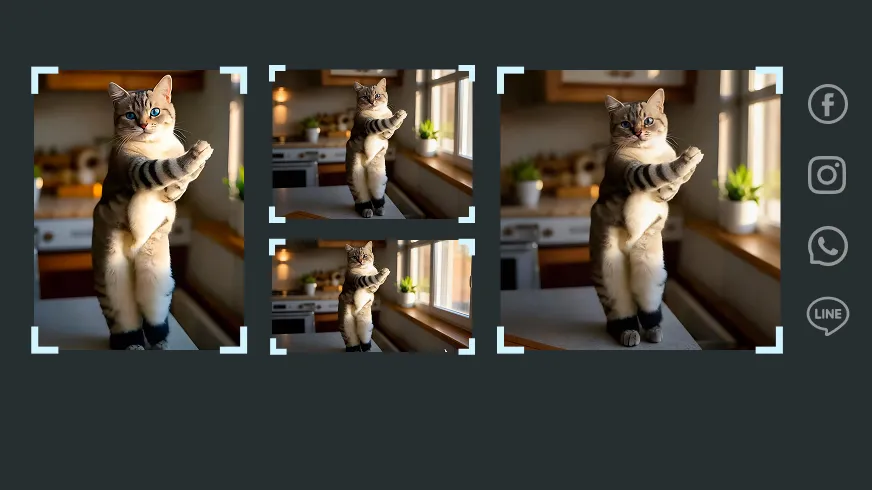
aireel for social ready content
For Social-Ready Content
Use an AI Video Editor for social media to refresh existing footage for your next Reel, Short, or campaign.
high quality output from aireel
High-Quality Output
Give lighting, textures, and scene details a consistent visual direction with clear prompts and reference images.
aireel - smart tools simple workflow
Smart Tools, Simple Workflow
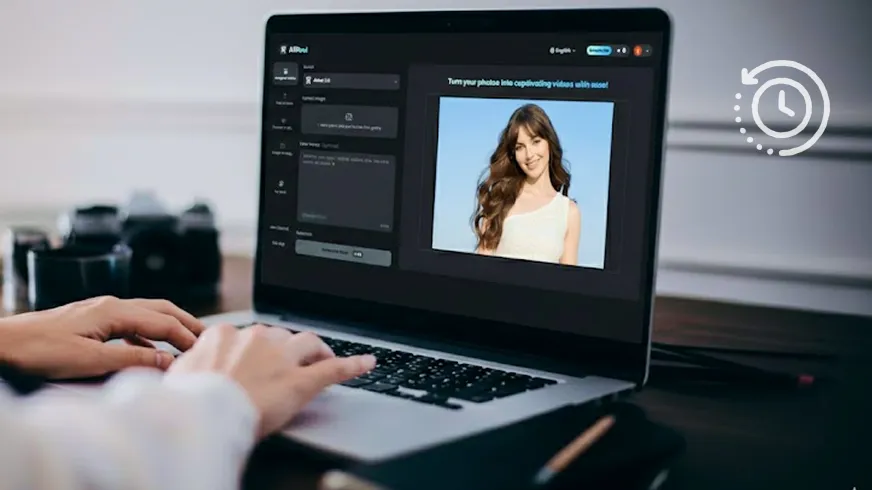
Show the AI Video Editor the look you want with reference images, and use your prompt to explain the changes.
aireel saves time and cost
Save Time and Cost
Reuse your footage for new visual treatments and longer endings, reducing the need to shoot each creative variation again.

How to Edit or Extend Video with AI Video Editor

Ready to edit video with AI using your own footage? Just follow a few simple steps.

Step 1

Upload your source clip to AIReel's AI video editor.

Step 2

Add reference images or audio, then describe the changes you want.

Step 3

Generate your new AI video or extend the clip with a prompt.
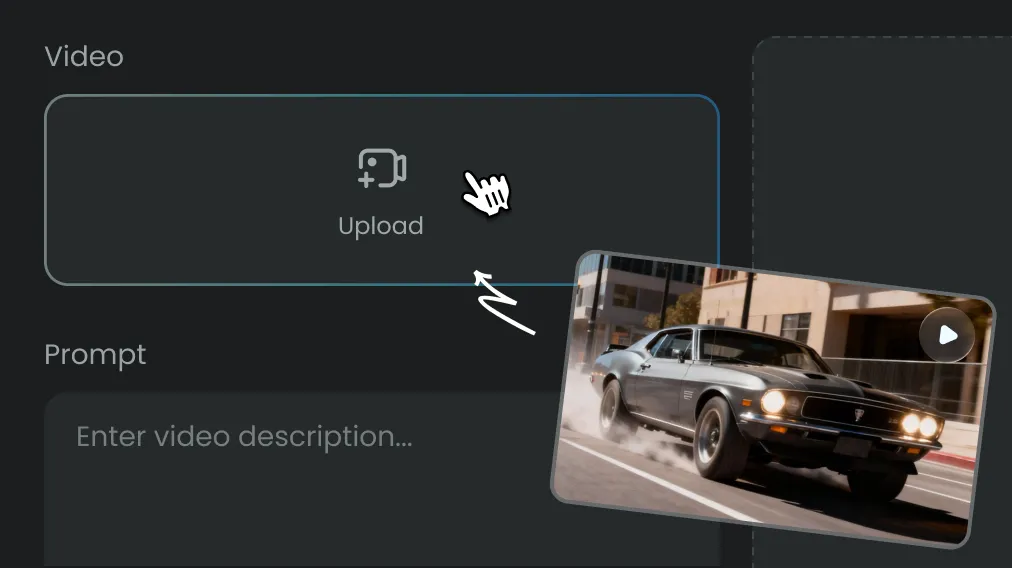
step 1 - input in aireelstep 2 - more setup of aireelstep 3 - aireel make ai creation

Affordable Plans for Every Creator

Simple Pricing, No Surprises

Lite

Perfect for beginners exploring AI

$9.99/month

Billed annually at $119.99

$13.99

3000Credits per Month

Pro

+2000 Credits

Billed yearly get 30% OFF & +20% Credits

$24.99/month

Billed annually at $299.99

$34.99

12000Credits per Month

Ultra

+4000 Credits

Billed yearly get 33% OFF & +20% Credits

$99.99/month

Billed annually at $1188.99

$149.99

24000Credits per Month

FAQs

Create Stunning AI Videos All in One Stop

AIReel replaces complex tools — faster, smarter, and more affordable.