Why AIReel Stands Out Among AI Image Editors

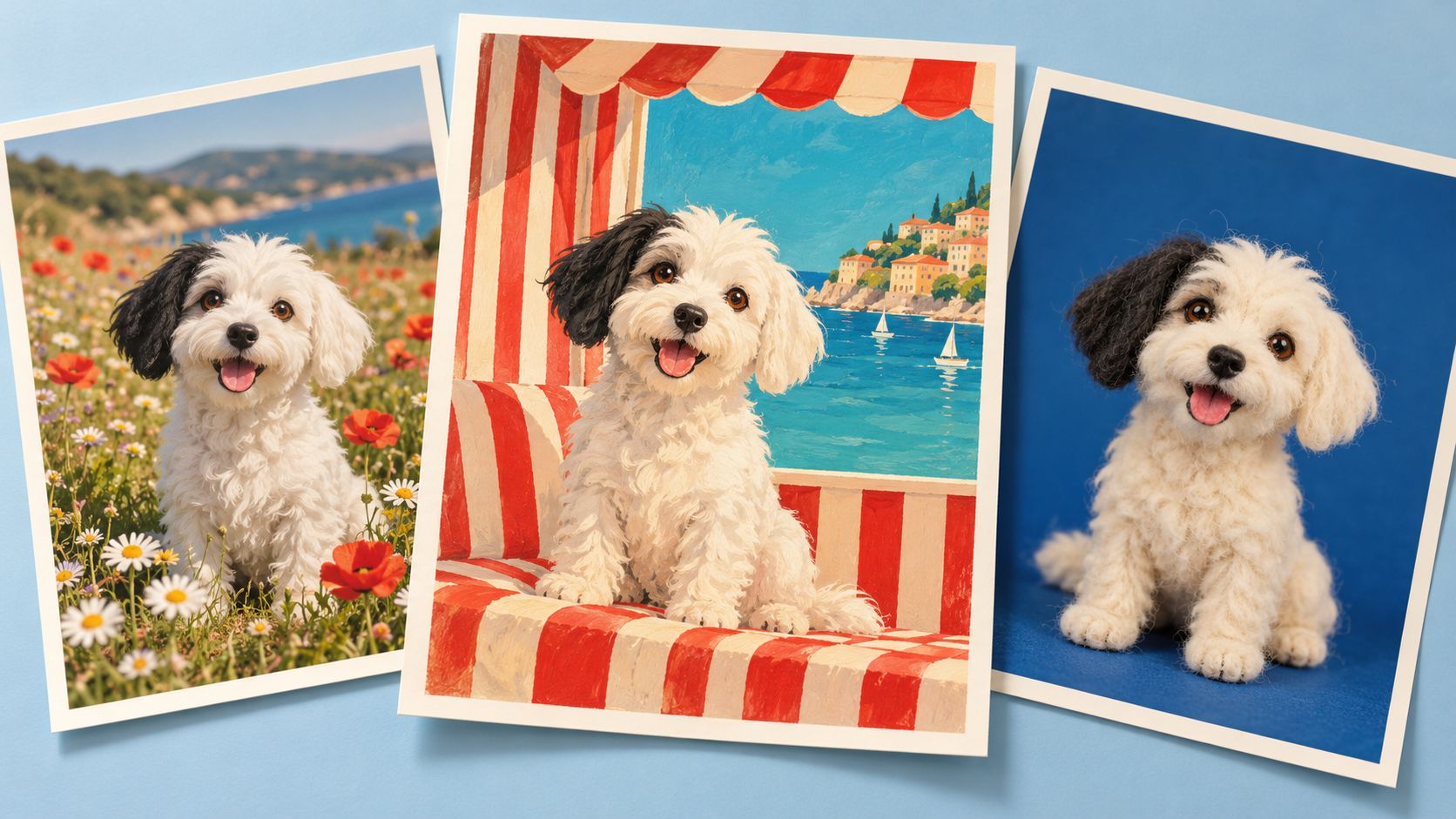
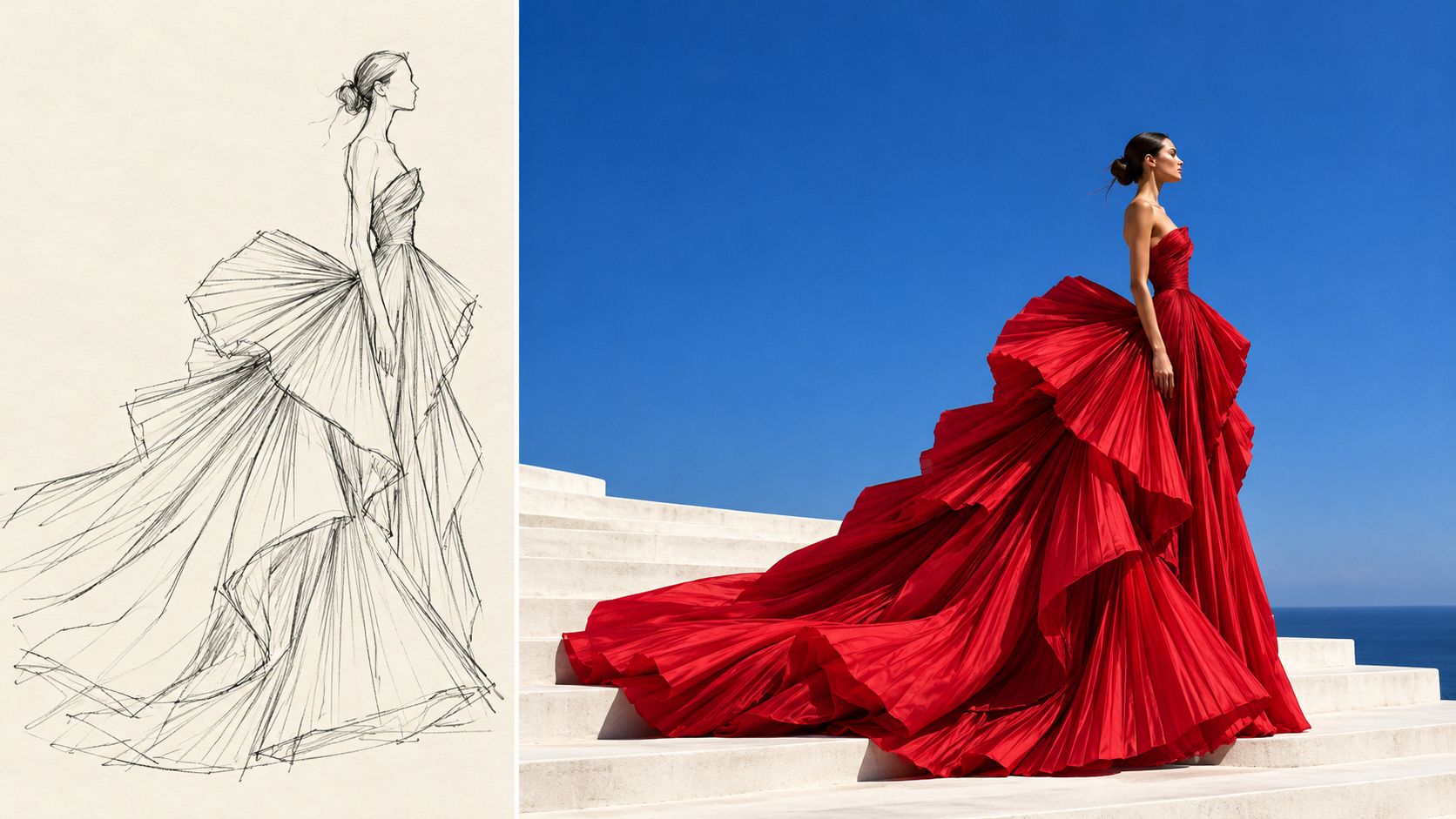
Turn editing instructions into photo edits without the usual learning curve. AIReel understands everyday text prompts, so you can remove distractions, replace backgrounds, and refine colors or lighting without managing layers, masks, or complex settings.
image
image
image
image
image

See What AI Image Editing Can Change

Explore before-and-after photo edits, from cleaner backgrounds to new outfits and lighting. See how a simple text prompt guides each change, then try a similar edit with your own image.

image
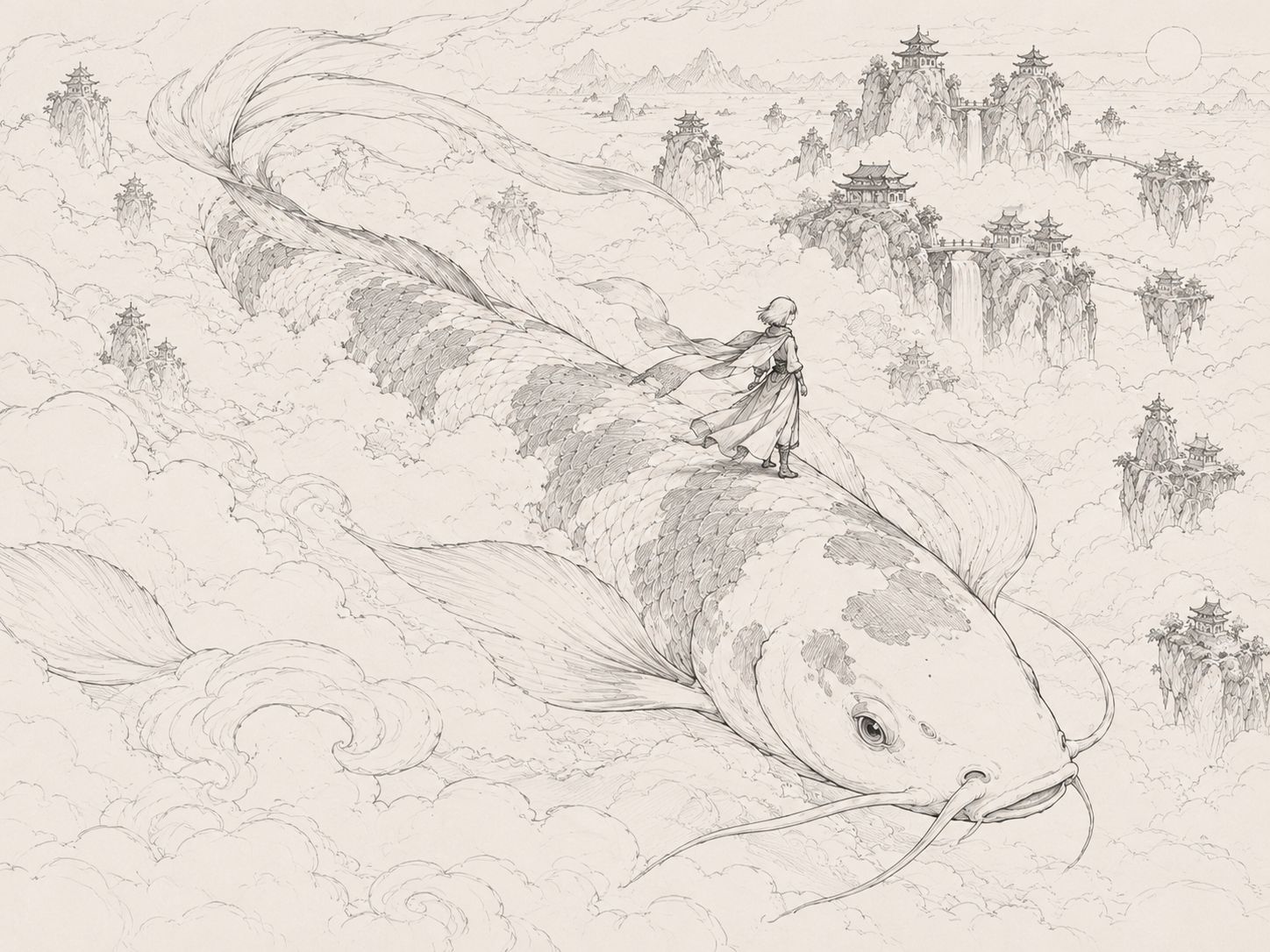
Color this sketch with a red-and-white koi, jade clouds, and golden sunlight. Keep the traveler and composition, adding detailed painterly textures.
image
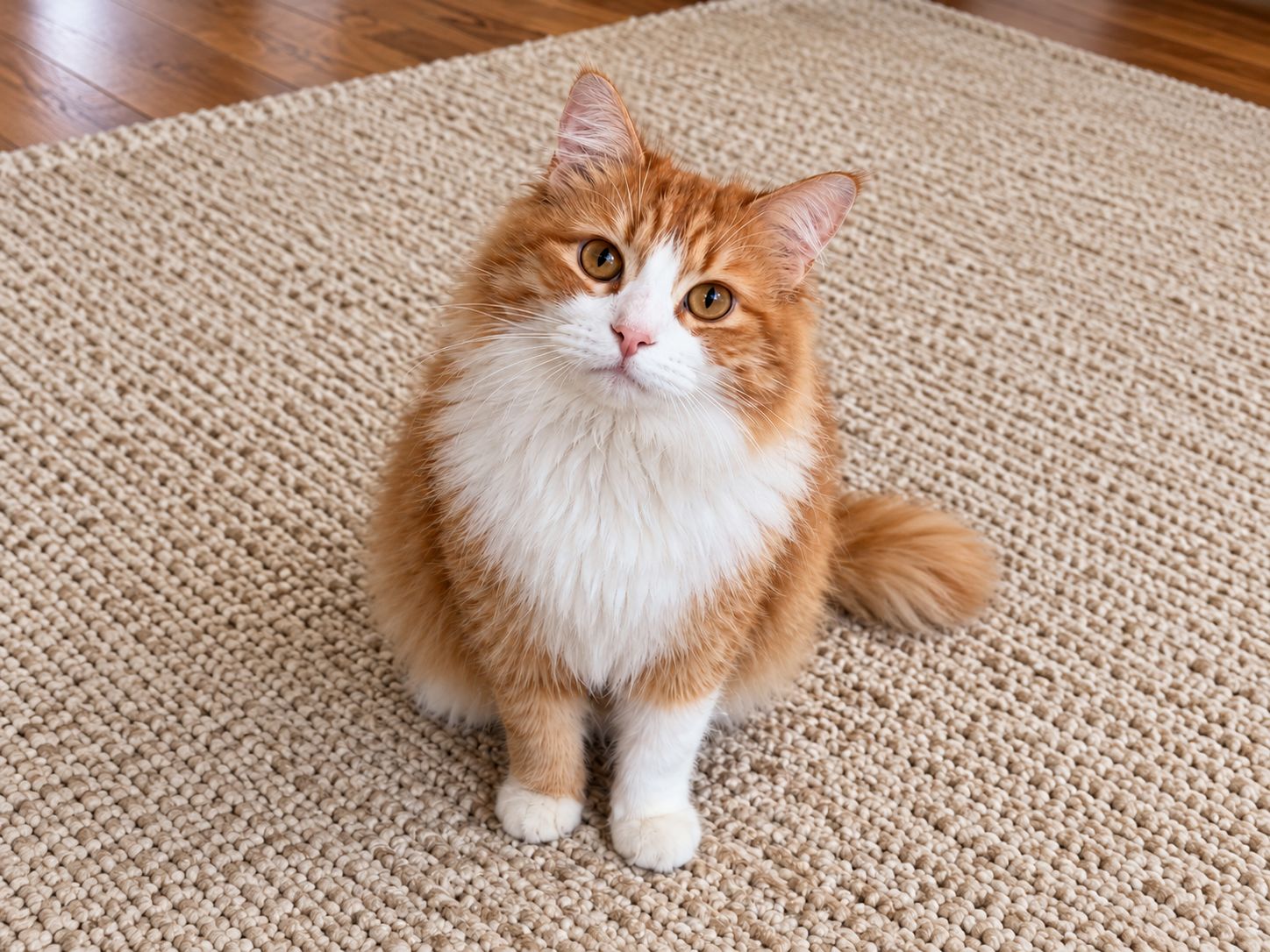
Make this cat a vintage pilot in an airplane above the clouds, wearing a leather cap, goggles, and scarf.
image
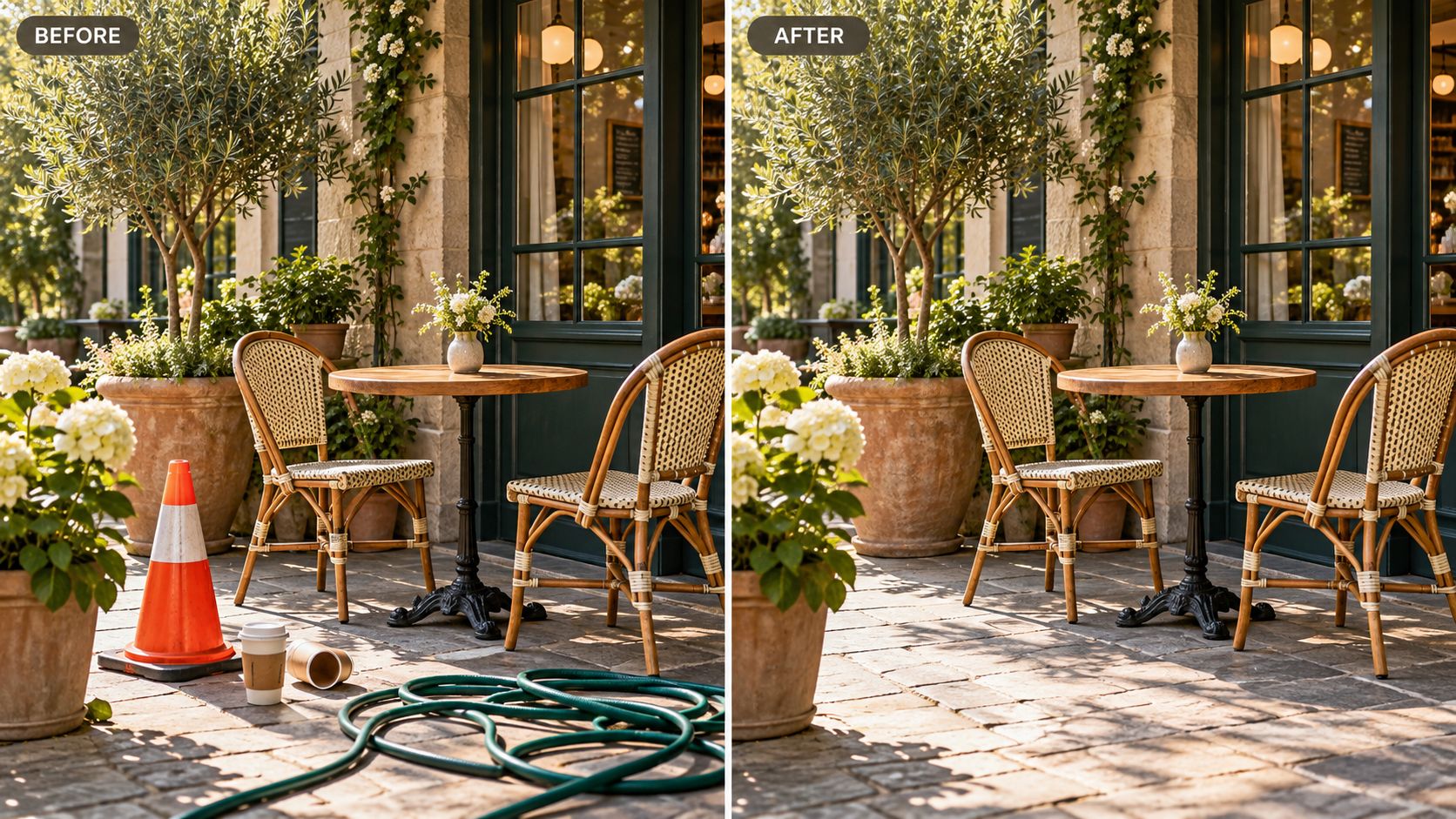
Remove the bag, bottle, and receipts from the table. Keep everything else the same.
image
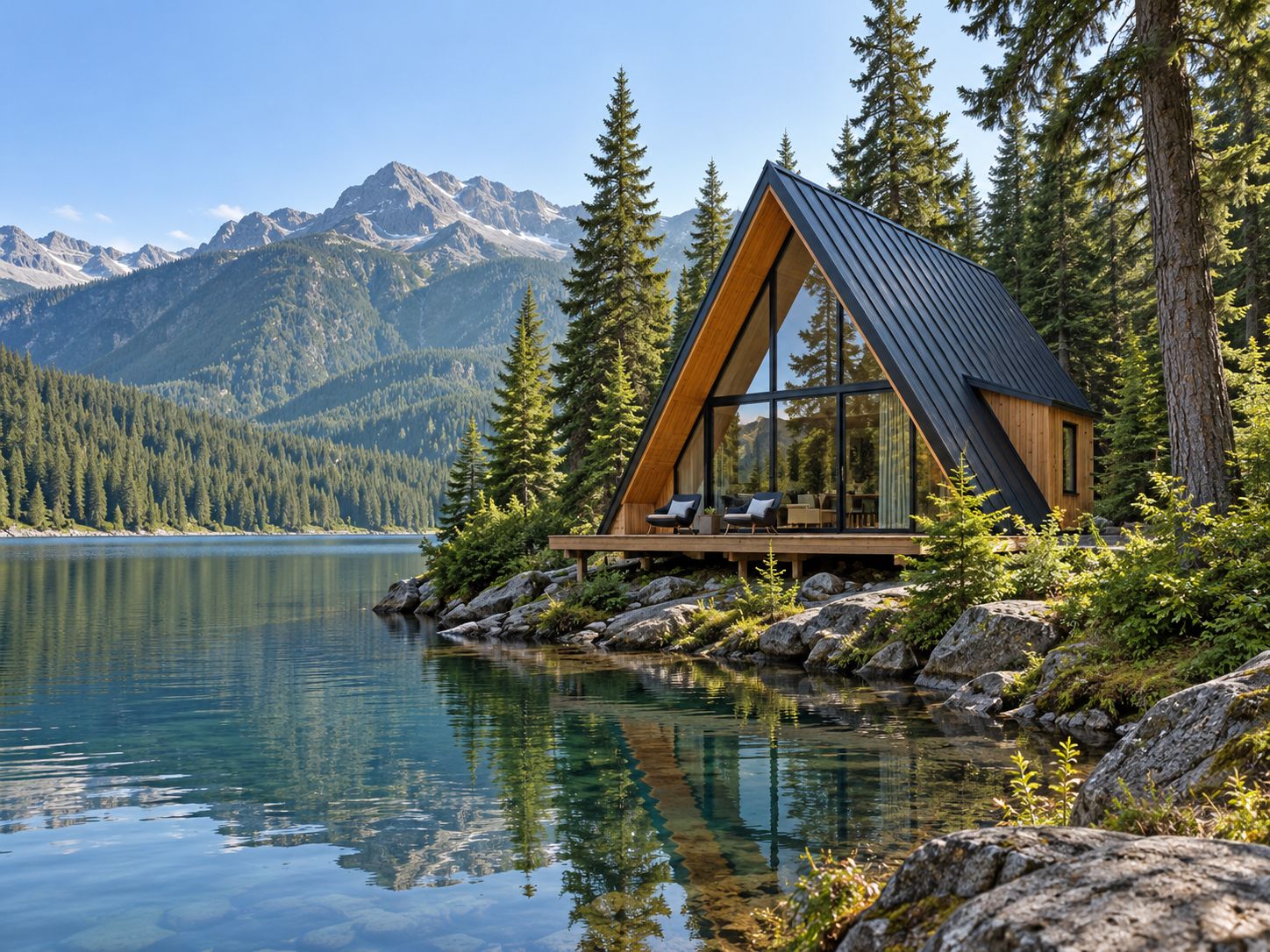
Change daytime to night. Add warm cabin lights and their reflections in the lake.
image
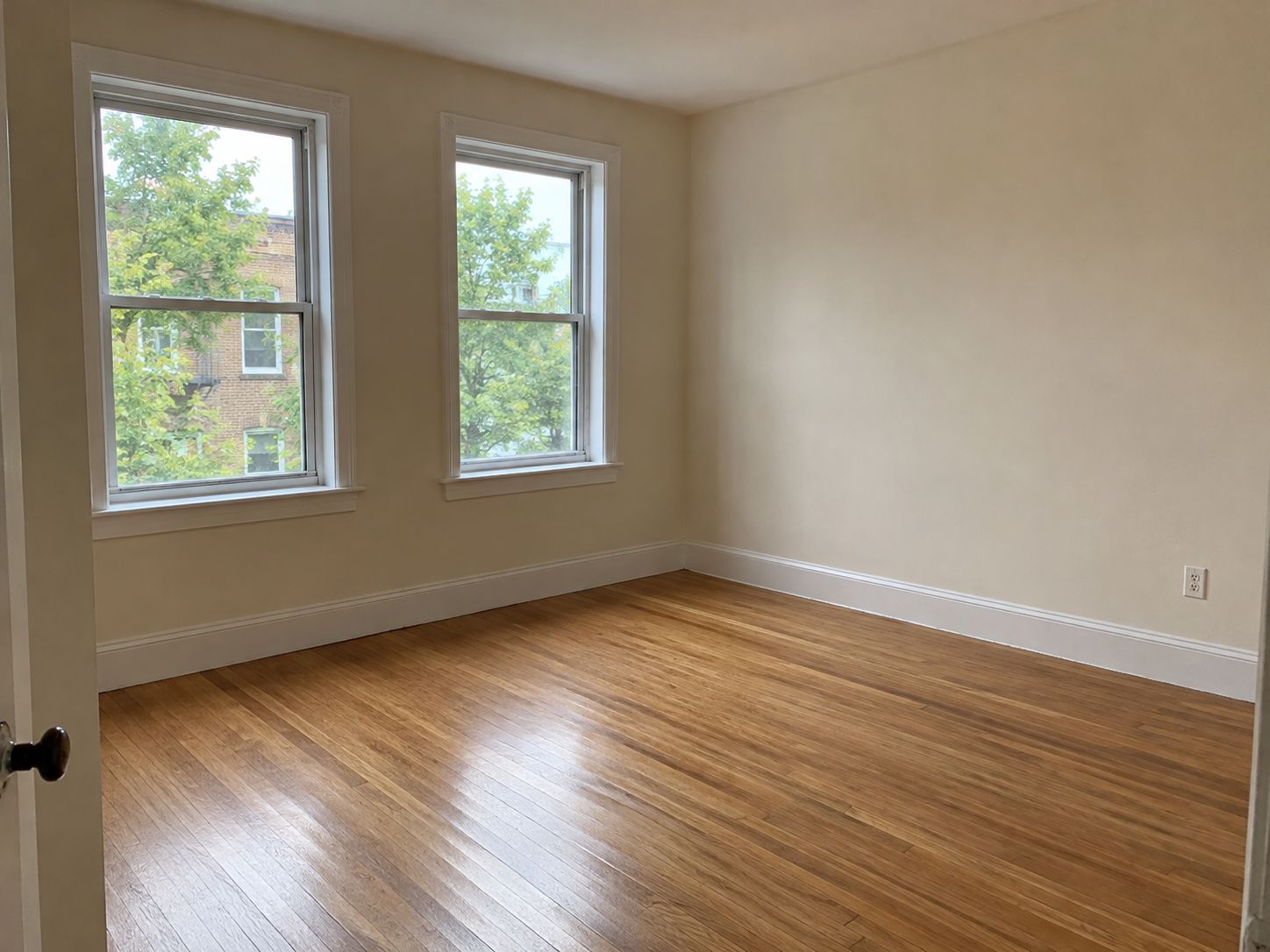
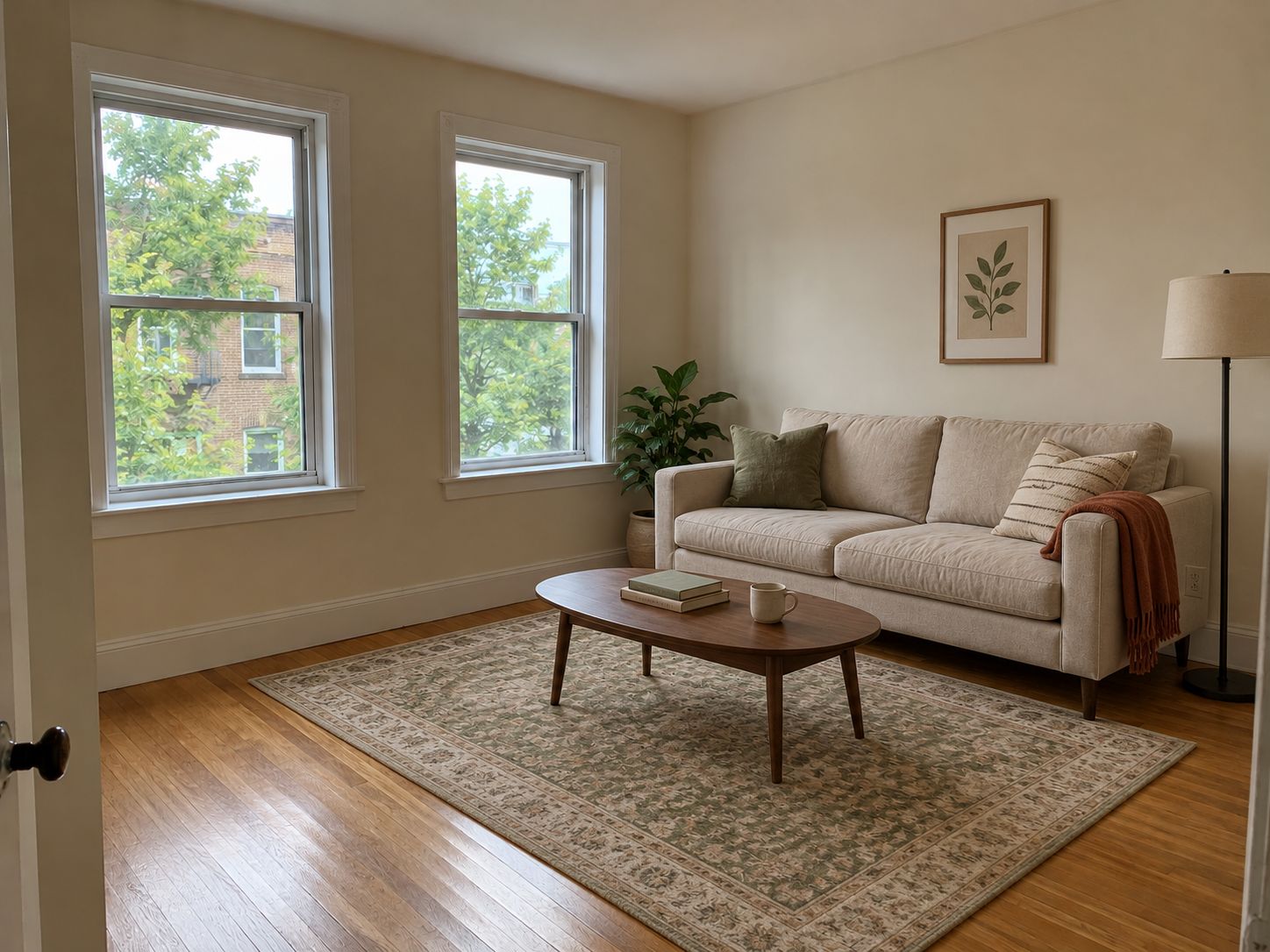
Add a beige sofa, wooden coffee table, green rug, lamp, and plant. Keep the room’s original light.
image
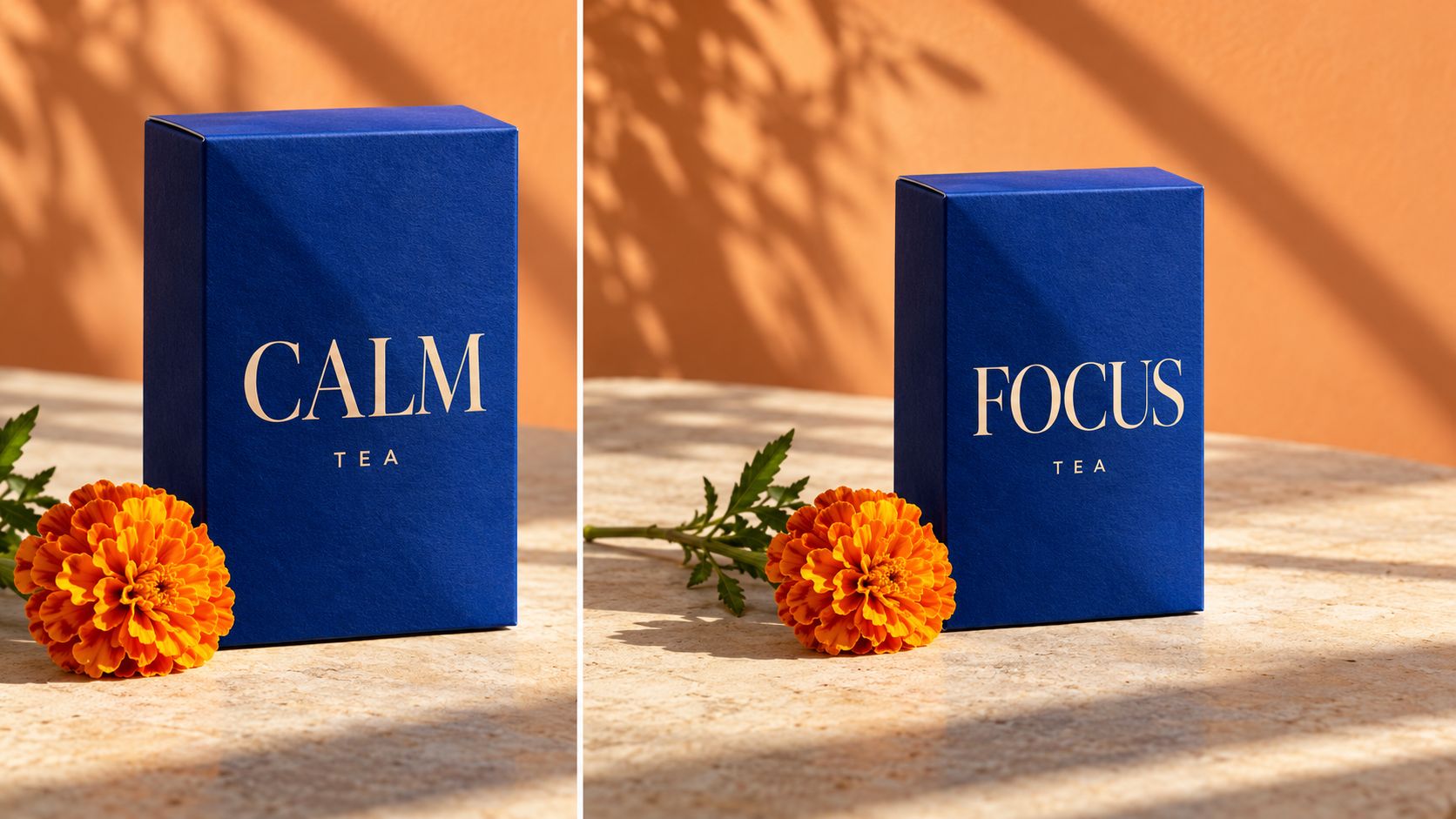
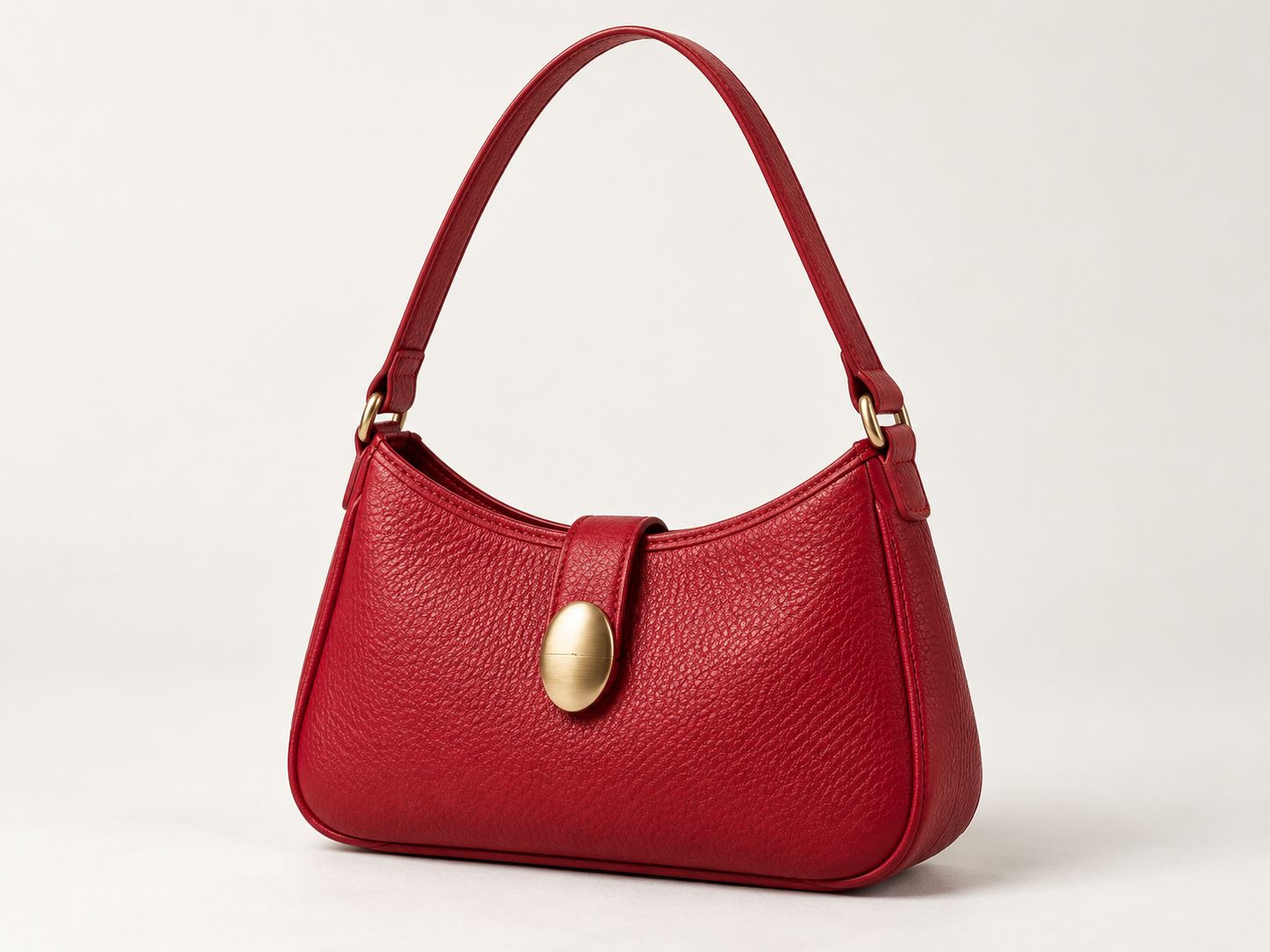
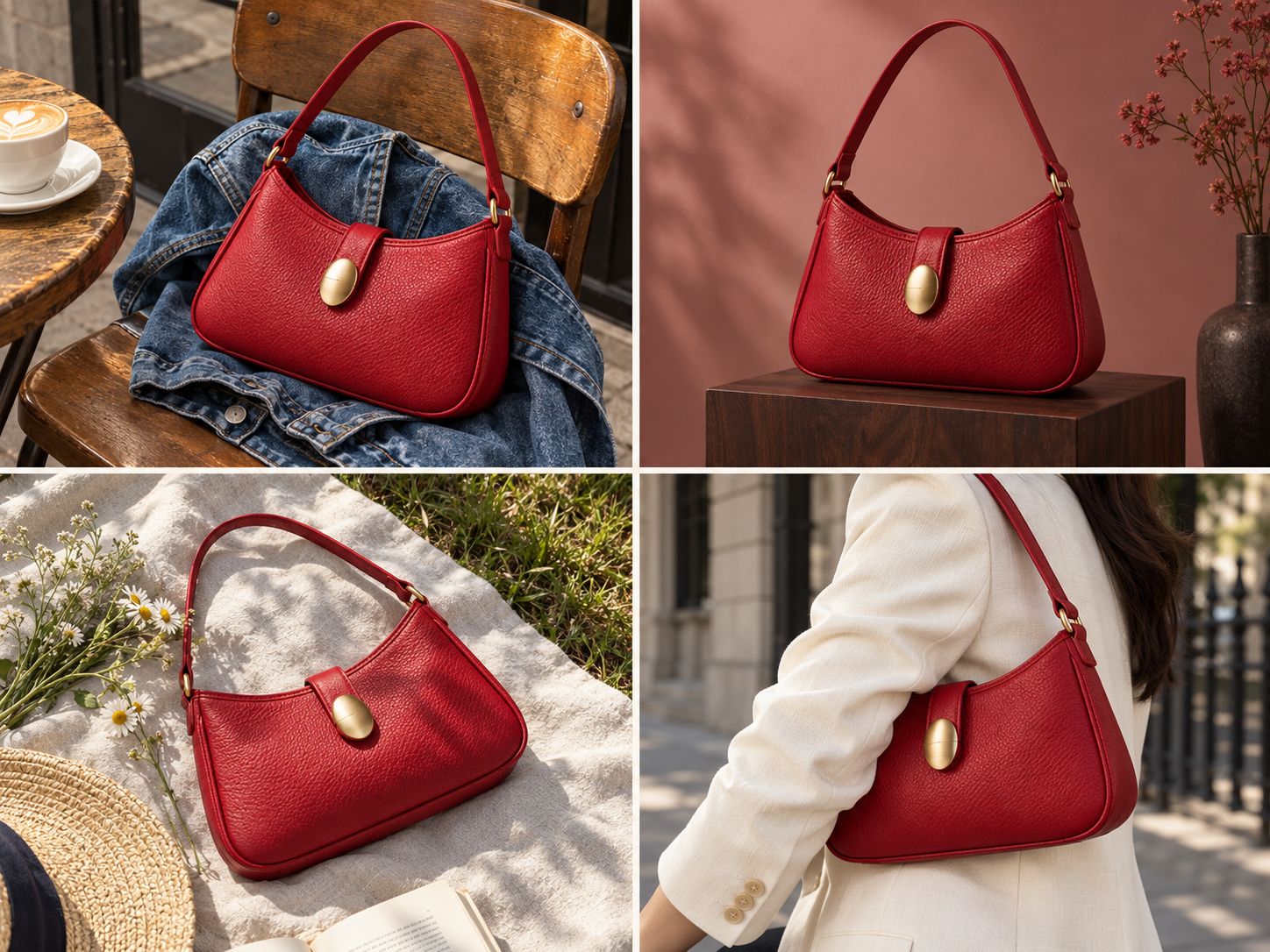
Create four lifestyle photos of this bag. Keep the bag’s design and color the same.
image
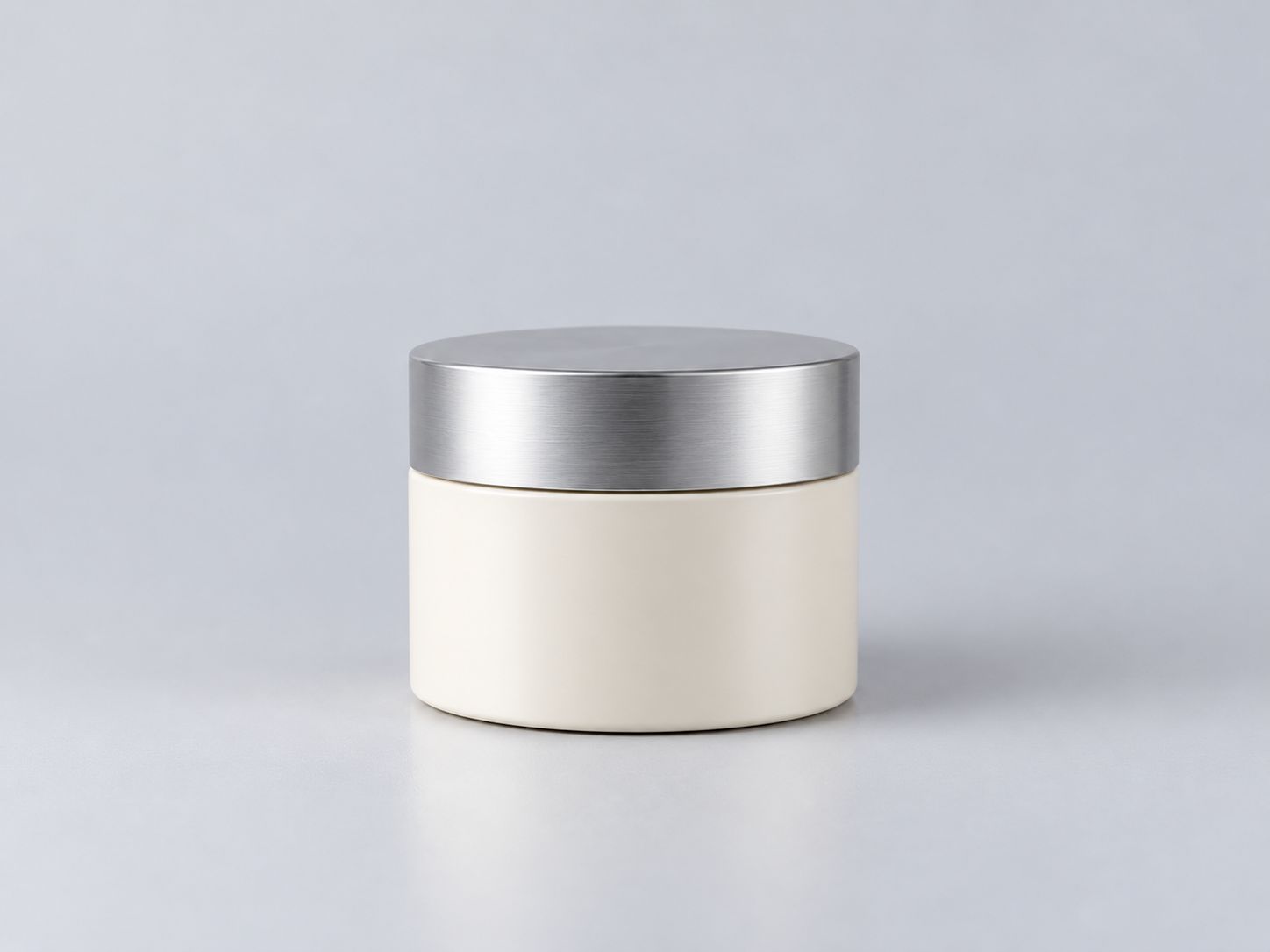
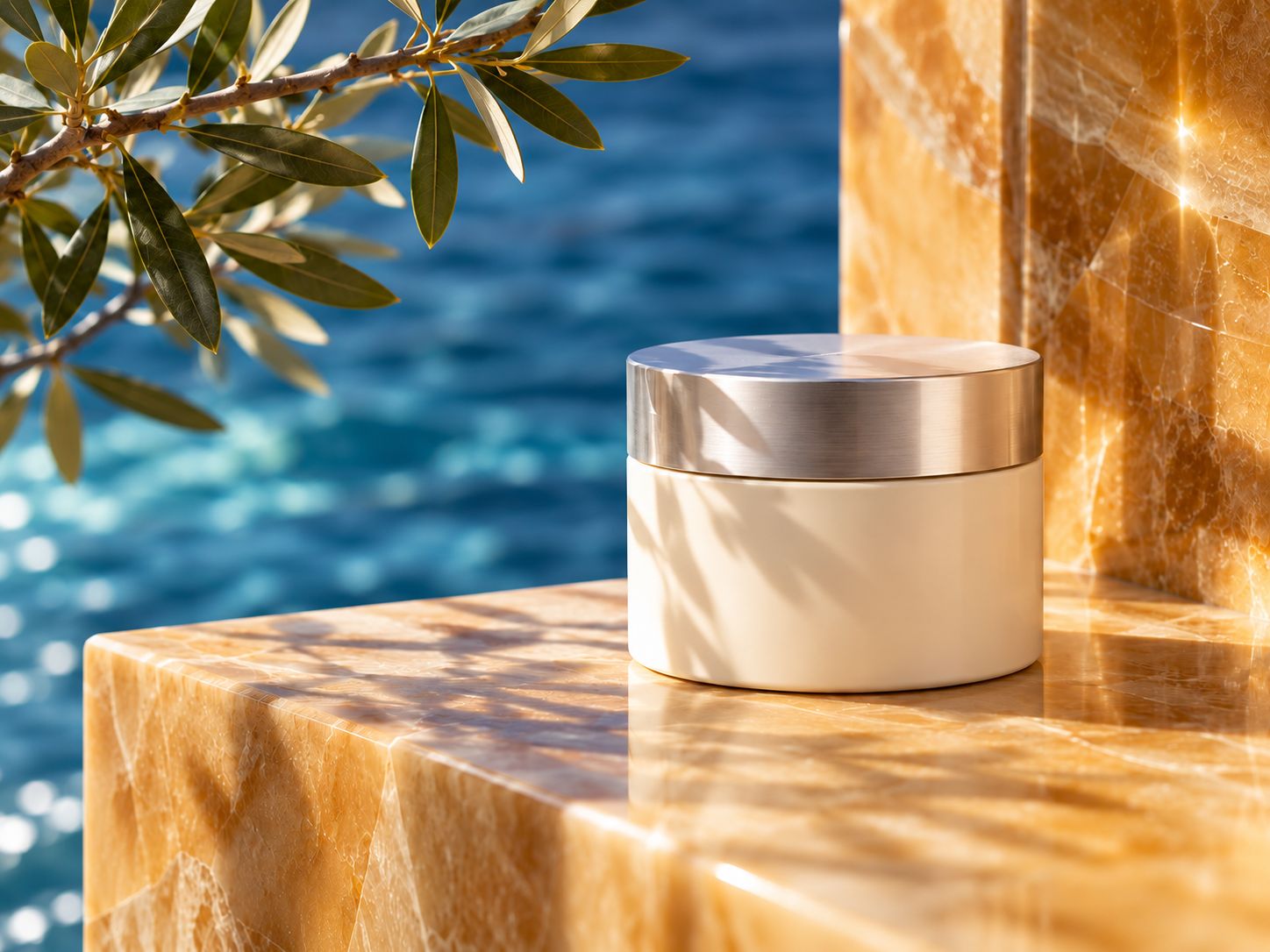
Place the jar on golden marble beside blue water. Add warm sunlight and olive-leaf shadows. Keep the jar’s shape and silver lid unchanged.

Get More from Your Online AI Image Editor

From quick fixes to new looks, make everyday photo editing easier.
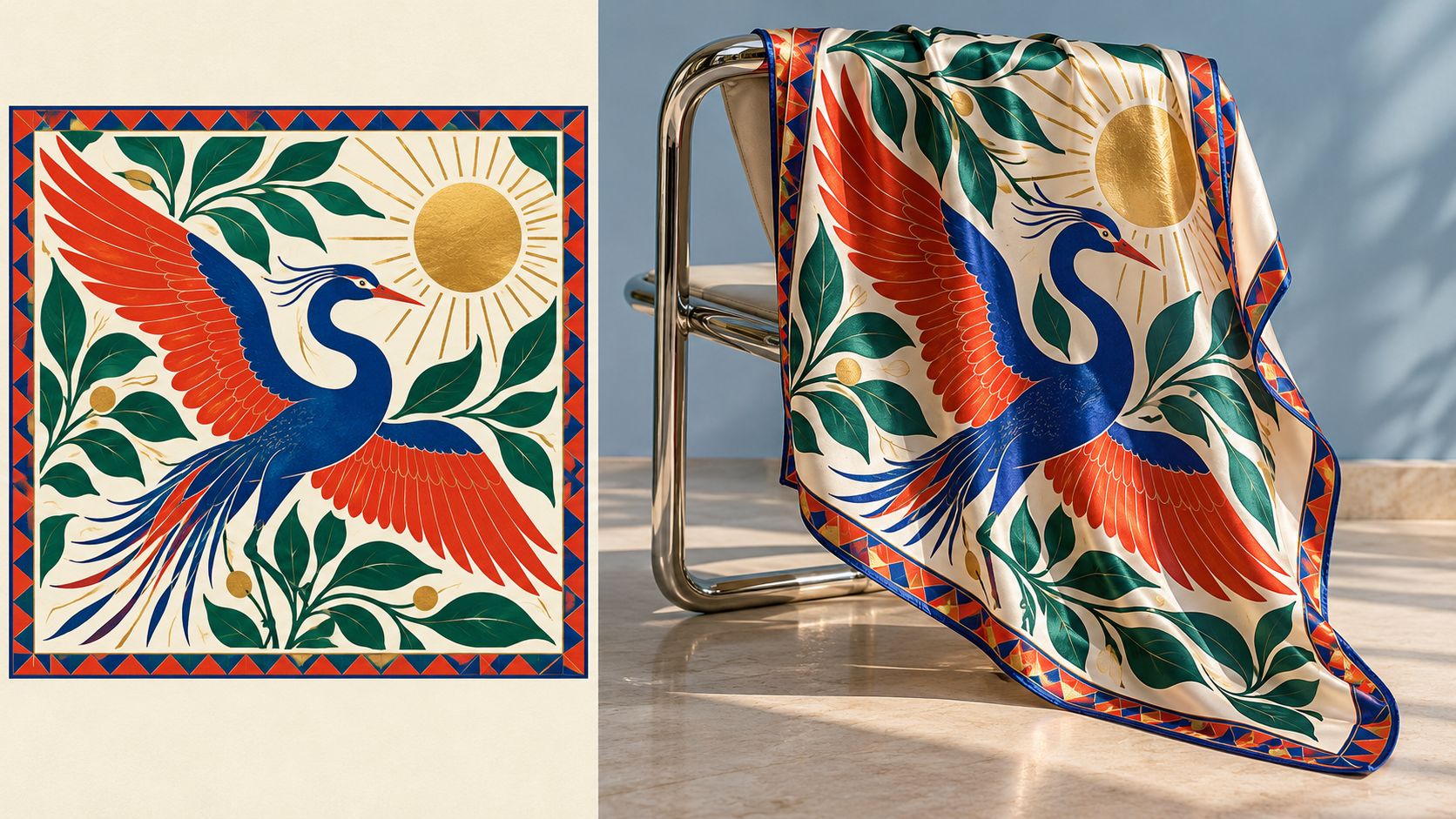
aireel for social ready content
Aim for a Natural Finish
Guide lighting, shadows, and colors to help edited elements blend with your original photo.
high quality output from aireel
Quick Changes for Everyday Content
Remove a distraction or refresh a background to prepare existing images for your next project.
aireel - smart tools simple workflow
No Expert Prompts Needed
Use everyday language to request changes—no technical terms or editing experience required.
aireel saves time and cost
One Photo, More Ways to Use It
Explore different settings, colors, and moods to turn one photo into visuals for different projects.

How to Edit Photos with AI in 3 Simple Steps

Upload your image, describe the changes, and let this AI image editor handle the edit.

Step 1

Upload the photo you want to edit.

Step 2

Describe what to change and any details you want to keep.

Step 3

Generate your edit, review the result, and download your photo.
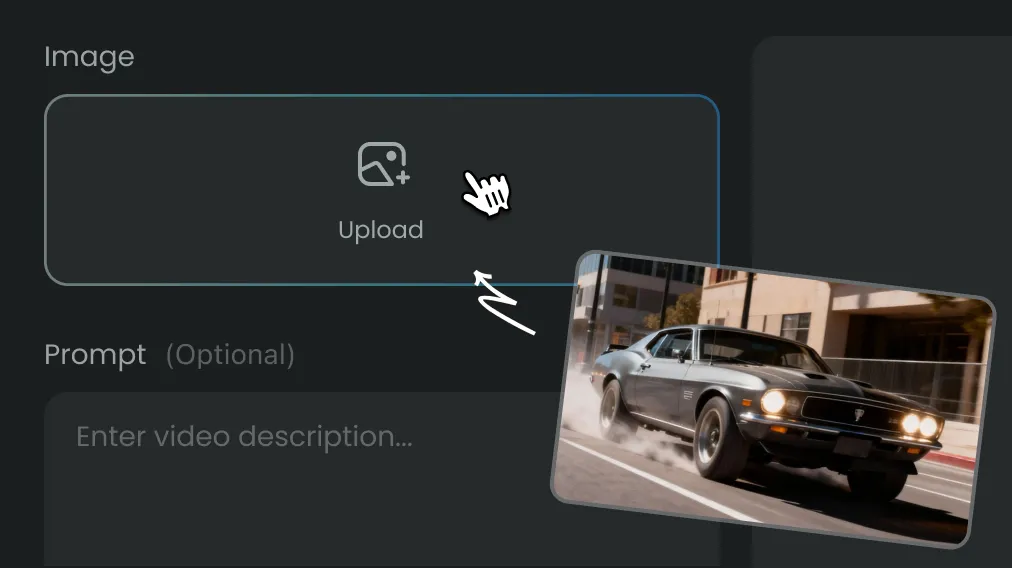
step 1 - input in aireel

Affordable Plans for Every Creator

Simple Pricing, No Surprises

Lite

Perfect for beginners exploring AI

$9.99/month

Billed annually at $119.99

$13.99

3000Credits per Month

Pro

Popular

Ideal for high-frequency creation

$24.99/month

Billed annually at $299.99

$34.99

10000Credits per Month

Ultra

40%OFF

Designed for extreme production

$99.99/month

Billed annually at $1188.99

$149.99

20000Credits per Month

FAQs

Create Stunning AI Videos All in One Stop

AIReel replaces complex tools — faster, smarter, and more affordable.

© 2026 AIReel. All rights reserved.
FunCreate LIMITED
Registration Number: 76104529
Address: Room 1911, Lee Garden One, 33 Hysan Avenue, Causeway Bay, Hong Kong
© 2026 AIReel. All rights reserved.
FunCreate LIMITED
Registration Number: 76104529
Address: Room 1911, Lee Garden One, 33 Hysan Avenue, Causeway Bay, Hong Kong